Top 6 Website Builder Software for Enterprise for 2026 (Prices and Free Plans)
Need the best website builder software for enterprise? We compare 6 tools on cost, free access and who each suits. Plain-spoken summaries throughout. No hype.
- Editor's choiceAcquia Drupal Cloud
Open-source Drupal at enterprise scale
Starts atSee websiteVisit acquia.comFull review - Great alternative
 Squarespace
Straightforward, template-based business websites
Starts at$12 a monthVisit squarespace.comFull review - Also considerAdobe Experience Manager Sites
Large-scale enterprise website governance
Starts atSee websiteVisit business.adobe.comFull review
Direct answer
Start with Acquia Drupal Cloud if you need open-source Drupal at enterprise scale. Listed starting prices: Squarespace from $12 a month, Storyblok from $99.00 per month and Sanity from $15 per seat per month. Alternatives: Squarespace for straightforward, template-based business websites, and Adobe Experience Manager Sites for large-scale enterprise website governance. The full list of 6 tools follows, with prices and free plan facts.
TL;DR:
- The list opens with Acquia Drupal Cloud, aimed at open-source Drupal at enterprise scale.
- Only Sanity offers a free plan among these 6 tools.
- For the cheapest start, look at Squarespace: $12 per month.
- Sanity suits structured content for sites and applications.
- The main caution on Sitecore Experience Manager: setup can be involved.
Last checked November 2026. Prices and plan details were read from the vendors' own pages in November 2026; vendors change plans often, so confirm the current price on the vendor site before you buy.
Quick comparison
| Tool | Best for | Starts at | Free plan? | |
|---|---|---|---|---|
| Acquia Drupal Cloud | Open-source Drupal at enterprise scale | See website | Not stated | Visit |
| Squarespace | Straightforward, template-based business websites | $12 a month | Free trial | Visit |
| Adobe Experience Manager Sites | Large-scale enterprise website governance | See website | Not stated | Visit |
| Sitecore Experience Manager | Personalized enterprise content experiences | See website | Not stated | Visit |
 Storyblok | Headless CMS with visual editing | $99.00 per month | Free trial | Visit |
 Sanity | Structured content for sites and applications | $15 per seat per month | Yes | Visit |
6 options for website builder software for enterprise in detail
Choosing website builder software for enterprise usually comes down to price, fit and limits. This LinkVetted guide sets 6 tools side by side on those three points, with the facts kept short and checkable.
Acquia Drupal Cloud
Best for: Open-source Drupal at enterprise scale
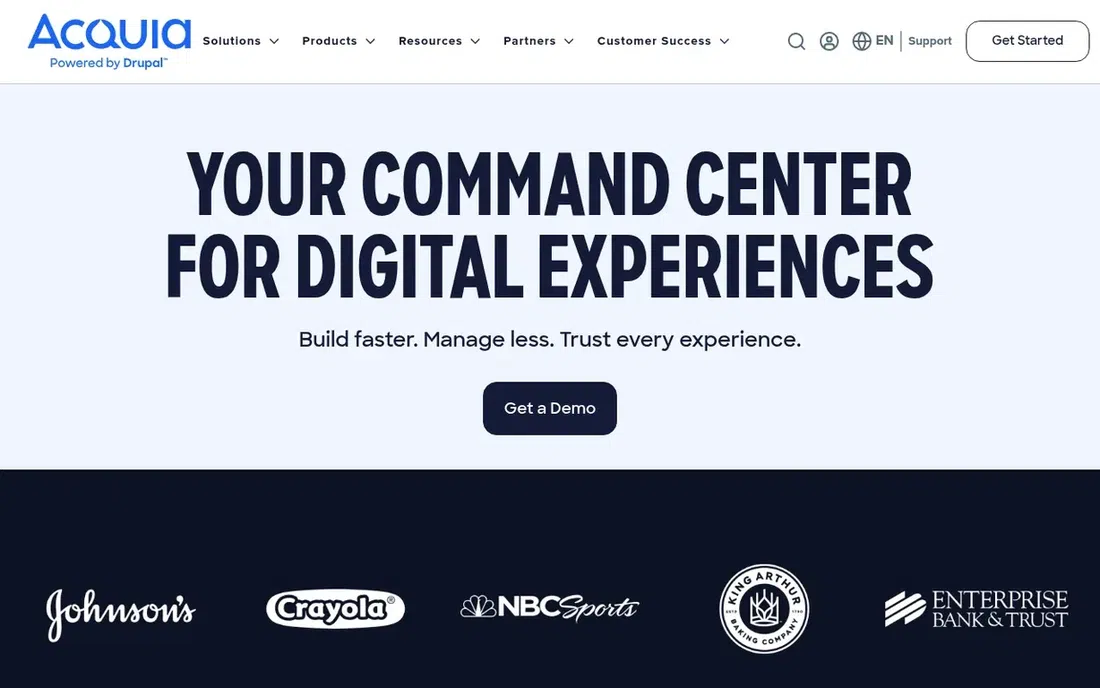
Acquia Drupal Cloud is aimed squarely at open-source Drupal at enterprise scale. Acquia Drupal Cloud is positioned as an open digital command center for Drupal, with Acquia Cloud Platform and Acquia DAM serving as on-ramps.
It is targeted at organizations that want to build quicker and manage less whereas retaining the adaptability of Drupal. Worth adding: teams already invested in open-source tooling may find it a natural fit for enterprise website projects. Check the vendor site for Acquia Drupal Cloud pricing; none is listed in this comparison. As for free access: Not stated.
Downsides: Drupal expertise needed.
- Made for quicker builds
- Open digital command center for Drupal
- Less turnkey for non-technical teams
Where Squarespace fits: straightforward, template-based business websites. It is approachable for small teams or departments that require a refined site without deep technical work.
In daily use, some enterprises use it for straightforward microsites or campaign pages. From a buyer's view, Squarespace is not aimed at large-scale content governance or complicated multi-site enterprise architectures. Squarespace cost at the entry level: $12 per month. As for free access: Free trial.
Limits to weigh: Less adaptable for complicated integrations.
- Configurable templates
- AI website builder tools
- Restricted enterprise governance
Adobe Experience Manager Sites
Best for: Large-scale enterprise website governance
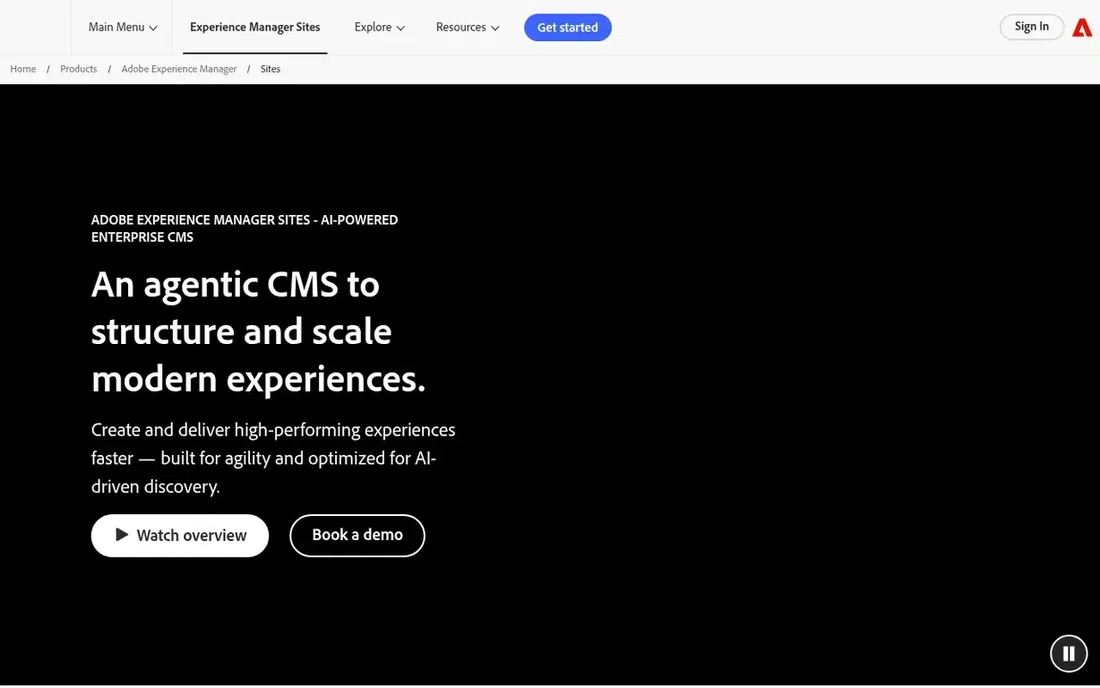
Adobe Experience Manager Sites serves large-scale enterprise website governance. Adobe Experience Manager Sites is an enterprise content management system made for building, governing, and optimizing high-performance websites at scale. It is AI-powered and headless-ready, which means teams can run content centrally and deliver it across several channels.
Downsides: Needs specialized expertise.
Worth adding: the system's depth can translate into a steeper ramp-up time and heavier implementation effort than more straightforward builders. Smaller teams or those without dedicated technical resources may find it overbuilt for their needs. Check the vendor site for Adobe Experience Manager Sites pricing; none is listed in this comparison. Free access: Not stated.
- AI-powered content tools
- Designed for high-performance sites at scale
- Implementation complexity
Sitecore Experience Manager
Best for: Personalized enterprise content experiences
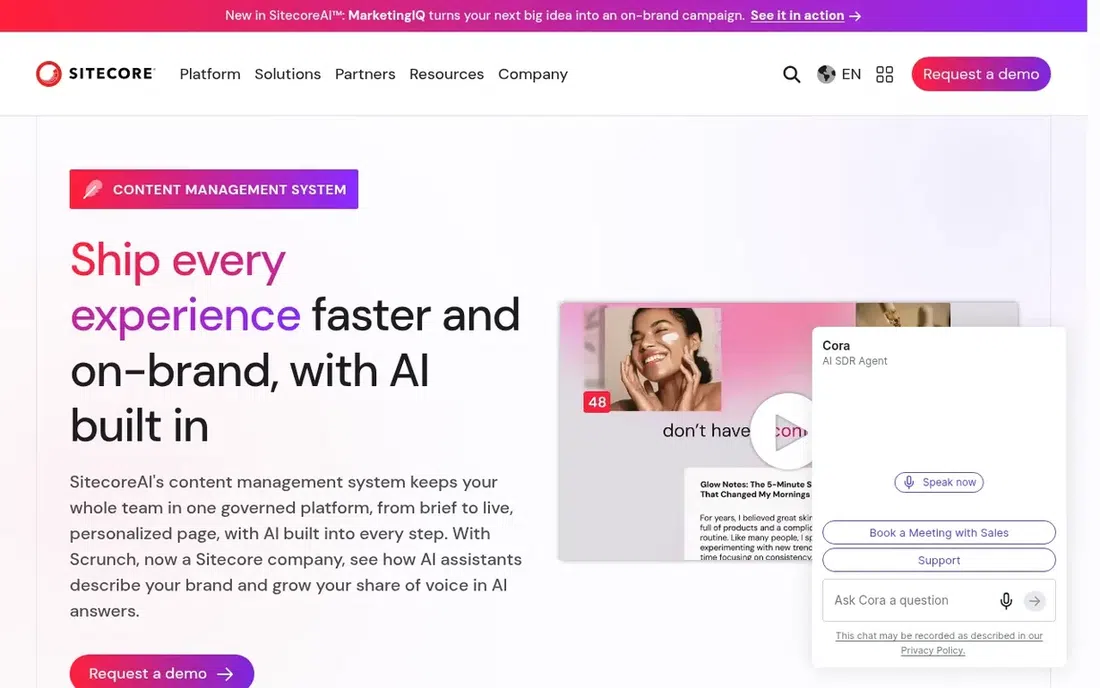
Sitecore Experience Manager makes the most sense for personalized enterprise content experiences. It uses live data and built-in AI to deliver on-brand experiences at scale. Organizations without the resources to maintain integrated data flows might prefer a more straightforward builder.
Watch-outs: May need specialist skills.
It is most useful for teams ready to invest in personalization workflows. Also, personalization features commonly demand clean data and thoughtful configuration. So the system may not be the quickest route for teams seeking a straightforward build. No starting price is listed for Sitecore Experience Manager here; confirm pricing on the vendor site. Free options: Not stated.
- Built-in AI for personalization
- Live data integration
- Setup can be involved
Storyblok is built with headless CMS with visual editing in mind. Storyblok is a headless content management system with a visual editor that helps developer and marketing teams get value from content quicker.
Points against: Requires frontend setup.
It is meant to support innovative digital experiences whereas keeping content editing approachable. Choose it when adaptability and a visual editing experience for content teams are central requirements. Entry price for Storyblok: $99.00 per month. Free options: Free trial.
- Visual editor for content teams
- Easy-to-learn for mixed teams
- May need developer involvement
Choose Sanity for structured content for sites and applications. It is built around structured content, making it a good match for enterprises that require to reuse content across several digital products. Sanity is not a conventional website builder, so organizations expecting templates and drag-and-drop page assembly may need extra tooling.
Where it is weaker: Not a traditional site builder.
It rewards teams that can invest in custom development. Also, consider it when content structure and multi-channel delivery matter more than out-of-the-box site creation. What you pay to start with Sanity: $15 per seat per month. Sanity includes a free tier.
- AI content operating system
- Powers sites and content apps
- Developer-oriented setup
Our selection method
LinkVetted looked at what each vendor publishes: pricing, plan limits, feature coverage for website builder software for enterprise and stated drawbacks. No hands-on testing is claimed. Treat prices as a snapshot: vendors change plans often, so check the vendor site for the figure that applies today. Tools are placed by general fit for website builder software for enterprise, with price clarity and free access as tie-breakers. A different team can reasonably rank them differently.
Questions to settle before buying
- Confirm the entry price on the vendor page. For Acquia Drupal Cloud, Adobe Experience Manager Sites and Sitecore Experience Manager that means a quote rather than a fixed price.
- Look at the free plan from Sanity closely: its caps decide whether it is usable for real work.
- Run a trial of Squarespace and Storyblok with real work before paying for a year; your own workflow is the best test.
- Read the limits listed for Acquia Drupal Cloud first: Drupal expertise needed.
- Check the integration list for Squarespace against the tools you run today, and note which ones need a higher plan.
- Involve the people who will use Acquia Drupal Cloud daily; a short pilot beats a long feature checklist.
FAQ
Can I try these tools before paying?
Often, yes. Sanity has a free plan and Squarespace and Storyblok offer a free trial. Use your own data and a real task during the test, and check what the free tier or trial limits before you rely on it.
Do these tools publish their prices?
Not all of them. Acquia Drupal Cloud, Adobe Experience Manager Sites and Sitecore Experience Manager publish no starting price, so expect a quote request for those. The rest, Squarespace included, show a starting price, though seats and billing terms still change the final cost.
Is Acquia Drupal Cloud the right pick for everyone comparing website builder software for enterprise?
No single tool suits every team. Acquia Drupal Cloud comes first because it fits open-source Drupal at enterprise scale, while Squarespace suits simple, template-based business websites and Adobe Experience Manager Sites suits large-scale enterprise website governance. Match the tool to your own size, budget and workflow before deciding.
Which options for website builder software for enterprise have a free plan?
Sanity is the only tool in this list with a free plan. Free plans usually cap users, projects or features, so check the limits on the vendor page. Several others offer a trial instead.
What should enterprises look for in a website builder?
Enterprises should prioritize content governance, scalability, security, and integration adaptability. Evaluate how well the product suits your team's technical skills and existing systems.
Sources
- https://www.acquia.com/products/drupal-cloud
- https://www.squarespace.com
- https://business.adobe.com/products/experience-manager/sites/aem-sites.html
- https://www.sitecore.com/products/content-management-system
- https://www.storyblok.com
- https://www.sanity.io