Top 6 Website Builder for Nonprofit Organizations for 2026 (Prices and Free Plans)
Compare 6 best website builder for nonprofit organizations, with prices, free plans and who each fits. Every profile names its biggest catch. Jump to the table.
- Editor's choice
 Squarespace
Refined templates for public-facing nonprofit sites
Starts at$12 a monthVisit squarespace.comFull review - Great alternative
 Webflow
Design-led teams needing custom control
Starts at$15 a monthVisit webflow.comFull review - Also consider
 Wix
All-in-one site building for small nonprofits
Starts atSee websiteVisit wix.comFull review
Direct answer
For refined templates for public-facing nonprofit sites, Squarespace is where this list starts. Listed starting prices: Squarespace from $12 a month, Webflow from $15 a month and Duda from $19 a month. Webflow is the stronger choice for design-led teams needing custom control, while Wix suits all-in-one site building for small nonprofits. All 6 tools are compared below on price, free plan and limits.
TL;DR:
- Squarespace sits first on this list: refined templates for public-facing nonprofit sites.
- For the cheapest start, look at WordPress.com: $4 per month.
- Free plans exist at 3 of 6 tools (Webflow, WordPress.com, Weebly).
- Weebly suits straightforward sites and small online keeps.
- Before buying Wix, weigh this: less control over code.
Last checked November 2026. Prices and plan details were read from the vendors' own pages in November 2026; vendors change plans often, so confirm the current price on the vendor site before you buy.
Quick comparison
| Tool | Best for | Starts at | Free plan? | |
|---|---|---|---|---|
| Squarespace | Refined templates for public-facing nonprofit sites | $12 a month | Free trial | Visit |
| Webflow | Design-led teams needing custom control | $15 a month | Yes | Visit |
| Wix | All-in-one site building for small nonprofits | See website | Not stated | Visit |
 Duda | Agencies and pros building client sites | $19 a month | Free trial | Visit |
 WordPress.com | Nonprofits planning to grow content over time | $4 per month | Yes | Visit |
 Weebly | Straightforward sites and small online keeps | $13 a month | Yes | Visit |
Website Builder for Nonprofit Organizations compared in detail
Choosing website builder for nonprofit organizations usually comes down to price, fit and limits. This LinkVetted guide sets 6 tools side by side on those three points, with the facts kept short and checkable.
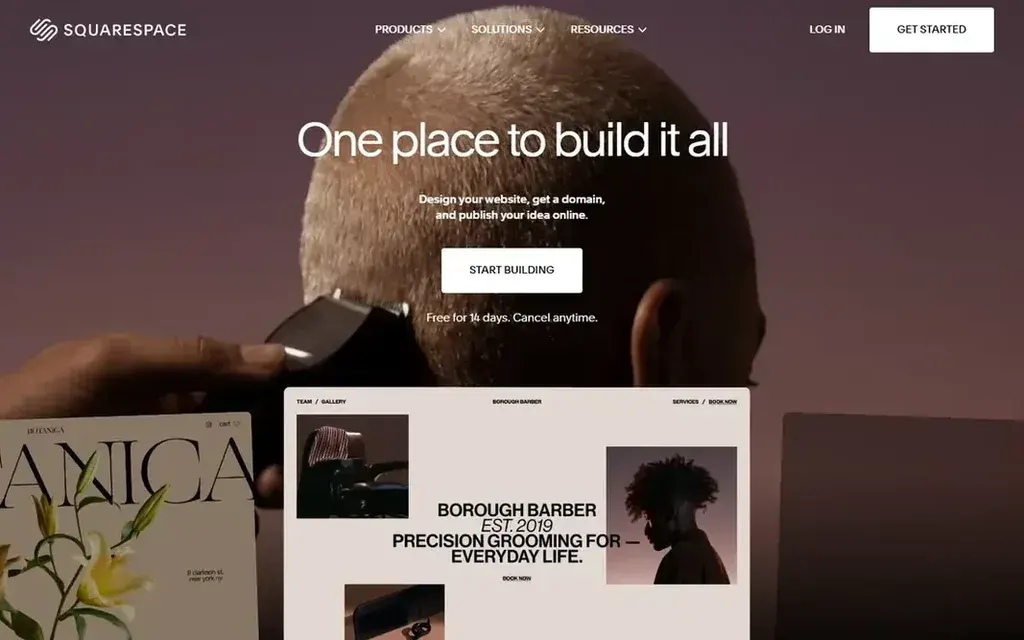
Pick Squarespace if this describes you: refined templates for public-facing nonprofit sites. Squarespace is a website builder known for visually capable templates and an AI-assisted setup flow.
Drawbacks to consider: Editing can be rigid.
From a buyer's view, the homepage flags configurable templates, AI website builder tools and domain names, which fits nonprofits that want an attractive site without starting from a blank page. Squarespace pricing: $12 per month. Free options: Free trial.
- AI website builder tools
- Domain name choices
- Fewer deep integrations
Think of Webflow for design-led teams needing custom control. Webflow is a web system for designing, building and optimizing sites with enterprise-grade security, CMS and hosting built in. Its homepage also flags optimization for AI search, which fits nonprofits with in-house design capacity that want a distinctive site and structured content.
Teams can craft layouts precisely and run program content through the CMS. From a buyer's view, Webflow assumes design and technical comfort, so volunteer-run groups may find it demanding without training. Worth adding: nonprofits needing a straightforward setup may be better served by a more guided builder. Pick Webflow when custom design and content structure are priorities and someone on the team can invest the learning time. Webflow starts at: $15 per month. A free plan is available with Webflow.
Trade-offs to know: Steep ramp-up time.
- Enterprise-grade security features
- Deep design control
- Needs design skills
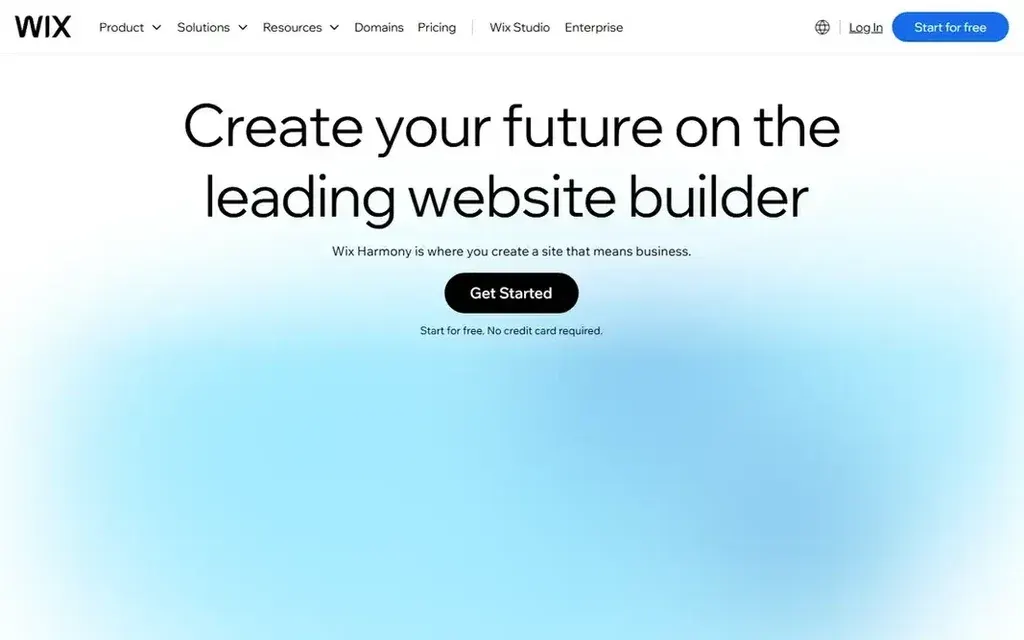
Wix was built for all-in-one site building for small nonprofits. Wix is a hosted website builder that merges page design, hosting, domains and marketing tools in one place. Its editor is targeted at people who want to assemble a site without technical setup.
Watch-outs: Templates can feel generic.
The product describes itself as built for firms of plenty of kinds. Groups with strict data or integration requirements may prefer a product that permits more control. For a nonprofit that needs a donation page, event listings and an email signup in one dashboard, Wix keeps the moving parts together and cuts the number of separate services to run. Choose Wix when speed and an integrated toolset matter more than fine-grained technical control, and confirm current feature details on the vendor site. Check the vendor site for Wix pricing; none is listed in this comparison. As for free access: Not stated.
- Marketing tools included
- Beginner-friendly editor
- Less control over code
Duda is a good fit for agencies and pros building client sites. The product emphasizes efficiency for teams handling several sites. Also, Duda is an AI web presence system aimed at professionals who build and handle client websites.
Drawbacks to consider: Targeted at professionals.
Its homepage describes tools for building, getting found and converting visitors, which suits nonprofits working with a design or marketing agency that uses Duda to deliver and maintain the site. In practice, Duda is oriented toward professional users instead of first-time DIY builders. So a nonprofit without agency support may find it less approachable. Worth adding: organizations wanting to handle everything in-house may prefer a more straightforward builder. Duda pricing: $19 per month. Free options: Free trial.
- Designed for professional site creation
- AI-powered product
- Less suited to DIY beginners

WordPress.com is designed for nonprofits planning to grow content over time. WordPress.com is a hosted version of the WordPress product, offering built-in hosting, themes and site-building tools without requiring technical setup.
Groups that want a familiar publishing workflow and room to expand their site over time commonly start here. Choose WordPress.com when content publishing is central and you want hosting handled for you. Starting cost for WordPress.com: $4 per month. Free access exists with WordPress.com.
Downsides: Less design freedom on entry-level setup.
- No technical setup required
- Premium themes available
- Advanced features need learning
Think of Weebly for straightforward sites and small online stores. Pick Weebly when simplicity and a fast launch matter most, and confirm current capabilities on the vendor site before committing. In practice, the product is less suited to complicated content structures or advanced integrations.
Honest limits: Design can feel dated.
Nonprofits with expanding needs may outgrow it and have to migrate. In daily use, Weebly is a website builder with a drag-and-drop editor geared toward creating sites, blogs and online stores. Its homepage emphasizes configurable templates, domains and easy-to-use tools, which can suit a small nonprofit that wants a straightforward site for programs, volunteer signups and a straightforward shop for merchandise or event tickets. The starting price for Weebly: $13 per month. Free access exists with Weebly.
What works well: Drag-and-drop editor.
- Templates for blogs and keeps
- Domain choices
- Restricted advanced features
How we compared the tools
A buyer's checklist
- Get a written quote from Wix; the list shows no starting price for them.
- Look at free plan limits closely: Webflow, WordPress.com and Weebly have one, and the caps decide whether it is usable for real work.
- Take the trial from Squarespace and Duda and push a live task through it before you pay.
- Read the limits listed for Squarespace first: fewer deep integrations.
- Pick one real project and run it in Weebly first; a small pilot shows fit faster than a checklist.
- Before rolling out Wix, verify the integrations your workflow depends on.
FAQ
Which website builder for nonprofit organizations have a free plan?
Webflow, WordPress.com and Weebly offer a free plan in this list. Free plans usually cap users, projects or features, so check the limits on the vendor page. Several others offer a trial instead.
When should a nonprofit consider Webflow or Duda?
Webflow fits organizations with in-house design capacity that want precise control and a structured CMS. On top of that, Duda is made for professional teams and agencies managing client sites.
Is Squarespace the right pick for everyone comparing website builder for nonprofit organizations?
No single tool suits every team. Squarespace comes first because it fits polished templates for public-facing nonprofit sites, while Webflow suits design-led teams needing custom control and Wix suits all-in-one site building for small nonprofits. Match the tool to your own size, budget and workflow before deciding.
What is the cheapest option for website builder for nonprofit organizations in this list?
On published monthly entry prices, WordPress.com is the lowest here at $4 per month. Entry price is only part of the cost, because seats, add-ons and billing terms can change the total. For the full picture, the cards above cover all 6 entries of this website builder for nonprofit organizations list, including price, free plan and limits.
Do these tools publish their prices?
Not all of them. Wix publishes no starting price, so expect a quote request for it. The rest, Squarespace included, show a starting price, though seats and billing terms still change the final cost. Prices, free plan details and limits for all 6 tools in this website builder for nonprofit organizations roundup sit on the individual cards above.
Sources
- https://www.squarespace.com
- https://webflow.com
- https://www.wix.com
- https://www.duda.co
- https://wordpress.com
- https://www.weebly.com