Best Website Builder for Software Developers (2026): 6 Picks Checked on Vendor Pages
Weighing the best website builder for software developers? We lined up 6 products by cost, free access and fit. Short verdicts, no fluff. Budget notes included.
- Editor's choice
 Netlify
Serverless workflows from code or prompts
Starts at$9 a monthVisit netlify.comFull review - Great alternative
 Vercel
Full-stack deployment and agent infrastructure
Starts at$20 a monthVisit vercel.comFull review - Also consider
 Sanity
Structured content and AI-driven applications
Starts at$15 per seat a monthVisit sanity.ioFull review
Direct answer
Netlify leads the list, best for serverless workflows from code or prompts. Listed starting prices: Netlify from $9 a month, Vercel from $20 a month and Sanity from $15 per seat a month. If your case is different, Vercel suits full-stack deployment and agent infrastructure and Sanity suits structured content and AI-driven applications. The other 3 tools in the list cover narrower or pricier cases.
TL;DR:
- Top of the list is Netlify, which targets serverless workflows from code or prompts.
- The main caution on Sanity: not a traditional website builder.
- Webflow is the one to check for visual development with CMS and hosting.
- For the cheapest start, look at Cloudflare Pages: $7 per month.
- Free plans are common here: 6 of 6 tools have one, including Netlify, Vercel, Sanity and Cloudflare Pages.
Last checked November 2026. Prices and plan details were read from the vendors' own pages in November 2026; vendors change plans often, so confirm the current price on the vendor site before you buy.
Quick comparison
| Tool | Best for | Starts at | Free plan? | |
|---|---|---|---|---|
| Netlify | Serverless workflows from code or prompts | $9 a month | Yes | Visit |
| Vercel | Full-stack deployment and agent infrastructure | $20 a month | Yes | Visit |
| Sanity | Structured content and AI-driven applications | $15 per seat a month | Yes | Visit |
 Cloudflare Pages | Serverless full-stack frontend development | $7 a month | Yes | Visit |
 Framer | AI-assisted design and rapid prototyping | $10 a month | Yes | Visit |
 Webflow | Visual development with CMS and hosting | $15 a month | Yes | Visit |
Website Builder for Software Developers, one by one
Choosing website builder for software developers usually comes down to price, fit and limits. This LinkVetted guide sets 6 tools side by side on those three points, with the facts kept short and checkable.
Netlify is built with serverless workflows from code or prompts in mind. Netlify is a system for creating, sharing, and running apps at any scale, starting from a prompt, agent, or code.
Netlify may not offer the same level of visual design control as dedicated builders. Netlify cost at the entry level: $9 per month. You can start on Netlify without paying.
Honest limits: Less visual design adaptability.
- Straightforward creation and sharing
- Scalable app hosting
- May need setup for advanced features
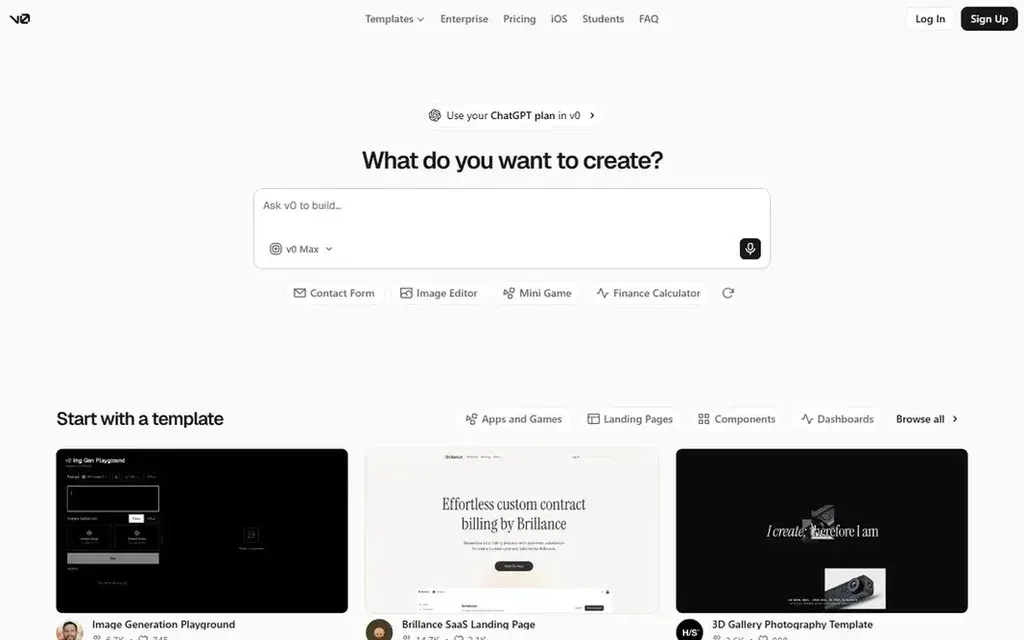
Vercel was built for full-stack deployment and agent infrastructure. Vercel is not a traditional website builder with visual design tools, so it may not appeal to those seeking drag-and-drop interfaces.
It also assumes familiarity with code and deployment workflows. Beyond that, for straightforward static sites, lighter choices might be sufficient. Vercel pricing: $20 per month. Vercel includes a free tier.
Limits to weigh: May need configuration for custom backends.
- Smooth deployment workflows
- Autonomous stack for apps and agents
- Primarily centred on deployment, not visual building
Sanity is built with structured content and AI-driven applications in mind. It suits teams that need an adaptable backend for content.
Points against: Not a traditional website builder.
Sanity is not a turnkey website builder; it needs development to produce the frontend and integrate content. What you pay to start with Sanity: $15 per seat per month. You can start on Sanity without paying.
- AI content operating system
- Adaptable content product
- Needs development for full site setup
Choose Cloudflare Pages for serverless full-stack frontend development. It suits projects that require quick global delivery and serverless functions.
What to check first: less on visual design.
Cloudflare Pages is not a visual website builder, so it may not suit those seeking drag-and-drop design. Cloudflare Pages starts at: $7 per month. A free plan is available with Cloudflare Pages.
- Quick deployment and delivery
- Serverless platform for frontend developers
- Concentrated on frontend
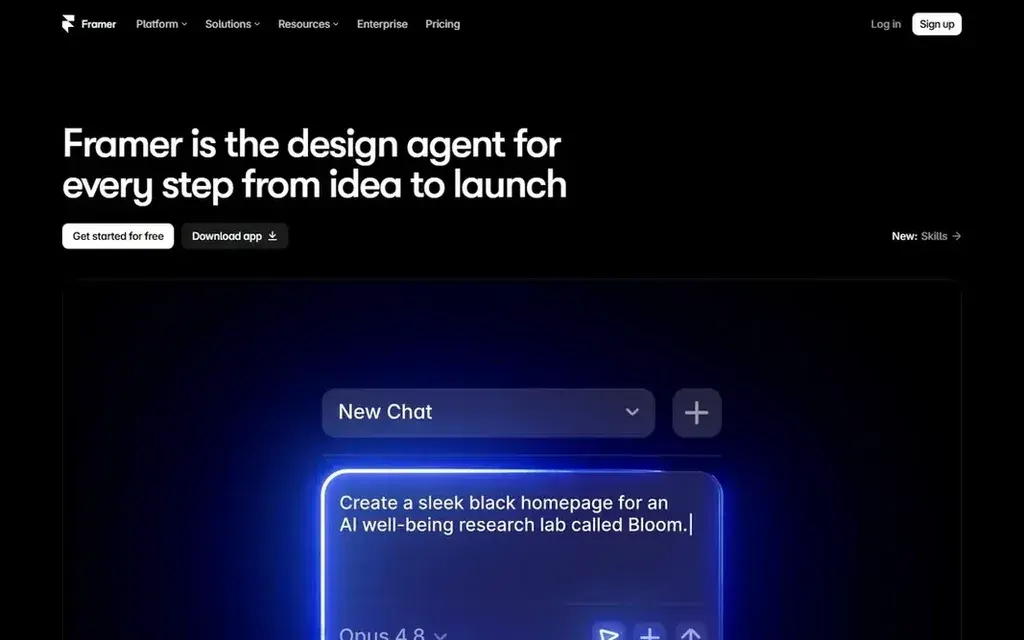
Framer is built with AI-assisted design and rapid prototyping in mind. Framer is a website builder with an AI design agent that helps turn ideas into live sites rapidly. It comes with hosting, CMS, analytics, and SEO tools, and changes remain editable.
On top of that, if you need a system for complicated web apps, other tools may be more appropriate. Framer is less suited for applications requiring custom server-side code or advanced integrations. Its strengths are in design and content, not full-stack development. Framer pricing: $10 per month. Framer offers a free plan.
The main drawbacks: Restricted for complicated backend logic.
- AI design agent for idea to launch
- Built-in analytics and SEO
- May not suit large-scale enterprise apps
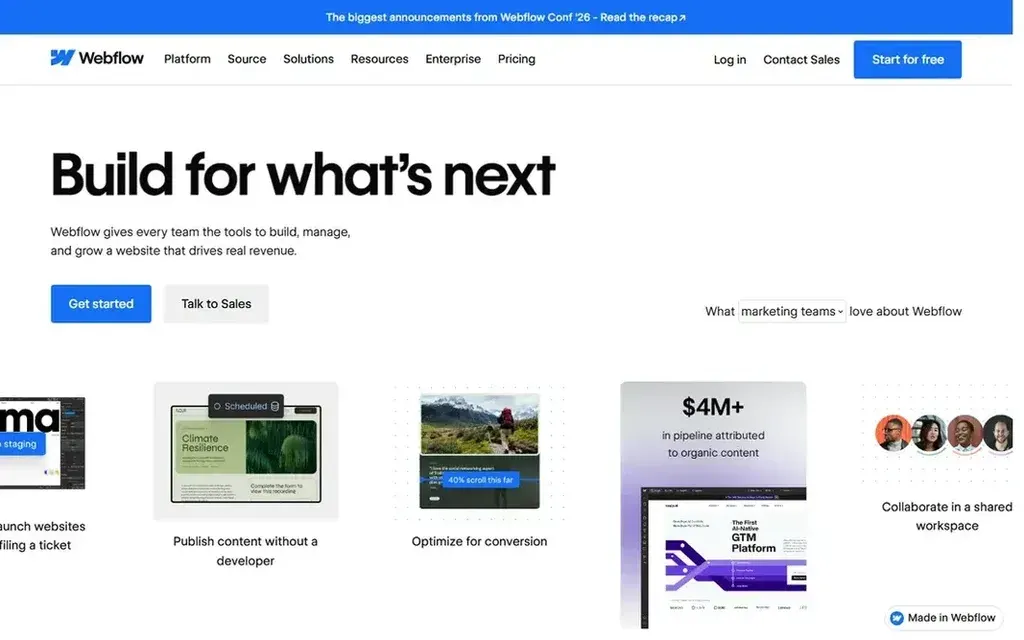
Where Webflow fits: visual development with CMS and hosting. Webflow is a visual web product that lets developers design, build, and optimize sites with a mix of visual tools and code. It comes with CMS, hosting, and SEO features, making it right for developers who want fine control over design without managing infrastructure.
Watch-outs: Less a strong match for pure static site generation.
Webflow may not be the best fit for projects that rely entirely on code-first workflows or custom server-side logic. Its visual approach can feel restrictive for complicated applications. As for the details, consider other choices if you need full-stack deployment or prefer working entirely in a code editor. The starting price for Webflow: $15 per month. Webflow offers a free plan.
- Visual design with code export
- Enterprise-grade security features
- Can need ramp-up time for advanced use
How we compared the tools
Selection started from tools commonly considered for website builder for software developers, then narrowed to 6 that have clear pricing information or a clear quote process. Prices and plan limits come from vendor pages and can change, so confirm them on the vendor site before you buy. The ranking is editorial: typical fit first, then clear pricing, then free access. If your needs are unusual, read the profiles rather than relying on position.
Pre-purchase checklist
- Prices are a starting point; Cloudflare Pages shows $7 per month to start, so verify what your seat count would cost.
- Read the fine print on the free plans from Netlify, Vercel, Sanity and others; seat, project and feature caps differ.
- Before choosing Netlify, weigh its main limit: may need setup for advanced features.
- Map your must-have features to a specific Framer plan before you compare prices.
- Test how quickly Sanity answers a pre-sales question; it hints at how support will feel later.
FAQ
Do these tools publish their prices?
Yes. Every tool from Netlify to Webflow shows a starting price, though seats, add-ons and billing terms still change the final cost.
How are the tools for website builder for software developers ordered?
The order follows typical fit for website builder for software developers, with Netlify first and Webflow last, then price clarity and free access. It is editorial judgement, not a score, so another team could rank the tools differently.
Is Netlify the right pick for everyone comparing website builder for software developers?
No single tool suits every team. Netlify comes first because it fits serverless workflows from code or prompts, while Vercel suits full-stack deployment and agent infrastructure and Sanity suits structured content and AI-driven applications. Match the tool to your own size, budget and workflow before deciding.
Which options for website builder for software developers have a free plan?
On this list, 6 of 6 tools include a free plan, among them Netlify, Vercel, Sanity and Cloudflare Pages. Caps on seats, usage or features are common, so test the free plan against your real workload.
Sources
- https://www.netlify.com
- https://vercel.com
- https://www.sanity.io
- https://pages.cloudflare.com
- https://www.framer.com
- https://webflow.com