Best Website Builder for Universities (2026): 5 Picks Checked on Vendor Pages
Best website builder for universities: 5 contenders ranked by fit, with entry costs and free tiers. Short, factual notes on every option. Updated for 2026.
- Editor's choice
 Adobe Experience Manager
Integrated digital asset management and CMS
Starts atPricing on requestVisit business.adobe.comFull review - Great alternativeTerminalfour
Higher education marketing and engagement
Starts atPricing on requestVisit terminalfour.comFull review - Also consider
 Drupal
Open-source adaptability and complicated governance
Starts atPricing on requestVisit drupal.orgFull review
Direct answer
Adobe Experience Manager is the first pick on this list for integrated digital asset management and CMS. Terminalfour fits higher education marketing and engagement; Drupal fits open-source adaptability and complicated governance. The remaining 2 options are covered below with prices and limits. None of these vendors publish plan prices, so pricing is on request for every option.
TL;DR:
- Number one here is Adobe Experience Manager, a fit for integrated digital asset management and CMS.
- A permanent free plan is missing from all 5 tools, Adobe Experience Manager and WordPress VIP included; plan for a trial or a premium start.
- Adobe Experience Manager, WordPress VIP and the 3 others all sell by quote; expect sales conversations before you see a price.
- The main caution on Terminalfour: may lack some advanced features of general-purpose CMSs.
Last checked November 2026. Pricing on request: vendors did not publish plan prices when this guide was last checked (November 2026), so ask each vendor for a written quote.
Quick comparison
| Tool | Best for | Starts at | Free plan? | |
|---|---|---|---|---|
| Adobe Experience Manager | Integrated digital asset management and CMS | Pricing on request | Not stated | Visit |
| Terminalfour | Higher education marketing and engagement | Pricing on request | Not stated | Visit |
| Drupal | Open-source adaptability and complicated governance | Pricing on request | Not stated | Visit |
 Sitecore | AI-powered personalization and content delivery | Pricing on request | Not stated | Visit |
 WordPress VIP | Managed enterprise WordPress with compliance | Pricing on request | Not stated | Visit |
5 website builder for universities in detail
If you are comparing website builder for universities, this page covers 5 tools in one place: what each is best for, what it costs to start, whether it has a free plan, and the main limit to know about.
Adobe Experience Manager
Best for: Integrated digital asset management and CMS
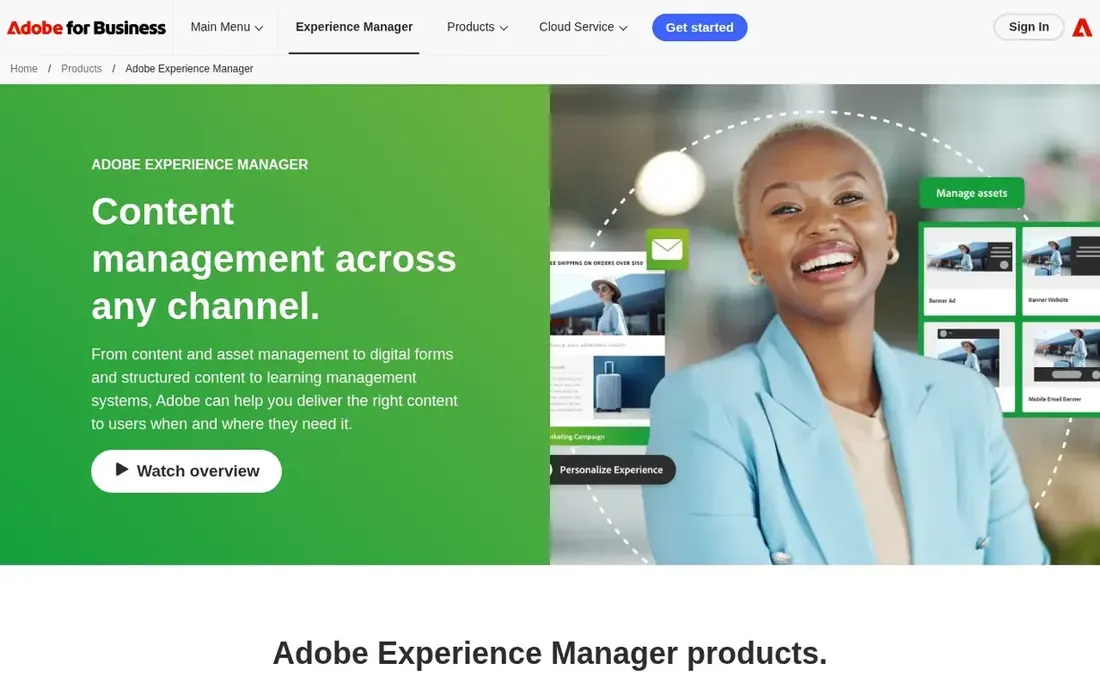
Where Adobe Experience Manager fits: integrated digital asset management and CMS. The total cost of ownership can be high.
Drawbacks to consider: Can be expensive for smaller institutions.
On top of that, Adobe Experience Manager is noted for its complexity, commonly requiring specialized implementation partners and significant continuing administration. This comparison lists no price for Adobe Experience Manager; ask the vendor. On free options: Not stated.
- Part of the broader Adobe Experience Cloud
- Merges CMS with digital asset management
- Complicated implementation and administration
Terminalfour
Best for: Higher education marketing and engagement
Terminalfour targets higher education marketing and engagement. Institutions looking for a system tailored to education workflows may find Terminalfour a natural fit. Evaluate integration needs carefully.
It makes it possible for universities and colleges to produce targeted marketing campaigns and engagement strategies to attract and retain students. For everyday use, as a specialized system, Terminalfour may not offer the same breadth of integrations or customization as open-source or enterprise CMSs. It is primarily centred on education, so organizations outside higher education may prefer more general tools. Terminalfour does not show a starting price in this comparison, so check the vendor site for current pricing. On free options: Not stated.
The main drawbacks: May lack some advanced features of general-purpose CMSs.
- Supports student recruitment and retention
- Focus on targeted marketing campaigns
- Less right for non-education organizations
In short, Drupal is for open-source adaptability and complicated governance. It fits universities that require custom workflows, granular permissions, and integrations with student information systems.
Limits to weigh: Admin interface can feel complicated for non-technical editors.
Worth adding: Drupal demands technical expertise for setup and continuing maintenance, and the editorial experience can be less easy-to-learn than hosted alternatives. Check the vendor site for Drupal pricing; none is listed in this comparison. Free options: Not stated.
- Solid content modeling and access control
- Open-source with a large module ecosystem
- Needs technical resources to build and maintain
Pick Sitecore if this describes you: AI-powered personalization and content delivery. Sitecore implementations can be complicated and commonly need specialized partners, which may increase time and cost.
What to check first: May need specialized expertise.
It may be overkill for institutions without a capable personalization strategy. No starting price is listed for Sitecore here; confirm pricing on the vendor site. Free plan details: Not stated.
- Links content, data, personalization
- Focus on measurable business impact
- Implementation can be complicated and resource-intensive
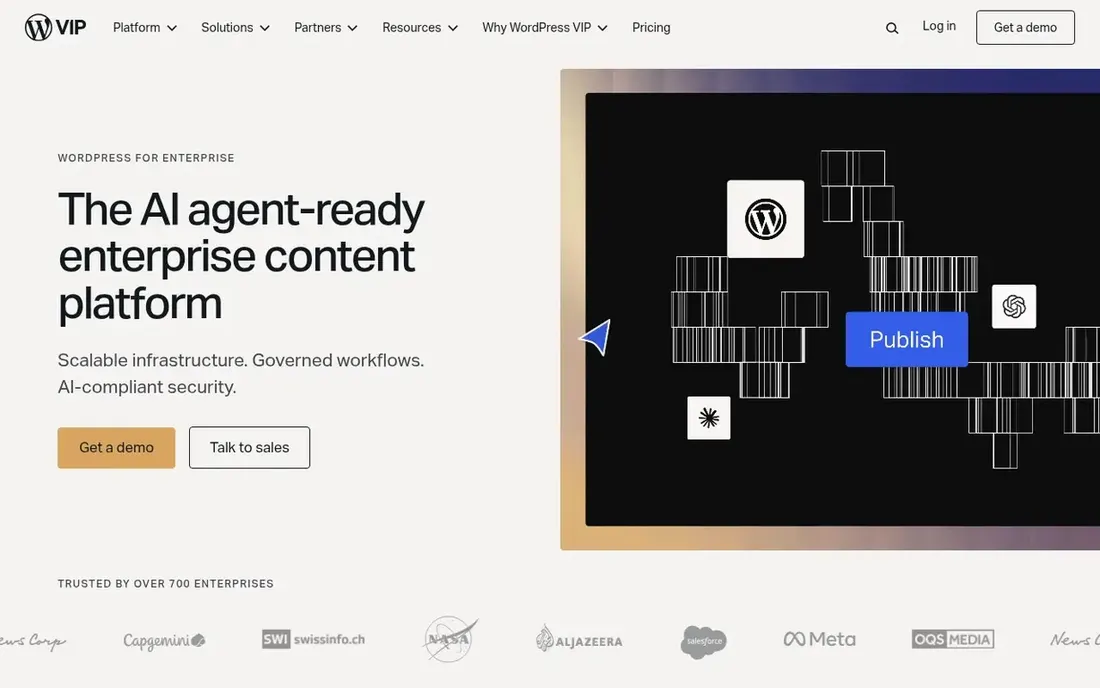
WordPress VIP targets managed enterprise WordPress with compliance. WordPress VIP is a premium service, and costs can be higher than self-hosted WordPress.
If budget is a primary concern or you need deep custom development, evaluate other choices. Check the vendor site for WordPress VIP pricing; none is listed in this comparison. Free access: Not stated.
Points against: Needs familiarity with WordPress workflows.
- High uptime service level agreement
- FedRAMP authorized and SOC 2 Type 2 certified
- Premium cost compared with standard WordPress
Our selection method
A buyer's checklist
- Confirm the entry price with every vendor: no tool from Adobe Experience Manager to WordPress VIP shows a fixed starting price.
- Read the limits listed for Adobe Experience Manager first: complicated implementation and administration.
- Map your must-have features to a specific Terminalfour plan before you compare prices.
- Look at the help docs and support options for WordPress VIP before you commit.
- Before rolling out Drupal, verify the integrations your workflow depends on.
FAQ
Is Adobe Experience Manager the right pick for everyone comparing website builder for universities?
No single tool suits every team. Adobe Experience Manager comes first because it fits integrated digital asset management and CMS, while Terminalfour suits higher education marketing and engagement and Drupal suits open-source flexibility and complex governance. Match the tool to your own size, budget and workflow before deciding.
Can I try these tools before paying?
Not by default. None of the tools, from Adobe Experience Manager to WordPress VIP, lists a free plan or a free trial here, so ask each vendor for a demo before committing.
How does WordPress VIP differ from standard WordPress?
WordPress VIP is an enterprise-grade managed system with added security, compliance, and support. It is made for organizations that require reliability and scalability.
Do these tools publish their prices?
No. None of the tools, from Adobe Experience Manager to WordPress VIP, shows a fixed starting price here, so budget time for quotes.
Does any tool for website builder for universities here have a free plan?
No tool in this list, Adobe Experience Manager and WordPress VIP included, has a permanent free plan. Trials and quotes are the usual route, so plan a short evaluation period.
Sources
- https://business.adobe.com/products/experience-manager/adobe-experience-manager.html
- https://www.terminalfour.com
- https://www.drupal.org
- https://www.sitecore.com
- https://wpvip.com