Website Builder for Political Campaign in 2026: The 6 Best Options Side by Side
6 tools for the best website builder for political campaign, compared on pricing, free plans and best-fit use. Short verdicts, no fluff. Decide faster.
- Editor's choice
 Wix
Quick setup with wide built-in tools
Starts atSee websiteVisit wix.comFull review - Great alternative
 Webflow
Design control and structured content
Starts at$15 a monthVisit webflow.comFull review - Also consider
 Weebly
Straightforward sites for local campaign teams
Starts at$13 a monthVisit weebly.comFull review
Direct answer
Our first pick is Wix, best for quick setup with broad built-in tools. Listed starting prices: Webflow from $15 a month, Weebly from $13 a month and Duda from $19 a month. For a different need, Webflow covers design control and structured content and Weebly covers straightforward sites for local campaign teams. Details, prices and limits for the rest of the 6 tools are below.
TL;DR:
- The list opens with Wix, aimed at quick setup with wide built-in tools.
- Squarespace fits polished campaign sites with minimal setup.
- The main caution on Wix: editor can feel busy for beginners.
- Starting prices begin at $4 per month with WordPress.com.
Last checked November 2026. Prices and plan details were read from the vendors' own pages in November 2026; vendors change plans often, so confirm the current price on the vendor site before you buy.
Quick comparison
| Tool | Best for | Starts at | Free plan? | |
|---|---|---|---|---|
| Wix | Quick setup with wide built-in tools | See website | Not stated | Visit |
| Webflow | Design control and structured content | $15 a month | Yes | Visit |
| Weebly | Straightforward sites for local campaign teams | $13 a month | Yes | Visit |
 Duda | Agencies building campaign sites for clients | $19 a month | Free trial | Visit |
 WordPress.com | Content-heavy campaign hubs with frequent updates | $4 per month | Yes | Visit |
 Squarespace | Refined campaign sites with minimal setup | $12 per month | Free trial | Visit |
Website Builder for Political Campaign compared in detail
LinkVetted put together this guide to website builder for political campaign for readers who want a clear shortlist without reading every vendor page. It compares 6 tools on starting price, free plans, who each one suits and where each one falls short.
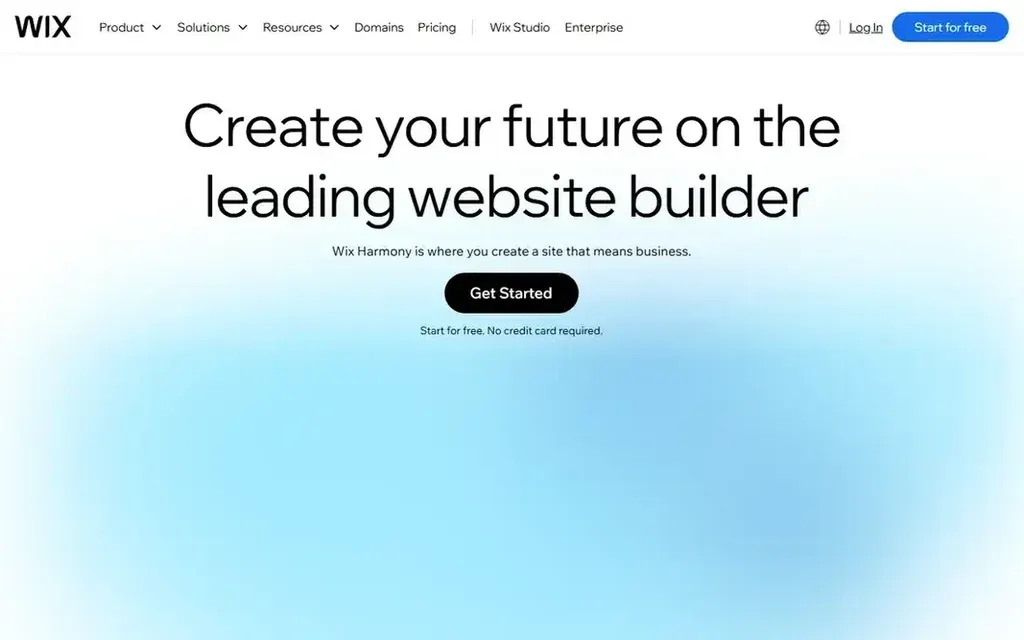
Wix is aimed squarely at quick setup with broad built-in tools. For campaigns that want one place to run a site, contact forms and entry-level marketing, that bundle cuts the number of separate services to coordinate.
The visual editor can feel crowded once plenty of sections are added, and deep code-level control is restricted. Campaigns with developer support and unusual technical requirements may prefer a more open system. This comparison lists no price for Wix; ask the vendor. Free options: Not stated.
The main drawbacks: Less control over underlying code.
- Large template selection
- Hosting and domains built in
- Editor can feel busy for beginners
Choose Webflow for design control and structured content. Campaigns with a designer or developer on hand can build distinctive layouts and run structured content like issue pages and endorsements. In daily use, choose Webflow when design quality and content structure justify the additional setup effort.
Drawbacks to consider: Steeper ramp-up time.
As for the details, campaigns needing a straightforward site quick should consider simpler choices. In daily use, the learning curve is steeper than with template-first builders, and volunteers without design experience may struggle. Price to start with Webflow: $15 per month. A free plan is available with Webflow.
- Security features for bigger sites
- CMS and hosting built in
- Best results need design experience
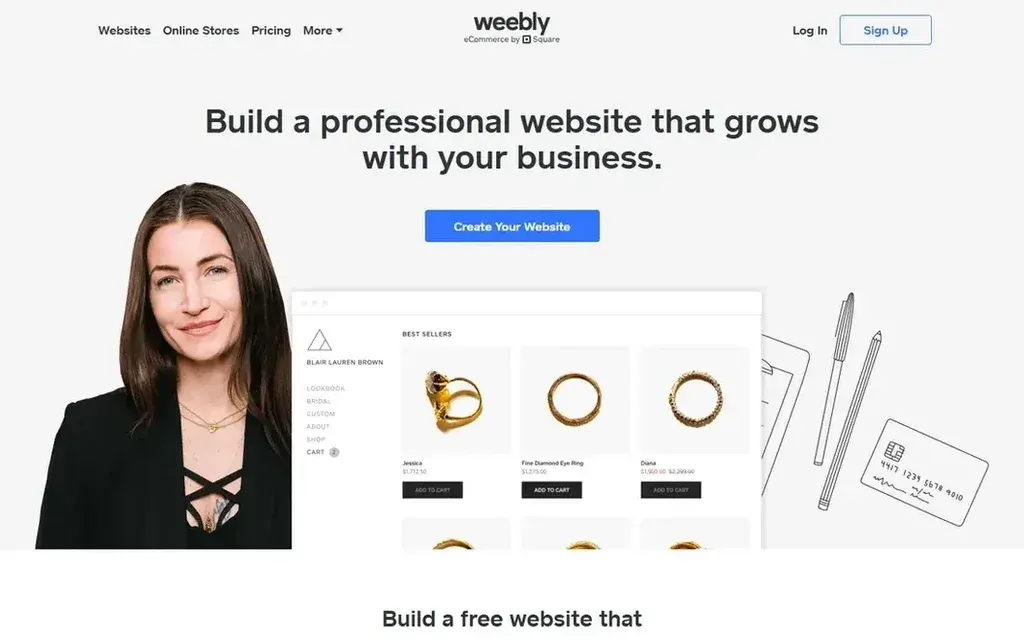
Weebly is built with straightforward sites for local campaign teams in mind. Local campaigns and volunteer teams frequently find its drag-and-drop approach approachable.
Where it is weaker: Design choices feel dated in places.
The choice to add a blog helps with posting updates and endorsements. From a buyer's view, Weebly fits best when the goal is a clear, straightforward campaign site that volunteers can maintain. Weebly cost at the entry level: $13 per month. Weebly has a free plan.
- Straightforward drag-and-drop editing
- Configurable templates
- Restricted advanced features
Duda is designed for agencies building campaign sites for clients. Duda describes itself as an AI web presence system for professionals, designed for creating client websites that rank and convert.
Campaign consultants and agencies managing multiple candidate or initiative sites may find the professional workflow handy. In daily use, choose Duda when a consultant or agency will run the build and wants a system built for client work. Duda cost at the entry level: $19 per month. As for free access: Free trial.
Watch-outs: Less familiar to volunteer editors.
- AI-powered site building
- Focus on conversion and search visibility
- Geared toward professionals instead of DIY teams
WordPress.com works best for content-heavy campaign hubs with frequent updates. WordPress.com supplies built-in hosting, premium themes and content tools with no technical setup required. Campaigns that publish press releases, policy positions and frequent updates benefit from its content-focused structure.
Trade-offs to know: Some customization requires premium levels.
Campaigns wanting full plugin control or custom development may prefer a self-hosted setup. Pick WordPress.com when content publishing and reliability matter more than deep technical control. In daily use, customization is more constrained than self-hosted WordPress, and some features sit behind higher levels. What you pay to start with WordPress.com: $4 per month. WordPress.com has a free plan.
- Solid blogging and content tools
- Premium themes available
- Plugin freedom is restricted compared to self-hosted WordPress
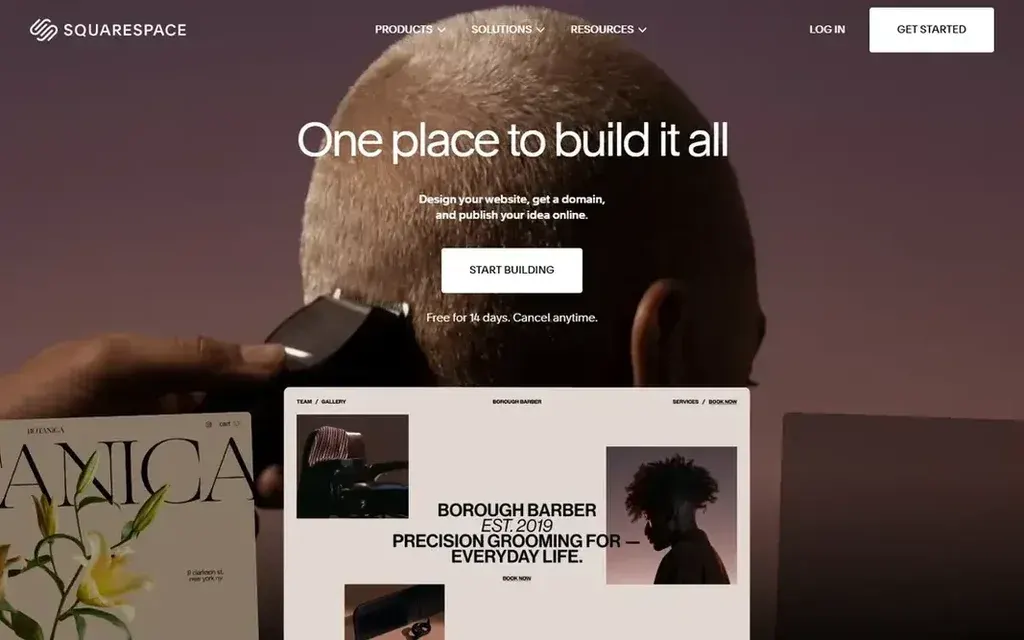
Squarespace targets refined campaign sites with minimal setup. Campaigns that want a clean, professional look without assembling numerous extras tend to fit well here, since the design system keeps pages consistent.
What to check first: Less adaptable for deep custom code.
Also, if a campaign expects to build custom tools or needs a large plugin ecosystem, another builder may be a better match. For everyday use, the trade-off is adaptability: heavy custom functionality and complicated integrations are harder than on open systems. Entry price for Squarespace: $12 per month. As for free access: Free trial.
- Configurable template designs
- Domain registration included in the system
- Fewer built-in marketing tools than some rivals
How these tools were picked
LinkVetted used vendor pricing pages and product documentation as the base, then compared plans, free access and documented limits for 6 tools. Treat prices as a snapshot: vendors change plans often, so check the vendor site for the figure that applies today. The order reflects how well each tool fits the most common buying scenario for website builder for political campaign, then price clarity, then free plan access. It is a starting point, not a verdict.
Before you commit
- Get a written quote from Wix; the list shows no starting price for them.
- Read the fine print on the free plans from Webflow, Weebly and WordPress.com; seat, project and feature caps differ.
- Run a trial of Duda and Squarespace with real work before paying for a year; your own workflow is the best test.
- Read the limits listed for Wix first: editor can feel busy for beginners.
- List the apps you already depend on and check that Squarespace supports each one on the plan you would buy.
- Confirm minimum seats and billing terms with Wix before you commit to an annual plan.
FAQ
What is the cheapest option for website builder for political campaign in this list?
On published monthly entry prices, WordPress.com is the lowest here at $4 per month. Entry price is only part of the cost, because seats, add-ons and billing terms can change the total. Each of the 6 options in this website builder for Political campaign guide has its own card above with the price, free plan and limits.
Is Wix the right pick for everyone comparing website builder for political campaign?
No single tool suits every team. Wix comes first because it fits fast setup with broad built-in tools, while Webflow suits design control and structured content and Weebly suits simple sites for local campaign teams. Match the tool to your own size, budget and workflow before deciding.
Which options for website builder for political campaign have a free plan?
Webflow, Weebly and WordPress.com offer a free plan in this list. Free plans usually cap users, projects or features, so check the limits on the vendor page. Several others offer a trial instead.
Do these tools publish their prices?
Not all of them. Wix publishes no starting price, so expect a quote request for it. The rest, Webflow included, show a starting price, though seats and billing terms still change the final cost. All 6 picks in this website builder for Political campaign comparison list a starting price, free plan details and the main limits on their cards above.
Sources
- https://www.wix.com
- https://webflow.com
- https://www.weebly.com
- https://www.duda.co
- https://wordpress.com
- https://www.squarespace.com