Website Builder for Multilingual Sites in 2026: The 6 Best Options Side by Side
Weighing the best website builder for multilingual sites? We lined up 6 products by cost, free access and fit. Verdicts stay brief and factual. Facts only.
- Editor's choice
 Weebly
Straightforward multilingual sites
Starts at$13 per monthVisit weebly.comFull review - Great alternative
 Shopify
Multilingual ecommerce
Starts at$19 a monthVisit shopify.comFull review - Also consider
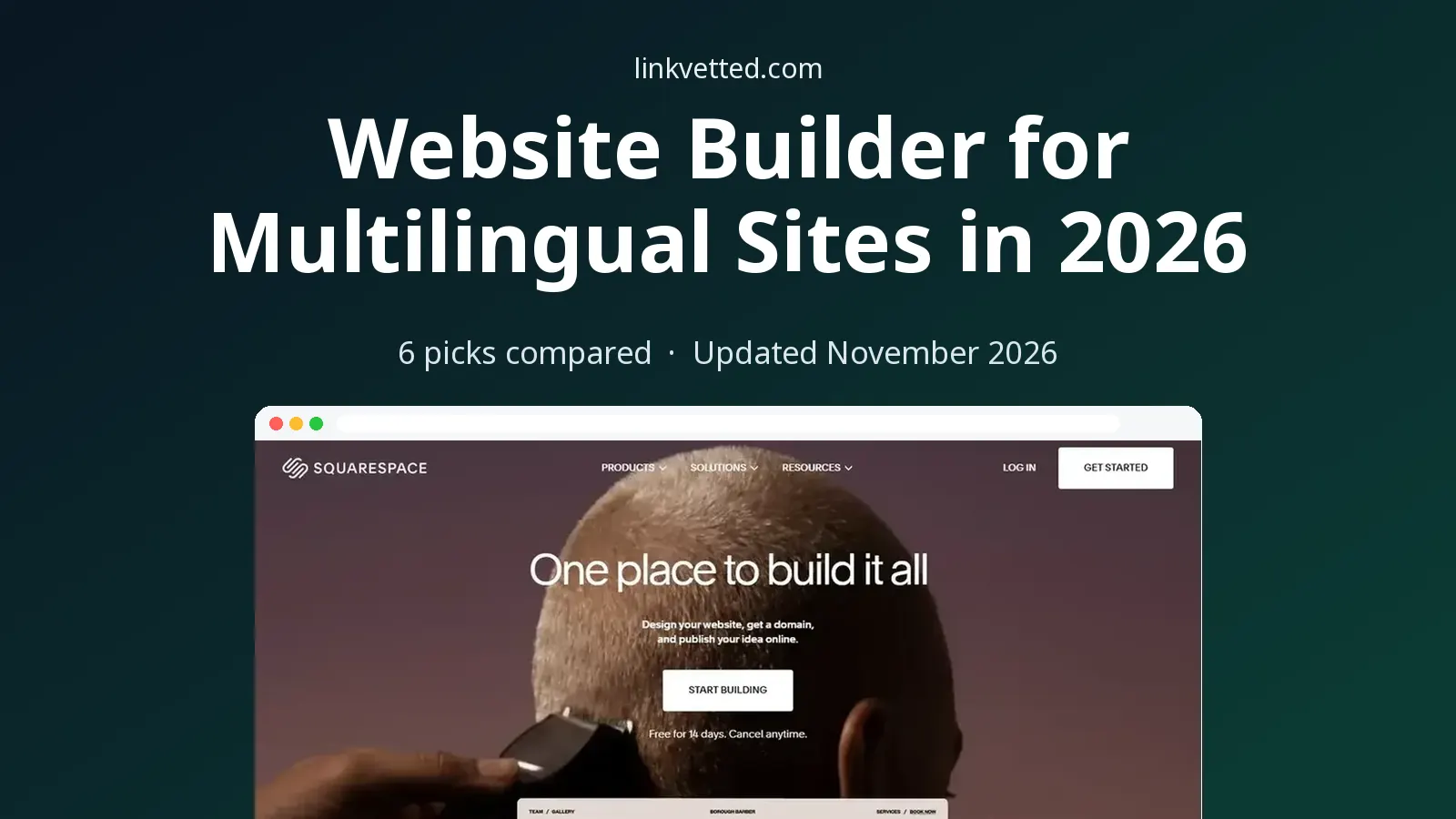
 Squarespace
Design-centric multilingual sites
Starts at$12 a monthVisit squarespace.comFull review
Direct answer
Weebly leads the list, best for straightforward multilingual sites. Listed starting prices: Weebly from $13 per month, Shopify from $19 a month and Squarespace from $12 a month. Shopify is the stronger choice for multilingual ecommerce, while Squarespace suits design-centric multilingual sites. The other 3 tools in the list cover narrower or pricier cases.
TL;DR:
- Number one here is Weebly, a fit for straightforward multilingual sites.
- The main caution on Shopify: focus on ecommerce over content sites.
- WordPress.com is the one to check for adaptable multilingual plugins.
- Free plans exist at 3 of 6 tools (Weebly, Webflow, WordPress.com).
- For the cheapest start, look at WordPress.com: $4 per month.
Last checked November 2026. Prices and plan details were read from the vendors' own pages in November 2026; vendors change plans often, so confirm the current price on the vendor site before you buy.
Quick comparison
| Tool | Best for | Starts at | Free plan? | |
|---|---|---|---|---|
| Weebly | Straightforward multilingual sites | $13 per month | Yes | Visit |
| Shopify | Multilingual ecommerce | $19 a month | Free trial | Visit |
| Squarespace | Design-centric multilingual sites | $12 a month | Free trial | Visit |
 Wix | Built-in multilingual support | See website | Not stated | Visit |
 Webflow | Custom multilingual experiences | $15 a month | Yes | Visit |
 WordPress.com | Adaptable multilingual plugins | $4 a month | Yes | Visit |
Website Builder for Multilingual Sites, one by one
Choosing website builder for multilingual sites usually comes down to price, fit and limits. This LinkVetted guide sets 6 tools side by side on those three points, with the facts kept short and checkable.
Weebly was built for straightforward multilingual sites. For sites that need smooth language switching and advanced multilingual management, Weebly may fall short.
Where it is weaker: Less advanced customization.
Also, Whereas Weebly does not have solid built-in multilingual support, you can produce several language sites or use external options. Starting cost for Weebly: $13 per month. Weebly has a free plan.
- Free website builder choice
- Easy-to-use drag-and-drop builder
- Restricted multilingual features
Shopify was built for multilingual ecommerce. Shopify is an all-in-one commerce product meant to help businesses build and grow online keeps.
Limits to weigh: Less well suited to non-commerce multilingual sites.
Also, the product supplies AI-powered tools and a solid app ecosystem. In daily use, for content-heavy multilingual sites, Wix or WordPress.com might be a better fit. Shopify starts at: $19 per month. As for free access: Free trial.
- AI tools for business growth
- Built-in multilingual support for keeps
- Focus on ecommerce over content sites
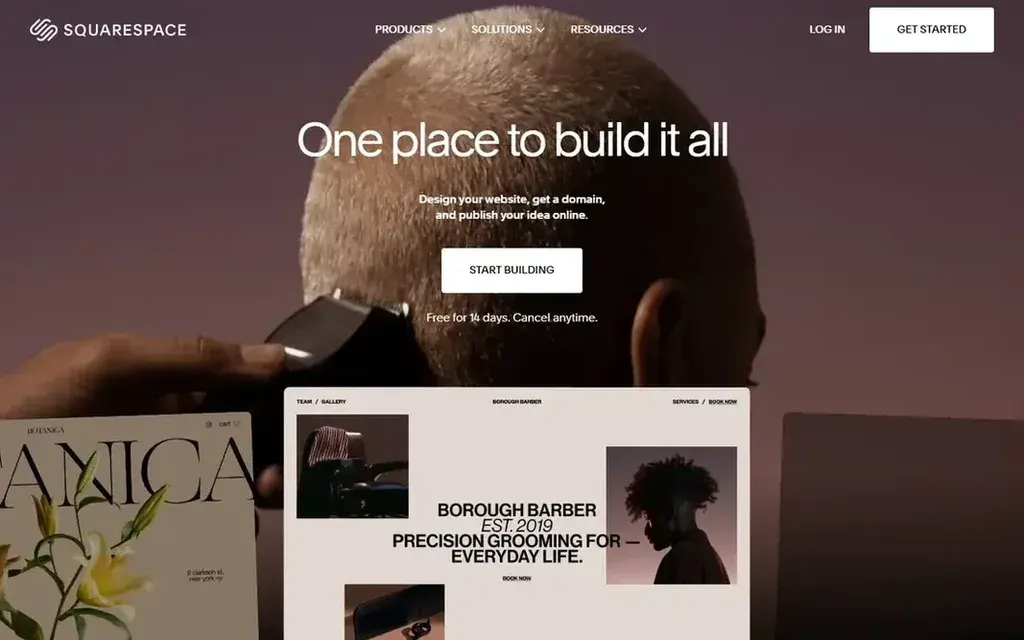
Squarespace works best for design-centric multilingual sites. Whereas Squarespace does not have native multilingual support, you can implement several languages using external tools or by creating separate language sites.
In practice, Squarespace is a website builder concentrated on beautiful design and simplicity. It gives you configurable templates and AI tools to help you build a refined site. What you pay to start with Squarespace: $12 per month. Free access: Free trial.
Trade-offs to know: Less adaptable for complicated language setups.
- Elegant
- Configurable templates
- Multilingual support needs workarounds
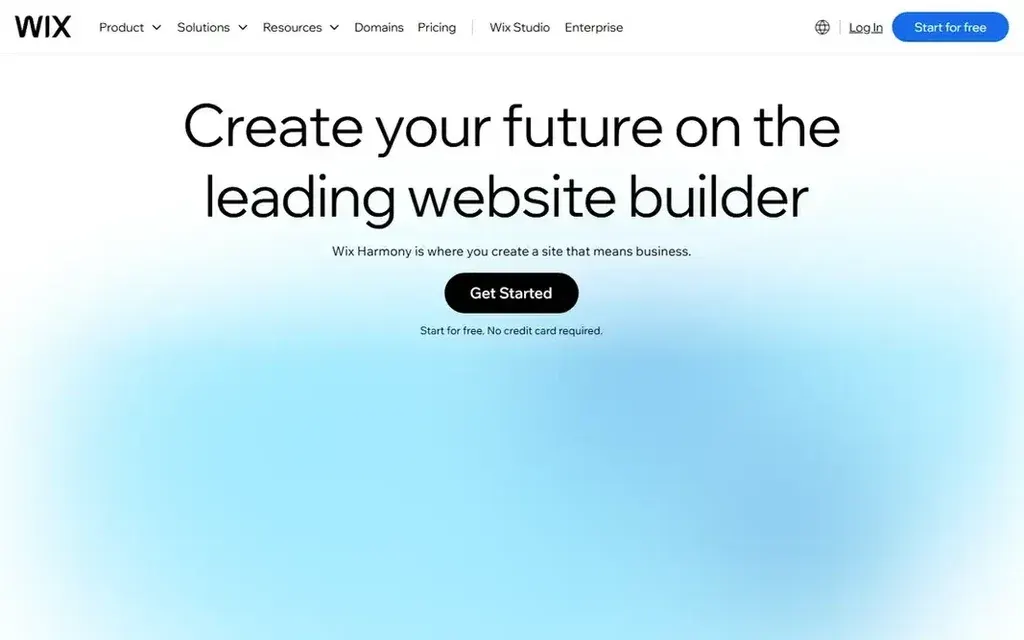
Where Wix fits: built-in multilingual support. It supplies a built-in multilingual option that lets you produce and run content in several languages from a single dashboard. This makes it a good fit for small to medium-sized firms or individuals who want a straightforward way to reach a global audience without technical overhead.
Even so, Wix may not offer the depth of customization that advanced users need for highly complicated multilingual structures. In daily use, if you require granular control over URL structures or content workflows, consider a more adaptable system like Webflow or WordPress.com. Wix shows no starting price here, so confirm the cost on the vendor site. Free access: Not stated.
What to check first: Restricted advanced customization.
- Broad range of templates
- Approachable drag-and-drop editor
- App market can add complexity
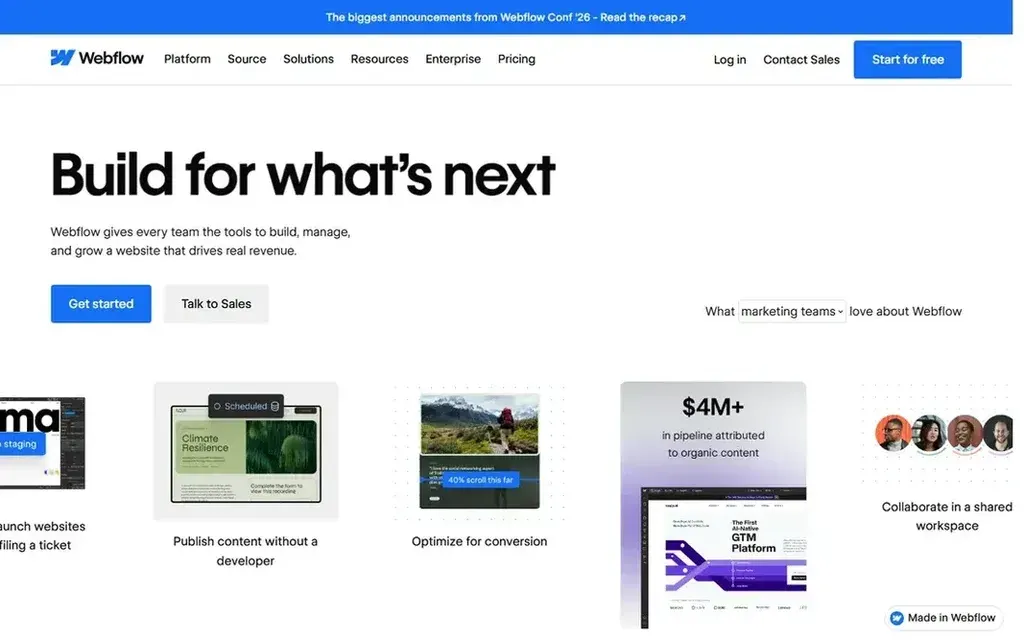
In short, Webflow is for custom multilingual experiences. Webflow is a feature-rich web product that merges design, CMS, and hosting.
It provides designers and developers full control over the front end, making it possible to build custom multilingual sites with tailored URL structures and content management. Starting cost for Webflow: $15 per month. Free access exists with Webflow.
Limits to weigh: Steeper ramp-up time.
- Enterprise-grade hosting
- Full design control
- Multilingual setup needs manual configuration
For adaptable multilingual plugins, WordPress.com is a natural candidate. WordPress.com is a hosted version of the popular WordPress CMS. This makes it a versatile choice for bloggers and firms that want to scale a multilingual site with community-supported tools.
Whereas WordPress.com eases hosting, adding multilingual functionality usually needs plugins, which can introduce complexity and potential conflicts. As for the details, for a more simplified built-in option, consider Wix. Price to start with WordPress.com: $4 per month. WordPress.com offers a free plan.
Where it falls short: Multilingual features need plugins.
- Broad plugin ecosystem
- No technical setup required
- Can become complicated with numerous plugins
How the list was put together
For each of the 6 tools we noted price, free plan or trial, fit for website builder for multilingual sites and the main limit, using vendor pages and documentation. Treat prices as a snapshot: vendors change plans often, so check the vendor site for the figure that applies today. The order reflects how well each tool fits the most common buying scenario for website builder for multilingual sites, then price clarity, then free plan access. It is a starting point, not a verdict.
Things to verify first
- Get a written quote from Wix; the list shows no starting price for them.
- Check what the free option really includes: Weebly, Webflow and WordPress.com offer a free plan, and usage caps differ.
- Use real work to test the free trial from Shopify and Squarespace, rather than a demo project.
- Read the limits listed for Weebly first: restricted multilingual features.
- Make sure Shopify lets you export your data in a format another tool can read.
- Before rolling out Squarespace, verify the integrations your workflow depends on.
FAQ
What is the cheapest option for website builder for multilingual sites in this list?
On published monthly entry prices, WordPress.com is the lowest here at $4 per month. Entry price is only part of the cost, because seats, add-ons and billing terms can change the total. All 6 picks in this website builder for multilingual sites comparison list a starting price, free plan details and the main limits on their cards above.
Which website builder is a good match for multilingual SEO?
Weebly is the pick this page puts first, mainly for straightforward multilingual sites. If your situation differs, Shopify suits multilingual ecommerce, and Squarespace suits design-centric multilingual sites. Compare price and limits before you decide.
Can I try these tools before paying?
Often, yes. Weebly, Webflow and WordPress.com have a free plan and Shopify and Squarespace offer a free trial. Use your own data and a real task during the test, and check what the free tier or trial limits before you rely on it.
How are the website builder for multilingual sites ordered?
Weebly sits first and WordPress.com last because the order follows typical fit for website builder for multilingual sites, then price clarity and free access. It is a judgement call, so read each profile for fit and limits.
Do these tools publish their prices?
Not all of them. Wix publishes no starting price, so expect a quote request for it. The rest, Weebly included, show a starting price, though seats and billing terms still change the final cost.
Sources
- https://www.weebly.com
- https://www.shopify.com
- https://www.squarespace.com
- https://www.wix.com
- https://webflow.com
- https://wordpress.com