5 Website Builder for Political Issues Worth Shortlisting in 2026
Best website builder for political issues in 2026: 5 tools with starting prices, free plans and limits. Short, factual notes on every option. Compare quickly.
- Editor's choice
 Weebly
Straightforward starter sites for local groups
Starts at$13 per monthVisit weebly.comFull review - Great alternative
 Squarespace
Refined, image-led issue storytelling
Starts at$12 per monthVisit squarespace.comFull review - Also consider
 Wix
All-in-one campaign and advocacy sites
Starts atSee websiteVisit wix.comFull review
Direct answer
Weebly leads the list, best for straightforward starter sites for local groups. Listed starting prices: Weebly from $13 per month, Squarespace from $12 per month and WordPress.com from $4 a month. Squarespace is better for refined, image-led issue storytelling, and Wix is better for all-in-one campaign and advocacy sites. Details, prices and limits for the rest of the 5 tools are below.
TL;DR:
- Weebly sits first on this list: straightforward starter sites for local groups.
- The cheapest monthly starting price in the list is $4 per month, offered by WordPress.com.
- What to know about Wix first: editor can feel busy.
- Free plans exist at 2 of 5 tools (Weebly, WordPress.com).
- WordPress.com fits continuing political publishing and blogs.
Last checked November 2026. Prices and plan details were read from the vendors' own pages in November 2026; vendors change plans often, so confirm the current price on the vendor site before you buy.
Quick comparison
| Tool | Best for | Starts at | Free plan? | |
|---|---|---|---|---|
| Weebly | Straightforward starter sites for local groups | $13 per month | Yes | Visit |
| Squarespace | Refined, image-led issue storytelling | $12 per month | Free trial | Visit |
| Wix | All-in-one campaign and advocacy sites | See website | Not stated | Visit |
| GoDaddy Website Builder | Quick setup with support access | See website | Not stated | Visit |
 WordPress.com | Continuing political publishing and blogs | $4 a month | Yes | Visit |
The full website builder for political issues list
This LinkVetted guide covers 5 website builder for political issues. Each profile lists a starting price, free plan details, strengths and drawbacks, so you can drop poor fits quickly.
Think of Weebly for straightforward starter sites for local groups. Pick it for straightforward local presence instead of ambitious digital programs.
The main drawbacks: Design feels dated.
Worth adding: Weebly's toolset is narrower than what bigger campaigns may need, and its design choices can feel restricted compared to newer builders. The starting price for Weebly: $13 per month. Weebly includes a free tier.
- Simple drag-and-drop editing
- Domain choices available
- Fewer advanced marketing tools
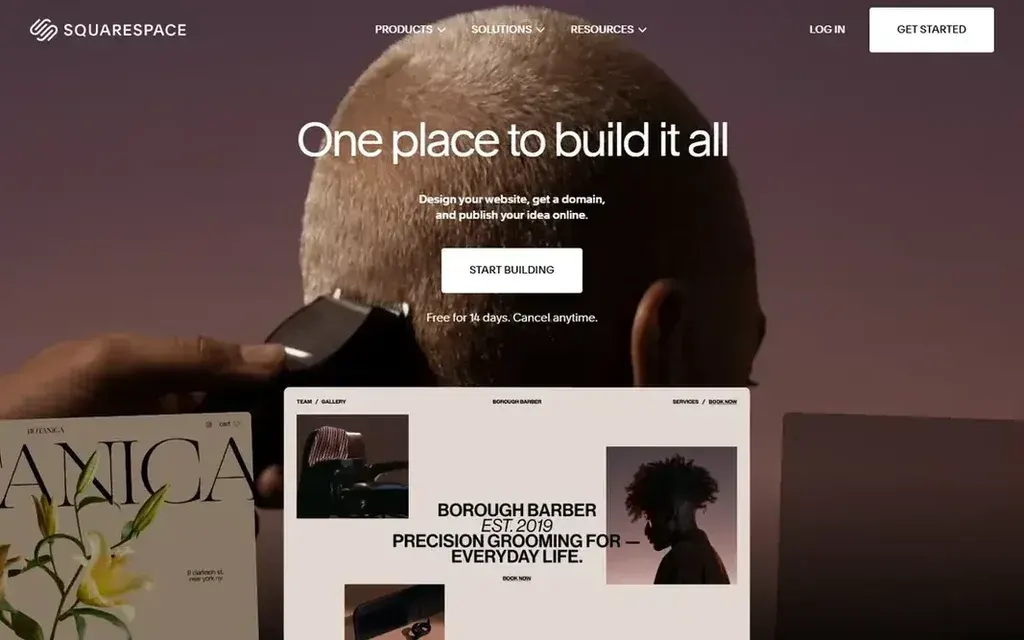
Pick Squarespace if this describes you: refined, image-led issue storytelling. Squarespace supplies configurable website templates, AI website builder tools, and a domain name choice, positioning itself around creating a website and expanding a business.
Squarespace is less about sprawling feature sets and more about a controlled design system, so unusual campaign tools may need workarounds. Political groups that lean on visuals, like photo essays from community events or clear policy explainers, can benefit from its design-forward templates. Squarespace starts at: $12 per month. Free access: Free trial.
Trade-offs to know: Fewer niche extras.
- AI website builder tools
- Refined template designs
- Design changes can be rigid
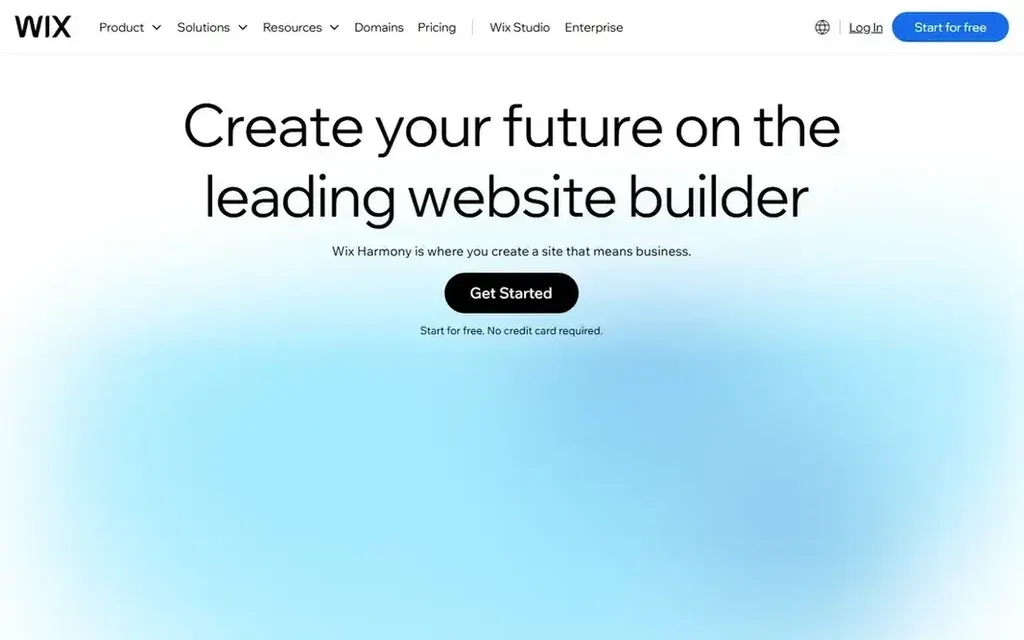
Wix was built for all-in-one campaign and advocacy sites. Wix presents itself as a system for building a business or organization online, with hosting, business tools, domains, and marketing built in. Beyond that, for political issues, that combination spans the basics: an issues page, a volunteer sign-up form, event listings, and a blog for updates.
Where it falls short: Less control over code.
The editor also carries plenty of choices, so less experienced volunteers may need time to learn it. In daily use, the trade-off is adaptability at the code level, which matters if your team wants deep custom integrations or strict performance tuning. No starting price is listed for Wix here; confirm pricing on the vendor site. Free plan details: Not stated.
- Built-in hosting and domains
- Marketing tools included
- Editor can feel busy
GoDaddy Website Builder
Best for: Quick setup with support access
GoDaddy Website Builder works best for quick setup with support access. Groups with a designer or developer may find it too constrained.
Choose it when a fast, credible presence matters more than customization. Check the vendor site for GoDaddy Website Builder pricing; none is listed in this comparison. On free options: Not stated.
Where it is weaker: Fewer advanced content tools.
- Fast no-code setup
- Support available around the clock
- Entry-level design adaptability

Think of WordPress.com for continuing political publishing and blogs. WordPress.com describes itself as everything needed to build a website, with built-in hosting, premium themes, and capable tools, and notes that no technical setup is required. More specifically, the system is straightforward to start but can become limiting when a team wants unusual functionality or deep customization without added complexity.
Where it shines: Premium themes available.
Worth adding: for political issues, its strength is publishing: press releases, position papers, and regular updates fit naturally into a blog-style structure. In practice, groups needing highly tailored layouts may find the theme system restrictive. It remains a solid choice when content volume and consistency matter most. WordPress.com pricing: $4 per month. A free plan is available with WordPress.com. Where it falls short: Advanced changes need more planning.
- No technical setup required
- Built-in hosting
- Feature limits on entry-level setups
Our selection method
Before you commit
- Ask Wix and GoDaddy Website Builder for a written quote, since no starting price is shown.
- Read the fine print on the free plans from Weebly and WordPress.com; seat, project and feature caps differ.
- Run a trial of Squarespace with real work before paying for a year; your own workflow is the best test.
- Before choosing Weebly, weigh its main limit: design feels dated.
- Look at which plan of Squarespace unlocks the features you need; entry tiers are often cut down.
- Confirm you can export your data from Wix, so leaving later does not mean losing records.
FAQ
Do these tools publish their prices?
Not all of them. Wix and GoDaddy Website Builder publish no starting price, so expect a quote request for those. The rest, Weebly included, show a starting price, though seats and billing terms still change the final cost.
How are the website builder for political issues ordered?
The order follows typical fit for website builder for political issues, with Weebly first and WordPress.com last, then price clarity and free access. It is editorial judgement, not a score, so another team could rank the tools differently.
What is the cheapest option for website builder for political issues in this list?
On published monthly entry prices, WordPress.com is the lowest here at $4 per month. Entry price is only part of the cost, because seats, add-ons and billing terms can change the total. For the full picture, the cards above cover all 5 entries of this website builder for Political issues list, including price, free plan and limits.
Is Weebly the right pick for everyone comparing website builder for political issues?
No single tool suits every team. Weebly comes first because it fits simple starter sites for local groups, while Squarespace suits polished, image-led issue storytelling and Wix suits all-in-one campaign and advocacy sites. Match the tool to your own size, budget and workflow before deciding.
What should advocacy groups look for in a website builder?
Prioritize simple publishing for position papers and updates, dependable forms for volunteer and contact collection, and templates that present issues plainly. Confirm support choices and security details on the vendor site.
Sources
- https://www.weebly.com
- https://www.squarespace.com
- https://www.wix.com
- https://www.godaddy.com/websites/website-builder
- https://wordpress.com