The 5 Best Website Builder for Accessibility in 2026, Ranked
Compare 5 picks for the best website builder for accessibility, with prices, free plans and who each fits. Fit, price and catches for every tool. No filler.
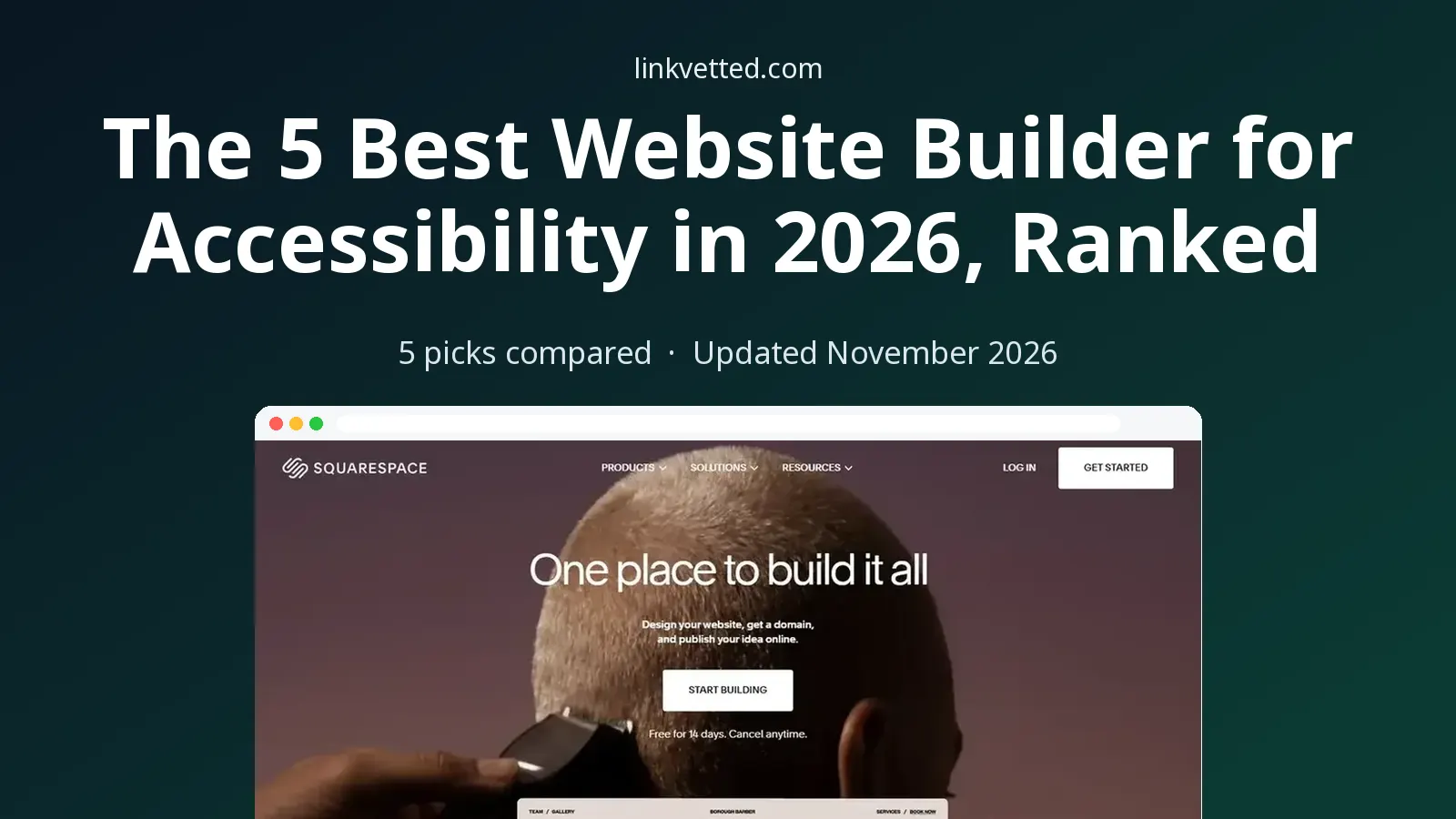
- Editor's choiceGoDaddy Website Builder
Beginners needing straightforward accessibility
Starts atSee websiteVisit godaddy.comFull review - Great alternative
 Weebly
Straightforward, accessible small business sites
Starts at$13 a monthVisit weebly.comFull review - Also consider
 Squarespace
Design-focused sites with decent accessibility
Starts at$12 a monthVisit squarespace.comFull review
Direct answer
GoDaddy Website Builder comes first here, mainly for beginners needing straightforward accessibility. Listed starting prices: Weebly from $13 a month, Squarespace from $12 a month and Webflow from $15 a month. Weebly is better for straightforward, accessible small business sites, and Squarespace is better for design-focused sites with decent accessibility. Prices, free plans and limits for all 5 tools follow.
TL;DR:
- Top of the list is GoDaddy Website Builder, which targets beginners needing straightforward accessibility.
- A free plan is available from 2 of the 5 tools: Weebly, Webflow.
- Wix comes with a trade-off: some advanced features need coding.
- Webflow is the one to check for developers needing custom accessibility control.
- Squarespace has the lowest monthly starting price in this list: $12 per month.
Last checked November 2026. Prices and plan details were read from the vendors' own pages in November 2026; vendors change plans often, so confirm the current price on the vendor site before you buy.
Quick comparison
| Tool | Best for | Starts at | Free plan? | |
|---|---|---|---|---|
| GoDaddy Website Builder | Beginners needing straightforward accessibility | See website | Not stated | Visit |
| Weebly | Straightforward, accessible small business sites | $13 a month | Yes | Visit |
| Squarespace | Design-focused sites with decent accessibility | $12 a month | Free trial | Visit |
 Wix | Built-in accessibility tools and guidance | See website | Not stated | Visit |
 Webflow | Developers needing custom accessibility control | $15 a month | Yes | Visit |
Website Builder for Accessibility compared in detail
Short on time? The summary and table above give the quick view of 5 tools for website builder for accessibility, and the profiles that follow give the detail behind each entry.
GoDaddy Website Builder
Best for: Beginners needing straightforward accessibility
GoDaddy Website Builder makes the most sense for beginners needing straightforward accessibility. GoDaddy Website Builder is made for simplicity, making it accessible to users with minimal technical skills. It provides mobile-friendly templates and basic accessibility features, like alt text prompts.
Limits to weigh: Restricted advanced accessibility features.
It is a decent starting point for small companies or individuals who require a straightforward site. Also, GoDaddy's builder lacks the advanced accessibility tools found in more specialized products. If you have to meet strict WCAG guidelines, you may find it insufficient. No starting price is listed for GoDaddy Website Builder here; confirm pricing on the vendor site. Free plan details: Not stated.
- Mobile-friendly templates
- Straightforward to use for non-technical users
- Fewer customization choices
Weebly is designed for straightforward, accessible small business sites. Weebly is a free website builder that provides configurable templates and an easy-to-use editor. It is right for small firms and individuals looking for a straightforward option.
Also, Weebly's accessibility features are not as solid as those of some competitors, and advanced users may find customization restricted. In daily use, if you need in-depth control over accessibility elements, consider other products. Weebly pricing: $13 per month. Weebly offers a free plan.
Downsides: Restricted accessibility customization.
- Integrated ecommerce choices
- Accessible templates available
- Fewer updates for accessibility features
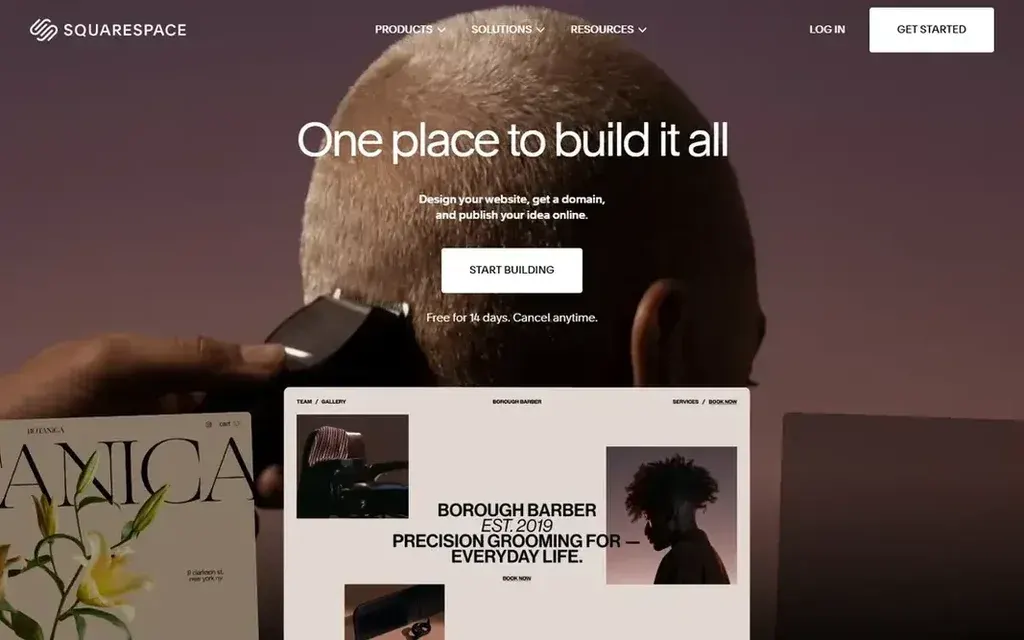
Squarespace is designed for design-focused sites with decent accessibility. If you need specific ARIA roles or custom HTML modifications, you may find limitations. Also, Squarespace is recognised for its visually appealing templates and approachable editor.
Numerous of its templates are designed with accessibility in mind, offering proper heading structures and contrast ratios. It is a solid fit for creatives and small companies that prioritize design whereas maintaining a baseline of accessibility. Entry price for Squarespace: $12 per month. Trial and free access: Free trial.
Downsides: Some templates may need tweaks for full compliance.
- Accessible templates
- Built-in SEO and mobile responsiveness
- Restricted advanced accessibility customization
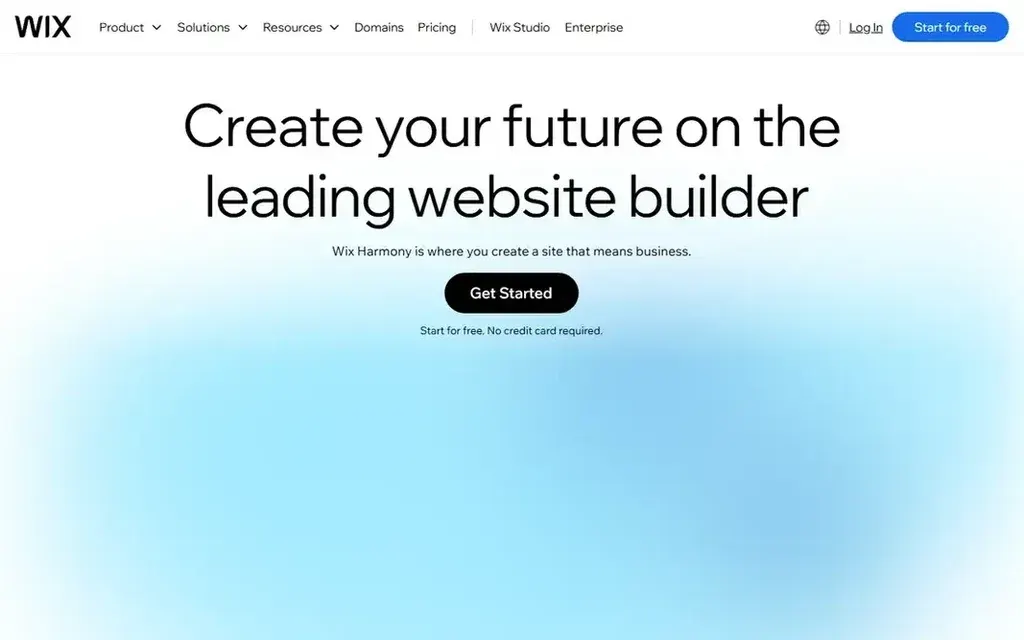
Where Wix fits: built-in accessibility tools and guidance. Wix is a widely used website builder that comes with a dedicated accessibility wizard to help identify and fix common issues.
In practice, Wix is a good match for those who want an integrated, guided approach. Beyond that, the platform is right for small firms and individuals concentrated on creating inclusive sites. Wix shows no starting price here, so confirm the cost on the vendor site. Free options: Not stated.
Points against: Some advanced features need coding.
- Regular updates for WCAG standards
- Accessibility wizard for compliance checks
- Accessibility features vary by template
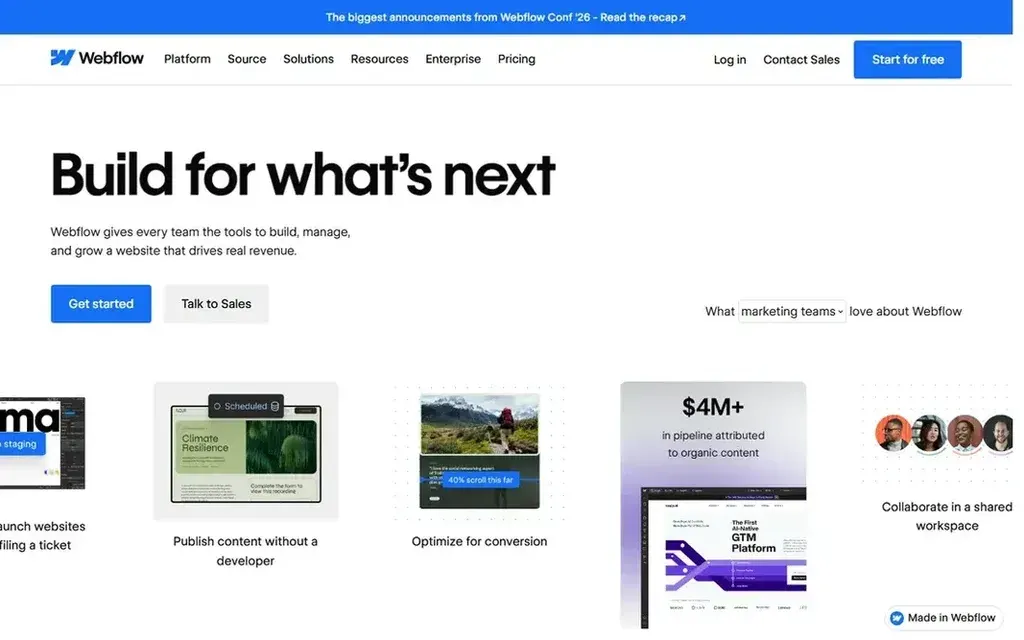
Think of Webflow for developers needing custom accessibility control. Webflow is a feature-rich system that hands designers and developers precise control over the code, including HTML semantics and ARIA attributes. It is often used by professionals who require to meet specific accessibility standards.
The main drawbacks: Steeper ramp-up time.
More specifically, opt for Webflow if you have the skills to implement accessibility best practices manually. If you are new to accessibility, you might need extra resources or plugins. Webflow pricing: $15 per month. Webflow includes a free tier.
Where it shines: Full control over HTML and CSS.
- Clean
- Semantic code output
- Needs accessibility knowledge
Our selection method
LinkVetted looked at what each vendor publishes: pricing, plan limits, feature coverage for website builder for accessibility and stated drawbacks. No hands-on testing is claimed. Plan names, prices and limits change often. Treat the figures here as a starting point and verify them with the vendor. The sequence is a judgement call: typical use case first, then pricing transparency, then free access. Use the profiles to check fit.
Questions to settle before buying
- Ask GoDaddy Website Builder and Wix for a written quote, since no starting price is shown.
- Look at free plan limits closely: Weebly and Webflow have one, and the caps decide whether it is usable for real work.
- Take the trial from Squarespace and push a live task through it before you pay.
- Read the limits listed for GoDaddy Website Builder first: restricted advanced accessibility features.
- Ask GoDaddy Website Builder which support channels and response times come with the plan you would buy.
- Check how data leaves Weebly: formats, limits and whether exports are available on every plan.
FAQ
How are the tools for website builder for accessibility ordered?
GoDaddy Website Builder sits first and Webflow last because the order follows typical fit for website builder for accessibility, then price clarity and free access. It is a judgement call, so read each profile for fit and limits.
Can I try these tools before paying?
Often, yes. Weebly and Webflow have a free plan and Squarespace offers a free trial. Use your own data and a real task during the test, and check what the free tier or trial limits before you rely on it.
Do these tools publish their prices?
Not all of them. GoDaddy Website Builder and Wix publish no starting price, so expect a quote request for those. The rest, Weebly included, show a starting price, though seats and billing terms still change the final cost.
What makes a website builder well suited to accessibility?
A decent website builder for accessibility provides features like an accessibility checker, support for ARIA attributes, and templates designed with WCAG guidelines in mind.
What is the cheapest option for website builder for accessibility in this list?
On published monthly entry prices, Squarespace is the lowest here at $12 per month. Entry price is only part of the cost, because seats, add-ons and billing terms can change the total. Each of the 5 options in this website builder for accessibility guide has its own card above with the price, free plan and limits.
Sources
- https://www.godaddy.com/websites/website-builder
- https://www.weebly.com
- https://www.squarespace.com
- https://www.wix.com
- https://webflow.com