Choosing Webinar Software for Continuing Education in 2026: 6 Options Compared
Best webinar software for continuing education in 2026: 6 contenders with entry costs and free tiers. Caveats come with every verdict. Budget notes included.
- Editor's choiceAdobe Connect
Training-focused interactive sessions
Starts atSee websiteVisit adobe.comFull review - Great alternative
 GoTo Webinar
Engaging conferences and audience events
Starts atSee websiteVisit goto.comFull review - Also consider
 Zoho Webinar
Teams already in the Zoho ecosystem
Starts atSee websiteVisit zoho.comFull review
Direct answer
This list puts Adobe Connect first for training-focused interactive sessions. Listed starting prices: RingCentral Webinar from $30 per organizer a month and Livestorm from €2.50 per attendee. If your case is different, GoTo Webinar suits engaging conferences and audience events and Zoho Webinar suits teams already in the Zoho ecosystem. All 6 tools are compared below on price, free plan and limits.
TL;DR:
- Adobe Connect takes the first slot, best suited to training-focused interactive sessions.
- None of the 6 tools, from Adobe Connect to Zoom Webinars, has a free plan, so budget for a subscription or use a trial.
- For professional large-audience sessions, Zoom Webinars is worth a look.
- RingCentral Webinar has the lowest monthly starting price in this list: $30 per organizer per month.
- One limit worth knowing about GoTo Webinar: event focus over course management.
Last checked November 2026. Prices and plan details were read from the vendors' own pages in November 2026; vendors change plans often, so confirm the current price on the vendor site before you buy.
Quick comparison
| Tool | Best for | Starts at | Free plan? | |
|---|---|---|---|---|
| Adobe Connect | Training-focused interactive sessions | See website | Not stated | Visit |
| GoTo Webinar | Engaging conferences and audience events | See website | Free trial | Visit |
| Zoho Webinar | Teams already in the Zoho ecosystem | See website | Free trial | Visit |
| RingCentral Webinar | Straightforward town-hall style sessions | $30 per organizer a month | Free trial | Visit |
 Livestorm | Marketing-led branded education events | €2.50 per attendee | Not stated | Visit |
 Zoom Webinars | Professional large-audience sessions | See website | Not stated | Visit |
6 options for webinar software for continuing education in detail
LinkVetted compared 6 tools for webinar software for continuing education. The goal is a practical shortlist: published prices, free plan facts, best-fit use cases and honest limits for every entry.
Adobe Connect
Best for: Training-focused interactive sessions
Adobe Connect makes the most sense for training-focused interactive sessions. If you need fast, low-friction events with minimal configuration, a more straightforward webinar tool may be preferable.
From a buyer's view, Adobe Connect is presented as a system for delivering engaging training and webinars, with attention to audience engagement, presenter productivity and measurable business outcomes. In practice, programs with experienced hosts may find the depth handy. Adobe Connect shows no starting price here, so confirm the cost on the vendor site. Free options: Not stated.
The main drawbacks: Setup effort for advanced rooms.
- Presenter productivity tools
- Training and webinar focus
- Ramp-up time for new hosts
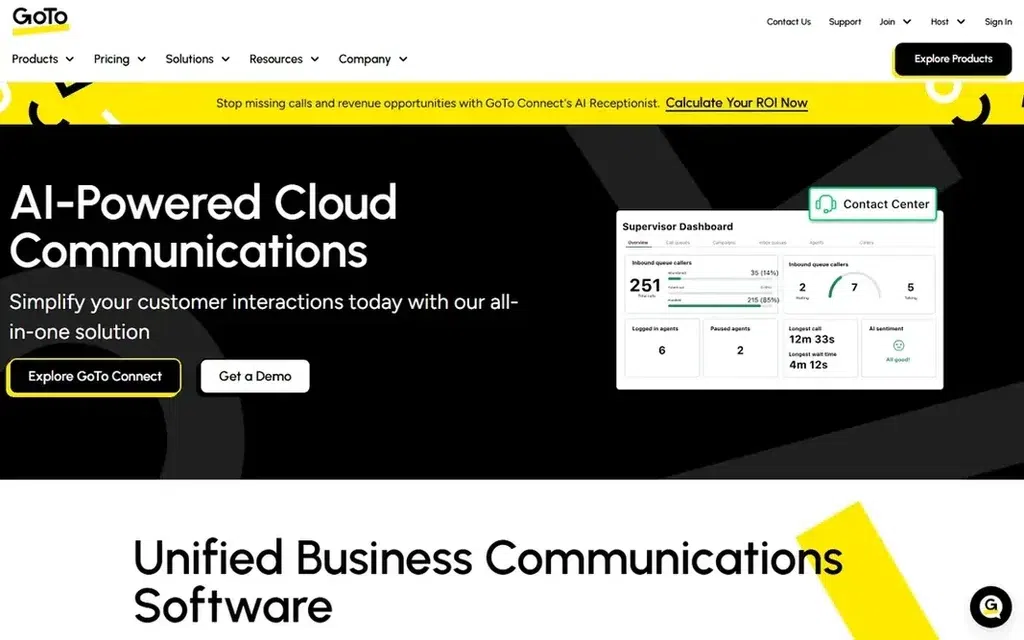
In short, GoTo Webinar is for engaging conferences and audience events. If your sessions are small interactive classes instead of presentations, a lighter meeting tool may be enough.
No starting price is listed for GoTo Webinar here; confirm pricing on the vendor site. Trial and free access: Free trial.
Trade-offs to know: Feature depth varies by setup.
- Made for virtual conferences
- Established webinar product
- Event focus over course management
Pick Zoho Webinar if this describes you: teams already in the Zoho ecosystem. Zoho Webinar is described as a system to plan, host and run webinars and expand reach through virtual conferences and events. If you do not use Zoho applications elsewhere, the integration benefit shrinks and a dedicated education system may serve you better.
Points against: Fewer standalone training features.
Best features of Zoho Webinar: Suits Zoho business workflows. Also, continuing education teams already using Zoho business applications can keep registration, contact and follow-up data within one ecosystem, which simplifies administration. It covers the core path from planning through hosting and management. Pricing for Zoho Webinar is not stated here, so ask the vendor for current figures. Free access: Free trial.
- Host and run webinars
- Plan
- Best value inside Zoho stack
RingCentral Webinar
Best for: Straightforward town-hall style sessions
In short, RingCentral Webinar is for straightforward town-hall style sessions. For continuing education, that simplicity fits large informational sessions, orientation broadcasts and updates where ease of joining matters more than classroom interaction. If your continuing education sessions rely on interactive exercises, breakout work or certification records, a training-focused product is likely a better match.
The town-hall orientation means practical classroom features and formal learner tracking are not the emphasis. For everyday use, browser access helps attendees on varied devices. Starting cost for RingCentral Webinar: $30 per organizer per month. Free plan details: Free trial.
Downsides: Restricted classroom interactivity.
- Browser-based access
- Automatic emails and analytics
- Town-hall orientation
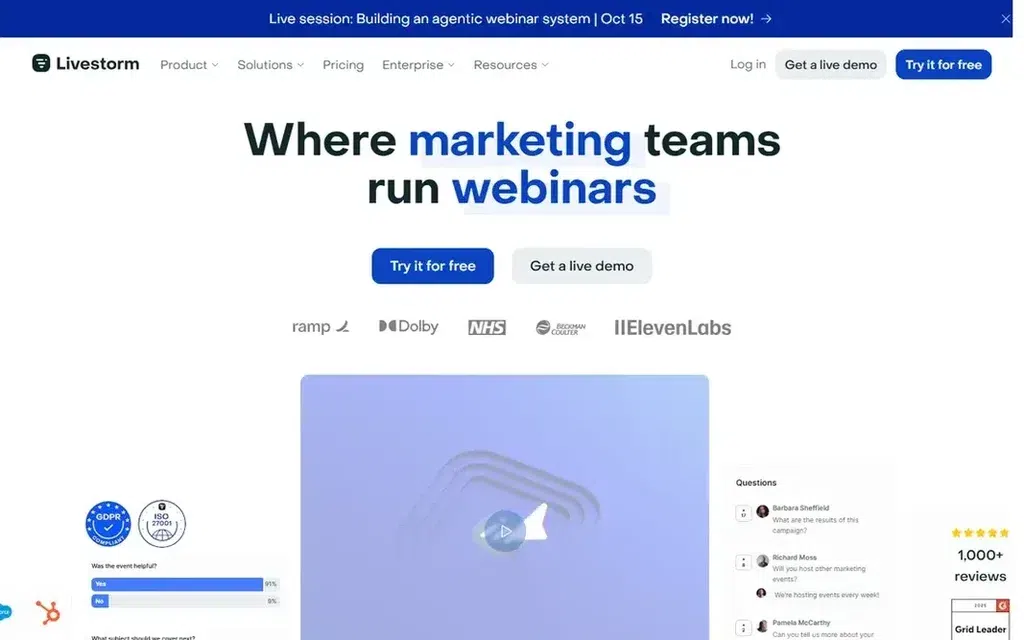
Think of Livestorm for marketing-led branded education events. Livestorm describes itself as an all-in-one webinar product for marketing teams, with branded events, engagement insights and CRM syncing to demonstrate return on investment. On top of that, for continuing education units that also deal with promotion and enrollment outreach, that combination can keep registration data and follow-up in one flow.
Worth adding: AI enhancements are highlighted on the vendor page. Its marketing-team orientation means formal instructional features and certification workflows are not the core focus. The starting price for Livestorm: €2.50 per attendee. Free access: Not stated.
Points against: Marketing orientation.
- CRM data sync
- Engagement insights
- Less suited to formal course admin
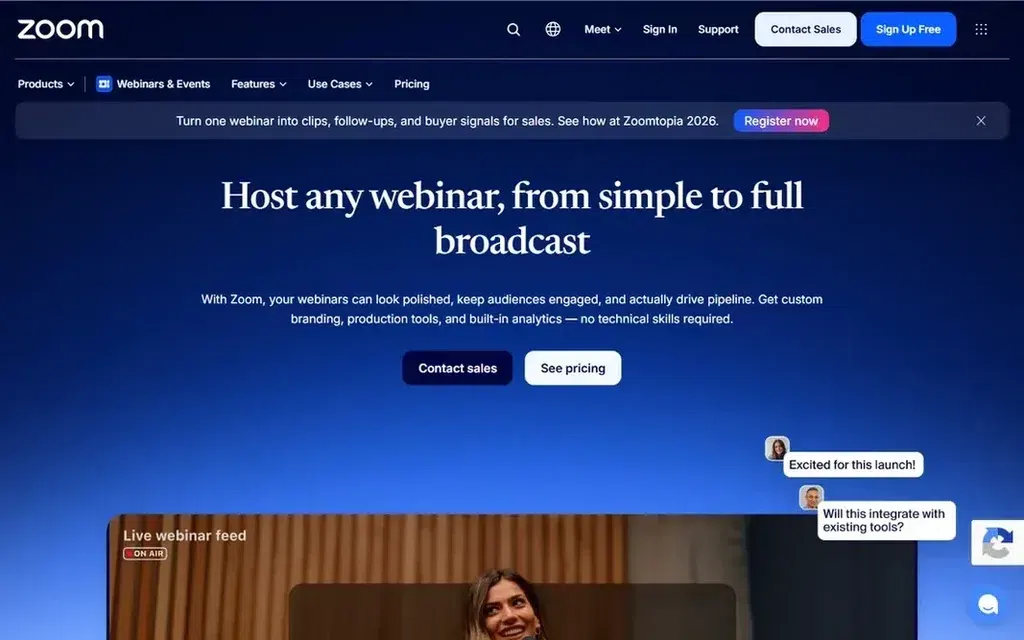
In short, Zoom Webinars is for professional large-audience sessions. Zoom Webinars is built to turn virtual events into professional, high-impact experiences. For continuing education, that suits accredited sessions, guest lectures and bigger cohorts where a refined broadcast feel matters.
Trade-offs to know: Advanced production may need extras.
Its wide familiarity means presenters and attendees frequently arrive already comfortable with the interface, which cuts onboarding time for adult learners joining from varied devices. If your program centers on formal training workflows and presenter tools instead of large broadcasts, a training-focused product may suit you better. This comparison lists no price for Zoom Webinars; ask the vendor. As for free access: Not stated.
- Professional event experience
- Solid brand recognition
- Learner tracking relies on setup
What went into this list
What to confirm before you sign up
- Get a written quote from Adobe Connect, GoTo Webinar, Zoho Webinar and Zoom Webinars; the list shows no starting price for them.
- Take the trial from GoTo Webinar, Zoho Webinar and RingCentral Webinar and push a live task through it before you pay.
- Before choosing Adobe Connect, weigh its main limit: ramp-up time for new hosts.
- Look at the renewal terms for Zoho Webinar: auto-renewal, notice periods and price changes can matter more than the first-year price.
- The entry price of RingCentral Webinar is only the starting point; model the full cost with seats and extras.
FAQ
Do these tools publish their prices?
Not all of them. Adobe Connect, GoTo Webinar, Zoho Webinar and Zoom Webinars publish no starting price, so expect a quote request for those. The rest, RingCentral Webinar included, show a starting price, though seats and billing terms still change the final cost.
How are the tools for webinar software for continuing education ordered?
Adobe Connect sits first and Zoom Webinars last because the order follows typical fit for webinar software for continuing education, then price clarity and free access. It is a judgement call, so read each profile for fit and limits.
Is Adobe Connect the right pick for everyone comparing webinar software for continuing education?
No single tool suits every team. Adobe Connect comes first because it fits training-focused interactive sessions, while GoTo Webinar suits engaging conferences and audience events and Zoho Webinar suits teams already in the Zoho ecosystem. Match the tool to your own size, budget and workflow before deciding.
Can I try these tools before paying?
Often, yes. GoTo Webinar, Zoho Webinar and RingCentral Webinar offer a free trial. Use your own data and a real task during the test, and check what the free tier or trial limits before you rely on it.
What should continuing education providers prioritize in webinar software?
Prioritize dependable delivery, straightforward attendee access and clear records of participation. Engagement tools for example polls and Q&A help keep adult learners involved, whereas integrations determine how easily completion data reaches your systems.
How do training-focused platforms differ from event products?
Event products for example Zoom Webinars and GoTo Webinar emphasize refined broadcasts and conference experiences, so match the choice to your delivery style.
Sources
- https://www.adobe.com/products/adobeconnect.html
- https://www.goto.com/webinar
- https://www.zoho.com/webinar
- https://www.ringcentral.com/webinar.html
- https://www.livestorm.co
- https://zoom.us/webinar