Choosing Webinar Software for Churches in 2026: 6 Options Compared
6 best webinar software for churches, compared on pricing, free plans and best-fit use. The weak spots sit next to the strengths. Skim the table first.
- Editor's choice
 GoTo Webinar
Scheduled events with structured audience engagement
Starts atSee websiteVisit goto.comFull review - Great alternative
 Microsoft Teams
Congregations already working inside Microsoft 365
Starts atSee websiteVisit microsoft.comFull review - Also consider
 Zoom Webinars
Churches wanting familiar meeting tools plus webinar controls
Starts atSee websiteVisit zoom.comFull review
Direct answer
Our first pick is GoTo Webinar, best for scheduled events with structured audience engagement. Listed starting prices: Restream from $239 a month and Livestorm from €2.50 per attendee. Microsoft Teams is better for congregations already working inside Microsoft 365, and Zoom Webinars is better for churches wanting familiar meeting tools plus webinar controls. Prices, free plans and limits for all 6 tools follow.
TL;DR:
- The list opens with GoTo Webinar, aimed at scheduled events with structured audience engagement.
- Neither GoTo Webinar nor Livestorm, nor any of the other 4 tools, has a permanent free plan; trials and quotes are the norm.
- Starting prices begin at $239 per month with Restream.
- One limit worth knowing about Microsoft Teams: less specialized webinar tooling.
Last checked November 2026. Prices and plan details were read from the vendors' own pages in November 2026; vendors change plans often, so confirm the current price on the vendor site before you buy.
Quick comparison
| Tool | Best for | Starts at | Free plan? | |
|---|---|---|---|---|
| GoTo Webinar | Scheduled events with structured audience engagement | See website | Free trial | Visit |
| Microsoft Teams | Congregations already working inside Microsoft 365 | See website | Not stated | Visit |
| Zoom Webinars | Churches wanting familiar meeting tools plus webinar controls | See website | Not stated | Visit |
 StreamYard | Volunteer teams streaming from a browser | See website | Free trial | Visit |
 Restream | Churches broadcasting to multiple systems at once | $239 a month | Not stated | Visit |
 Livestorm | Marketing-minded churches tracking event engagement | €2.50 per attendee | Not stated | Visit |
Webinar Software for Churches compared in detail
If you are comparing webinar software for churches, this page covers 6 tools in one place: what each is best for, what it costs to start, whether it has a free plan, and the main limit to know about.
GoTo Webinar is built with scheduled events with structured audience engagement in mind. Churches should also check that the attendee experience matches how their congregation generally joins online.
Trade-offs to know: Less handy for informal meetings.
Worth adding: since it centers on events, it is a weaker fit for casual conversation, prayer calls or small groups that work better in a meeting tool. Worth adding: GoTo Webinar is a dedicated webinar and virtual conference system built around scheduled events and audience engagement. This comparison lists no price for GoTo Webinar; ask the vendor. Free access: Free trial.
- Familiar format for registered attendees
- Purpose-built webinar system
- Separate tool from everyday church calls
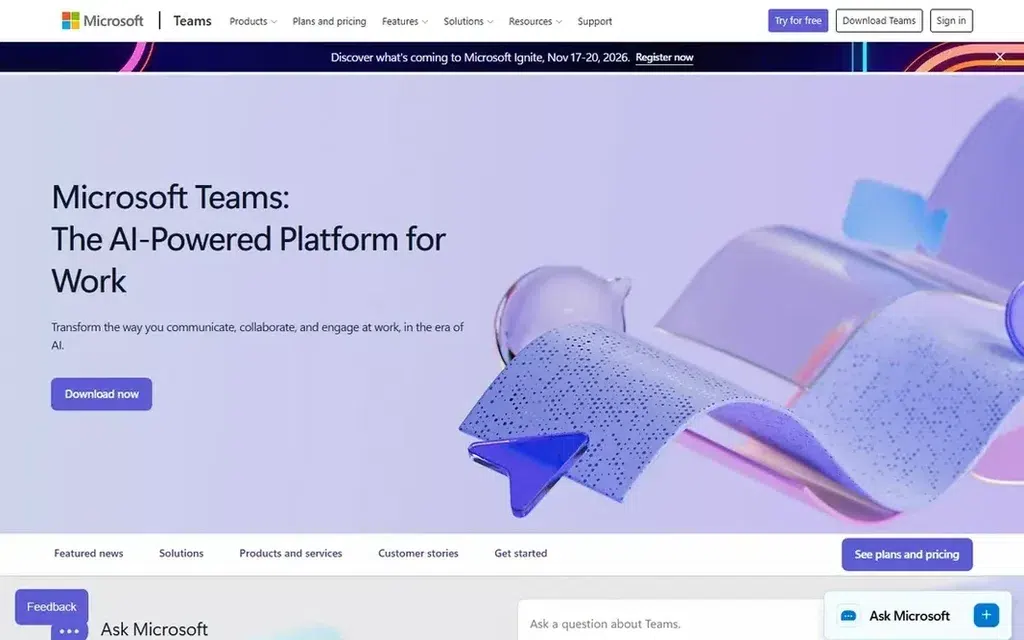
Microsoft Teams is a good fit for congregations already working inside Microsoft 365. Churches that already use Microsoft productivity tools can keep ministry teams, volunteers and classes organized in the same environment, which cuts the number of separate logins and makes follow-up material simple to find after a session.
Upsides: Meetings.
Where it falls short: Less specialized webinar tooling. No starting price is listed for Microsoft Teams here; confirm pricing on the vendor site. Free plan details: Not stated.
- Suits organizations already using Microsoft tools
- Chat and files in one place
- Attendee experience can feel corporate
Zoom Webinars
Best for: Churches wanting familiar meeting tools plus webinar controls

Zoom Webinars is designed for churches wanting familiar meeting tools plus webinar controls. Zoom Webinars extends the system's video meeting foundation with dedicated webinar and events tooling, alongside chat, phone and whiteboard features.
Trade-offs to know: Webinar capability is separate from standard meetings.
For everyday use, the webinar product is distinct from ordinary meetings, so planners should confirm which capabilities their setup comes with before committing. No starting price is listed for Zoom Webinars here; confirm pricing on the vendor site. As for free access: Not stated.
- Webinar features sit alongside video meetings and chat
- Well known to most volunteers
- Feature depth can overwhelm occasional users
Where StreamYard fits: volunteer teams streaming from a browser. StreamYard presents itself as a professional live streaming and recording studio that runs in the browser, letting teams record content or go live to Facebook, YouTube and other products.
Trade-offs to know: Depends on a stable browser and connection.
Upsides: Records content alongside live streams. Beyond that, StreamYard is built around streaming instead of registration-based webinars, so churches needing attendee lists and structured Q&A should look at dedicated webinar tools. StreamYard shows no starting price here, so confirm the cost on the vendor site. On free options: Free trial.
- Streams to Facebook
- YouTube and others
- Fewer formal webinar controls
Restream was built for churches broadcasting to multiple systems at once. Restream is a live video system centred on creating videos and multistreaming them to favorite channels. In daily use, Restream is not a webinar product in the registration and attendee-management sense, so churches needing structured sessions should pair it with another tool.
It also puts more responsibility on the operator to handle chat across destinations. More specifically, for churches that want a service or devotional to appear on multiple social destinations simultaneously, it addresses the distribution problem straight, letting a small media team reach viewers wherever they already spend time instead of asking everyone to join one link. Restream pricing: $239 per month. As for free access: Not stated.
What to check first: Not a full webinar product.
- Multistreams to several channels
- Handy for broad social reach
- Audience interaction happens on the destination systems
In short, Livestorm is for marketing-minded churches tracking event engagement. Livestorm describes itself as an all-in-one webinar system for marketing teams, handling branded events, engagement insights and CRM syncing to demonstrate return on investment, with AI enhancements.
On cost, Livestorm starts like this: €2.50 per attendee. Free access: Not stated.
Trade-offs to know: Built with marketing teams in mind.
- AI-enhanced event features
- All-in-one webinar platform for branded events
- Less aligned with pastoral follow-up workflows
How the list was put together
What to confirm before you sign up
- Confirm the entry price on the vendor page. For GoTo Webinar, Microsoft Teams, Zoom Webinars and StreamYard that means a quote rather than a fixed price.
- Use real work to test the free trial from GoTo Webinar and StreamYard, rather than a demo project.
- Read the limits listed for GoTo Webinar first: less handy for informal meetings.
- Test the integrations you rely on with Microsoft Teams before committing; some connectors sit on upper tiers.
- Test how quickly Livestorm answers a pre-sales question; it hints at how support will feel later.
FAQ
Is a webinar tool better than a regular video meeting for church services?
A webinar tool generally fits bigger, one-to-many sessions where attendee management and structured presentation matter. Regular meetings remain better for small groups, prayer calls and interactive discussion where everyone participates.
What is the cheapest option for webinar software for churches in this list?
On published monthly entry prices, Restream is the lowest here at $239 per month. Entry price is only part of the cost, because seats, add-ons and billing terms can change the total. For the full picture, the cards above cover all 6 entries of this webinar software for Churches list, including price, free plan and limits.
Is GoTo Webinar the right pick for everyone comparing webinar software for churches?
No single tool suits every team. GoTo Webinar comes first because it fits scheduled events with structured audience engagement, while Microsoft Teams suits congregations already working inside Microsoft 365 and Zoom Webinars suits churches wanting familiar meeting tools plus webinar controls. Match the tool to your own size, budget and workflow before deciding.
Do these tools publish their prices?
Not all of them. GoTo Webinar, Microsoft Teams, Zoom Webinars and StreamYard publish no starting price, so expect a quote request for those. The rest, Restream included, show a starting price, though seats and billing terms still change the final cost.
How are the tools for webinar software for churches ordered?
GoTo Webinar sits first and Livestorm last because the order follows typical fit for webinar software for churches, then price clarity and free access. It is a judgement call, so read each profile for fit and limits.
Sources
- https://www.goto.com/webinar
- https://www.microsoft.com/en-us/microsoft-teams/group-chat-software
- https://www.zoom.com
- https://streamyard.com
- https://restream.io
- https://www.livestorm.co