Top 5 Online Survey Software for Education for 2026 (Prices and Free Plans)
Best online survey software for education: 5 contenders ranked by fit, with entry costs and free tiers. Each pick lists its main limit. Details below.
- Editor's choice
 Typeform
Engaging forms with AI automation
Starts atSee websiteVisit typeform.comFull review - Great alternative
 Microsoft Forms
Quizzes and surveys within Microsoft 365
Starts atSee websiteVisit microsoft.comFull review - Also consider
 Jotform
Fast form creation with templates
Starts at$34 a monthVisit jotform.comFull review
Direct answer
For engaging forms with AI automation, Typeform is where this list starts. Listed starting prices: Jotform from $34 a month and SurveyMonkey from $25 per user a month. Microsoft Forms is the stronger choice for quizzes and surveys within Microsoft 365, while Jotform suits fast form creation with templates. Details, prices and limits for the rest of the 5 tools are below.
TL;DR:
- Typeform sits first on this list: engaging forms with AI automation.
- Check the limits for SurveyMonkey before you commit: some features need premium plans.
- 2 of 5 tools offer a free plan: Jotform, SurveyMonkey.
- Qualtrics XM fits advanced research and experience management.
Last checked November 2026. Prices and plan details were read from the vendors' own pages in November 2026; vendors change plans often, so confirm the current price on the vendor site before you buy.
Quick comparison
| Tool | Best for | Starts at | Free plan? | |
|---|---|---|---|---|
| Typeform | Engaging forms with AI automation | See website | Not stated | Visit |
| Microsoft Forms | Quizzes and surveys within Microsoft 365 | See website | Not stated | Visit |
| Jotform | Fast form creation with templates | $34 a month | Yes | Visit |
 SurveyMonkey | AI-assisted survey creation and templates | $25 per user a month | Yes | Visit |
 Qualtrics XM | Advanced research and experience management | See website | Not stated | Visit |
Online Survey Software for Education profiles
LinkVetted compared 5 tools for online survey software for education. The goal is a practical shortlist: published prices, free plan facts, best-fit use cases and honest limits for every entry.
Typeform is aimed squarely at engaging forms with AI automation. Typeform is a form builder that uses AI to create engaging forms and automate workflows, making it right for educators who want to increase response rates and simplify follow-ups. Its design-focused approach can be beneficial for student engagement and event registrations.
On top of that, the system emphasizes a conversational experience. However, Typeform may be less a strong match for complicated academic surveys because of its focus on simplicity and design. It also may need a premium plan for full features. This comparison lists no price for Typeform; ask the vendor. Trial and free access: Not stated.
Honest limits: Can be expensive for advanced features.
- AI-powered form building
- Automatic workflows
- Less suited for complicated surveys
Microsoft Forms is aimed squarely at quizzes and surveys within Microsoft 365. Microsoft Forms may not offer the depth of features found in dedicated research products like Qualtrics XM.
Watch-outs: Restricted to Microsoft ecosystem.
Its functionality is best within Microsoft 365. Pricing for Microsoft Forms is not stated here, so ask the vendor for current figures. Free access: Not stated.
- Integrated with Microsoft 365
- Simple creation of quizzes and polls
- Fewer advanced choices than specialized tools
Jotform is designed for fast form creation with templates. Jotform is an online form builder that permits users to produce forms and surveys rapidly using templates and a drag-and-drop interface.
Drawbacks to consider: May have limits on submissions.
The system gives you plenty of customization choices. In daily use, choose Jotform for its template variety and simplicity. Starting cost for Jotform: $34 per month. Jotform includes a free tier.
- Large template library
- Simple drag-and-drop builder
- Some features need premium plans
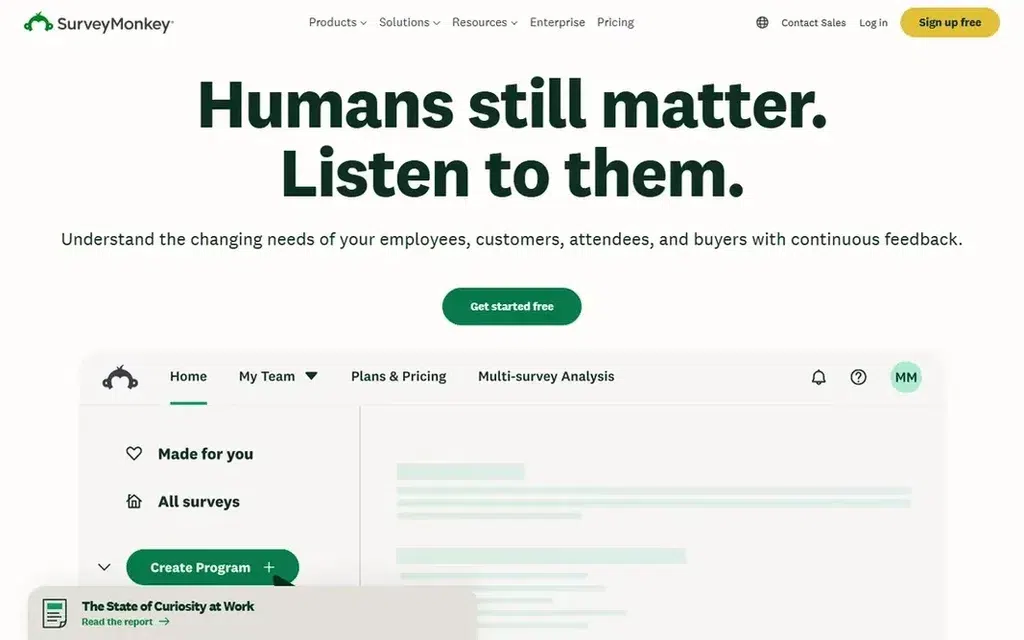
In short, SurveyMonkey is for AI-assisted survey creation and templates. SurveyMonkey is a widely used survey system that uses AI and templates to help build surveys and forms for various purposes, including education. It is well-suited for educators who want to gather feedback, conduct research, or handle event registrations without starting from scratch.
Limits to weigh: Advanced logic may need higher levels.
Whereas SurveyMonkey is simple to start with, some advanced features may need premium plans, which could limit functionality for budget-conscious educators. For everyday use, pick SurveyMonkey when you need a balance of ease and advanced features. SurveyMonkey cost at the entry level: $25 per user per month. Free access exists with SurveyMonkey.
- Versatile for feedback and research
- Straightforward to use for beginners
- Some features need premium plans
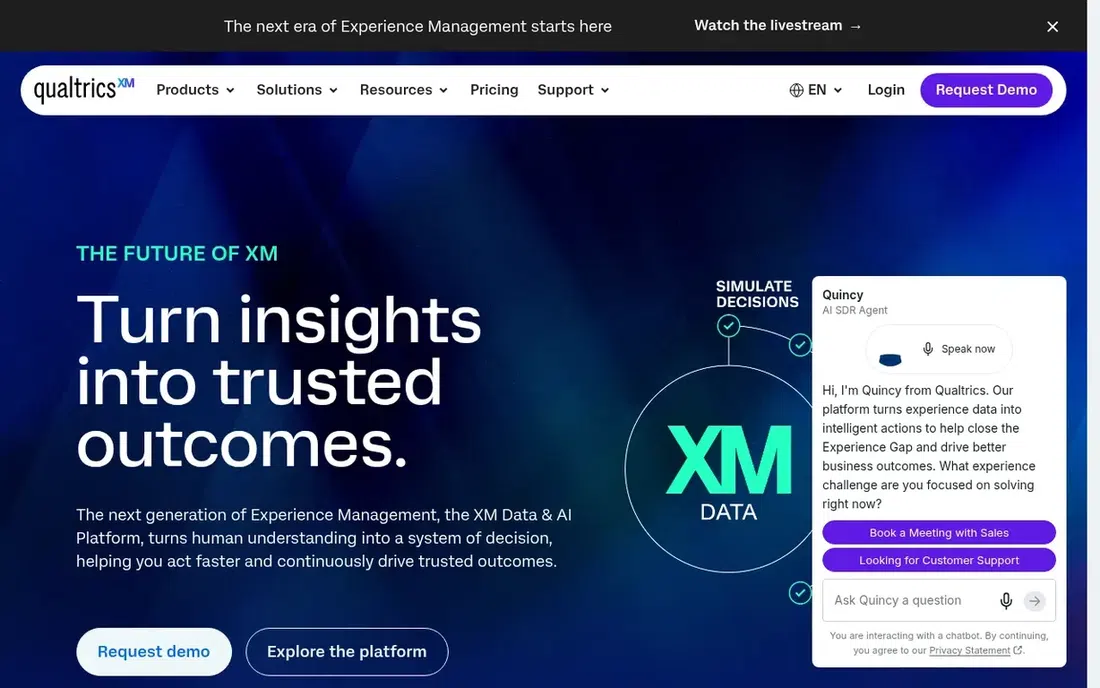
Qualtrics XM serves advanced research and experience management. Qualtrics XM is an experience management system that goes beyond entry-level surveys, offering AI tools to simulate and predict experiences. In daily use, the product supports complicated survey logic and analysis, making it a good match for large-scale studies.
That said, Qualtrics XM can be overkill for straightforward classroom surveys because of its complexity and ramp-up time. More specifically, choose Qualtrics XM when advanced research and experience management are priorities. Qualtrics XM shows no starting price here, so confirm the cost on the vendor site. On free options: Not stated.
Where it is weaker: May need training to use completely.
- Scalable for institutional research
- Full experience management product
- Complicated for simple surveys
How we built this list
For each of the 5 tools we noted price, free plan or trial, fit for online survey software for education and the main limit, using vendor pages and documentation. Where a vendor does not publish a price, the entry says quote. Where a price depends on seats or billing term, the entry says so. The sequence is a judgement call: typical use case first, then pricing transparency, then free access. Use the profiles to check fit.
Things to verify first
- Get a written quote from Typeform, Microsoft Forms and Qualtrics XM; the list shows no starting price for them.
- Read the fine print on the free plans from Jotform and SurveyMonkey; seat, project and feature caps differ.
- Before choosing Typeform, weigh its main limit: can be expensive for advanced features.
- Before you load data into SurveyMonkey, check what an export looks like and who can run it.
- Pick one real project and run it in Qualtrics XM first; a small pilot shows fit faster than a checklist.
FAQ
What is the cheapest option for online survey software for education in this list?
On published monthly entry prices, SurveyMonkey is the lowest here at $25 per user per month. Entry price is only part of the cost, because seats, add-ons and billing terms can change the total. Each of the 5 options in this online Survey software for education guide has its own card above with the price, free plan and limits.
Do these tools publish their prices?
Not all of them. Typeform, Microsoft Forms and Qualtrics XM publish no starting price, so expect a quote request for those. The rest, Jotform included, show a starting price, though seats and billing terms still change the final cost.
Which options for online survey software for education have a free plan?
On this list, Jotform and SurveyMonkey include a free plan. Caps on seats, usage or features are common, so test the free plan against your real workload.
Are these tools compliant with education data privacy regulations?
Numerous tools offer compliance features, but it's important to check each vendor's documentation for specific regulations like FERPA or GDPR. Qualtrics XM and SurveyMonkey typically supply solid compliance choices.
Can I try these tools before paying?
Often, yes. Jotform and SurveyMonkey have a free plan. Use your own data and a real task during the test, and check what the free tier or trial limits before you rely on it. All 5 picks in this online Survey software for education comparison list a starting price, free plan details and the main limits on their cards above.
Sources
- https://www.typeform.com
- https://www.microsoft.com/en-us/microsoft-365/online-surveys-polls-quizzes
- https://www.jotform.com
- https://www.surveymonkey.com
- https://www.qualtrics.com