Best Social Network Software for Education in 2026: Prices, Free Plans and 5 Picks
Best social network software for education in 2026: 5 contenders with entry costs and free tiers. Prices and drawbacks included. Current for November 2026.
- Editor's choice
 Cisco Webex
AI-assisted collaboration and devices
Starts atPricing on requestVisit webex.comFull review - Great alternativeBrightspace
Institutions wanting AI and analytics
Starts atPricing on requestVisit d2l.comFull review - Also consider
 Google Classroom
Central classroom management hub
Starts atPricing on requestVisit classroom.google.comFull review
Direct answer
This list puts Cisco Webex first for AI-assisted collaboration and devices. Brightspace is better for institutions wanting AI and analytics, and Google Classroom is better for central classroom management hub. Details, prices and limits for the rest of the 5 tools are below. None of these vendors publish plan prices, so pricing is on request for every option.
TL;DR:
- Cisco Webex is the opening pick, best for AI-assisted collaboration and devices.
- Cisco Webex, Zoom and the 3 others all sell by quote; expect sales conversations before you see a price.
- A fair warning about Brightspace: wide feature set takes onboarding.
- Just one of the 5 tools, Cisco Webex, has a free plan.
Last checked November 2026. Pricing on request: vendors did not publish plan prices when this guide was last checked (November 2026), so ask each vendor for a written quote.
Quick comparison
| Tool | Best for | Starts at | Free plan? | |
|---|---|---|---|---|
| Cisco Webex | AI-assisted collaboration and devices | Pricing on request | Yes | Visit |
| Brightspace | Institutions wanting AI and analytics | Pricing on request | Not stated | Visit |
| Google Classroom | Central classroom management hub | Pricing on request | Not stated | Visit |
 Microsoft Teams for Education | Class communication and live video | Pricing on request | Not stated | Visit |
 Zoom | Live classes and collaboration workflows | Pricing on request | Not stated | Visit |
Our 5 picks for social network software for education
Choosing social network software for education usually comes down to price, fit and limits. This LinkVetted guide sets 5 tools side by side on those three points, with the facts kept short and checkable.
Choose Cisco Webex for AI-assisted collaboration and devices. For education, it suits institutions that want meeting and collaboration infrastructure with hardware choices and a product approach, especially bigger organizations with existing IT support.
Where it falls short: Enterprise orientation may feel complicated.
Its enterprise orientation can feel complicated for individual teachers or small classes, and it is not a learning management system. No starting price is listed for Cisco Webex here; confirm pricing on the vendor site. Cisco Webex has a free plan.
- Contains devices and system options
- AI-powered collaboration focus
- Not a dedicated LMS
Brightspace
Best for: Institutions wanting AI and analytics
Brightspace is a good fit for institutions wanting AI and analytics. D2L Brightspace is a learning system for higher education, K-12, associations and business, with vendor-highlighted features including D2L Lumi AI, Creator+ authoring and Performance+ analytics.
Limits to weigh: Aimed more at institutions than casual groups.
This comparison lists no price for Brightspace; ask the vendor. Free options: Not stated. Where it shines: Built as a learning system.
- Flags AI
- Includes higher ed
- Wide feature set takes onboarding
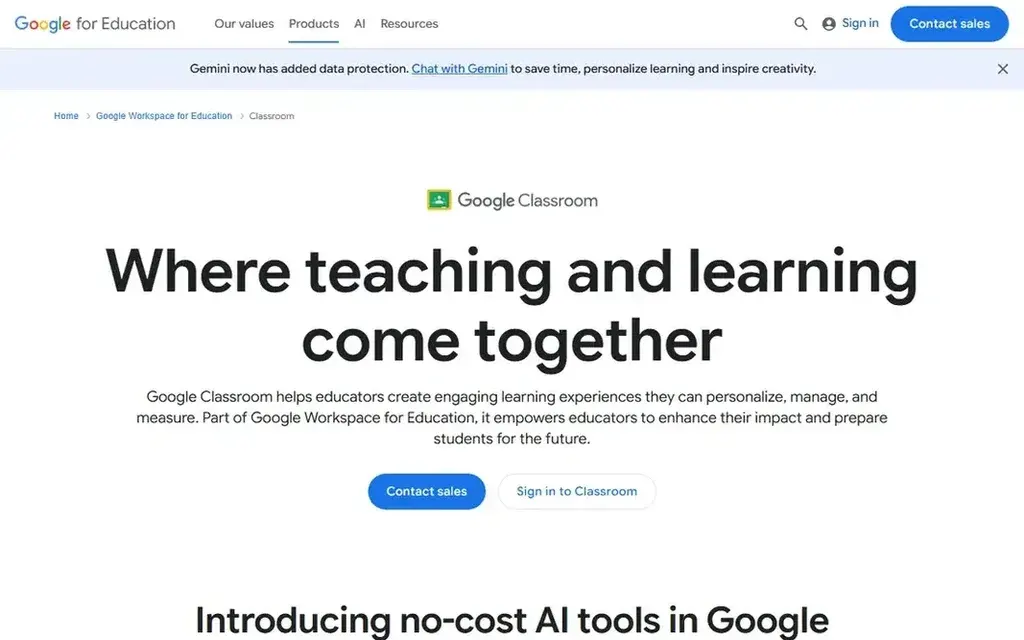
Google Classroom targets central classroom management hub. Google Classroom is presented as a central hub of tools and resources meant to help educators manage classrooms and enrich learning experiences.
It suits teachers and schools that want an approachable starting point for organizing assignments, resources and class communication without adopting a full learning management system. No starting price is listed for Google Classroom here; confirm pricing on the vendor site. Free access: Not stated.
Points against: Less suited to full course administration.
- Organizes tools and resources in one place
- Enriches learning experiences for educators
- Depends on a Google account ecosystem
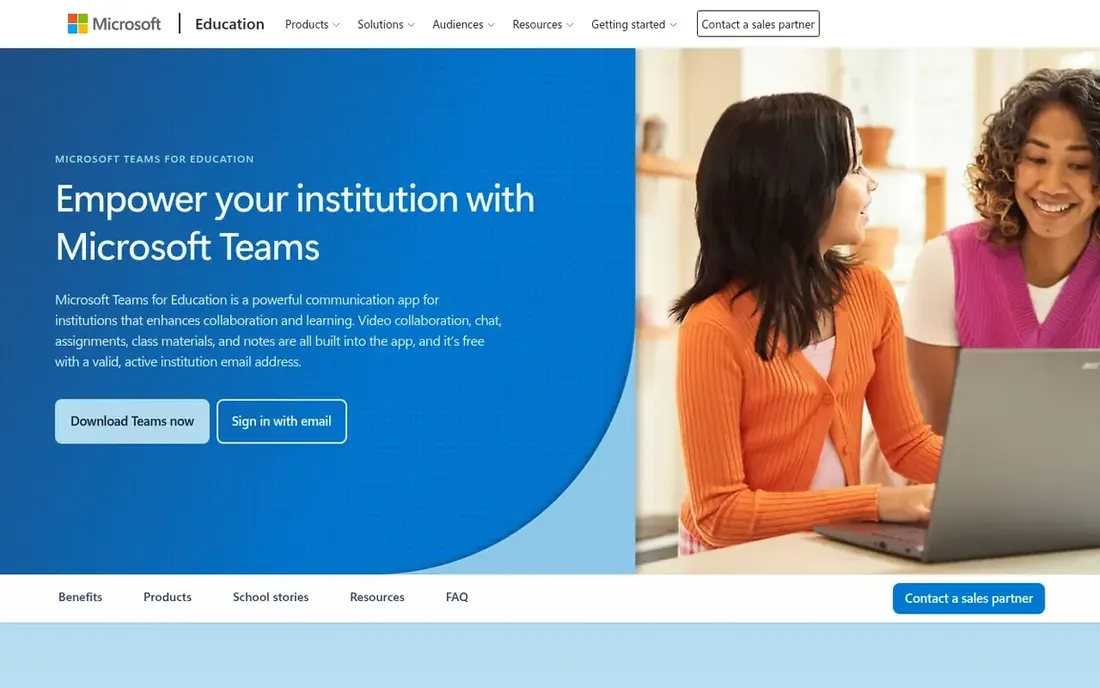
Microsoft Teams for Education works best for class communication and live video. The breadth of features can feel heavy for small classes or staff who only need straightforward messaging.
Drawbacks to consider: Feature depth can overwhelm new users.
In daily use, institutions wanting a lighter classroom hub may prefer a more focused tool, and those needing deep course structure should look at a dedicated learning management system instead. Microsoft Teams for Education is a video conferencing and communication app designed for schools, described by Microsoft as a way to teach, collaborate and support both in-person and remote students. This comparison lists no price for Microsoft Teams for Education; ask the vendor. Free plan details: Not stated.
- Suits schools already using Microsoft tools
- Merges meetings with class communication
- Setup relies on institutional accounts
For live classes and collaboration workflows, Zoom is a natural candidate. Institutions wanting an all-in-one teaching environment should pair it with a LMS or choose a product for example Teams for Education, Canvas or Brightspace.
The main drawbacks: Numerous features may exceed straightforward class needs.
It suits educators who chiefly need dependable live sessions and supporting collaboration tools instead of a structured course product. Check the vendor site for Zoom pricing; none is listed in this comparison. Free access: Not stated.
- Video meetings plus chat and whiteboard
- Wide collaboration feature set
- Not a full course management system
How the list was put together
Each tool was reviewed on what its vendor publishes: price, plan limits, core features and stated drawbacks. We did not run hands-on tests. Where a price is missing, the vendor does not list one publicly or ties it to a quote. Always confirm before budgeting. Tools are placed by general fit for social network software for education, with price clarity and free access as tie-breakers. A different team can reasonably rank them differently.
Things to verify first
- Confirm the entry price with every vendor: no tool from Cisco Webex to Zoom shows a fixed starting price.
- Look at the free plan from Cisco Webex closely: its caps decide whether it is usable for real work.
- Before choosing Cisco Webex, weigh its main limit: enterprise orientation may feel complicated.
- Ask Cisco Webex how an export works before you move any records in; an easy exit lowers the risk.
- Map your must-have features to a specific Microsoft Teams for Education plan before you compare prices.
FAQ
Is Cisco Webex the right pick for everyone comparing social network software for education?
No single tool suits every team. Cisco Webex comes first because it fits AI-assisted collaboration and devices, while Brightspace suits institutions wanting AI and analytics and Google Classroom suits central classroom management hub. Match the tool to your own size, budget and workflow before deciding.
Do these tools publish their prices?
No. None of the tools, from Cisco Webex to Zoom, shows a fixed starting price here, so budget time for quotes.
Which options for social network software for education have a free plan?
Cisco Webex is the only tool in this list with a free plan. Free plans usually cap users, projects or features, so check the limits on the vendor page. Each of the 5 options in this social network software for education guide has its own card above with the price, free plan and limits.
Can I try these tools before paying?
Often, yes. Cisco Webex has a free plan. Use your own data and a real task during the test, and check what the free tier or trial limits before you rely on it. All 5 picks in this social network software for education comparison list a starting price, free plan details and the main limits on their cards above.
Sources
- https://www.webex.com
- https://www.d2l.com/brightspace
- https://classroom.google.com
- https://www.microsoft.com/en-us/education/products/teams
- https://zoom.us