6 Webinar Platform for Continuing Education Providers Worth Shortlisting in 2026
Best webinar platform for continuing education providers: 6 tools compared on price, free plans and fit. Limits and pricing notes included. Refreshed for 2026.
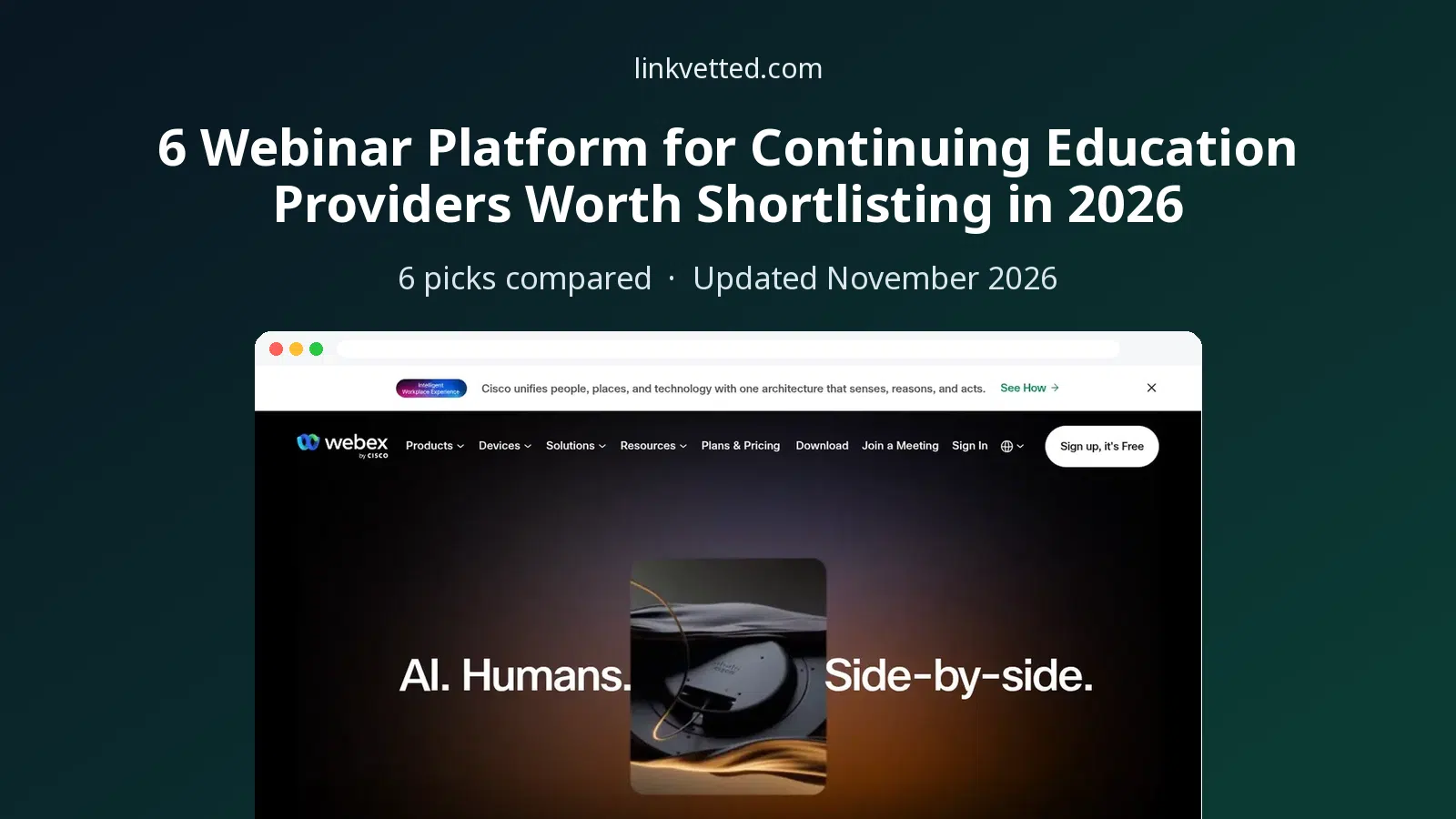
- Editor's choice
 ClickMeeting
Browser-based webinars without installs
Starts atSee websiteVisit clickmeeting.comFull review - Great alternativeCisco Webex Webinars
Enterprise-grade security and integrations
Starts atSee websiteVisit webex.comFull review - Also consider
 EverWebinar
Automatic evergreen continuing education
Starts at$199 a monthVisit everwebinar.comFull review
Direct answer
ClickMeeting is the first pick on this list for browser-based webinars without installs. Listed starting prices: EverWebinar from $199 a month and Livestorm from €2.50 per attendee. Alternatives: Cisco Webex Webinars for enterprise-grade security and integrations, and EverWebinar for automatic evergreen continuing education. The remaining 3 options are covered below with prices and limits.
TL;DR:
- This list starts with ClickMeeting, which is built for browser-based webinars without installs.
- The cheapest monthly starting price in the list is $199 per month, offered by EverWebinar.
- Cisco Webex Webinars comes with a trade-off: higher complexity for small providers.
- A free plan is available from 2 of the 6 tools: ClickMeeting, Cisco Webex Webinars.
- Zoom Webinars fits steady live accredited sessions.
Last checked November 2026. Prices and plan details were read from the vendors' own pages in November 2026; vendors change plans often, so confirm the current price on the vendor site before you buy.
Quick comparison
| Tool | Best for | Starts at | Free plan? | |
|---|---|---|---|---|
| ClickMeeting | Browser-based webinars without installs | See website | Yes | Visit |
| Cisco Webex Webinars | Enterprise-grade security and integrations | See website | Yes | Visit |
| EverWebinar | Automatic evergreen continuing education | $199 a month | Free trial | Visit |
 Livestorm | Marketing-focused branded webinars | €2.50 per attendee | Not stated | Visit |
 GoTo Webinar | Large interactive continuing education events | See website | Free trial | Visit |
 Zoom Webinars | Steady live accredited sessions | See website | Not stated | Visit |
Tool-by-tool breakdown
LinkVetted put together this guide to webinar platform for continuing education providers for readers who want a clear shortlist without reading every vendor page. It compares 6 tools on starting price, free plans, who each one suits and where each one falls short.
Where ClickMeeting fits: browser-based webinars without installs. Whereas versatile, it may not offer the depth of automation found in specialized evergreen tools.
Where it falls short: May lack advanced automation.
It is a good match for continuing education providers who want a straightforward, no-install option for delivering sessions and engaging learners over time. Check the vendor site for ClickMeeting pricing; none is listed in this comparison. A free plan is available with ClickMeeting.
- Supports live and on-demand
- Lead capture features
- Restricted customization choices
Cisco Webex Webinars
Best for: Enterprise-grade security and integrations

For enterprise-grade security and integrations, Cisco Webex Webinars is a natural candidate. Cisco Webex Webinars is part of Webex's AI-powered collaboration suite, offering webinar capabilities within a broader enterprise product.
For everyday use, the product supports large-scale events with advanced features. In practice, the enterprise focus can mean steeper setup and management overhead for smaller providers. Check the vendor site for Cisco Webex Webinars pricing; none is listed in this comparison. Free access exists with Cisco Webex Webinars.
Where it falls short: Higher complexity for small providers.
- Integration with Cisco ecosystem
- Capable security and compliance
- May need IT support
EverWebinar was built for automatic evergreen continuing education. The hybrid mode blends live and automatic elements.
Drawbacks to consider: Restricted live interaction features.
Select EverWebinar when automation and scalability are key. Live features are less solid than dedicated live products. EverWebinar starts at: $199 per month. Free access: Free trial.
- Simulated chat for realism
- Hybrid mode combines live and automatic
- Automation may feel impersonal
For marketing-focused branded webinars, Livestorm is a natural candidate. Livestorm is an all-in-one webinar product tailored for marketing teams, enabling branded events and data synchronization with CRM systems. The product emphasizes engagement insights to prove ROI.
Its marketing orientation means it may not cater specifically to accreditation or learner management needs. Pick Livestorm if your focus is on marketing and lead generation alongside education. Livestorm starts at: €2.50 per attendee. Free access: Not stated.
Honest limits: Marketing-centric may lack education-specific tools.
- Branded event experiences
- CRM integration for lead tracking
- Restricted automation for evergreen
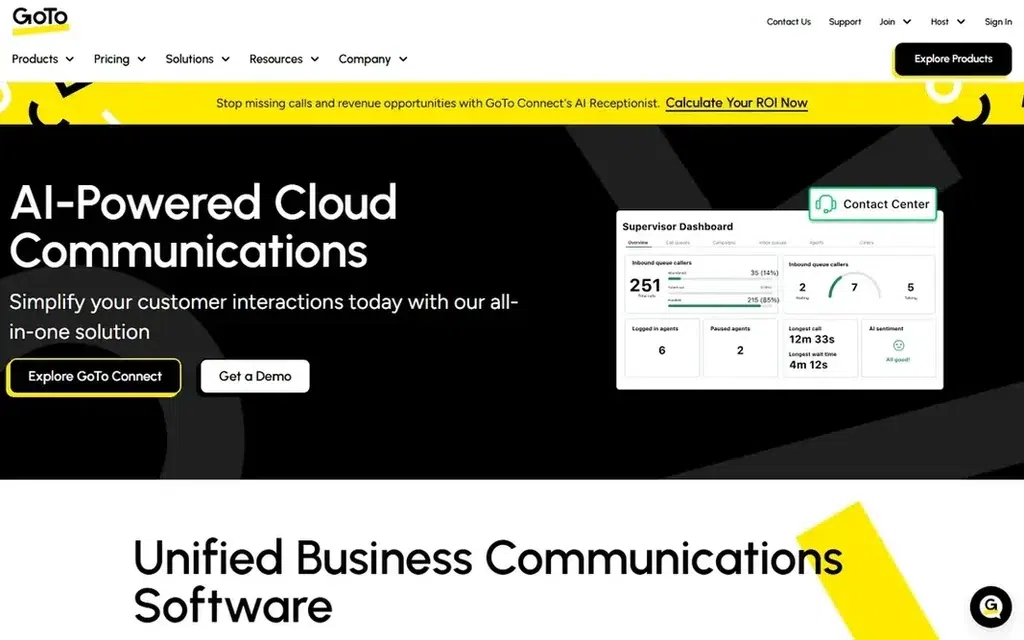
For large interactive continuing education events, GoTo Webinar is a natural candidate. GoTo Webinar is a dedicated webinar system built for virtual conferences and events, emphasizing audience engagement. The product is built to deal with substantial attendance with stable streaming.
Its focus on live events means automatic evergreen delivery is less developed. Consider GoTo Webinar if your priority is interactive live sessions rather than automatic funnels. Check the vendor site for GoTo Webinar pricing; none is listed in this comparison. Free access: Free trial.
Downsides: Interface can be complicated for new users.
- Steady streaming for big events
- Capable audience engagement tools
- Restricted automation for on-demand
Zoom Webinars makes the most sense for dependable live accredited sessions. Providers centred on automatic evergreen content might need extra tools.
Also, for continuing education providers, it supplies a familiar environment for hosting live sessions with interactive tools like polls and Q&A. Check the vendor site for Zoom Webinars pricing; none is listed in this comparison. Free options: Not stated.
Watch-outs: Advanced features may need extras.
- Widely recognized interface
- Solid breakout and polling features
- Restricted built-in marketing automation
What went into this list
The comparison looks at four things: starting price, free access, how well the feature set matches webinar platform for continuing education providers, and the main limit of each tool. Where a price is missing, the vendor does not list one publicly or ties it to a quote. Always confirm before budgeting. Order on the page follows fit for the typical buyer first, then price transparency and free access. Your own requirements should decide the final pick.
What to confirm before you sign up
- Get a written quote from ClickMeeting, Cisco Webex Webinars, GoTo Webinar and Zoom Webinars; the list shows no starting price for them.
- Read the fine print on the free plans from ClickMeeting and Cisco Webex Webinars; seat, project and feature caps differ.
- Use real work to test the free trial from EverWebinar and GoTo Webinar, rather than a demo project.
- Read the limits listed for ClickMeeting first: may lack advanced automation.
- Ask whether Zoom Webinars integrates with your current software, and whether that comes standard or as an add-on.
- Get the contract term, renewal terms and any onboarding fees from Cisco Webex Webinars in writing.
FAQ
Can I try these tools before paying?
Often, yes. ClickMeeting and Cisco Webex Webinars have a free plan and EverWebinar and GoTo Webinar offer a free trial. Use your own data and a real task during the test, and check what the free tier or trial limits before you rely on it.
Is ClickMeeting the right pick for everyone comparing webinar platform for continuing education providers?
No single tool suits every team. ClickMeeting comes first because it fits browser-based webinars without installs, while Cisco Webex Webinars suits enterprise-grade security and integrations and EverWebinar suits automated evergreen continuing education. Match the tool to your own size, budget and workflow before deciding.
Do these tools publish their prices?
Not all of them. ClickMeeting, Cisco Webex Webinars, GoTo Webinar and Zoom Webinars publish no starting price, so expect a quote request for those. The rest, EverWebinar included, show a starting price, though seats and billing terms still change the final cost.
What is the cheapest option for webinar platform for continuing education providers in this list?
On published monthly entry prices, EverWebinar is the lowest here at $199 per month. Entry price is only part of the cost, because seats, add-ons and billing terms can change the total.
How do automated webinars work for on-demand continuing education?
Automatic webinars play pre-recorded sessions at scheduled times, commonly with simulated chat and timed gives you to mimic a live event. This permits providers to deliver consistent content to learners on demand without manual hosting, though it may reduce live interaction.
Sources
- https://www.clickmeeting.com
- https://www.webex.com
- https://www.everwebinar.com
- https://www.livestorm.co
- https://www.goto.com/webinar
- https://www.zoom.com