6 Best Webcasting Software for Education for 2026, Vetted and Compared
Shortlisting the best webcasting software for education? 6 products compared on cost, free access and ideal buyer. Prices and drawbacks included. No filler.
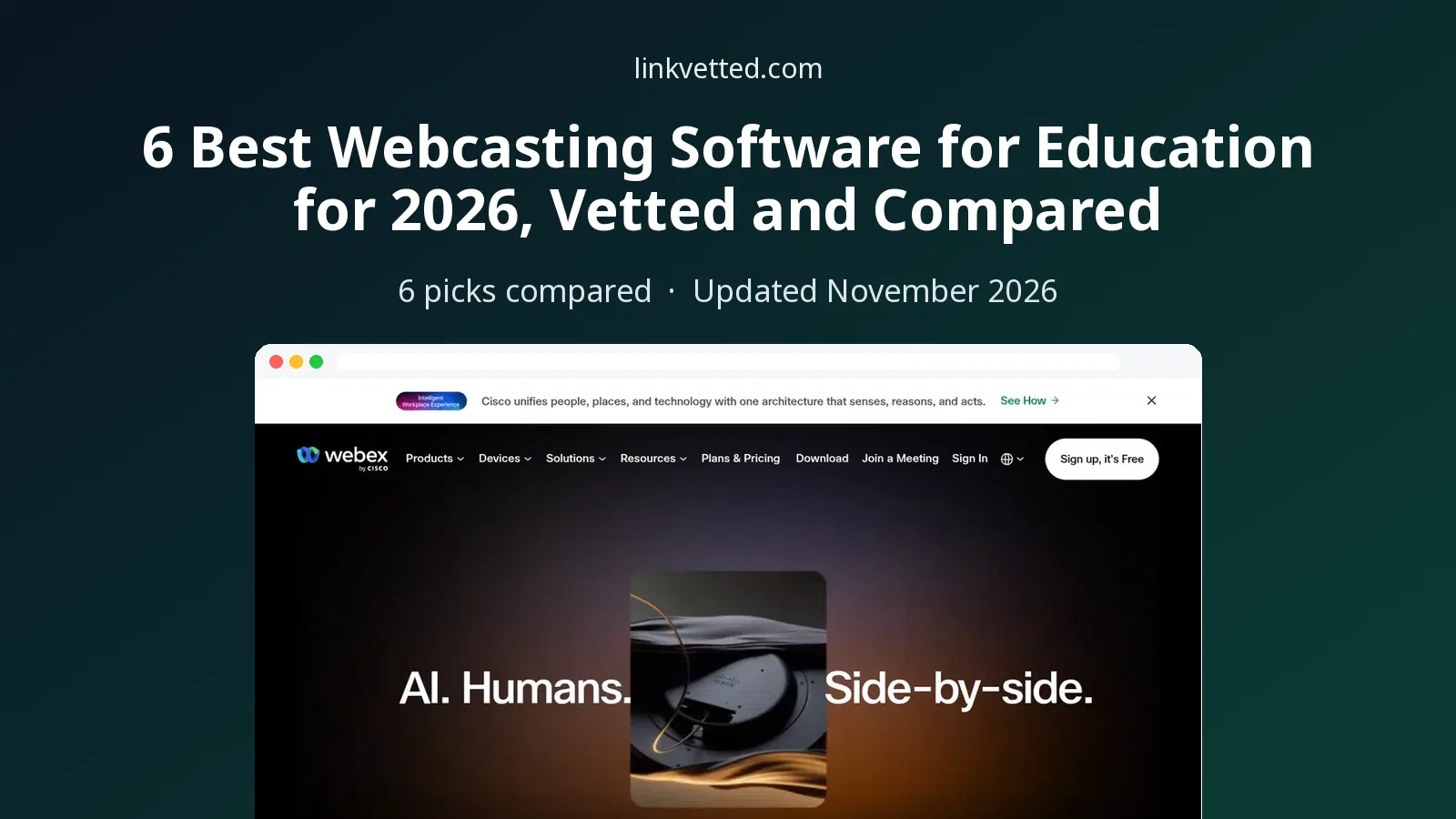
- Editor's choice
 Cisco Webex
Enterprise-grade collaboration and devices
Starts atPricing on requestVisit webex.comFull review - Great alternative
 Panopto
Lecture capture and searchable video libraries
Starts atPricing on requestVisit panopto.comFull review - Also consider
 Kaltura
Video portals and campus media management
Starts atPricing on requestVisit corp.kaltura.comFull review
Direct answer
This list puts Cisco Webex first for enterprise-grade collaboration and devices. Panopto is the stronger choice for lecture capture and searchable video libraries, while Kaltura suits video portals and campus media management. The remaining 3 options are covered below with pricing notes and limits. None of these vendors publish plan prices, so pricing is on request for every option.
TL;DR:
- The list opens with Cisco Webex, aimed at enterprise-grade collaboration and devices.
- Cisco Webex, Vimeo: these are the 2 tools out of 6 that offer a free plan.
- Every tool from Cisco Webex to Zoom works by quote, with no list price shown.
- What to know about Panopto first: not a general meeting or chat tool.
- Zoom suits live classes, webinars and campus events.
Last checked November 2026. Pricing on request: vendors did not publish plan prices when this guide was last checked (November 2026), so ask each vendor for a written quote.
Quick comparison
| Tool | Best for | Starts at | Free plan? | |
|---|---|---|---|---|
| Cisco Webex | Enterprise-grade collaboration and devices | Pricing on request | Yes | Visit |
| Panopto | Lecture capture and searchable video libraries | Pricing on request | Free trial | Visit |
| Kaltura | Video portals and campus media management | Pricing on request | Free trial | Visit |
 Brightcove | Secure, scalable video streaming | Pricing on request | Not stated | Visit |
 Vimeo | Hosting and sharing recorded video | Pricing on request | Yes | Visit |
 Zoom | Live classes, webinars and campus events | Pricing on request | Not stated | Visit |
Every option for webcasting software for education explained
LinkVetted put together this guide to webcasting software for education for readers who want a clear shortlist without reading every vendor page. It compares 6 tools on starting price, free plans, who each one suits and where each one falls short.
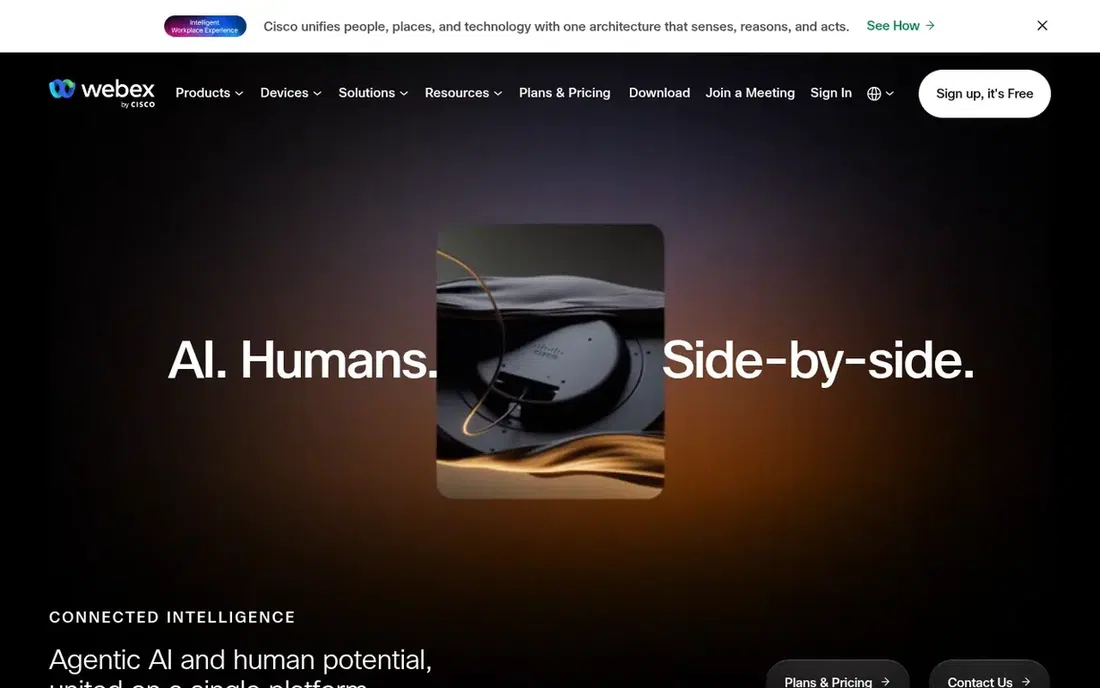
For enterprise-grade collaboration and devices, Cisco Webex is a natural candidate. Cisco Webex presents AI-powered collaboration, customer experience, devices and system options, and its homepage notes adoption by leading global brands.
Watch-outs: Feature set geared toward bigger organizations.
More specifically, if you want a light tool for a single department, a more straightforward meeting system will be quicker to adopt. Administrative setup generally involves IT staff. Pricing for Cisco Webex is not stated here, so ask the vendor for current figures. Cisco Webex offers a free plan.
- Device and room options for campuses
- Customer experience and system choices
- Setup can need IT involvement
Panopto was built for lecture capture and searchable video libraries. Panopto calls itself a video knowledge system for work and learning, concentrated on training, onboarding and lecture capture, with the capacity to record, search and share video across an organization. This is the natural fit for universities that want every lecture recorded and indexed so students can search for a term and jump to that moment.
Panopto is not designed as a daily meeting or chat workspace, so live interactive classes still need a separate conferencing tool. If your central need is live two-way teaching instead of an archive, start with a meeting product and add capture later. Pricing for Panopto is not stated here, so ask the vendor for current figures. Free options: Free trial.
Drawbacks to consider: Recording workflows need planning.
- Purpose-built for lecture capture
- Search inside recorded video
- Not a general meeting or chat tool
Kaltura was built for video portals and campus media management. Kaltura is a video system company whose products are widely used by universities and media organizations to manage, publish and play video. Consider it when video management and distribution, not just webcasting, are central to your plans.
Where it is weaker: Feature depth may exceed small-school needs.
In education it often serves as the media backbone behind a campus video portal, course video hosting and recorded lecture distribution. Institutions seeking only live class sessions may not need a full media product. Kaltura does not show a starting price in this comparison, so check the vendor site for current pricing. Free options: Free trial.
- Supports media portals and playback
- Widely used in higher education settings
- Configuration can be involved
Brightcove works best for secure, scalable video streaming. Brightcove is not a meeting or learning management tool, so live interactive teaching needs separate software.
Upsides: Emphasis on reliability.
It is a distribution product for teams that treat video as a strategic asset instead of a single classroom activity. Also, smaller programs may be better served by a more straightforward hosting choice until video distribution becomes a major channel. No starting price is listed for Brightcove here; confirm pricing on the vendor site. Free options: Not stated. Points against: Targeted at organizations with video strategy.
- Share and monetize video
- Built to host
- Not a classroom interaction tool
Vimeo works best for hosting and sharing recorded video. Vimeo is recognised for watching and hosting videos, films and shorts in HD without ads on its viewing pages. For education, that makes it a practical place to publish recorded lectures, campus showcases and student work for public or community audiences.
Trade-offs to know: Audience features differ from meeting software.
Beyond that, Vimeo is a video hosting and viewing service instead of a live teaching environment, so interactive classes need another tool. Its audience-facing focus means classroom management features are not the point. Vimeo shows no starting price here, so confirm the cost on the vendor site. Vimeo includes a free tier.
- Clean playback and discovery experience
- Good for publishing recorded content
- Not a live classroom tool
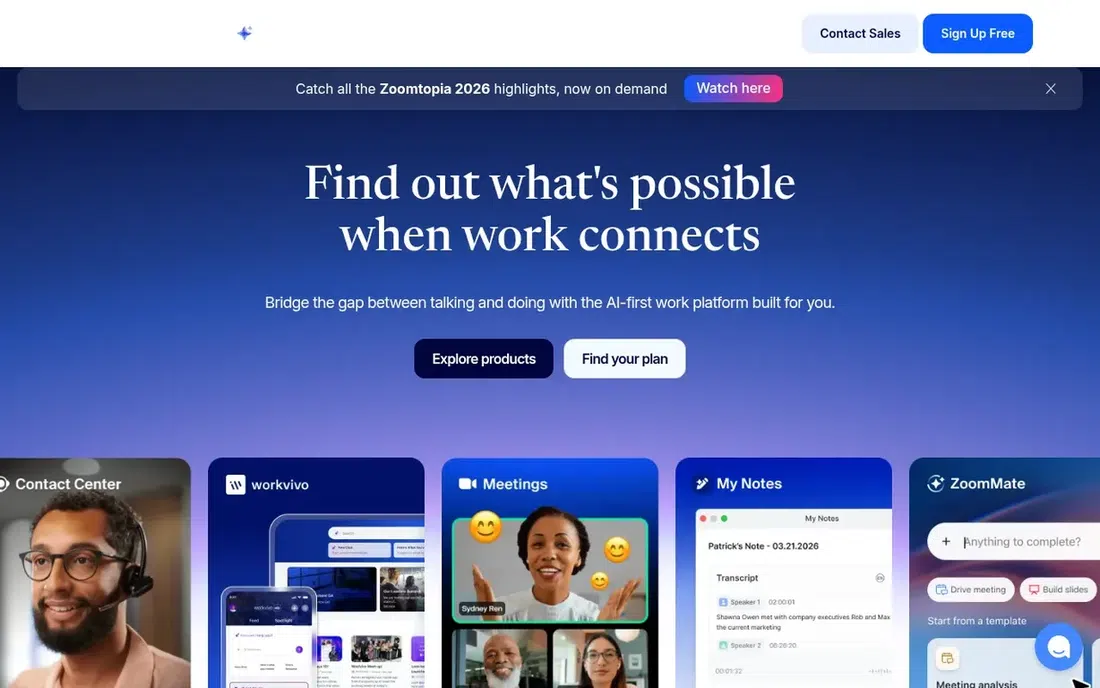
Pick Zoom if this describes you: live classes, webinars and campus events. Very large public events need rehearsal and moderator roles to run smoothly.
Worth adding: for education this means a single place to run live class sessions, host guest speakers as webinars, and stream bigger campus events. Zoom does not show a starting price in this comparison, so check the vendor site for current pricing. Trial and free access: Not stated.
Watch-outs: Full feature depth can overwhelm casual users.
- Meetings
- Whiteboard and phone alongside video
- Large events need planning and setup
How we chose
The comparison looks at four things: starting price, free access, how well the feature set matches webcasting software for education, and the main limit of each tool. Prices and plan limits come from vendor pages and can change, so confirm them on the vendor site before you buy. We ordered the tools by general fit, then by how clearly pricing is shown, then by free access. A buyer with unusual needs may reorder them.
Things to verify first
- Ask each vendor, from Cisco Webex to Zoom, for a written quote; none of them publishes a starting price.
- Check what the free option really includes: Cisco Webex and Vimeo offer a free plan, and usage caps differ.
- Take the trial from Panopto and Kaltura and push a live task through it before you pay.
- Read the limits listed for Cisco Webex first: feature set geared toward bigger organizations.
- Check the integration list for Vimeo against the tools you run today, and note which ones need a higher plan.
- Add up seats, add-ons and usage charges for Panopto before comparing it with cheaper entries.
FAQ
Do I need a separate lecture capture tool if I already use a meeting system?
Not always, but meeting recordings are frequently straightforward files that are hard to search. Dedicated lecture capture products like Panopto add indexing and searchable libraries, which helps students revisit specific moments.
Is Cisco Webex the right pick for everyone comparing webcasting software for education?
No single tool suits every team. Cisco Webex comes first because it fits enterprise-grade collaboration and devices, while Panopto suits lecture capture and searchable video libraries and Kaltura suits video portals and campus media management. Match the tool to your own size, budget and workflow before deciding.
Do these tools publish their prices?
No. None of the tools, from Cisco Webex to Zoom, shows a fixed starting price here, so budget time for quotes. All 6 picks in this Webcasting software for education comparison list a starting price, free plan details and the main limits on their cards above.
How are the tools for webcasting software for education ordered?
Cisco Webex sits first and Zoom last because the order follows typical fit for webcasting software for education, then price clarity and free access. It is a judgement call, so read each profile for fit and limits.
Which options for webcasting software for education have a free plan?
Cisco Webex and Vimeo offer a free plan in this list. Free plans usually cap users, projects or features, so check the limits on the vendor page. Several others offer a trial instead.
When does a video hosting product make more sense than a classroom tool?
Hosting systems like Vimeo and Brightcove are built for publishing and distributing finished video to wide audiences, including public pages and embeds. They are the better choice when recorded content is the primary output and live interaction happens elsewhere.
Sources
- https://www.webex.com
- https://www.panopto.com
- https://corp.kaltura.com
- https://www.brightcove.com
- https://vimeo.com
- https://zoom.us