5 Best Web Development Frameworks for Fall for 2026, Vetted and Compared
Compare 5 picks for the best web development frameworks for fall, with prices, free plans and who each fits. Read the caveats before you buy. Updated for 2026.
- Editor's choice
 Svelte
Lean, compile-time user interfaces
Starts atPricing on requestVisit svelte.devFull review - Great alternative
 Angular
Large-scale enterprise applications
Starts atPricing on requestVisit angular.devFull review - Also considerVue.js
Progressive adoption and incremental builds
Starts atPricing on requestVisit vuejs.orgFull review
Direct answer
This list puts Svelte first for lean, compile-time user interfaces. Angular fits large-scale enterprise applications; Vue.js fits progressive adoption and incremental builds. Details and limits for the rest of the 5 tools are below. None of these vendors publish plan prices, so pricing is on request for every option.
TL;DR:
- Svelte sits first on this list: lean, compile-time user interfaces.
- Check the limits for Svelte before you commit: smaller ecosystem than React.
- Pricing across the list, from Svelte to Next.js, is by quote only.
- Neither Svelte nor Next.js, nor any of the other 3 tools, has a permanent free plan; trials and quotes are the norm.
- Next.js fits full-stack React applications.
Last checked November 2026. Pricing on request: vendors did not publish plan prices when this guide was last checked (November 2026), so ask each vendor for a written quote.
Quick comparison
| Tool | Best for | Starts at | Free plan? | |
|---|---|---|---|---|
| Svelte | Lean, compile-time user interfaces | Pricing on request | Not stated | Visit |
| Angular | Large-scale enterprise applications | Pricing on request | Not stated | Visit |
| Vue.js | Progressive adoption and incremental builds | Pricing on request | Not stated | Visit |
| Nuxt | Full-stack Vue applications | Pricing on request | Not stated | Visit |
| Next.js | Full-stack React applications | Pricing on request | Not stated | Visit |
The best web development frameworks for fall
LinkVetted compared 5 tools for web development frameworks for fall. The goal is a practical shortlist: published prices, free plan facts, best-fit use cases and honest limits for every entry.
In short, Svelte is for lean, compile-time user interfaces. Svelte is described as web development for the rest of us, focusing on a compiler-first approach that shifts work to build time. Also, components are written in a familiar HTML-like syntax with less boilerplate, which can appeal to teams wanting concise code.
What to check first: Fewer ready-made integrations.
Teams needing broad external component libraries might prefer a bigger ecosystem. In practice, Svelte fits projects where runtime performance and developer ergonomics are valued. This comparison lists no price for Svelte; ask the vendor. Free access: Not stated.
- Less boilerplate in components
- Compiles to efficient JavaScript
- Smaller ecosystem than React
Angular was built for large-scale enterprise applications. Angular is a web development framework for building modern apps, with an opinionated structure that fits large teams and complicated requirements. It gives you built-in patterns for routing, forms, and dependency injection, which can cut decision fatigue on enterprise projects.
Limits to weigh: Steep ramp-up time.
Pick Angular when you need a structured, TypeScript-first framework for a sizable application. Small projects or teams wanting minimal configuration may find it heavy. From a buyer's view, the framework's full nature includes a steeper ramp-up time and more boilerplate than lighter alternatives. No starting price is listed for Angular here; confirm pricing on the vendor site. Free plan details: Not stated.
- Opinionated structure for big teams
- Solid TypeScript integration
- Heavier for small projects
Vue.js
Best for: Progressive adoption and incremental builds
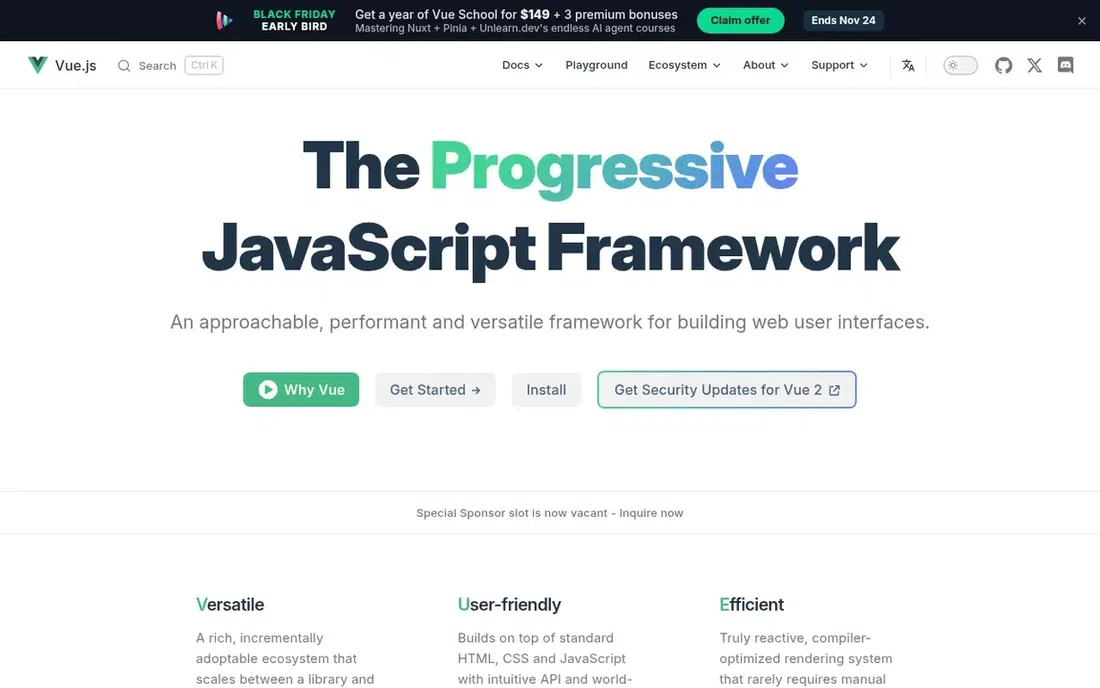
Vue.js targets progressive adoption and incremental builds. Vue does well for both single-page applications and incremental enhancements to existing pages. Its template syntax and component model are meant to be approachable, making it a solid fit for teams that want reactivity without a steep ramp-up time.
As for the details, Whereas Vue has a mature ecosystem, some enterprises standardize on other frameworks, which can affect hiring and tooling. Choose Vue.js when approachability and incremental adoption are priorities. This comparison lists no price for Vue.js; ask the vendor. Free plan details: Not stated.
Where it falls short: Smaller enterprise footprint than React.
- Approachable template syntax
- Clear documentation
- Ecosystem choices can vary
Nuxt
Best for: Full-stack Vue applications
Pick Nuxt if this describes you: full-stack Vue applications. Nuxt is a full-stack Vue framework that supplies file-based routing, auto-imports, and server-side rendering configured out of the box. In daily use, Nuxt introduces its own conventions on top of Vue, which can add complexity for small static sites.
As for the details, choose Nuxt when you want a full-stack Vue setup with rendering and routing handled for you. If you only need a straightforward Vue single-page app, plain Vue may be lighter. No starting price is listed for Nuxt here; confirm pricing on the vendor site. On free options: Not stated.
Downsides: Brings Vue-specific conventions.
- Server-side rendering from day one
- File-based routing and auto-imports
- Can be overkill for straightforward sites
Next.js
Best for: Full-stack React applications
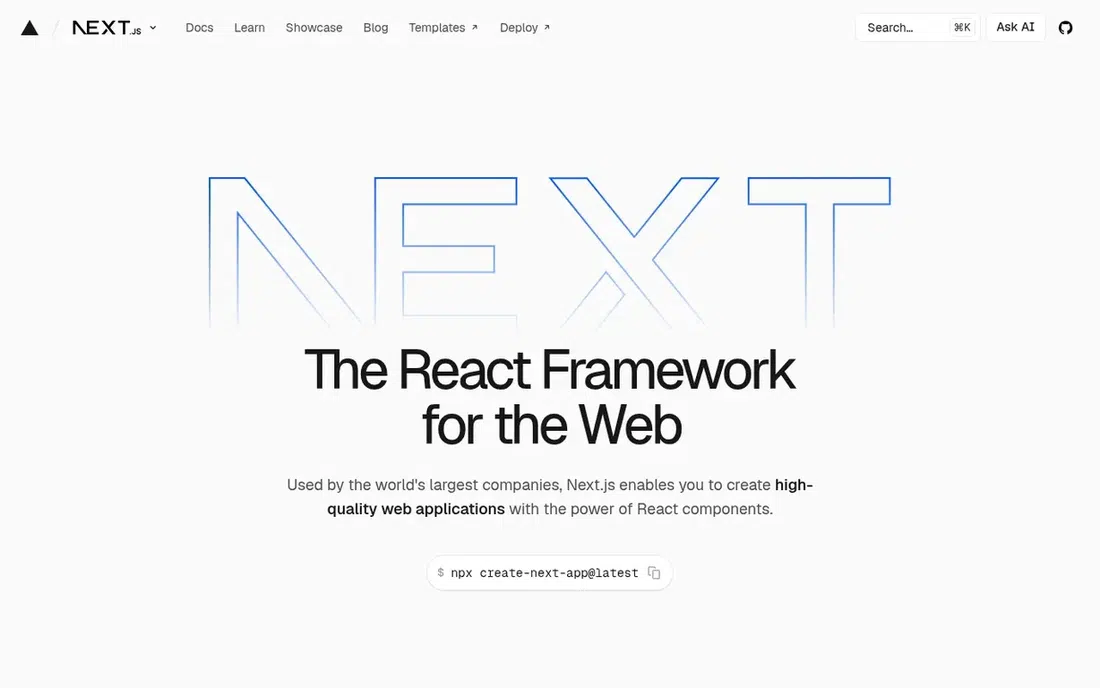
For full-stack React applications, Next.js is a natural candidate. The framework is meant to manage both static and dynamic content, making it a practical choice for fall projects that require a clear architectural path.
In practice, for very small static sites, a lighter tool may be more straightforward. This comparison lists no price for Next.js; ask the vendor. On free options: Not stated.
Trade-offs to know: Can feel heavy for small sites.
- Supports server and client code
- Built-in routing and rendering choices
- Adds framework-specific conventions
Our selection method
What to confirm before you sign up
- Ask each vendor, from Svelte to Next.js, for a written quote; none of them publishes a starting price.
- Before choosing Svelte, weigh its main limit: smaller ecosystem than React.
- Map your must-have features to a specific Next.js plan before you compare prices.
- Total up the real monthly cost of Svelte, including add-ons, extra users and usage-based fees.
- Ask Vue.js whether prices are locked for the first term and what happens at renewal.
FAQ
Do these tools publish their prices?
No. None of the tools, from Svelte to Next.js, shows a fixed starting price here, so budget time for quotes. Each of the 5 options in this web development frameworks for fall guide has its own card above with the price, free plan and limits.
How are the tools for web development frameworks for fall ordered?
The order follows typical fit for web development frameworks for fall, with Svelte first and Next.js last, then price clarity and free access. It is editorial judgement, not a score, so another team could rank the tools differently.
Can I try these tools before paying?
Not by default. None of the tools, from Svelte to Next.js, lists a free plan or a free trial here, so ask each vendor for a demo before committing.
Which framework is a good match for a content-heavy fall website?
The first pick on this list is Svelte, because it suits lean, compile-time user interfaces. Angular is better for large-scale enterprise applications, and Vue.js for progressive adoption and incremental builds. Check price and limits against your own needs before choosing.
Is Svelte the right pick for everyone comparing web development frameworks for fall?
No single tool suits every team. Svelte comes first because it fits lean, compile-time user interfaces, while Angular suits large-scale enterprise applications and Vue.js suits progressive adoption and incremental builds. Match the tool to your own size, budget and workflow before deciding.
Is Angular a good fit for small projects?
Angular is opinionated and thorough, which can be heavy for small projects. It shines in large teams that benefit from consistent patterns and built-in tooling.