Virtual Waiting Room Software in 2026: The 5 Best Options Side by Side
5 tools for the best virtual waiting room software, compared on pricing, free plans and best-fit use. Short, factual notes on every option. Choose faster.
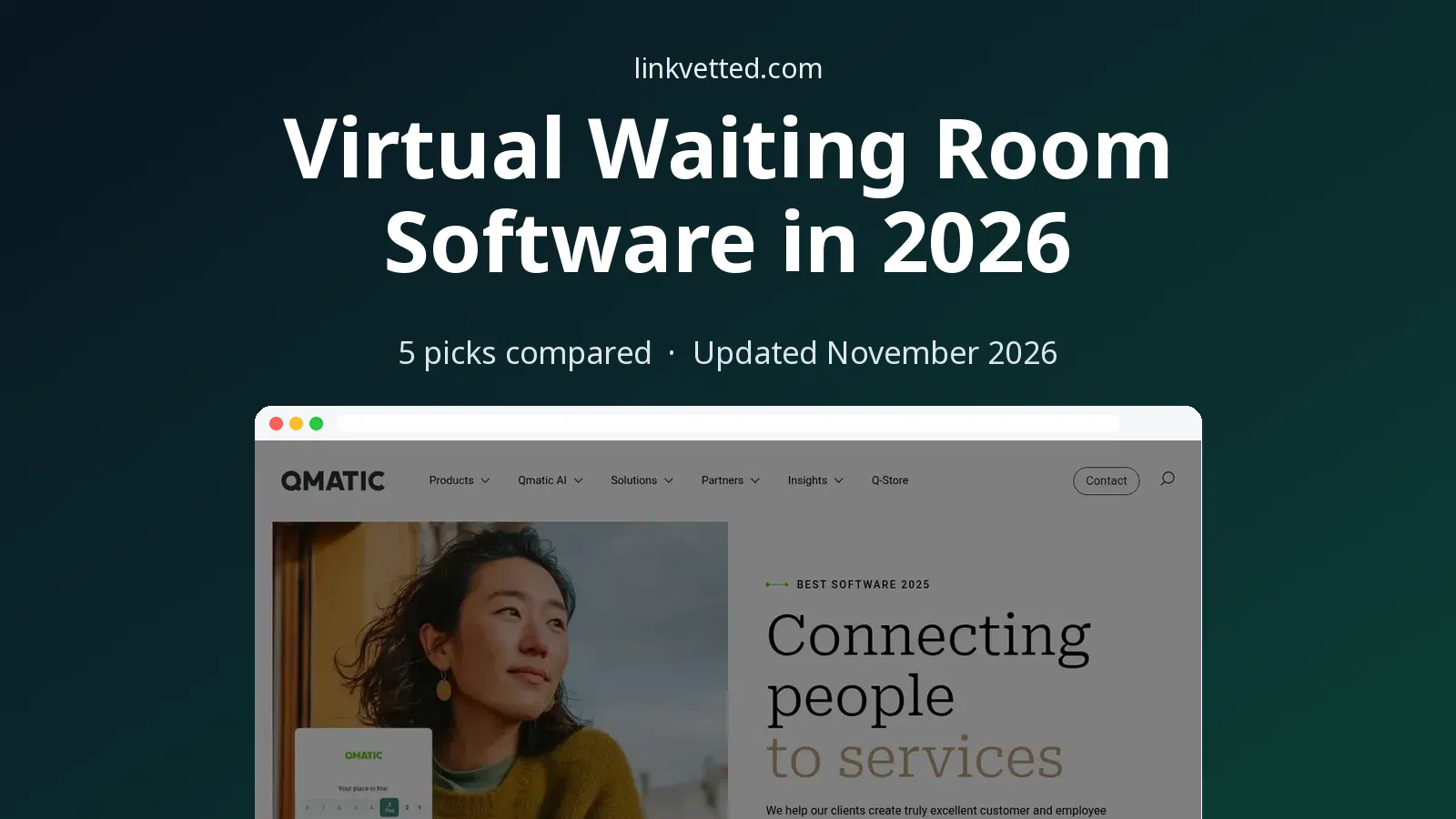
- Editor's choiceQmatic
Large-scale queue management systems
Starts atSee websiteVisit qmatic.comFull review - Great alternative
 Envoy
Workplace visitor management
Starts at$2 per user a monthVisit envoy.comFull review - Also considerWaitwhile
Virtual waitlists and appointment scheduling
Starts at$31 a monthVisit waitwhile.comFull review
Direct answer
If you need large-scale queue management systems, Qmatic is the first tool to look at here. Listed starting prices: Envoy from $2 per user a month, Waitwhile from $31 a month and Queue-it from $1499 per event. Envoy is the stronger choice for workplace visitor management, while Waitwhile suits virtual waitlists and appointment scheduling. The full list of 5 tools follows, with prices and free plan facts.
TL;DR:
- Number one here is Qmatic, a fit for large-scale queue management systems.
- Waitwhile comes with a trade-off: may need configuration for complicated flows.
- Nexus排队 is the one to check for queue management in specific regions.
- Waitwhile is the only tool of the 5 with a free plan.
Last checked November 2026. Prices and plan details were read from the vendors' own pages in November 2026; vendors change plans often, so confirm the current price on the vendor site before you buy.
Quick comparison
| Tool | Best for | Starts at | Free plan? | |
|---|---|---|---|---|
| Qmatic | Large-scale queue management systems | See website | Not stated | Visit |
| Envoy | Workplace visitor management | $2 per user a month | Free trial | Visit |
| Waitwhile | Virtual waitlists and appointment scheduling | $31 a month | Yes | Visit |
| Queue-it | Online peak traffic control | $1499 per event | Free trial | Visit |
| Nexus排队 | Queue management in specific regions | See website | Not stated | Visit |
The best virtual waiting room software
Choosing virtual waiting room software usually comes down to price, fit and limits. This LinkVetted guide sets 5 tools side by side on those three points, with the facts kept short and checkable.
Qmatic
Best for: Large-scale queue management systems

Think of Qmatic for large-scale queue management systems. This tool fits large organizations that require solid, scalable queue management.
On top of that, for lighter use cases, more straightforward tools like Waitwhile might be more appropriate. No starting price is listed for Qmatic here; confirm pricing on the vendor site. Trial and free access: Not stated.
Where it is weaker: Implementation can need planning.
- Full customer journey options
- Global support and integration
- May be complicated for small companies
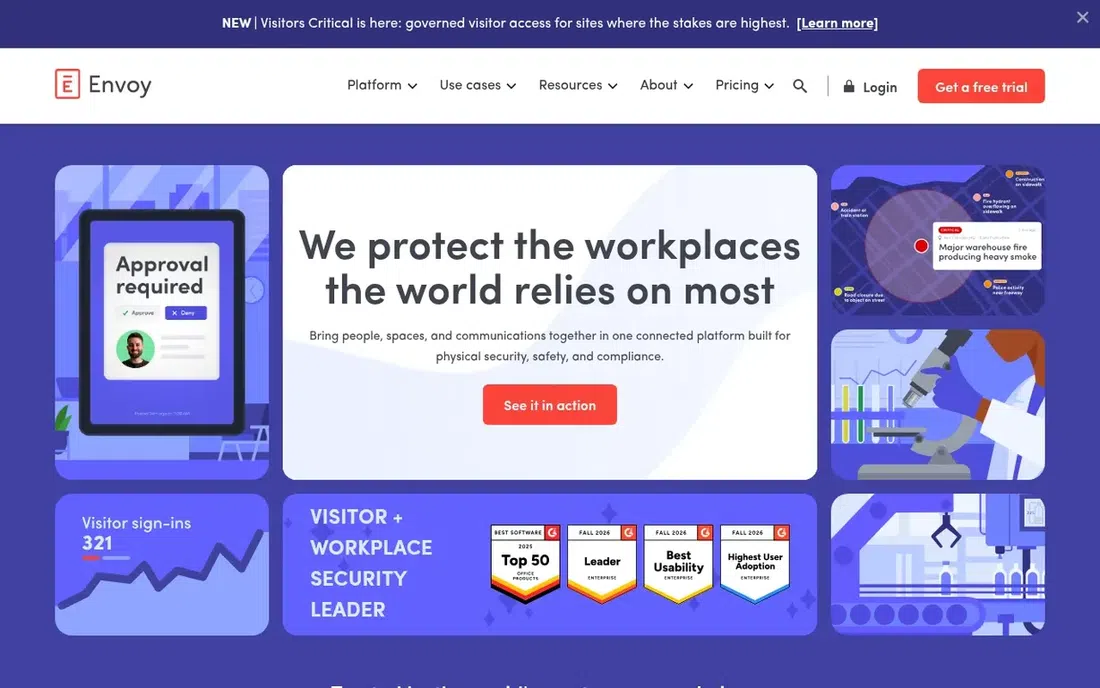
Envoy makes the most sense for workplace visitor management. Envoy is not intended for managing online traffic or virtual queues for e-commerce.
Honest limits: Not built for online traffic queuing.
In practice, Envoy is a workplace and visitor options platform that bundles visitor management, workplace management, and emergency management features. It helps firms run who enters their facilities and ensures safety. On cost, Envoy starts like this: $2 per user per month. Free options: Free trial.
- Visitor management and sign-in
- Workplace and emergency management
- Primarily for physical workplaces
Waitwhile
Best for: Virtual waitlists and appointment scheduling
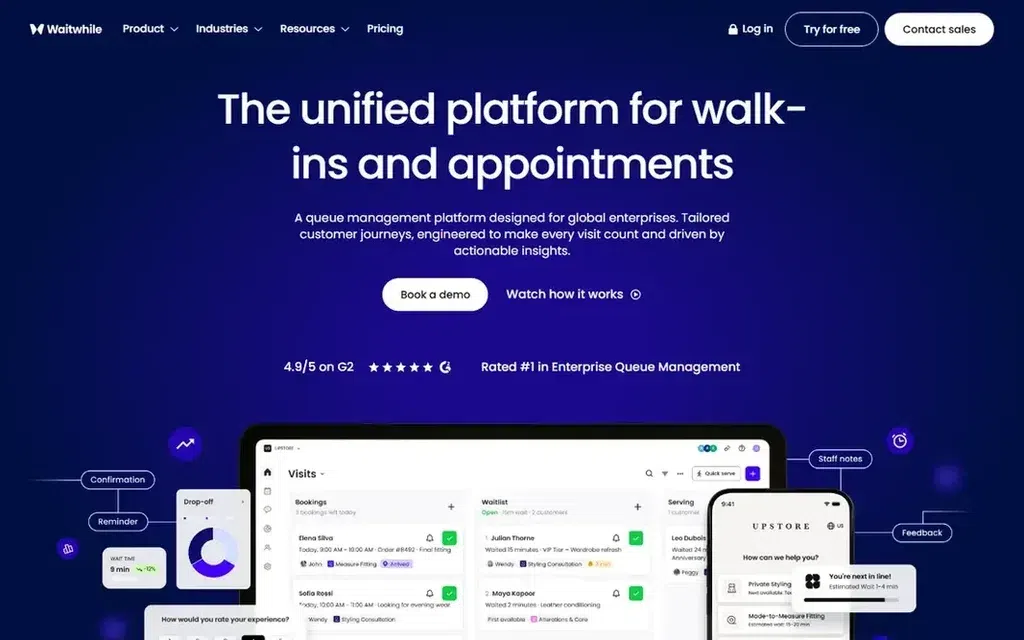
Where Waitwhile fits: virtual waitlists and appointment scheduling. Waitwhile is a customer journey management option centered on virtual waitlists, appointment scheduling, and event registration. It contains messaging and analytics to help firms handle queues and communicate with customers.
Where it is weaker: May need configuration for complicated flows.
In practice, consider alternative tools if your primary need is to queue online visitors during peak sales or registrations. For everyday use, Waitwhile may not be well suited to organizations needing strict traffic control during high-volume online events. Waitwhile pricing: $31 per month. Waitwhile offers a free plan.
- Customer messaging and analytics
- Event registration support
- Restricted advanced traffic control
Queue-it
Best for: Online peak traffic control
Queue-it is designed for online peak traffic control. Queue-it supplies a control layer for online traffic, deciding how visitors are handled before they reach your website. It is meant to keep peak days fair and steady, making it a strong match for e-commerce, ticketing, and high-demand online events.
It may need technical integration. On top of that, if you need a virtual waiting room for physical locations, consider Waitwhile or Qmatic instead. What you pay to start with Queue-it: $1499 per event. Free access: Free trial.
Where it falls short: Concentrated on online traffic, not physical queues.
- Deals with peak online events
- Fair and dependable queuing
- May need integration with existing stack
Nexus排队
Best for: Queue management in specific regions
Nexus排队 serves queue management in specific regions. For international or well-documented choices, consider Waitwhile or Qmatic. Because of restricted public documentation, it is hard to assess its full capabilities.
Nexus排队 appears to be a queue management option, though in-depth public information is restricted. It may be aimed at specific regional markets. Nexus排队 does not show a starting price in this comparison, so check the vendor site for current pricing. Free plan details: Not stated.
Honest limits: May not be widely supported globally.
- Queue management focus
- May suit local market needs
- Restricted public information available
Our selection method
Pricing pages, product documentation and feature lists were the main sources, and every entry carries at least one honest drawback. Where a vendor does not publish a price, the entry says quote. Where a price depends on seats or billing term, the entry says so. The order reflects how well each tool fits the most common buying scenario for virtual waiting room software, then price clarity, then free plan access. It is a starting point, not a verdict.
What to check before you buy
- Confirm the entry price on the vendor page. For Qmatic and Nexus排队 that means a quote rather than a fixed price.
- Test the free plan from Waitwhile against your real workload before relying on it.
- Take the trial from Envoy and Queue-it and push a live task through it before you pay.
- Before choosing Qmatic, weigh its main limit: may be complicated for small firms.
- Add up seats, add-ons and usage charges for Queue-it before comparing it with cheaper entries.
- Check how data leaves Envoy: formats, limits and whether exports are available on every plan.
FAQ
Is Qmatic the right pick for everyone comparing virtual waiting room software?
No single tool suits every team. Qmatic comes first because it fits large-scale queue management systems, while Envoy suits workplace visitor management and Waitwhile suits virtual waitlists and appointment scheduling. Match the tool to your own size, budget and workflow before deciding.
Can I try these options before paying?
Often, yes. Waitwhile has a free plan and Envoy and Queue-it offer a free trial. Use your own data and a real task during the test, and check what the free tier or trial limits before you rely on it.
What is the cheapest option for virtual waiting room software in this list?
On published monthly entry prices, Envoy is the lowest here at $2 per user per month. Entry price is only part of the cost, because seats, add-ons and billing terms can change the total. Each of the 5 options in this virtual waiting room software guide has its own card above with the price, free plan and limits.
Do these tools publish their prices?
Not all of them. Qmatic and Nexus排队 publish no starting price, so expect a quote request for those. The rest, Envoy included, show a starting price, though seats and billing terms still change the final cost.
What is a virtual waiting room?
A virtual waiting room is a software that runs online or physical queues by holding visitors in a virtual line before they access a service or website.
Sources
- https://www.qmatic.com
- https://envoy.com
- https://waitwhile.com
- https://queue-it.com
- https://www.nexusgroup.com