6 Virtual Conferencing Platforms Ranked for 2026
6 best virtual conferencing platforms, compared on pricing, free plans and best-fit use. Where a tool struggles is spelled out. Updated November 2026.
- Editor's choice
 Microsoft Teams
Microsoft 365 organizations that want chat, files and meetings together
Starts atSee websiteVisit microsoft.comFull review - Great alternative
 Google Meet
Teams already living in Google Workspace and Gmail
Starts atSee websiteVisit meet.google.comFull review - Also consider
 Zoom
Teams that require the most steady large meetings and webinars
Starts atSee websiteVisit zoom.comFull review
Direct answer
Microsoft Teams comes first here, mainly for Microsoft 365 organizations that want chat, files and meetings together. For a different need, Google Meet covers Teams already living in Google Workspace and Gmail and Zoom covers Teams that require the most reliable large meetings and webinars. Details, prices and limits for the rest of the 6 tools are below.
TL;DR:
- Top of the list is Microsoft Teams, which targets Microsoft 365 organizations that want chat, files and meetings together.
- Google Meet comes with a trade-off: fewer advanced webinar and event features than Zoom or Webex.
- Pricing for Microsoft Teams, Google Meet, Zoom and others is quote-based, which adds a sales step before you can compare cost.
- For privacy-minded teams and developers who want free, open-source video, Jitsi Meet is worth a look.
Quick comparison
| Tool | Best for | Starts at | Free plan? | |
|---|---|---|---|---|
| Microsoft Teams | Microsoft 365 organizations that want chat, files and meetings together | See website | Not stated | Visit |
| Google Meet | Teams already living in Google Workspace and Gmail | See website | Yes | Visit |
| Zoom | Teams that require the most steady large meetings and webinars | See website | Not stated | Visit |
 RingCentral Video | Firms already using RingCentral for business phone | See website | Not stated | Visit |
 Whereby | Teams and products that want browser-based rooms with no downloads | See website | Not stated | Visit |
 Jitsi Meet | Privacy-minded teams and developers who want free, open-source video | Free (open source; self-host or use the public instance) | Yes | Visit |
Our 6 virtual conferencing platforms
LinkVetted compared 6 virtual conferencing platforms. The goal is a practical shortlist: published prices, free plan facts, best-fit use cases and honest limits for every entry.
Microsoft Teams
Best for: Microsoft 365 organizations that want chat, files and meetings together
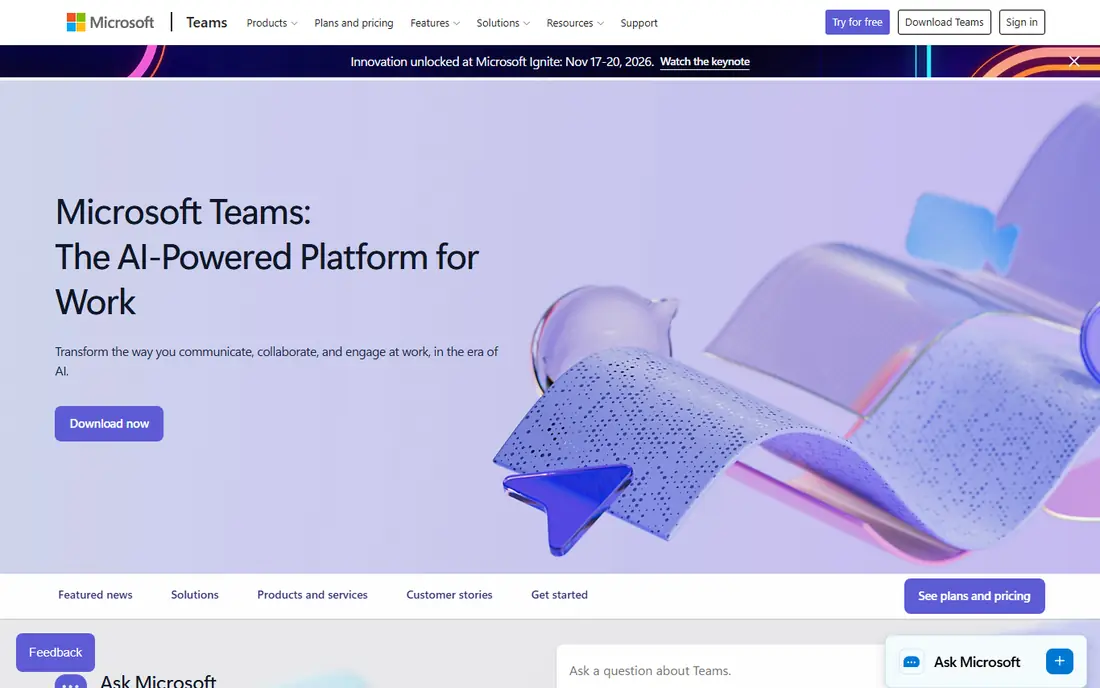
Microsoft Teams is a good fit for Microsoft 365 organizations that want chat, files and meetings together. For organizations standardized on 365, the integration value is real. Also, meetings launch from Outlook, files live in SharePoint, chat persists after the call ends.
Points against: Heavy client that taxes older machines.
Admins run it all from the same console as everything else Microsoft. The experience is the complaint. No starting price is listed for Microsoft Teams here; confirm pricing on the vendor site. Free plan details: Not stated.
- Meetings plus persistent chat plus calling in one client
- SharePoint and OneDrive
- The interface packs in so much that straightforward meetings feel buried
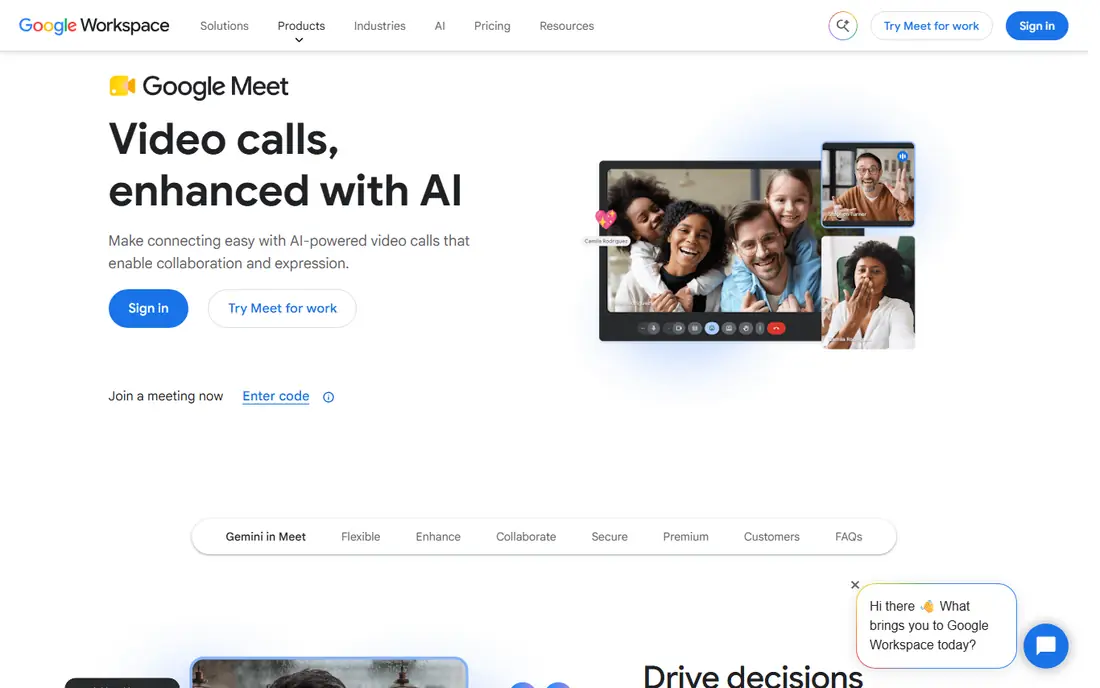
Google Meet targets Teams already living in Google Workspace and Gmail. Google Meet wins on convenience.
Watch-outs: Fewer advanced webinar and event features than Zoom or Webex.
From a buyer's view, group meetings on the free level are capped at 60 minutes. But for daily team meetings inside a Google shop, nothing beats the lack of friction, and Workspace plans bundle it with everything else you already pay for. Google Meet does not show a starting price in this comparison, so check the vendor site for current pricing. Free access exists with Google Meet.
- Zero-friction joining from Gmail and Calendar with no downloads
- Free level genuinely usable for personal and small-team calls
- Meeting controls and breakout features lag the specialists
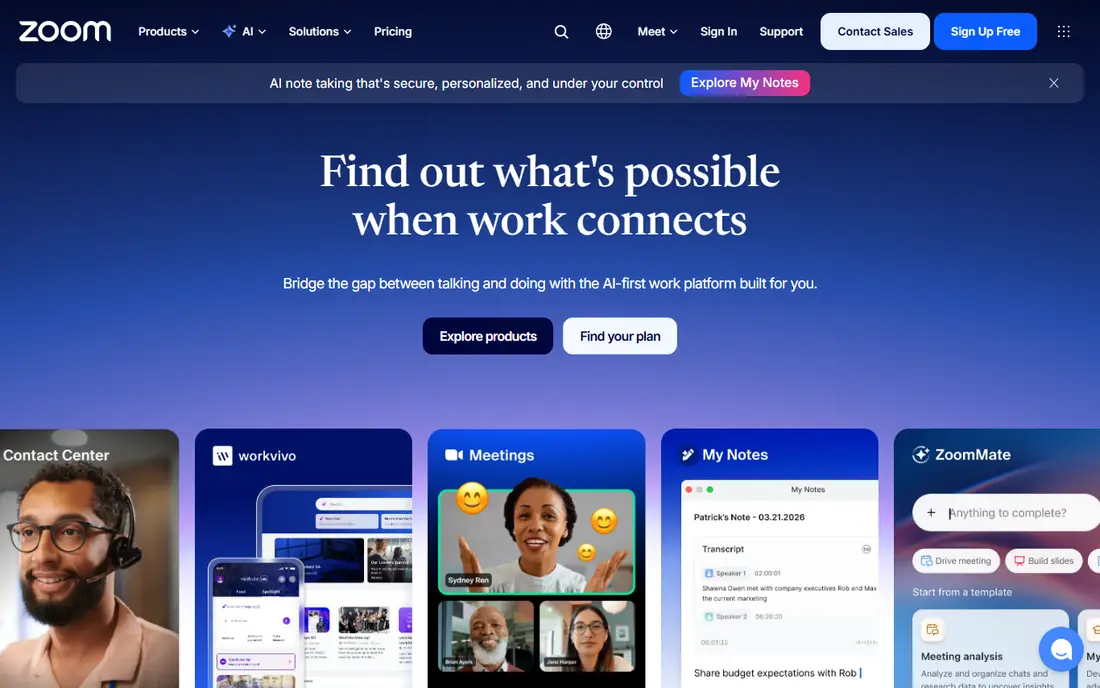
Think of Zoom for Teams that require the most steady large meetings and webinars. The ecosystem is unmatched: calendar integrations, room hardware, and thousands of apps.
Watch-outs: The free level's group time limit pushes teams to premium plans rapidly.
Beyond that, security had a rough patch years ago and is now solid, with waiting rooms, passcodes and encryption standard. From a buyer's view, meetings, Webinars and Phone are separate products with separate bills, and the headline per-host price multiplies across your team. Pricing for Zoom is not stated here, so ask the vendor for current figures. Trial and free access: Not stated.
Where it shines: apps and hardware.
- Huge ecosystem of integrations
- Webinar
- Pricing brings up across products (meetings, webinar, phone billed separately)
RingCentral Video
Best for: Firms already using RingCentral for business phone
Where RingCentral Video fits: companies already using RingCentral for business phone. Evaluate it as part of a phone-plus-video decision, not as a video-only purchase, and price the entire RingCentral plan against Zoom plus a separate phone system.
Zoom and Meet offer more video-specific depth, and the product's real strength is the unified communications bundle. The video features themselves are complete: HD quality, screen sharing, recording, breakout rooms. Check the vendor site for RingCentral Video pricing; none is listed in this comparison. On free options: Not stated.
Honest limits: Setup complexity reflects the full UCaaS platform.
- Natively part of the RingCentral phone and messaging product, so one app covers calls and video
- Solid admin and analytics
- Standalone pricing is less compelling than Zoom or Meet
Whereby
Best for: Teams and products that want browser-based rooms with no downloads
Whereby is aimed squarely at Teams and products that want browser-based rooms with no downloads. Large webinars, phone systems and deep enterprise admin are out of scope. But for customer-facing calls where you cannot ask the other side to install anything, the browser-first approach removes the biggest source of meeting friction.
In daily use, pricing is straightforward and the free level includes light use. That simplicity made it widely used with freelancers, coaches and small teams. The embedded API lets developers add video rooms to their own apps and sites. It does not try to out-feature Zoom. This comparison lists no price for Whereby; ask the vendor. Free plan details: Not stated.
Limits to weigh: Advanced webinar and large-event features are restricted.
- API and embedded choices for building video into your own product
- Custom room links are simple to remember and share
- Smaller company with a narrower feature set than the giants
Jitsi Meet
Best for: Privacy-minded teams and developers who want free, open-source video
Jitsi Meet serves privacy-minded teams and developers who want free, open-source video. The code is free, anyone can start a meeting at the public meet.jit.si instance with no account, and organizations can self-host for full data control. Jitsi Meet is the open-source answer to video conferencing.
Where it falls short: No vendor support or SLA on the free level.
Commercial support exists through 8x8's Jitsi-as-a-Service for teams that want the best of both. Features handle the essentials: screen sharing, chat, polls, virtual backgrounds, breakout rooms and end-to-end encryption choices. Entry price for Jitsi Meet: Free. Free access exists with Jitsi Meet.
- Fully free and open source under Apache 2.0
- No account needed to join
- Large meetings need tuned infrastructure
Free plans and trials for virtual conferencing platforms
Free video plans all have a catch, and it is normally time or headcount. For everyday use, participant caps matter too. Recording, dial-in numbers, admin controls and meeting analytics are the usual premium gates.
From a buyer's view, then check which free level suits before assuming you have to pay.
Selection criteria
Pricing pages, product documentation and feature lists were the main sources, and every entry carries at least one honest drawback. Prices and plan limits come from vendor pages and can change, so confirm them on the vendor site before you buy. The order reflects how well each tool fits the most common buying scenario for virtual conferencing platforms, then price clarity, then free plan access. It is a starting point, not a verdict.
What to check before you buy
- Confirm the entry price on the vendor page. For Microsoft Teams, Google Meet, Zoom and others that means a quote rather than a fixed price.
- Check what the free option really includes: Google Meet and Jitsi Meet offer a free plan, and usage caps differ.
- Read the limits listed for Microsoft Teams first: heavy client that taxes older machines.
- Test the integrations you rely on with Microsoft Teams before committing; some connectors sit on upper tiers.
- Before you load data into Zoom, check what an export looks like and who can run it.
FAQ
How are the tools for virtual conferencing platforms ordered?
Microsoft Teams sits first and Jitsi Meet last because the order follows typical fit for virtual conferencing platforms, then price clarity and free access. It is a judgement call, so read each profile for fit and limits.
Can I try these options before paying?
Often, yes. Google Meet and Jitsi Meet have a free plan. Use your own data and a real task during the test, and check what the free tier or trial limits before you rely on it.
Do these tools publish their prices?
Not all of them. Microsoft Teams, Google Meet, Zoom and others publish no starting price, so expect a quote request for those. The rest, Jitsi Meet included, show a starting price, though seats and billing terms still change the final cost.
What is the best virtual conferencing platform for small business?
This list starts with Microsoft Teams, which fits Microsoft 365 organizations that want chat, files and meetings together. For other needs, Google Meet is aimed at Teams already living in Google Workspace and Gmail, and Zoom at Teams that need the most dependable large meetings and webinars. Check each tool's price and main limit first.
Is Microsoft Teams the right pick for everyone comparing virtual conferencing platforms?
No single tool suits every team. Microsoft Teams comes first because it fits Microsoft 365 organizations that want chat, files and meetings together, while Google Meet suits Teams already living in Google Workspace and Gmail and Zoom suits Teams that need the most reliable large meetings and webinars. Match the tool to your own size, budget and workflow before deciding.