Best Virtual Workspaces Software (2026): 6 Picks Checked on Vendor Pages
Comparing the best virtual workspaces software? 6 contenders, each with entry cost, free tier and best-fit buyer. With pricing notes and limits. Pick by budget.
- Editor's choice
 Slack
Chat, automation, and team workflows
Starts at$4.38 per user a monthVisit slack.comFull review - Great alternative
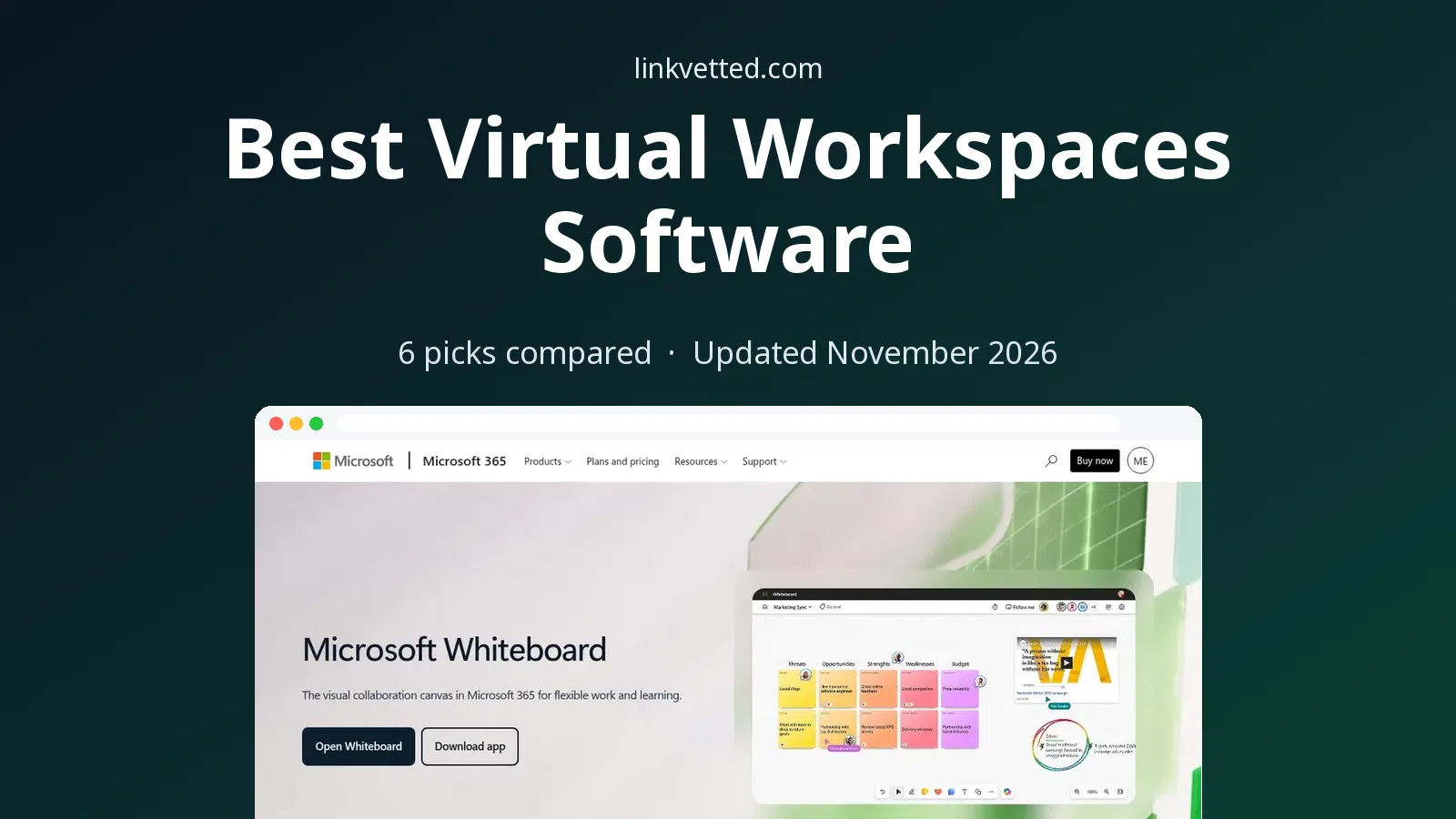
 Microsoft Whiteboard
Creative collaboration on an infinite canvas
Starts atSee websiteVisit microsoft.comFull review - Also consider
 Mural
Collaborative strategy and planning sessions
Starts at$9.99 per member a monthVisit mural.coFull review
Direct answer
If you need chat, automation, and team workflows, Slack is the first tool to look at here. Listed starting prices: Slack from $4.38 per user a month, Mural from $9.99 per member a month and Miro from $8 per member per month. If your case is different, Microsoft Whiteboard suits creative collaboration on an infinite canvas and Mural suits collaborative strategy and planning sessions. Details, prices and limits for the rest of the 6 tools are below.
TL;DR:
- Slack is the opening pick, best for chat, automation, and team workflows.
- A fair warning about Microsoft Teams: interface can feel dense.
- 4 of 6 tools offer a free plan: Slack, Mural, Cisco Webex, Miro.
- For visual product development and ideation, Miro is worth a look.
Last checked November 2026. Prices and plan details were read from the vendors' own pages in November 2026; vendors change plans often, so confirm the current price on the vendor site before you buy.
Quick comparison
| Tool | Best for | Starts at | Free plan? | |
|---|---|---|---|---|
| Slack | Chat, automation, and team workflows | $4.38 per user a month | Yes | Visit |
| Microsoft Whiteboard | Creative collaboration on an infinite canvas | See website | Not stated | Visit |
| Mural | Collaborative strategy and planning sessions | $9.99 per member a month | Yes | Visit |
 Microsoft Teams | Chat, meetings, and files in one hub | See website | Not stated | Visit |
 Cisco Webex | Meetings, calling, and customer experience | See website | Yes | Visit |
 Miro | Visual product development and ideation | $8 per member per month | Yes | Visit |
The full virtual workspaces software list
Choosing virtual workspaces software usually comes down to price, fit and limits. This LinkVetted guide sets 6 tools side by side on those three points, with the facts kept short and checkable.
For chat, automation, and team workflows, Slack is a natural candidate. Slack is an AI work product for managing projects, automating workflows, and connecting teams securely. It performs well as the communication hub of a virtual workspace, notably for teams that run much of their day in chat and want to cut time spent switching between apps.
Points against: Not a visual canvas tool.
For everyday use, busy channels can also build notification overload without clear conventions. On top of that, choose Slack when chat and workflow automation are the priority, and add a canvas tool for visual work. Worth adding: Slack is not a visual whiteboard, so brainstorming and diagramming need a companion tool for example Miro or Mural. What you pay to start with Slack: $4.38 per user per month. Free access exists with Slack.
- AI work system for projects
- Organizes communication by channel
- Notification overload is possible
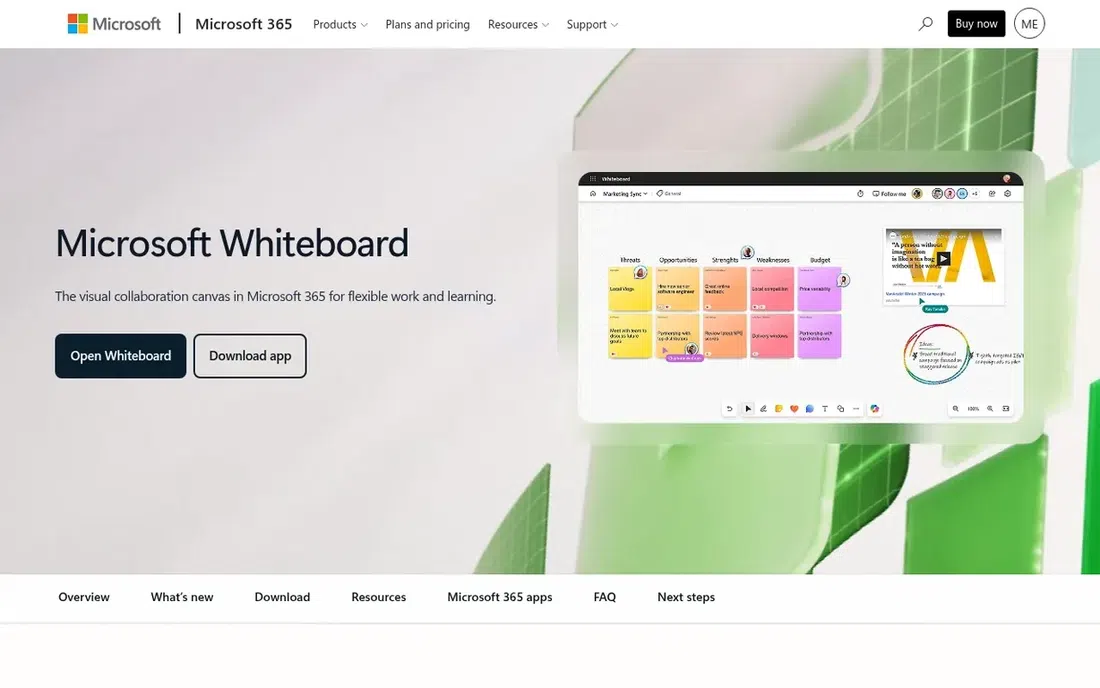
Microsoft Whiteboard works best for creative collaboration on an infinite canvas. Microsoft Whiteboard is a digital whiteboard app offering an intelligent infinite canvas designed for creative collaboration. It hands teams a straightforward space to sketch, brainstorm, and share ideas freely, and it suits organizations already working within Microsoft tools that want whiteboarding without adding a separate product.
Choose Whiteboard when simplicity and ecosystem fit matter most. Beyond that, Whiteboard is a canvas first, so it gives you less in the way of structured project planning or persistent chat than fuller workspace platforms. This comparison lists no price for Microsoft Whiteboard; ask the vendor. Trial and free access: Not stated.
Where it is weaker: Less structured than project tools.
- Intelligent infinite canvas
- Suits Microsoft-centric organizations
- Value tied to the Microsoft ecosystem
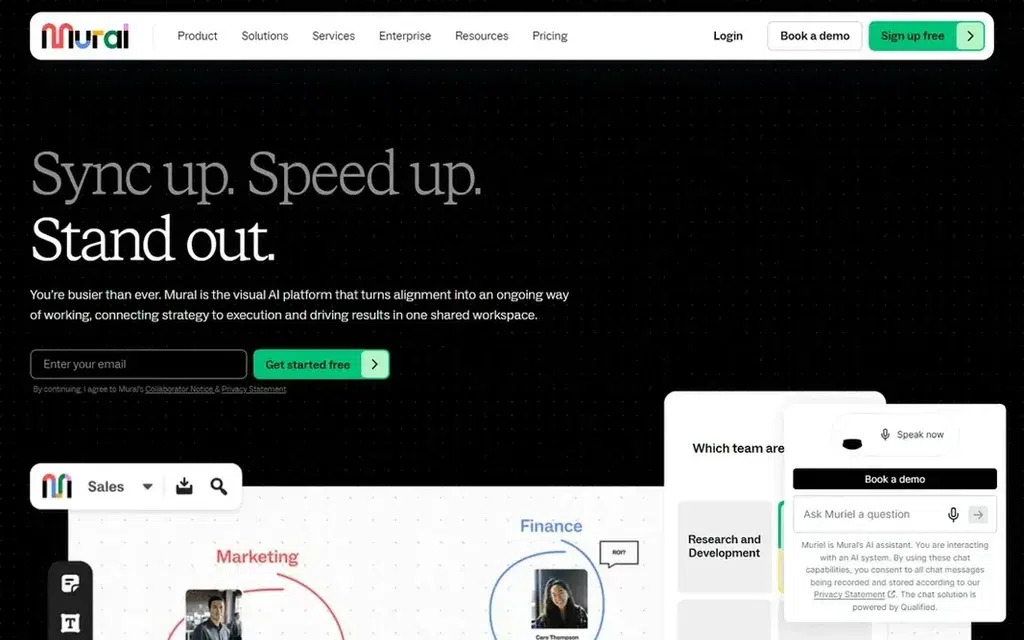
Mural is built with collaborative strategy and planning sessions in mind. Mural is an AI-powered visual workspace designed to boost team collaboration and innovation.
Where it falls short: Needs facilitation discipline.
Sessions can lose structure without a facilitator or clear templates. In daily use, Mural is centred on visual collaboration, so it does not replace a persistent chat or meeting system on its own. Starting cost for Mural: $9.99 per member per month. Mural has a free plan.
- Easy-to-learn shared canvas
- Made for planning and strategizing
- Narrower than a full chat product
Microsoft Teams targets chat, meetings, and files in one hub. Microsoft Teams merges video conferencing, meetings, calling, and chat with tools and files kept in one place. It is built to help teams link naturally, stay organized, and bring ideas to life, making it a fit for organizations that want a single hub for communication and documents.
Limits to weigh: Interface can feel dense.
It works notably well for teams already using Microsoft productivity tools. Beyond that, choose Teams when you want chat, meetings, and files unified. This comparison lists no price for Microsoft Teams; ask the vendor. Free options: Not stated.
- Files and tools in one place
- Chat together
- Best experience within Microsoft ecosystem
Cisco Webex is built with meetings, calling, and customer experience in mind. Cisco Webex is an AI-powered collaboration system handling meetings, customer experience, devices, and product options.
It suits bigger organizations that want meetings, calling, and customer-facing communication from a single vendor, notably where IT already runs Cisco infrastructure. No starting price is listed for Cisco Webex here; confirm pricing on the vendor site. A free plan is available with Cisco Webex.
Drawbacks to consider: Setup relies on IT support.
- Geared to enterprise communication
- Bundles devices and product options
- Wide suite can feel complicated

Think of Miro for visual product development and ideation. Miro is an AI-powered visual workspace built to speed product development from ideation to launch. Its infinite canvas lets teams align, break down tool silos, and ship what customers need in one shared visual space.
From a buyer's view, the breadth of the canvas can become overwhelming on very large boards. The experience relies on teammates adopting shared conventions. Teams that already run on chat-centric workflows may still pair it with a messaging tool. In practice, if your priority is chat and meetings instead of visual planning, a messaging-first product like Slack or Microsoft Teams may be the better anchor, with Miro as a complement. Miro pricing: $8 per member per month. Miro includes a free tier.
The main drawbacks: Large boards can feel busy.
- AI-powered visual product
- Supports ideation through launch
- Best value needs team adoption
How we built this list
For each of the 6 tools we noted price, free plan or trial, fit for virtual workspaces software and the main limit, using vendor pages and documentation. Treat prices as a snapshot: vendors change plans often, so check the vendor site for the figure that applies today. Order on the page follows fit for the typical buyer first, then price transparency and free access. Your own requirements should decide the final pick.
What to check before you buy
- Confirm the entry price on the vendor page. For Microsoft Whiteboard, Microsoft Teams and Cisco Webex that means a quote rather than a fixed price.
- Check what the free option really includes: Slack, Mural, Cisco Webex and Miro offer a free plan, and usage caps differ.
- Before choosing Slack, weigh its main limit: not a visual canvas tool.
- Verify that exporting from Microsoft Whiteboard is possible on your plan and covers all your records.
- Compare total cost, not headline price: for Mural, add extra seats, add-ons and any usage-based charges.
FAQ
What is the cheapest option for virtual workspaces software in this list?
On published monthly entry prices, Slack is the lowest here at $4.38 per user per month. Entry price is only part of the cost, because seats, add-ons and billing terms can change the total. For the full picture, the cards above cover all 6 entries of this virtual workspaces software list, including price, free plan and limits.
Do these tools publish their prices?
Not all of them. Microsoft Whiteboard, Microsoft Teams and Cisco Webex publish no starting price, so expect a quote request for those. The rest, Slack included, show a starting price, though seats and billing terms still change the final cost.
Can I try these options before paying?
Often, yes. Slack, Mural, Cisco Webex and Miro have a free plan. Use your own data and a real task during the test, and check what the free tier or trial limits before you rely on it.
What is a virtual workspace?
It generally merges chat, meetings, files, and at times a visual canvas. From a buyer's view, the right mix relies on whether your team works largely in conversation or in visual planning.
Which options for virtual workspaces software have a free plan?
On this list, Slack, Mural, Cisco Webex and Miro include a free plan. Caps on seats, usage or features are common, so test the free plan against your real workload.
Sources
- https://slack.com
- https://www.microsoft.com/en-us/microsoft-365/microsoft-whiteboard
- https://www.mural.co
- https://www.microsoft.com/en-us/microsoft-teams/group-chat-software
- https://www.webex.com
- https://miro.com