Best Room Booking Software in 2026: 8 Tools Compared
We compared the best room booking software for 2026 on calendar sync, room displays, check-in, analytics and pricing for hybrid offices of all sizes today.
- Editor's choice
 Skedda
Offices with a fixed room inventory
Starts at$249 per monthVisit skedda.comFull review - Great alternative
 Robin
Larger offices that want polished displays
Starts atSee websiteVisit robinpowered.comFull review - Also consider
 Envoy Workplace
Firms already using Envoy for visitors
Starts atSee websiteVisit envoy.comFull review
TL;DR:
- Skedda leads for clear per-space pricing and fast setup for fixed room inventories.
- Robin leads for polished room displays and calendar-first booking in larger offices.
- Envoy suits firms that already use Envoy for visitors and want rooms in the same system.
- The best room booking system tools choice depends on office size, calendar platform and display needs.
Quick comparison
| Tool | Best for | Starts at | Free plan? | |
|---|---|---|---|---|
| Skedda | Offices with a fixed room inventory | $249 per month | Free trial | Visit |
| Robin | Larger offices that want polished displays | See website | No | Visit |
| Envoy Workplace | Firms already using Envoy for visitors | See website | No | Visit |
 Eptura Engage | Large enterprises with complex portfolios | See website | No | Visit |
 deskbird | Mid-market teams on Microsoft 365 | See website | Free trial | Visit |
 YAROOMS | Offices that want predictable flat-tier budgets | $99 per month | Free trial | Visit |
 OfficeRnD Workplace | Coworking and flex offices that need billing links | See website | Free trial | Visit |
 Joan | Offices that want simple room display hardware | See website | No | Visit |
The best Room Booking Software
Room booking software stops double-booked meetings, ghost bookings and hallway hunts for a free room. The best tools sync with your calendar, show live room status and release no-show bookings automatically. We compared tools on calendar sync, displays, check-in, analytics and price.
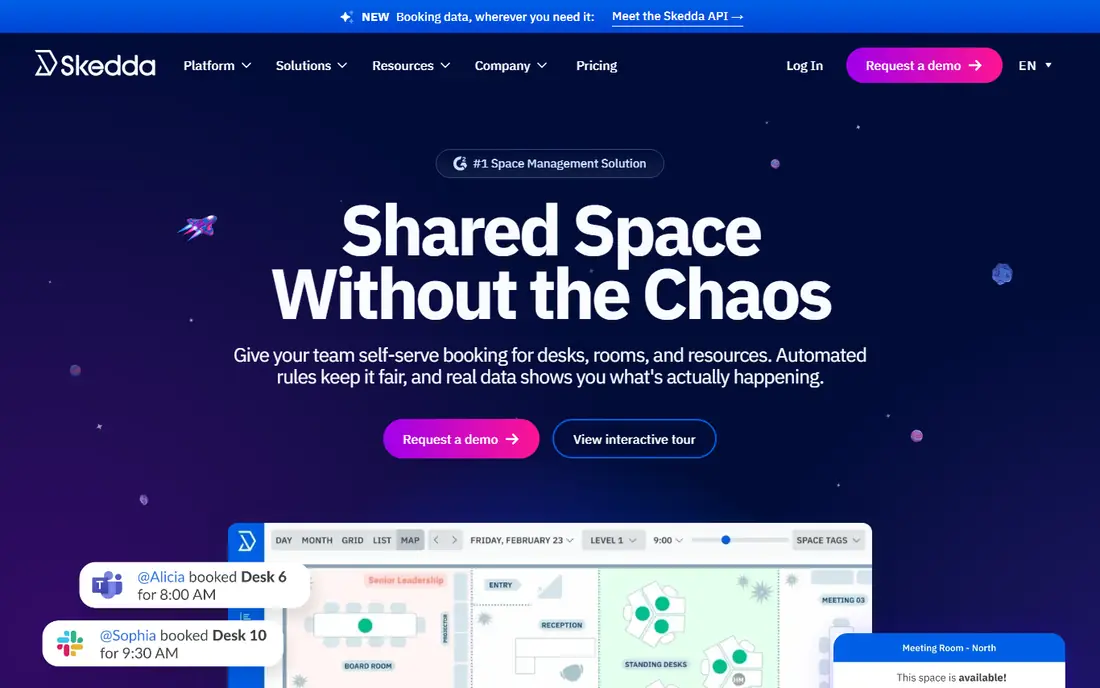
Skedda suits offices that want fast, transparent booking. Skedda lets offices book rooms and desks from visual floor plans, with booking rules, capacity limits and utilization reporting. Its per-space pricing makes total cost easy to estimate for a fixed inventory.
It does not offer deep visitor management, and room display hardware is a separate choice. For offices that mainly need reliable room booking with clear rules, that focus is a strength. Pricing is listed as $249 per month, with a free plan or trial status of Free trial. Check the vendor pricing page before you buy, since tiers and limits change, and test the tool on a real case during any trial.
- Per-space pricing
- Visual floor plans
- Booking rules and reporting
- No visitor management depth
- Display hardware is separate
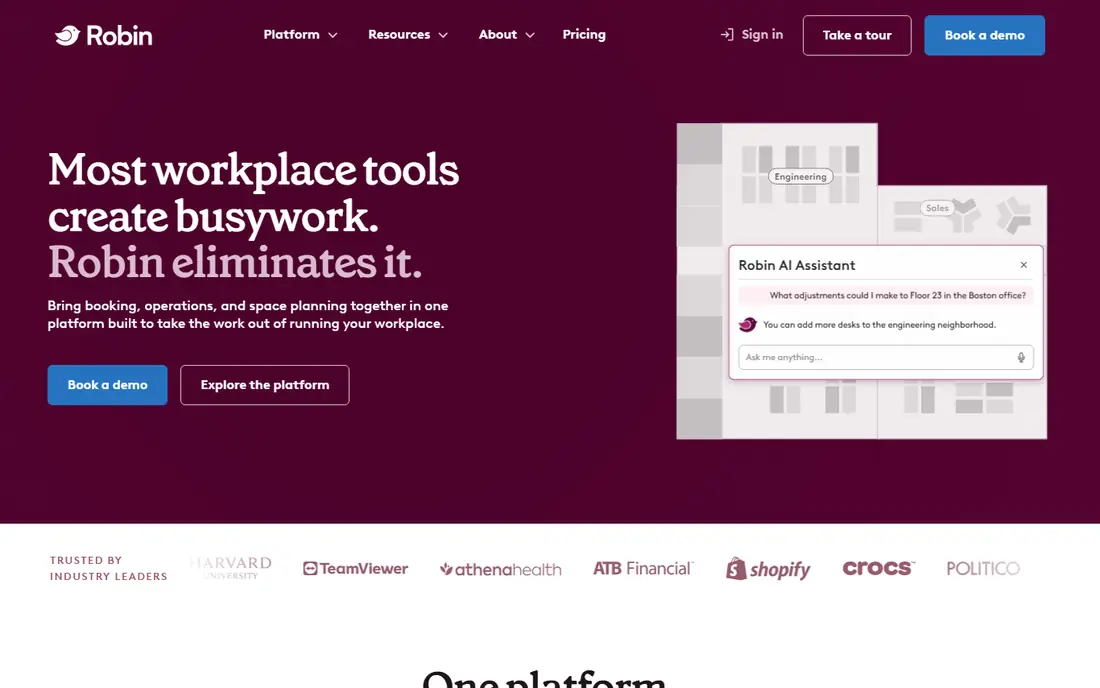
For larger offices that want a polished daily experience, Robin is a strong starting point. Robin pairs calendar-first room booking with polished room displays, desk booking and analytics for hybrid offices. Its daily experience feels clean for staff who book rooms every day.
Pricing is quote-based and setup takes longer than a small tool. For a larger office with many rooms and floors, the display and analytics depth can justify the effort. Pricing is listed as See website, with a free plan or trial status of No. Check the vendor pricing page before you buy, since tiers and limits change, and test the tool on a real case during any trial.
- Calendar-first booking
- Room displays
- Desk and visitor tools
- Analytics
- Quote-based pricing
- Setup takes longer than small tools
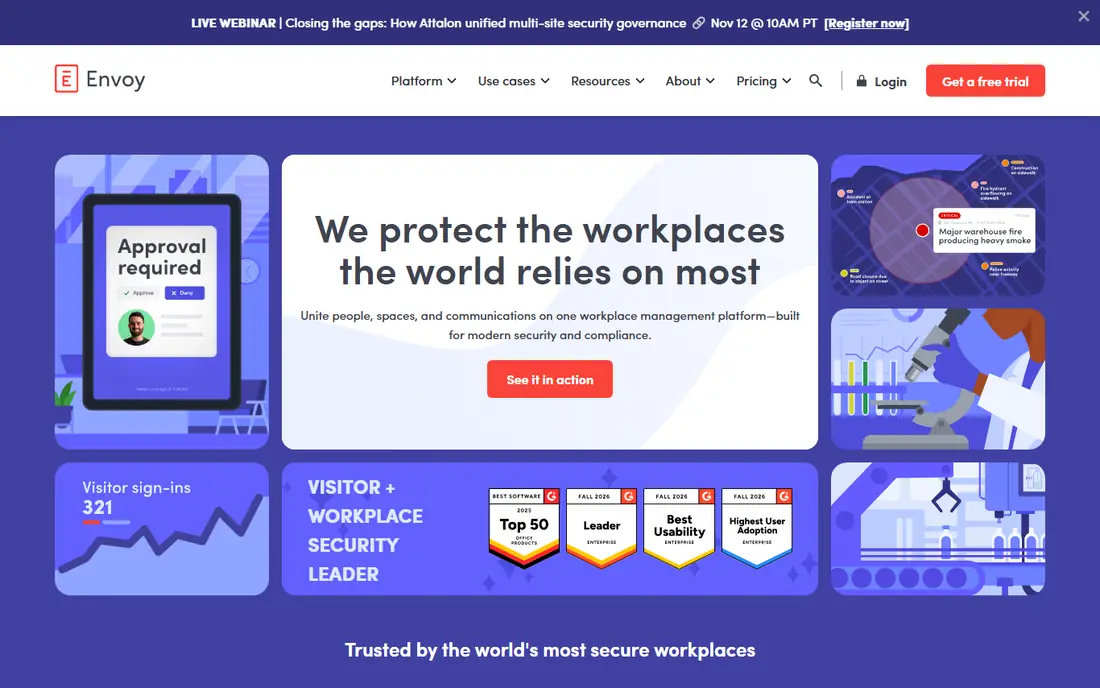
Envoy Workplace is built for firms that want rooms and visitors together. Envoy Workplace combines room booking with the visitor management Envoy is known for, plus calendar sync and analytics. Firms already on Envoy can add rooms without a second vendor.
Pricing includes platform fees on top of per-resource rates, and setup leans enterprise. If you do not need visitor management, a focused room tool may cost less. Pricing is listed as See website, with a free plan or trial status of No. Check the vendor pricing page before you buy, since tiers and limits change, and test the tool on a real case during any trial.
- Room booking plus visitor management
- Calendar sync
- Analytics
- Pricing includes platform fees
- Setup is enterprise-leaning
If you are looking for a tool for large enterprises with many buildings, Eptura Engage deserves a close look. Eptura Engage, formerly Condeco, brings enterprise room and desk booking to large portfolios, with broad workplace management behind it. It suits firms with many buildings and complex booking rules.
Setup is IT-led and takes time, and pricing is enterprise-level. Small and mid-size offices will find faster, simpler tools, but large portfolios benefit from the depth. Pricing is listed as See website, with a free plan or trial status of No. Check the vendor pricing page before you buy, since tiers and limits change, and test the tool on a real case during any trial.
- Enterprise room and desk booking
- Condeco engine
- Broad workplace suite
- IT-led setup
- Enterprise pricing
deskbird suits mid-market Microsoft 365 teams. deskbird offers mobile-first room and desk booking with a strong Microsoft 365 focus, which suits mid-market teams already on that platform. Its app makes daily booking quick for hybrid staff.
Visitor management features are still developing, and support hours reflect its European base. For a Microsoft 365 team that mainly needs rooms and desks, it is a strong pick. Pricing is listed as See website, with a free plan or trial status of Free trial. Check the vendor pricing page before you buy, since tiers and limits change, and test the tool on a real case during any trial.
- Mobile-first booking
- Microsoft 365 focus
- Desk and room tools
- Visitor features are still developing
- EU focus may affect support hours
For offices that want predictable pricing, YAROOMS is a strong starting point. YAROOMS offers flat-tier pricing for room and desk booking, which makes budgeting predictable as room counts grow. Its carbon reporting also suits firms tracking workplace sustainability.
Its integration set is smaller than larger rivals, and display options vary by tier. For offices that value a flat bill over the broadest integrations, it is a practical choice. Pricing is listed as $99 per month, with a free plan or trial status of Free trial. Check the vendor pricing page before you buy, since tiers and limits change, and test the tool on a real case during any trial.
- Flat-tier pricing
- Room and desk booking
- Carbon reporting
- Smaller integration set than Robin or Envoy
- Display options vary
OfficeRnD Workplace
Best for: Coworking and flex offices that need billing links
OfficeRnD Workplace is built for coworking and flex space operators. OfficeRnD Workplace ties room booking to memberships, billing and access for coworking and flex offices. That link helps operators charge for rooms and manage member access in one record.
Corporate offices that do not bill for rooms may need less of that depth. For a flex operator, the membership and billing connection is the main advantage. Pricing is listed as See website, with a free plan or trial status of Free trial. Check the vendor pricing page before you buy, since tiers and limits change, and test the tool on a real case during any trial.
- Room booking tied to memberships
- Billing and access links
- Floor plans
- Best fit is flex and coworking
- Corporate offices may need less billing depth
If you are looking for a tool for offices that want displays without a large suite, Joan deserves a close look. Joan focuses on e-ink room displays that show live availability and bookings at the door, with calendar sync and simple per-room setup. Its displays use little power and are easy to mount.
Software depth is thinner than a full workplace suite, so firms that need desks, visitors and analytics should pair Joan with another tool or choose a suite. For display-first offices, Joan is a clean pick. Pricing is listed as See website, with a free plan or trial status of No. Check the vendor pricing page before you buy, since tiers and limits change, and test the tool on a real case during any trial.
- E-ink room displays
- Calendar sync
- Simple setup per room
- Software depth is thinner than full workplace suites
- Displays are the focus
How we picked these
We compared official feature pages, pricing pages and documentation for tools used by hybrid offices, coworking operators and large enterprises. We favored tools with two-way Outlook and Google Calendar sync, room panels or displays, QR or auto-release check-in, and utilization reporting without a separate purchase. We also checked pricing models carefully, since per-user, per-resource and flat-tier pricing give very different totals. Where a price could not be verified, we wrote See website.
How to choose room booking software for your office
Start with your calendar and your rooms. A tool that syncs cleanly with the calendar your staff already uses will win adoption faster than a tool with extra features and weak sync.
Test calendar sync on real rooms
Book, move and cancel rooms from Outlook or Google Calendar and from the booking app, and check that both sides stay in sync. Weak sync creates double bookings, which is the exact problem you are trying to solve. Test recurring meetings and room changes, not just single bookings.
Decide how much hardware you need
Room displays help in busy offices, but they add hardware cost and setup time. Small offices may do well with app and calendar booking only, while large floors benefit from live panels and check-in. Check display options, mounting and power needs before you buy.
Use check-in and auto-release rules
No-show bookings waste rooms. Look for check-in by app, QR code or panel, plus auto-release after a set grace period. Those rules alone can free a surprising share of booked rooms each week.
Check analytics before you renew space
Utilization reports show which rooms sit empty and which are always full. That data helps you resize rooms, adjust booking rules and plan office space. Confirm that reporting is included at your tier, since some tools charge extra for analytics.
FAQ
What is the best room booking software?
Skedda is the best starting point for many offices because of clear pricing and fast setup. Robin suits larger offices that want polished displays, while Envoy suits firms already using Envoy for visitors. The best meeting management software for your office depends on size and calendar platform.
What are the best room booking system tools for small offices?
Skedda, YAROOMS and deskbird offer clear pricing and simpler setup for small and mid-size offices. Small offices should start with calendar sync and check-in, and add displays only where rooms are contested. Avoid enterprise tools that need IT-led setup for a handful of rooms.
Do I need room displays?
Not always. Displays help on busy floors where staff need live status at the door. Small offices can often rely on calendar and app booking alone. If you buy displays, check hardware cost, installation and ongoing support, since those costs add up across many rooms.
Does room booking software work with Outlook and Google Calendar?
Most leading tools offer two-way sync with Outlook and Google Calendar, but depth varies. Test booking, edits, cancellations and recurring meetings in both directions during a trial. Weak sync is a common reason teams abandon a booking tool.
How much does room booking software cost?
Pricing varies by model. Some tools charge per user, some per resource and some by flat tier. Skedda lists per-space pricing, while Robin and Envoy often quote by scope. Compare total cost for your room count and user count, not just the headline rate.