6 Strong Conference Room Scheduling Software Options in 2026
Best conference room scheduling software in 2026: 6 contenders with entry costs and free tiers. Fit, price and catches for every tool. Skim the table first.
- Editor's choice
 Accruent EMS (formerly EMS Software)
Events and resource scheduling
Starts atSee websiteVisit accruent.comFull review - Great alternative
 Skedda
Complicated booking rules
Starts atSee websiteVisit skedda.comFull review - Also consider
 Robin
Hybrid workplace analytics
Starts atSee websiteVisit robinpowered.comFull review
Direct answer
Accruent EMS (formerly EMS Software) leads the list, best for events and resource scheduling. Alternatives: Skedda for complicated booking rules, and Robin for hybrid workplace analytics. Prices, free plans and limits for all 6 tools follow.
TL;DR:
- Accruent EMS (formerly EMS Software) takes the first slot, best suited to events and resource scheduling.
- Pricing across the list, from Accruent EMS (formerly EMS Software) to Envoy, is by quote only.
- What to know about Skedda first: rule configuration takes planning.
- Envoy suits rooms plus visitor management.
Quick comparison
| Tool | Best for | Starts at | Free plan? | |
|---|---|---|---|---|
| Accruent EMS (formerly EMS Software) | Events and resource scheduling | See website | Free trial | Visit |
| Skedda | Complicated booking rules | See website | Free trial | Visit |
| Robin | Hybrid workplace analytics | See website | Free trial | Visit |
 OfficeSpace Software | Workplace and facilities management | See website | Free trial | Visit |
 Eptura (formerly Condeco) | Enterprise multi-location booking | See website | Free trial | Visit |
 Envoy | Rooms plus visitor management | See website | Free trial | Visit |
Tool-by-tool breakdown
LinkVetted compared 6 tools for conference room scheduling software. The goal is a practical shortlist: published prices, free plan facts, best-fit use cases and honest limits for every entry.
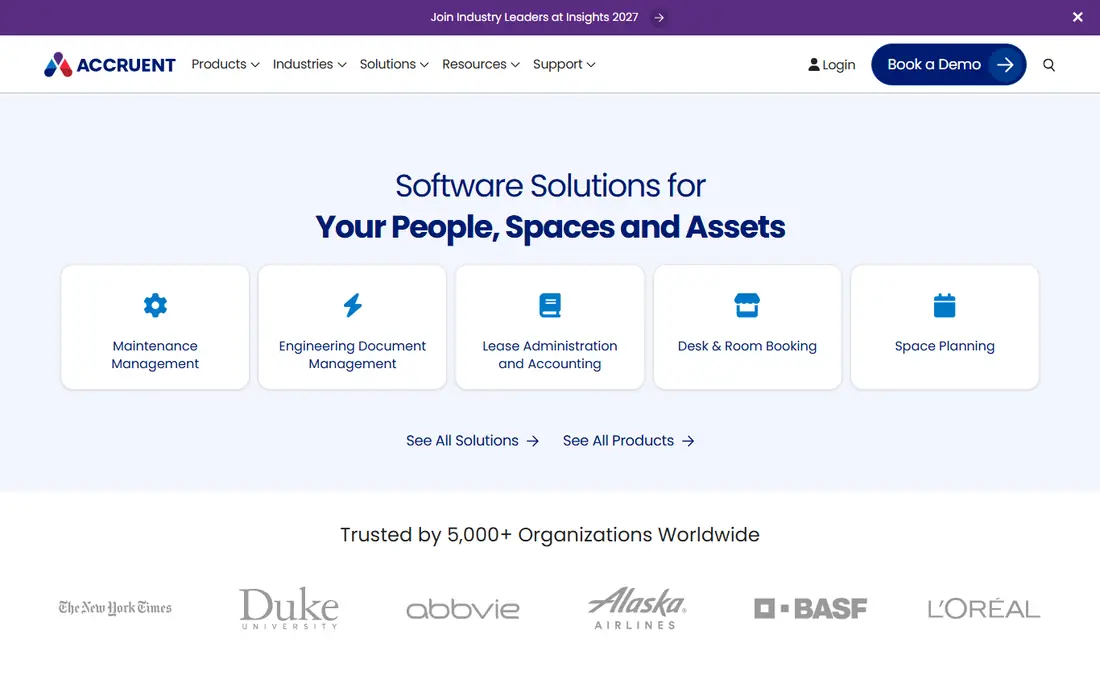
Accruent EMS (formerly EMS Software) was built for events and resource scheduling. EMS Software, now Accruent EMS, is a veteran of event and room scheduling, widely used by universities and large organizations with complicated booking needs. It goes beyond rooms into resources, services, billing and event workflows.
More specifically, campuses and enterprises with event-heavy calendars are its natural home. The interface presents its age compared to newer systems. But the scheduling engine is battle-tested for complicated scenarios like recurring events with resource dependencies. Request a demo using your most complicated recurring event as the test case. Accruent EMS (formerly EMS Software) does not show a starting price in this comparison, so check the vendor site for current pricing. Free options: Free trial.
Where it falls short: Enterprise pricing.
- Campus and enterprise pedigree
- Deep event and resource scheduling
- Dated interface in places
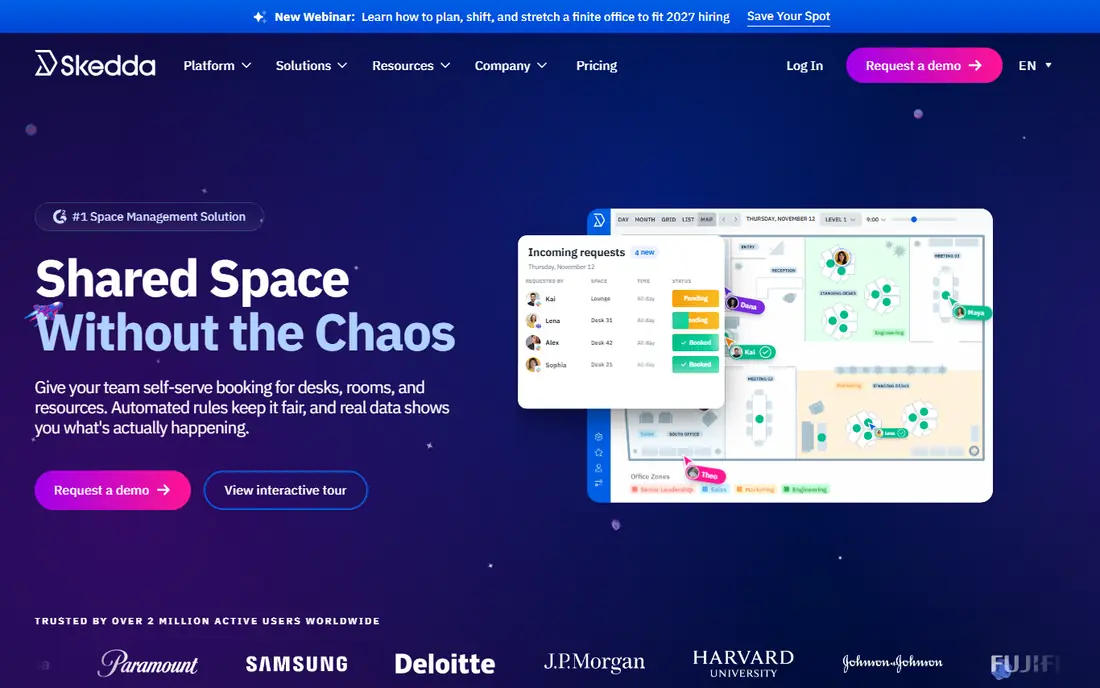
In short, Skedda is for complex booking rules. Skedda concentrates on space scheduling with unusually adaptable rules: booking windows, quotas, approvals, check-in requirements and priority access can all be configured per space. In practice, use the free trial to map one floor and test your trickiest booking policy.
The visitor management add-on is worth a look if front-desk workflows matter to you. Also, the per-space pricing model, with unlimited users, is attractive for organizations with numerous occasional bookers. Pricing for Skedda is not stated here, so ask the vendor for current figures. On free options: Free trial.
What to check first: Rule configuration takes planning.
- Interactive floor plans
- Highly configurable booking rules
- Less of a full workplace suite

Where Robin fits: hybrid workplace analytics. Robin is a workplace product built around hybrid offices, with meeting room booking sitting alongside desk booking, office maps and utilization analytics. In practice, for offices trying to right-size real estate or handle a hybrid schedule, that analytics layer is the selling point.
Smaller teams that just need a room calendar may find the system heavier than necessary. Beyond that, ask for a demo with your floor plans ready, since the value of Robin presents best when mapped to your actual space. Robin does not show a starting price in this comparison, so check the vendor site for current pricing. Free access: Free trial.
Honest limits: Pricing is quote-based.
- Capable analytics and office maps
- Desk plus room booking in one app
- Can be more than small teams need
Where OfficeSpace Software fits: workplace and facilities management. Its differentiator is the planning side: scenario modeling for floor plans and real estate decisions, not just daily booking.
Pure room-booking buyers may find the scope wider than they need. OfficeSpace Software shows no starting price here, so confirm the cost on the vendor site. Trial and free access: Free trial.
Downsides: Pricing is quote-based.
- Quick implementation
- Room booking inside a full workplace product
- Broader than pure room scheduling
Eptura (formerly Condeco) is a good fit for enterprise multi-location booking. Eptura's Engage product is the continuation of Condeco, the meeting room booking system long used by large enterprises, now inside Eptura's broader workplace system formed from the Condeco and iOFFICE merger. This is enterprise software with enterprise pricing and implementation.
In practice, request a demo scoped to your number of locations and rooms. On top of that, ask specifically about the Outlook integration and the meeting room display choices, since those determine the daily experience for your employees. No starting price is listed for Eptura (formerly Condeco) here; confirm pricing on the vendor site. Free access: Free trial.
Honest limits: Enterprise complexity and cost.
- Event and service scheduling
- Deep Microsoft 365 integration
- Overkill for small offices
For rooms plus visitor management, Envoy is a natural candidate. The product is geared toward midsize to enterprise workplaces, and pricing reflects that.
What to check first: Room booking is one module of a larger suite.
On top of that, Envoy started in visitor management and grew into a full workplace product including rooms, desks, deliveries and security. Envoy does not show a starting price in this comparison, so check the vendor site for current pricing. Trial and free access: Free trial.
- Visitor management and room booking in one product
- Capable enterprise security
- Enterprise-oriented pricing
How we chose
LinkVetted looked at what each vendor publishes: pricing, plan limits, feature coverage for conference room scheduling software and stated drawbacks. No hands-on testing is claimed. Treat prices as a snapshot: vendors change plans often, so check the vendor site for the figure that applies today. The sequence is a judgement call: typical use case first, then pricing transparency, then free access. Use the profiles to check fit.
A buyer's checklist
- Confirm the entry price with every vendor: no tool from Accruent EMS (formerly EMS Software) to Envoy shows a fixed starting price.
- Take the trial from Accruent EMS (formerly EMS Software), Skedda, Robin and others and push a live task through it before you pay.
- Before choosing Accruent EMS (formerly EMS Software), weigh its main limit: dated interface in places.
- Let daily users try Accruent EMS (formerly EMS Software) on real work; their feedback beats any feature checklist.
- The entry price of Envoy is only the starting point; model the full cost with seats and extras.
FAQ
Do these tools publish their prices?
No. None of the tools, from Accruent EMS (formerly EMS Software) to Envoy, shows a fixed starting price here, so budget time for quotes.
What does check-in and auto-release do?
It needs the meeting organizer to check in, on a display or phone, within a set window after the start time. If nobody checks in, the room is released back to available.
Does any tool for conference room scheduling software here have a free plan?
A permanent free plan is not offered by Accruent EMS (formerly EMS Software), Envoy or the other tools here. Several tools offer a trial. Plan a short evaluation period instead.
What is the difference between Robin and Skedda?
Robin is a full workplace system with desk booking, office maps and analytics pitched at hybrid offices. Choose Robin for workplace intelligence, Skedda for scheduling adaptability.
How are the tools for conference room scheduling software ordered?
The order follows typical fit for conference room scheduling software, with Accruent EMS (formerly EMS Software) first and Envoy last, then price clarity and free access. It is editorial judgement, not a score, so another team could rank the tools differently.
How much does conference room scheduling software cost?
Most vendors price per room or per space with unlimited users, so your room count drives the cost. Always get a quote for your actual footprint.