6 Space Management Software Worth Shortlisting in 2026
Comparing the best space management software? 6 contenders, each with entry cost, free tier and best-fit buyer. Real limits included. Updated November 2026.

- Editor's choice
 Planon
Smart building and workspace optimization
Starts atPricing on requestVisit planonsoftware.comFull review - Great alternative
 Robin
Hybrid workplace operations
Starts atPricing on requestVisit robinpowered.comFull review - Also consider
 MRI Software
Wide real estate and space management
Starts atPricing on requestVisit mrisoftware.comFull review
Direct answer
Planon is the first pick on this list for smart building and workspace optimization. For a different need, Robin covers hybrid workplace operations and MRI Software covers wide real estate and space management. The other 3 tools in the list cover narrower or pricier cases. None of these vendors publish plan prices, so pricing is on request for every option.
TL;DR:
- Planon takes the first slot, best suited to smart building and workspace optimization.
- Before buying Robin, weigh this: may be more than small teams need.
- iOffice suits workplace experience and space management.
- Planon, iOffice and the 4 others all need a premium plan or a trial, since no free plan is listed.
- Planon, iOffice and the 4 others all sell by quote; expect sales conversations before you see a price.
Last checked November 2026. Pricing on request: vendors did not publish plan prices when this guide was last checked (November 2026), so ask each vendor for a written quote.
Quick comparison
| Tool | Best for | Starts at | Free plan? | |
|---|---|---|---|---|
| Planon | Smart building and workspace optimization | Pricing on request | Not stated | Visit |
| Robin | Hybrid workplace operations | Pricing on request | Not stated | Visit |
| MRI Software | Wide real estate and space management | Pricing on request | Not stated | Visit |
| SpaceIQ | Desk booking and space planning | Pricing on request | Not stated | Visit |
| IBM TRIRIGA | Real estate portfolio realignment | Pricing on request | Not stated | Visit |
| iOffice | Workplace experience and space management | Pricing on request | Not stated | Visit |
Our 6 picks for space management software
Choosing space management software usually comes down to price, fit and limits. This LinkVetted guide sets 6 tools side by side on those three points, with the facts kept short and checkable.

Think of Planon for smart building and workspace optimization. Planon offers a data-driven Smart Building Management system to handle workspaces and optimize building performance.
It suits organizations that want to link space usage with building operations and sustainability goals. This comparison lists no price for Planon; ask the vendor. As for free access: Not stated.
Where it is weaker: Needs data integration for full value.
- Data-driven system
- Optimizes building performance
- May suit bigger facilities better
Robin is designed for hybrid workplace operations. Robin's wide feature set may exceed the needs of a small office seeking only entry-level desk booking.
What to check first: AI features need data setup.
Beyond that, teams should assess whether the AI-driven features align with their workflows. Check the vendor site for Robin pricing; none is listed in this comparison. As for free access: Not stated.
- Visitor management included
- Space planning in one product
- May be more than small teams need
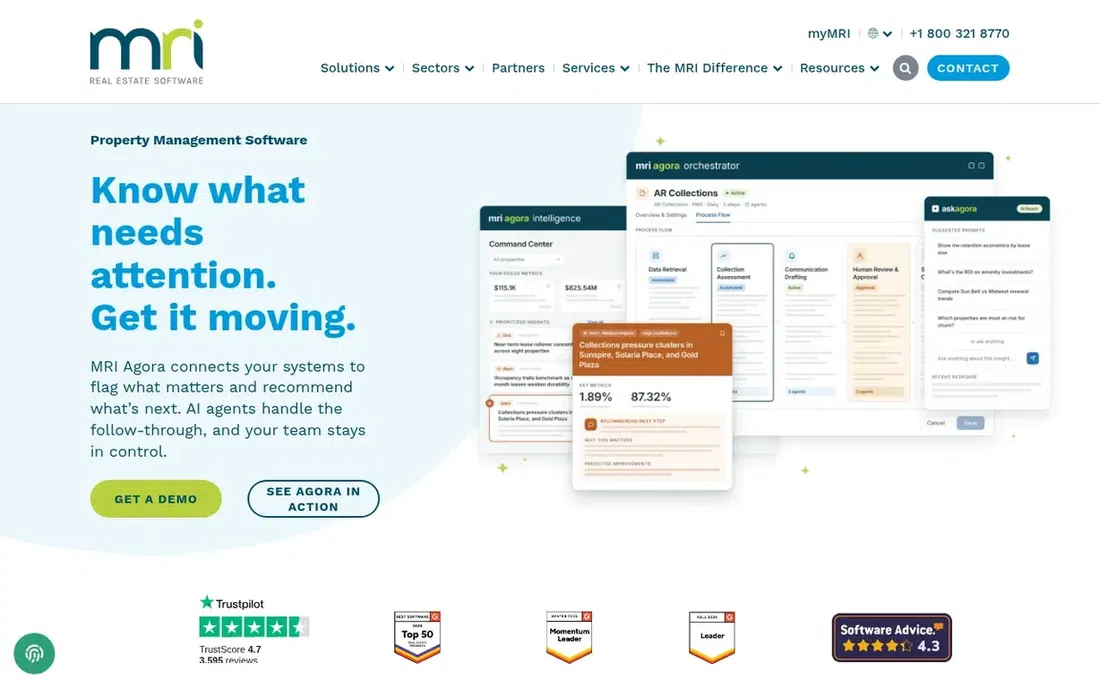
MRI Software serves wide real estate and space management. Confirm module details on the vendor site.
Watch-outs: May need configuration for specific needs.
In practice, consider a specialized workplace tool if your focus is restricted to hybrid scheduling. Check the vendor site for MRI Software pricing; none is listed in this comparison. Free access: Not stated.
- Focus on community spaces
- Open and connected technology
- Wide scope can mean a ramp-up time
SpaceIQ
Best for: Desk booking and space planning
SpaceIQ makes the most sense for desk booking and space planning. Verify support and feature details on the Eptura site.
Downsides: May need transition planning.
From a buyer's view, since SpaceIQ is now under the Eptura brand, teams should confirm current product naming and roadmap. No starting price is listed for SpaceIQ here; confirm pricing on the vendor site. Trial and free access: Not stated.
- Desk booking tools
- Resources and best practices available
- Now part of Eptura ecosystem
IBM TRIRIGA
Best for: Real estate portfolio realignment
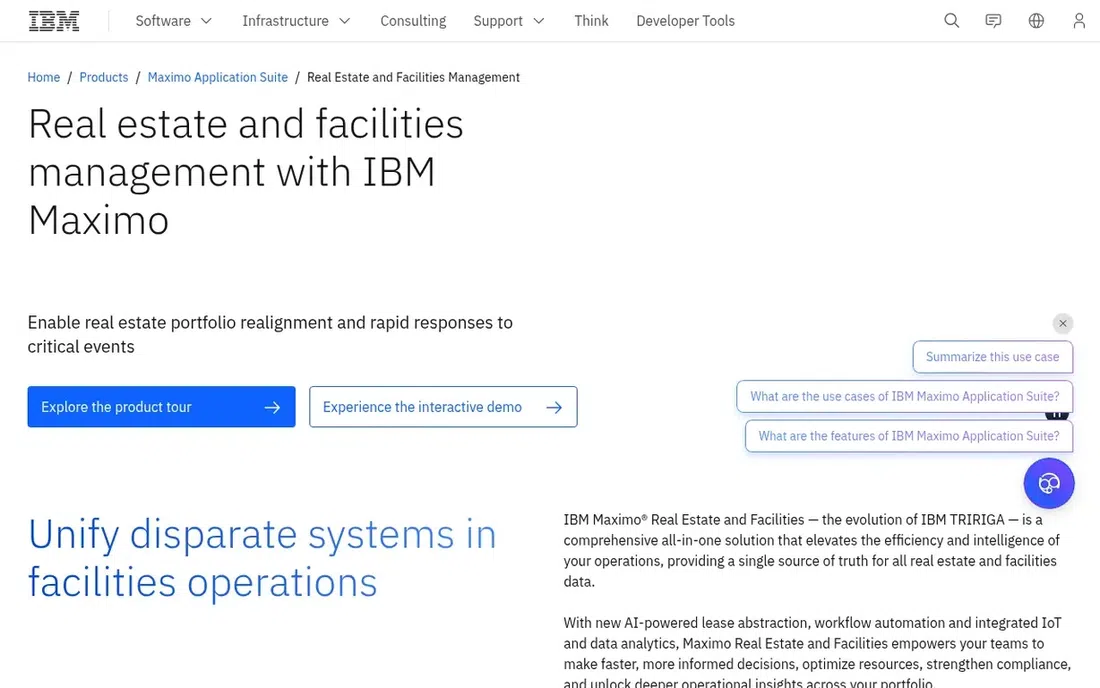
IBM TRIRIGA is a good fit for real estate portfolio realignment. IBM TRIRIGA, available within IBM Maximo Application Suite, makes it possible for real estate and facilities management with a focus on portfolio realignment and rapid responses to critical events.
From a buyer's view, the product is made for enterprise-scale real estate and facilities management, so smaller teams may find it heavy for straightforward space planning. Consider a lighter workplace operations tool if you need fast desk and room booking. No starting price is listed for IBM TRIRIGA here; confirm pricing on the vendor site. Trial and free access: Not stated.
Where it is weaker: Enterprise-oriented complexity.
- Part of IBM Maximo Application Suite
- Focus on portfolio realignment
- May need IBM ecosystem integration
iOffice
Best for: Workplace experience and space management
Choose iOffice for workplace experience and space management. It is generally used by facilities and workplace teams to handle space and support hybrid work.
Watch-outs: Details may need vendor confirmation.
Because iOffice is part of the Eptura family, product details and naming may evolve. Pricing for iOffice is not stated here, so ask the vendor for current figures. On free options: Not stated.
- Workplace management focus
- Integrated with other Eptura tools
- Brand transition considerations
How we compared the tools
What to confirm before you sign up
- Confirm the entry price with every vendor: no tool from Planon to iOffice shows a fixed starting price.
- Before choosing Planon, weigh its main limit: may suit bigger facilities better.
- Ask Robin which support channels and response times come with the plan you would buy.
- Ask Planon how an export works before you move any records in; an easy exit lowers the risk.
- The entry price of IBM TRIRIGA is only the starting point; model the full cost with seats and extras.
FAQ
What is space management software?
Space management software helps organizations plan, book, and optimize physical workspaces for example desks, rooms, and whole buildings. It frequently comes with features for desk booking, space planning, and utilization tracking.
How are the tools for space management software ordered?
The order follows typical fit for space management software, with Planon first and iOffice last, then price clarity and free access. It is editorial judgement, not a score, so another team could rank the tools differently.
Is Planon the right pick for everyone comparing space management software?
No single tool suits every team. Planon comes first because it fits smart building and workspace optimization, while Robin suits hybrid workplace operations and MRI Software suits broad real estate and space management. Match the tool to your own size, budget and workflow before deciding.
Does any tool for space management software here have a free plan?
A permanent free plan is not offered by Planon, iOffice or the other tools here. Plan a short evaluation period instead.
Can I try these options before paying?
Not by default. None of the tools, from Planon to iOffice, lists a free plan or a free trial here, so ask each vendor for a demo before committing.
Sources
- https://www.planonsoftware.com
- https://robinpowered.com
- https://www.mrisoftware.com
- https://www.spaceiq.com
- https://www.ibm.com/products/tririga
- https://www.iofficecorp.com