5 Venue Booking Software for Multi Space Facilities Worth Shortlisting in 2026
Best venue booking software for multi space facilities in 2026: 5 contenders with entry costs and free tiers. Each tool is judged on the same checks. No filler.
- Editor's choiceSpacebase
On-demand workspace and meeting booking
Starts atSee websiteVisit spacebase.comFull review - Great alternativeSocial Tables
Collaborative event diagramming and space design
Starts at$49 a monthVisit socialtables.comFull review - Also consider
 Bizzabo
B2B conference event management
Starts atSee websiteVisit bizzabo.comFull review
Direct answer
This list puts Spacebase first for on-demand workspace and meeting booking. Listed starting prices: Social Tables from $49 a month. Look at Social Tables for collaborative event diagramming and space design, and at Bizzabo for B2B conference event management. The full list of 5 tools follows, with prices and free plan facts.
TL;DR:
- Spacebase is the opening pick, best for on-demand workspace and meeting booking.
- Social Tables is the lowest-priced starter here at $49 per month.
- Social Tables is the only tool of the 5 with a free plan.
- What to know about Planning Pod first: feature breadth may need setup time.
Last checked November 2026. Prices and plan details were read from the vendors' own pages in November 2026; vendors change plans often, so confirm the current price on the vendor site before you buy.
Quick comparison
| Tool | Best for | Starts at | Free plan? | |
|---|---|---|---|---|
| Spacebase | On-demand workspace and meeting booking | See website | Free trial | Visit |
| Social Tables | Collaborative event diagramming and space design | $49 a month | Yes | Visit |
| Bizzabo | B2B conference event management | See website | Not stated | Visit |
 Planning Pod | Venue-built tools for leads, BEOs and payments | See website | Not stated | Visit |
| Skift Meetings | Industry news and travel research | See website | Not stated | Visit |
The best venue booking software for multi space facilities
LinkVetted compared 5 venue booking software for multi space facilities. The goal is a practical shortlist: published prices, free plan facts, best-fit use cases and honest limits for every entry.
Spacebase
Best for: On-demand workspace and meeting booking
Spacebase was built for on-demand workspace and meeting booking. The product is oriented toward team workspace needs, so it gives you less depth for complicated event sales, BEOs or in-depth floor planning.
Watch-outs: Less depth for complicated multi-day venue operations.
More specifically, for multi-space facilities that rent meeting rooms and day workspaces, it gives you a straightforward demand channel. For everyday use, facilities running large events should pair it with, or choose, a fuller venue management system. No starting price is listed for Spacebase here; confirm pricing on the vendor site. Free access: Free trial.
- Supports meetings
- Geared toward distributed teams
- Concentrated on workspace rental instead of event sales
Bizzabo is aimed squarely at B2B conference event management. Bizzabo is positioned as event management software for B2B conferences, targeted at raising conferences and the experience around them.
The main drawbacks: Conference-centric instead of venue operations.
In practice, for multi-space facilities that host or partner on conference-style programs, it can support the event side of the work. This comparison lists no price for Bizzabo; ask the vendor. Free plan details: Not stated.
- Focus on raising conference experiences
- Designed for B2B conferences
- Not built for room inventory management
Planning Pod is a good fit for Venue-built tools for leads, BEOs and payments. Since it packs plenty of operational modules, teams should expect some configuration and training before it runs smoothly.
No starting price is listed for Planning Pod here; confirm pricing on the vendor site. Free access: Not stated.
Where it falls short: Feature breadth may need setup time. Upsides: Handles leads, BEOs.
- Contains reporting tools
- Replaces patchwork apps with one product
- Less marketing-oriented than large event products
Skift Meetings
Best for: Industry news and travel research
Choose Skift Meetings for industry news and travel research. Skift is a travel news and research source including airlines, hotels, tourism and business travel instead of a venue booking product.
As for the details, for multi-space facilities, it works as a reference point for industry trends and market context that can inform how you position and sell your spaces. Choose it only as a supplementary information source, and pair it with a dedicated venue management system for actual booking and space workflows. Check the vendor site for Skift Meetings pricing; none is listed in this comparison. On free options: Not stated.
Watch-outs: Not a booking or venue management system.
Strengths: Handy for market context and planning insight.
- Spans travel and meetings industry news
- Airlines and tourism
- No room inventory or BEO tools
What went into this list
Before you commit
- Get a written quote from Spacebase, Bizzabo, Planning Pod and Skift Meetings; the list shows no starting price for them.
- Test the free plan from Social Tables against your real workload before relying on it.
- Run a trial of Spacebase with real work before paying for a year; your own workflow is the best test.
- Read the limits listed for Spacebase first: concentrated on workspace rental instead of event sales.
- Ask Skift Meetings how an export works before you move any records in; an easy exit lowers the risk.
- Confirm minimum seats and billing terms with Social Tables before you commit to an annual plan.
FAQ
Which venue booking software for multi space facilities have a free plan?
Social Tables is the only tool in this list with a free plan. Free plans usually cap users, projects or features, so check the limits on the vendor page. One other tool offers a trial instead. Prices, free plan details and limits for all 5 tools in this Venue booking software for multi space facilities roundup sit on the individual cards above.
How are the venue booking software for multi space facilities ordered?
The order follows typical fit for venue booking software for multi space facilities, with Spacebase first and Skift Meetings last, then price clarity and free access. It is editorial judgement, not a score, so another team could rank the tools differently.
Can I try these tools before paying?
Often, yes. Social Tables has a free plan and Spacebase offers a free trial. Use your own data and a real task during the test, and check what the free tier or trial limits before you rely on it.
What should multi-space venues look for in booking software?
Prioritize separate availability per room or space, a clear booking-to-contract flow and layout tools for recurring setups. Reporting and payment handling also matter if you sell event packages across multiple spaces.
What is the cheapest option for venue booking software for multi space facilities in this list?
On published monthly entry prices, Social Tables is the lowest here at $49 per month. Entry price is only part of the cost, because seats, add-ons and billing terms can change the total. Each of the 5 options in this Venue booking software for multi space facilities guide has its own card above with the price, free plan and limits.
Sources
- https://www.spacebase.com
- https://www.socialtables.com
- https://www.bizzabo.com
- https://www.planningpod.com
- https://www.skift.com
Social Tables
Best for: Collaborative event diagramming and space design
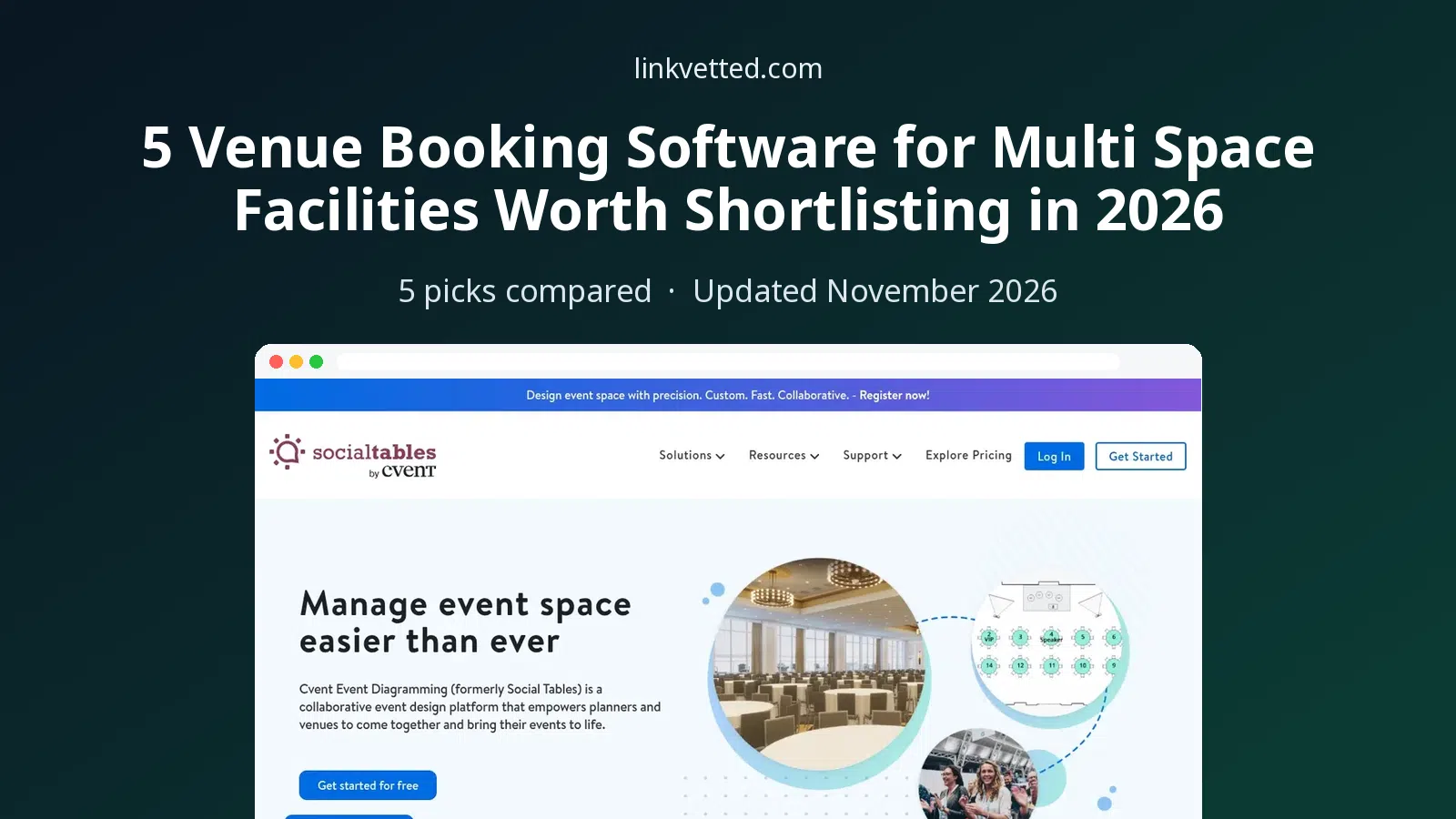
Social Tables is a good fit for collaborative event diagramming and space design. Consider it alongside a broader venue management system when layout design is the priority.
On cost, Social Tables starts like this: $49 per month. Social Tables includes a free tier.
Downsides: Now branded as Cvent Event Diagramming.