6 Smart Document Software Options Ranked for 2026
Best smart document software, compared. 6 tools with published prices, free plans and limits. Each listing flags where it falls short. Refreshed for 2026.
- Editor's choice
 Templafy
Brand-compliant documents
Starts atSee websiteVisit templafy.comFull review - Great alternative
 GetAccept
Sales document engagement
Starts atSee websiteVisit getaccept.comFull review - Also consider
 PandaDoc
Proposals and e-signatures
Starts atSee websiteVisit pandadoc.comFull review
TL;DR:
- The list opens with Templafy, aimed at brand-compliant documents.
- Every tool from Templafy to Docusign works by quote, with no list price shown.
- A permanent free plan is missing from all 6 tools, Templafy and Docusign included; plan for a trial or a premium start.
- Docusign is the one to check for electronic signatures.
Direct answer
Templafy comes first here, mainly for brand-compliant documents. GetAccept is the stronger choice for sales document engagement, while PandaDoc suits proposals and e-signatures. The full list of 6 tools follows, with prices and free plan facts.
Quick comparison
| Tool | Best for | Starts at | Free plan? | |
|---|---|---|---|---|
| Templafy | Brand-compliant documents | See website | Not stated | Visit |
| GetAccept | Sales document engagement | See website | Not stated | Visit |
| PandaDoc | Proposals and e-signatures | See website | Not stated | Visit |
 Conga | Revenue lifecycle documents | See website | Not stated | Visit |
 Better Proposals | Straightforward proposal software | See website | Not stated | Visit |
 Docusign | Electronic signatures | See website | Not stated | Visit |
Tool-by-tool breakdown
If you are comparing smart document software, this page covers 6 tools in one place: what each is best for, what it costs to start, whether it has a free plan, and the main limit to know about.

Templafy was built for brand-compliant documents. The ROI comes from eliminating off-brand documents and the legal risks they build. In daily use, Templafy ensures every document employees produce is on-brand and compliant: centralized templates, approved content, and automatic updates inside Microsoft Office and Google Workspace.
Enterprises with brand and legal requirements get governance at scale, applied automatically wherever employees work. It targets enterprise; smaller firms find it heavy. But for brand-compliant document generation across large organizations, Templafy is the leader. Templafy shows no starting price here, so confirm the cost on the vendor site. Free access: Not stated.
Honest limits: Enterprise focus.
- Microsoft integration
- Enterprise templates
- Implementation effort
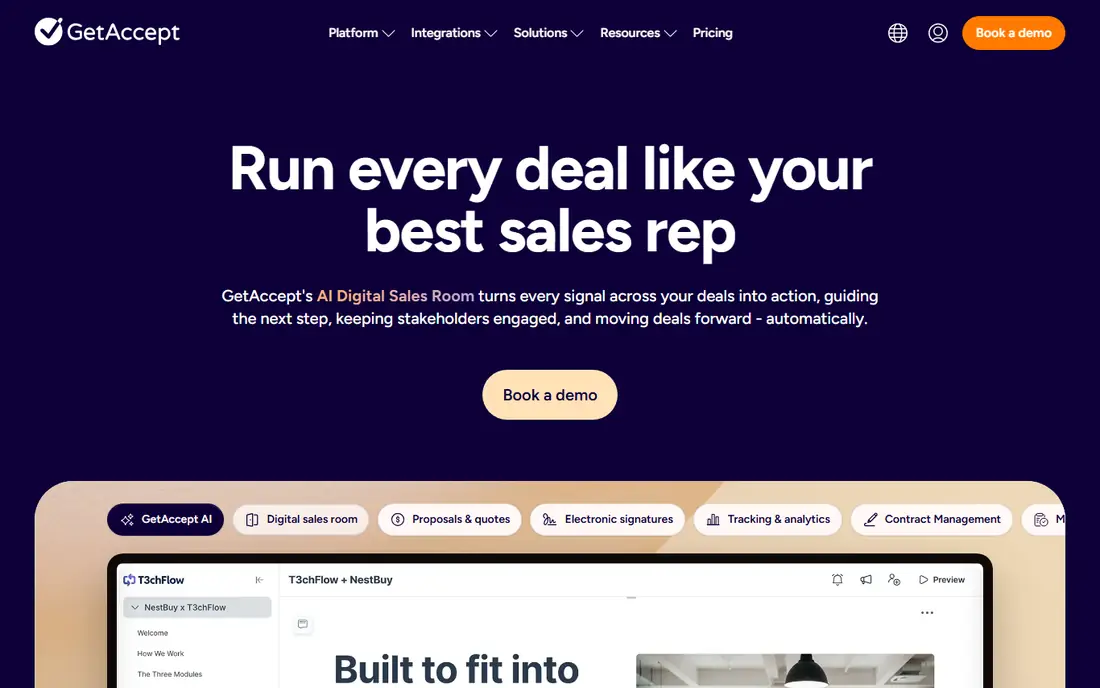
GetAccept is a good fit for sales document engagement. GetAccept layers on engagement to sales documents: track when prospects open proposals, add personal video messages, and use nudges to accelerate deals. Sales teams see exactly how prospects interact with documents.
Watch-outs: Sales-focused.
For everyday use, the engagement data informs follow-up timing better than guesswork ever could. It is sales-focused instead of general document management. But for deal acceleration through document engagement, GetAccept is distinctive. In daily use, the difference between calling an hour after opening and three days later is frequently the difference between a conversation and voicemail. GetAccept shows no starting price here, so confirm the cost on the vendor site. As for free access: Not stated.
- Deal acceleration
- Engagement tracking
- Pricing
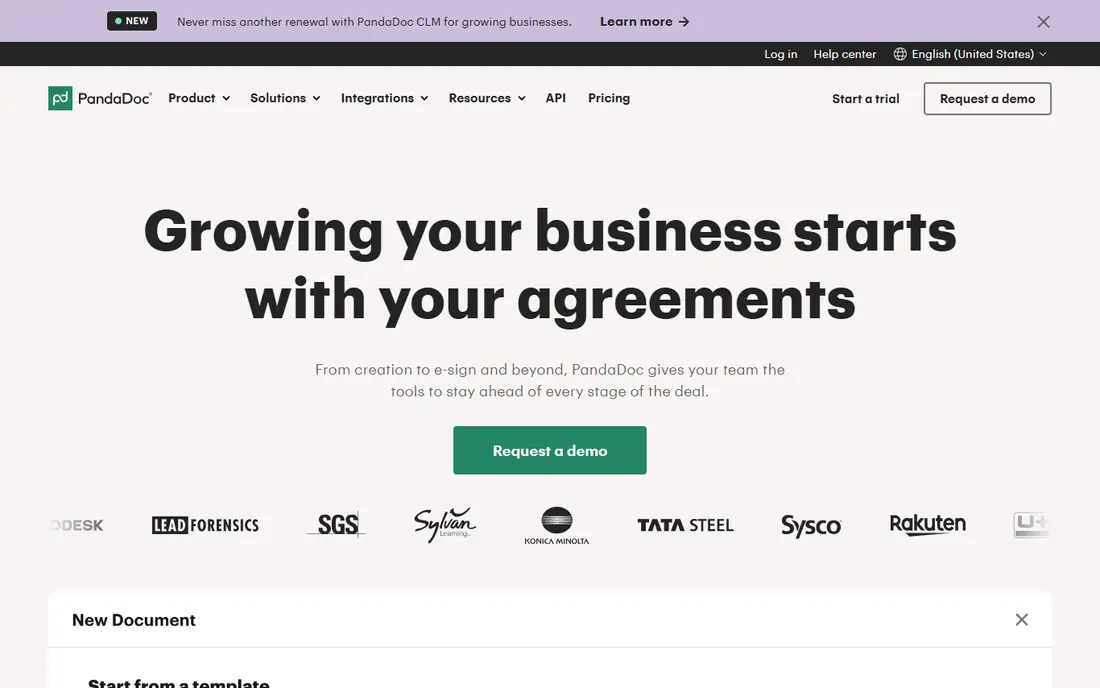
For proposals and e-signatures, PandaDoc is a natural candidate. The content library and approval workflows suit expanding organizations that require consistency across reps. On top of that, some advanced capabilities need higher levels.
Drawbacks to consider: Advanced features cost more.
But as an all-in-one document system for sales teams, PandaDoc's breadth is compelling. Its analytics reveal which proposals convert, helping teams refine their approach with data instead of guesswork. Sales teams shorten deal cycles. PandaDoc merges proposal creation, contract management, and e-signatures in one workflow: build documents from templates, send for signature, and track everything. Pricing for PandaDoc is not stated here, so ask the vendor for current figures. On free options: Not stated.
- All-in-one document workflow
- CRM integrations
- Pricing levels
Conga makes the most sense for revenue lifecycle documents. Complexity requires administration. But for Salesforce shops automating revenue documents, Conga's depth is unmatched.
Reasons to shortlist it: Deep Salesforce integration.
Watch-outs: Complexity. In daily use, sales and legal teams work from single sources of truth, eliminating version confusion that plagues manual processes. It is Salesforce-centric; other CRMs fit less well. In practice, quote-to-cash automation cuts errors that cost real money in enterprise deals. A single pricing error in a large contract can exceed the annual software cost; automation pays for itself through error prevention alone. This comparison lists no price for Conga; ask the vendor. Free plan details: Not stated.
- Automation
- Contract lifecycle
- Salesforce-centric
Where Better Proposals fits: straightforward proposal software. The budget-friendly pricing means even solo operators can present like bigger businesses, leveling the competitive playing field. On top of that, small firms and freelancers get professional proposals without enterprise complexity.
Where it is weaker: Smaller company.
Better Proposals gives you straightforward proposal software: build, send, and sign proposals with minimal fuss. In daily use, setup takes minutes, and the ramp-up time is nearly flat. Better Proposals does not show a starting price in this comparison, so check the vendor site for current pricing. Trial and free access: Not stated.
- Budget-friendly
- Fast setup
- Fewer advanced features
Docusign is built with electronic signatures in mind. For industries like finance and healthcare, where document integrity is non-negotiable, this compliance depth justifies the premium pricing. From a buyer's view, costs scale steeply with envelope volume.
But for signature legality and universal acceptance, Docusign remains unmatched. Beyond that, when contracts must hold up legally, Docusign is the safe choice. Docusign does not show a starting price in this comparison, so check the vendor site for current pricing. As for free access: Not stated.
Honest limits: Pricey at scale.
- Industry standard
- Legal compliance
- Interface dated
How these tools were picked
Each tool was reviewed on what its vendor publishes: price, plan limits, core features and stated drawbacks. We did not run hands-on tests. Treat prices as a snapshot: vendors change plans often, so check the vendor site for the figure that applies today. The ranking is editorial: typical fit first, then clear pricing, then free access. If your needs are unusual, read the profiles rather than relying on position.
A buyer's checklist
- Confirm the entry price with every vendor: no tool from Templafy to Docusign shows a fixed starting price.
- Before choosing Templafy, weigh its main limit: enterprise focus.
- Ask PandaDoc which support channels and response times come with the plan you would buy.
- Get the contract term, renewal terms and any onboarding fees from Docusign in writing.
- Confirm that Better Proposals connects to the apps your team already uses, on the plan you would actually buy.
FAQ
How do I choose between PandaDoc and Docusign?
Choose PandaDoc for all-in-one document workflows (produce, send, sign, track). Numerous firms use both: PandaDoc or similar for creation, Docusign for signatures.
Are electronic signatures legally binding?
In most jurisdictions, yes, under laws like the US ESIGN Act and EU eIDAS regulation. Requirements vary by document type and country; some documents (wills, certain real estate) may need special handling. When in doubt, consult legal counsel before going completely digital on critical contracts. The cost of legal review is trivial compared with the cost of an unenforceable agreement.
Is Templafy the right pick for everyone comparing smart document software?
No single tool suits every team. Templafy comes first because it fits brand-compliant documents, while GetAccept suits sales document engagement and PandaDoc suits proposals and e-signatures. Match the tool to your own size, budget and workflow before deciding.
Do these tools publish their prices?
No. None of the tools, from Templafy to Docusign, shows a fixed starting price here, so budget time for quotes.
Does any tool for smart document software here have a free plan?
No tool in this list, Templafy and Docusign included, has a permanent free plan. Trials and quotes are the usual route, so plan a short evaluation period.
How are the tools for smart document software ordered?
The order follows typical fit for smart document software, with Templafy first and Docusign last, then price clarity and free access. It is editorial judgement, not a score, so another team could rank the tools differently.