6 Best Video Translation Software for Remote Teams for 2026, Vetted and Compared
6 best video translation software for remote teams, compared on pricing, free plans and best-fit use. Where a tool struggles is spelled out. Facts only.
- Editor's choice
 ElevenLabs
Lifelike speech and voice agents
Starts at$6 a monthVisit elevenlabs.ioFull review - Great alternative
 Descript
Text-based editing and transcription
Starts at$16 per person per monthVisit descript.comFull review - Also consider
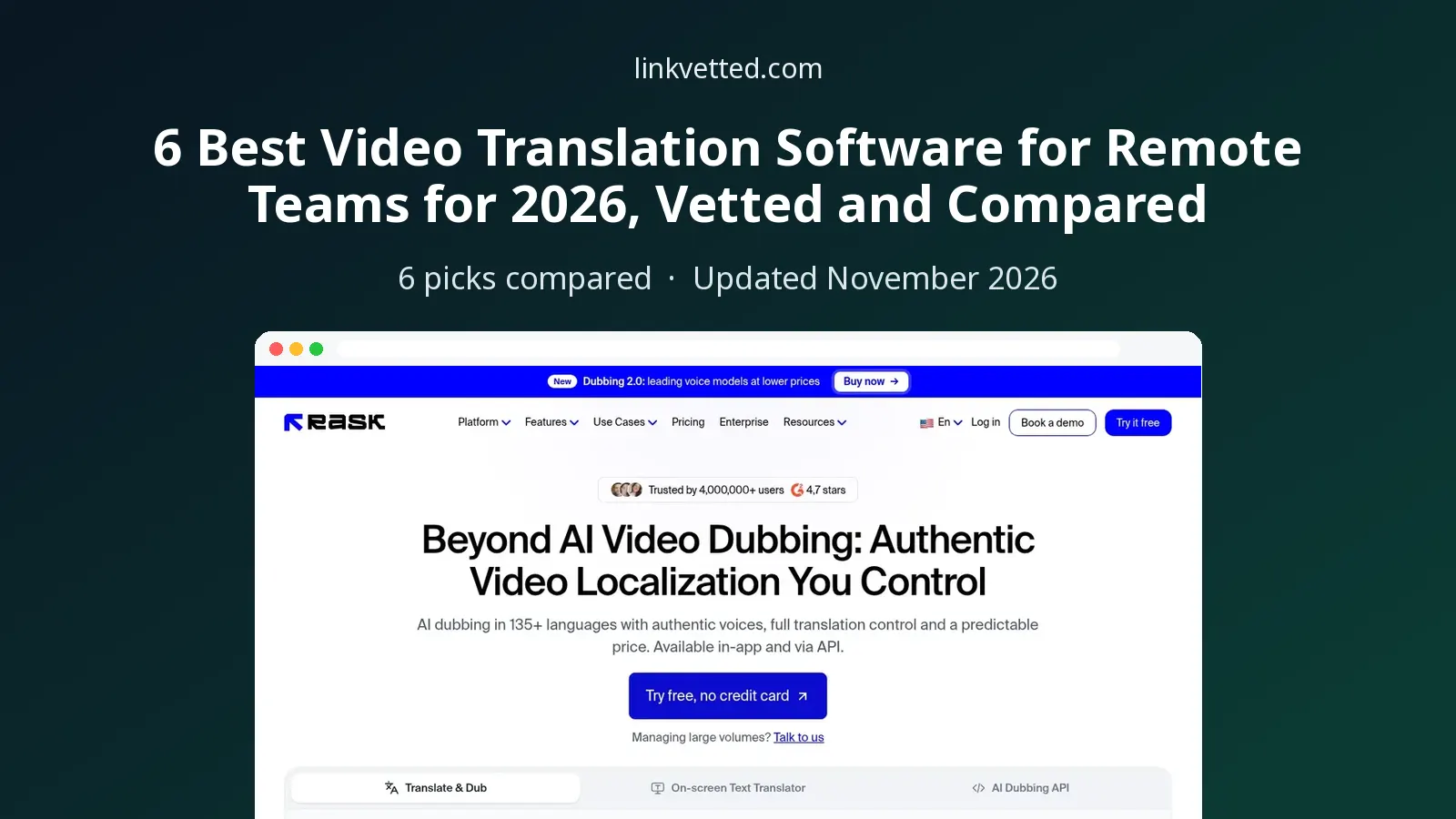
 Rask AI
Controlled AI dubbing and localization
Starts at$28 a monthVisit rask.aiFull review
Direct answer
Our first pick is ElevenLabs, best for lifelike speech and voice agents. Listed starting prices: ElevenLabs from $6 a month, Descript from $16 per person per month and Rask AI from $28 a month. If your case is different, Descript suits text-based editing and transcription and Rask AI suits controlled AI dubbing and localization. The remaining 3 options are covered below with prices and limits.
TL;DR:
- Number one here is ElevenLabs, a fit for lifelike speech and voice agents.
- Before buying Rask AI, weigh this: per-minute model needs volume planning.
- Free plans exist at 4 of 6 tools (ElevenLabs, Descript, HeyGen, Synthesia).
- Starting prices begin at $6 per month with ElevenLabs.
Last checked November 2026. Prices and plan details were read from the vendors' own pages in November 2026; vendors change plans often, so confirm the current price on the vendor site before you buy.
Quick comparison
| Tool | Best for | Starts at | Free plan? | |
|---|---|---|---|---|
| ElevenLabs | Lifelike speech and voice agents | $6 a month | Yes | Visit |
| Descript | Text-based editing and transcription | $16 per person per month | Yes | Visit |
| Rask AI | Controlled AI dubbing and localization | $28 a month | Free trial | Visit |
 HeyGen | Avatar-led videos without reshooting | $29 a month | Yes | Visit |
 Synthesia | Structured business training video | $19 a month | Yes | Visit |
 DeepL | Speech, text and media translation | $8.74 a month, billed annually | Free trial | Visit |
The 6 tools in detail
LinkVetted compared 6 video translation software for remote teams. The goal is a practical shortlist: published prices, free plan facts, best-fit use cases and honest limits for every entry.
Where ElevenLabs fits: lifelike speech and voice agents. ElevenLabs offers an AI voice generator and voice agents system with a large voice library across numerous languages, plus secure APIs and SDKs. More specifically, confirm voice licensing and API terms on the vendor site.
Remote teams can use it to add translated voiceover or build voice agents, then combine the audio with video in their editing tool of choice. It is a voice product instead of a video translation suite, so video assembly happens elsewhere. ElevenLabs starts at: $6 per month. ElevenLabs offers a free plan.
Honest limits: Not a full video editor.
- Handy for voiceover and agents
- APIs and SDKs for integration
- Needs setup for video workflows
In short, Descript is for text-based editing and transcription. Descript is an AI video and audio editor that makes editing as simple as editing text.
What you pay to start with Descript: $16 per person per month. A free plan is available with Descript.
What Descript does well: edit and publish in one tool. Drawbacks to consider: Translation depth relies on extras.
- A decent match for meeting and demo cleanup
- Edit video by editing text
- Not a dedicated dubbing suite
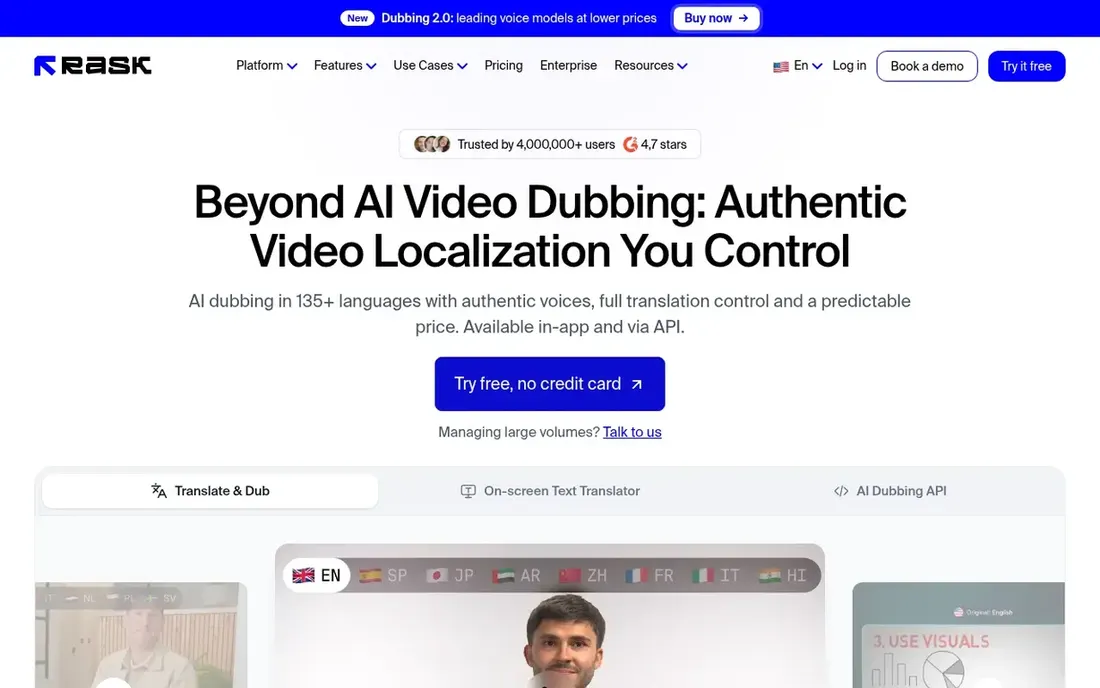
Rask AI targets controlled AI dubbing and localization. Rask AI centres on AI video dubbing and localization with authentic voices and full translation control. That makes it a fit for remote teams that already have recorded meetings, demos or announcements and want to localize them without re-recording, whereas keeping editorial control over the translated script.
What to check first: Per-minute model needs volume planning.
Verify supported languages and voice choices on the vendor site. From a buyer's view, the per-minute pricing model means cost scales with volume, so teams with large archives should plan usage. On cost, Rask AI starts like this: $28 per month. Free access: Free trial.
- Authentic voice output
- Fixed per-minute pricing model
- Best results need clean source audio
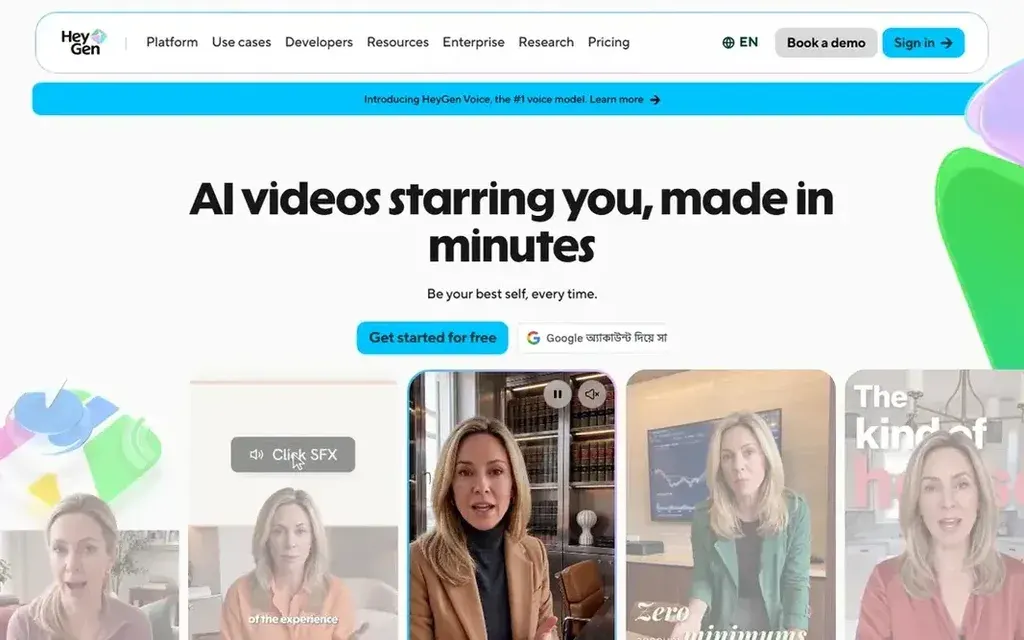
HeyGen is built with Avatar-led videos without reshooting in mind. For remote teams, this suits recurring announcements, onboarding clips and async messages that require to feel personal whereas staying consistent across languages. If you need granular control over dubbing timing or translation phrasing, a dedicated dubbing tool may fit better.
HeyGen lets you produce AI videos with a personal avatar that uses your face and voice. So you do not have to film every update. Starting cost for HeyGen: $29 per month. A free plan is available with HeyGen.
What to check first: Avatar quality relies on source footage.
- Confident AI video output
- Personal avatar from face and voice
- Less suited to deep manual dubbing control
Synthesia targets structured business training video. Synthesia is an AI video product geared toward business communication, training and upskilling teams across numerous languages.
From a buyer's view, remote teams can use it to produce presenter-led lessons and policy updates that look consistent, which helps when the same content must reach offices in different regions. Price to start with Synthesia: $19 per month. Synthesia has a free plan.
Trade-offs to know: Avatar style may feel formal for casual updates.
- Broad language coverage for upskilling
- Designed for business communication and training
- Less centred on translating existing footage
For Speech, text and media translation, DeepL is a natural candidate. DeepL provides an AI suite for translating speech, text and media, with an API for integration. Check media support and API limits on the vendor site.
More specifically, for remote teams, it is a practical layer for translating scripts, captions and meeting content before or after video production, notably when translation quality and consistency matter more than editing features. As for the details, DeepL does not produce or dub video itself, so it complements instead of replaces a video tool. Price to start with DeepL: $8.74 per month, billed annually. Free options: Free trial.
Watch-outs: Not a video production tool.
- Text and media
- API for workflow integration
- Dubbing workflow needs other tools
What went into this list
A buyer's checklist
- Confirm the entry price on the vendor page: ElevenLabs starts at $6 per month, but seat counts and billing terms change the total.
- Look at free plan limits closely: ElevenLabs, Descript, HeyGen and Synthesia have one, and the caps decide whether it is usable for real work.
- Take the trial from Rask AI and DeepL and push a live task through it before you pay.
- Read the limits listed for ElevenLabs first: not a full video editor.
- Look at which plan of Synthesia unlocks the features you need; entry tiers are often cut down.
- The entry price of HeyGen is only the starting point; model the full cost with seats and extras.
FAQ
Do these tools publish their prices?
Yes. Every tool from ElevenLabs to DeepL shows a starting price, though seats, add-ons and billing terms still change the final cost.
What is the cheapest option for video translation software for remote teams in this list?
On published monthly entry prices, ElevenLabs is the lowest here at $6 per month. Entry price is only part of the cost, because seats, add-ons and billing terms can change the total.
Is ElevenLabs the right pick for everyone comparing video translation software for remote teams?
No single tool suits every team. ElevenLabs comes first because it fits lifelike speech and voice agents, while Descript suits text-based editing and transcription and Rask AI suits controlled AI dubbing and localization. Match the tool to your own size, budget and workflow before deciding.
Can I try these tools before paying?
Often, yes. ElevenLabs, Descript, HeyGen and Synthesia have a free plan and Rask AI and DeepL offer a free trial. Use your own data and a real task during the test, and check what the free tier or trial limits before you rely on it.
What should remote teams look for in video translation software?
Prioritize language coverage, dubbing quality and how well the tool suits your existing recordings. Also check export formats, subtitle support and whether pricing scales with video minutes or seats.
Sources
- https://elevenlabs.io
- https://www.descript.com
- https://www.rask.ai
- https://www.heygen.com
- https://www.synthesia.io
- https://www.deepl.com