Best Real Estate Video Software for Agents in 2026: Prices, Free Plans and 6 Picks
Best real estate video software for agents in 2026: 6 contenders with entry costs and free tiers. Weaknesses are named for every tool. Prices checked.
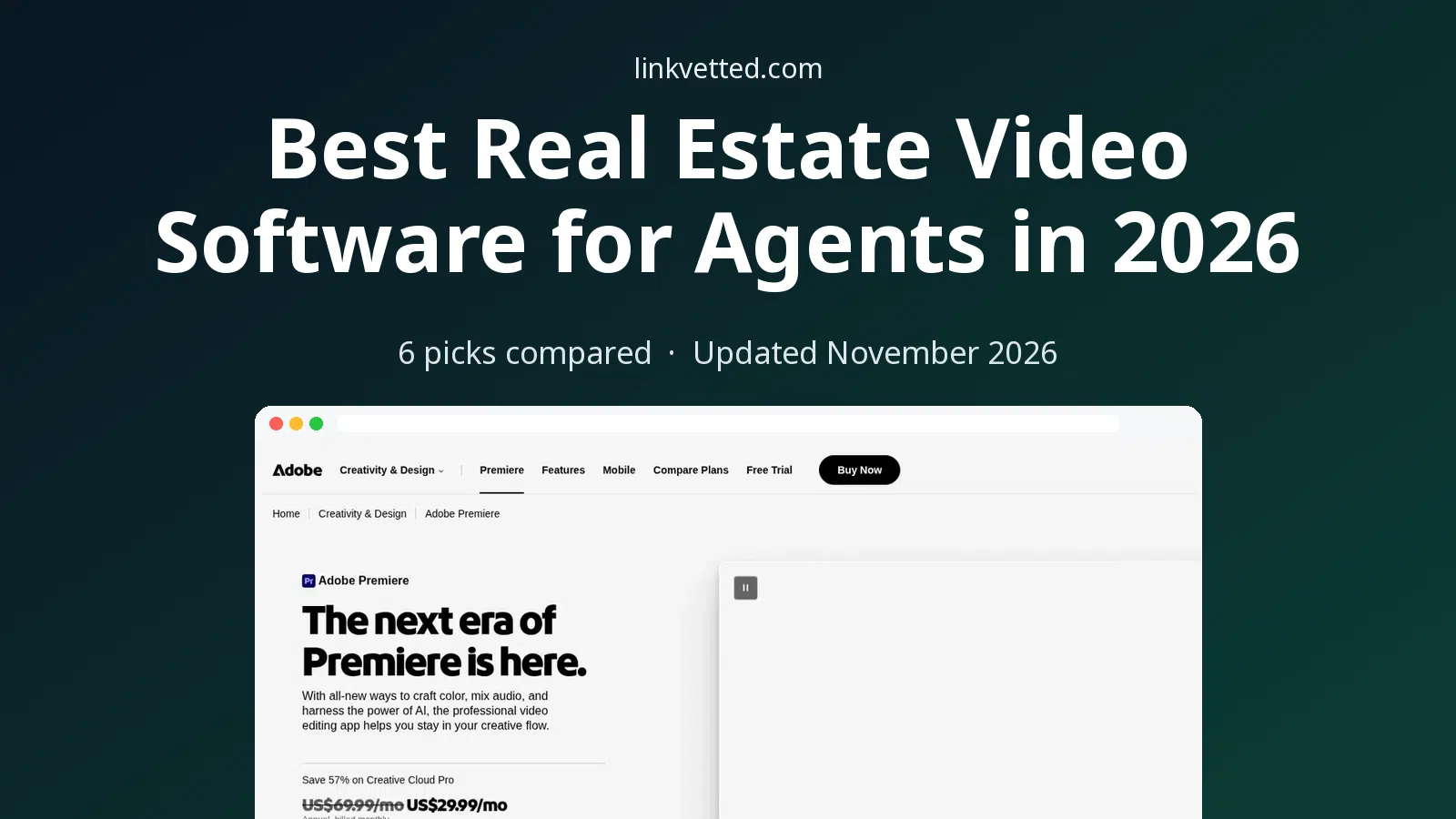
- Editor's choice
 Animoto
Fast photo and clip slideshows
Starts atSee websiteVisit animoto.comFull review - Great alternative
 InVideo AI
Drafting videos from a prompt
Starts at$4 per seat/mo, billed annuallyVisit invideo.ioFull review - Also consider
 Adobe Premiere Pro
Professional property tour editing
Starts atSee websiteVisit adobe.comFull review
Direct answer
Animoto is the first pick on this list for fast photo and clip slideshows. Listed starting prices: InVideo AI from $4 per seat/mo, billed annually and Descript from $16 per person a month. Alternatives: InVideo AI for drafting videos from a prompt, and Adobe Premiere Pro for professional property tour editing. The remaining 3 options are covered below with prices and limits.
TL;DR:
- Animoto sits first on this list: fast photo and clip slideshows.
- For the cheapest start, look at InVideo AI: $4 per seat/mo, billed annually.
- The main caution on InVideo AI: generated output needs review.
- Descript is the one to check for Transcript-based walkthrough editing.
Last checked November 2026. Prices and plan details were read from the vendors' own pages in November 2026; vendors change plans often, so confirm the current price on the vendor site before you buy.
Quick comparison
| Tool | Best for | Starts at | Free plan? | |
|---|---|---|---|---|
| Animoto | Fast photo and clip slideshows | See website | Not stated | Visit |
| InVideo AI | Drafting videos from a prompt | $4 per seat/mo, billed annually | Not stated | Visit |
| Adobe Premiere Pro | Professional property tour editing | See website | Not stated | Visit |
 CapCut | Quick social video with templates | See website | Yes | Visit |
 Canva | All-in-one branded listing visuals | See website | Not stated | Visit |
 Descript | Transcript-based walkthrough editing | $16 per person a month | Yes | Visit |
6 real estate video software for agents in detail
If you are comparing real estate video software for agents, this page covers 6 tools in one place: what each is best for, what it costs to start, whether it has a free plan, and the main limit to know about.
Animoto works best for fast photo and clip slideshows. Animoto is a video maker that merges photos, video clips and music into finished videos in minutes.
Upsides: Merges photos.
Videos can also take on a familiar template feel. Beyond that, Animoto is built around slideshow-style creation, so complex storytelling, multi-track audio and in-depth effects are outside its range. No starting price is listed for Animoto here; confirm pricing on the vendor site. Free access: Not stated. The main drawbacks: Restricted advanced editing features.
- Clips and music
- Straightforward editing workflow
- Slideshow style can feel formulaic
InVideo AI works best for drafting videos from a prompt. Agents can describe a listing or market topic and get a starting cut to refine, which helps when a video is needed rapidly and there is no footage ready.
It suits agents exploring AI-assisted content for social promos and straightforward explainers. Price to start with InVideo AI: $4 per seat/mo, billed annually. Free plan details: Not stated.
Points against: Less control over fine detail.
- Handy for fast promo concepts
- Produces video drafts from text
- Generated output needs review
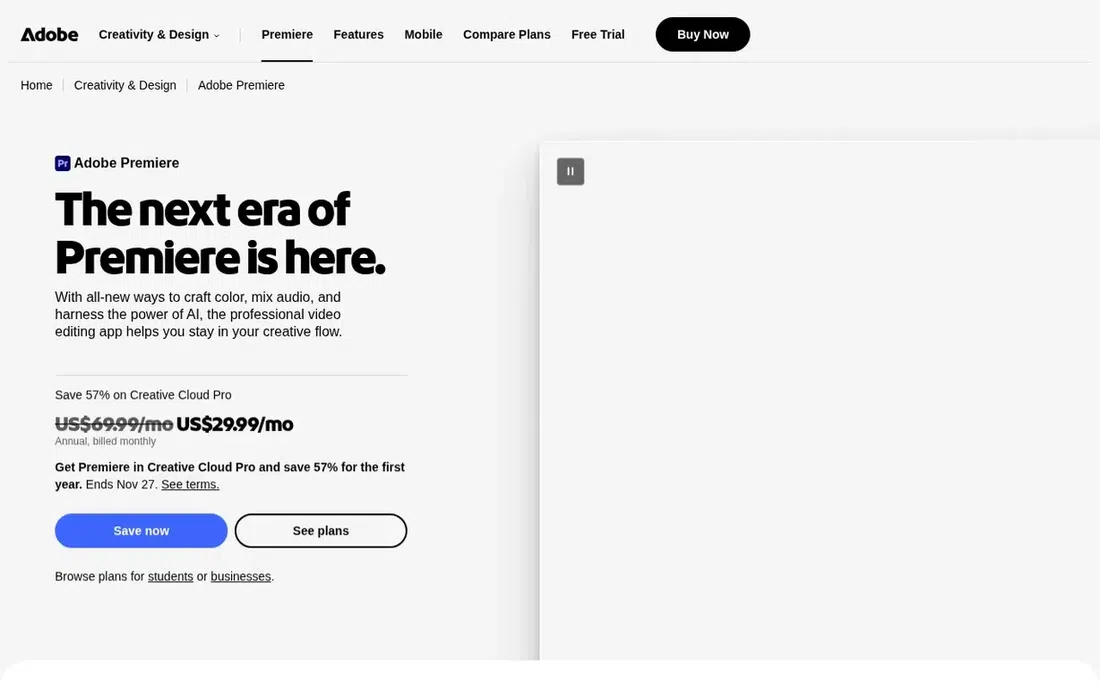
Think of Adobe Premiere Pro for professional property tour editing. Choose Premiere Pro when production quality and creative control matter more than speed. More specifically, the software assumes editing knowledge, and new users face a real ramp-up time before output looks clean.
Honest limits: Needs a capable computer.
It also demands a capable machine for smooth playback. Adobe Premiere Pro is professional video editing and postproduction software for trimming, effects, audio mixing and more. Adobe Premiere Pro does not show a starting price in this comparison, so check the vendor site for current pricing. Free plan details: Not stated.
- Takes care of long
- Deep timeline and effects control
- Steeper ramp-up time
CapCut is built with quick social video with templates in mind. CapCut is an AI-powered video editor with smart templates and creative effects, available on desktop, mobile and online.
Watch-outs: Template look can feel generic.
In daily use, template-driven output can start to look alike across listings, and precise control over audio and color is narrower than in professional software. In daily use, agents building a distinctive brand film may want more manual tools. CapCut does not show a starting price in this comparison, so check the vendor site for current pricing. A free plan is available with CapCut.
- Good fit for short-form clips
- Mobile and online editing
- Advanced control is restricted

Canva works best for all-in-one branded listing visuals. For agents, it works as a single place to build branded listing clips, neighborhood flags and open house promos from templates.
In daily use, agents producing cinematic property tours or long-form walkthroughs will likely outgrow it. Check the vendor site for Canva pricing; none is listed in this comparison. Trial and free access: Not stated.
Watch-outs: Restricted advanced editing control.
- Drag-and-drop video editing
- Brand kits keep visuals consistent
- Large projects can feel constrained
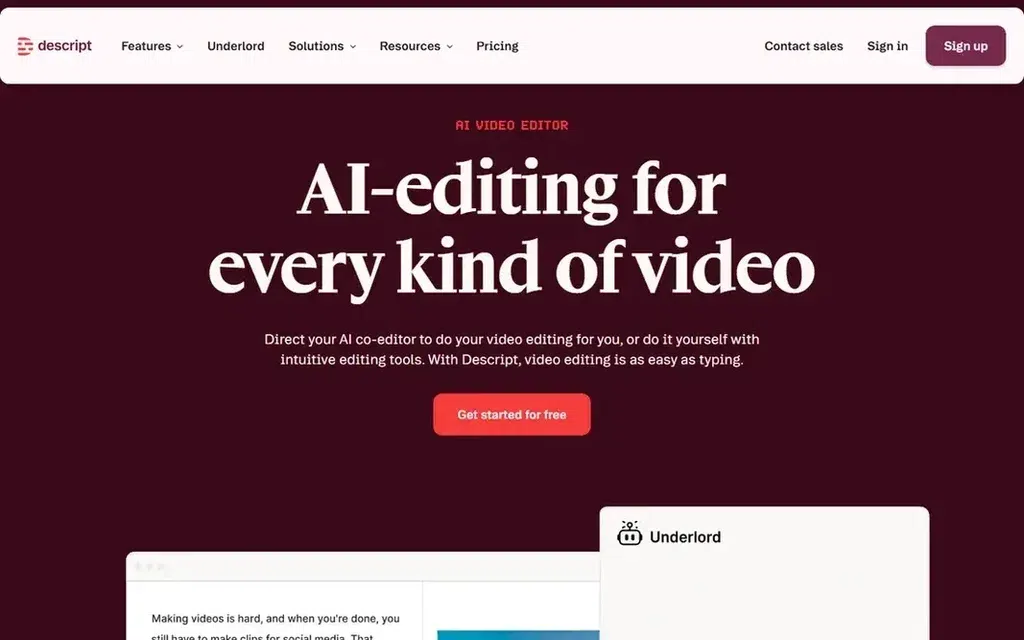
Descript serves Transcript-based walkthrough editing. Agents can record a walkthrough or market update, transcribe it, then cut by deleting words.
As for the details, Descript is most solid for spoken content, so projects heavy on visual effects or complicated multi-camera cuts may feel restricted. The starting price for Descript: $16 per person per month. Descript offers a free plan.
Honest limits: Less suited to heavy visual effects.
- Edit video by editing text
- Record
- Best results need clean audio
How these tools were picked
For each of the 6 tools we noted price, free plan or trial, fit for real estate video software for agents and the main limit, using vendor pages and documentation. Figures are shown as the vendors publish them. Billing terms, seat minimums and add-ons can change the real cost. Order on the page follows fit for the typical buyer first, then price transparency and free access. Your own requirements should decide the final pick.
What to confirm before you sign up
- Confirm the entry price on the vendor page. For Animoto, Adobe Premiere Pro, CapCut and Canva that means a quote rather than a fixed price.
- Check what the free option really includes: CapCut and Descript offer a free plan, and usage caps differ.
- Read the limits listed for Animoto first: restricted advanced editing features.
- Ask whether Animoto integrates with your current software, and whether that comes standard or as an add-on.
- Confirm minimum seats and billing terms with Adobe Premiere Pro before you commit to an annual plan.
FAQ
Can I try these tools before paying?
Often, yes. CapCut and Descript have a free plan. Use your own data and a real task during the test, and check what the free tier or trial limits before you rely on it. Prices, free plan details and limits for all 6 tools in this real estate video software for agents roundup sit on the individual cards above.
How are the tools for real estate video software for agents ordered?
Animoto sits first and Descript last because the order follows typical fit for real estate video software for agents, then price clarity and free access. It is a judgement call, so read each profile for fit and limits.
Do these tools publish their prices?
Not all of them. Animoto, Adobe Premiere Pro, CapCut and Canva publish no starting price, so expect a quote request for those. The rest, InVideo AI included, show a starting price, though seats and billing terms still change the final cost.
What is the best video software for real estate agents overall?
Animoto is the pick this page puts first, mainly for fast photo and clip slideshows. If your situation differs, InVideo AI suits drafting videos from a prompt, and Adobe Premiere Pro suits professional property tour editing. Compare price and limits before you decide.
Which options for real estate video software for agents have a free plan?
On this list, CapCut and Descript include a free plan. Caps on seats, usage or features are common, so test the free plan against your real workload.
Sources
- https://animoto.com
- https://invideo.io
- https://www.adobe.com/products/premiere.html
- https://www.capcut.com
- https://www.canva.com
- https://www.descript.com