Best Real Estate Virtual Staging Software for Agents (2026): 6 Picks Checked on Vendor Pages
6 best real estate virtual staging software for agents, with entry costs, free tiers and the buyer each one serves. Short verdicts, no fluff. Choose faster.
- Editor's choiceVirtual Staging Solutions
Designer-reviewed staging for target buyers
Starts at$286Visit virtualstagingsolutions.comFull review - Great alternative
 BoxBrownie
Full-service photo editing and staging
Starts at$1.60 per imageVisit boxbrownie.comFull review - Also consider
 Virtual Staging AI
Quick one-click photo staging
Starts at$16 a monthVisit virtualstagingai.appFull review
Direct answer
Our first pick is Virtual Staging Solutions, best for designer-reviewed staging for target buyers. Listed starting prices: Virtual Staging Solutions from $286, BoxBrownie from $1.60 per image and Virtual Staging AI from $16 a month. BoxBrownie fits full-service photo editing and staging; Virtual Staging AI fits quick one-click photo staging. The remaining 3 options are covered below with prices and limits.
TL;DR:
- Number one here is Virtual Staging Solutions, a fit for designer-reviewed staging for target buyers.
- Neither Virtual Staging Solutions nor Rooomy, nor any of the other 4 tools, has a permanent free plan; trials and quotes are the norm.
- Rooomy is the one to check for Staging Matterport 3D tours.
- Check the limits for BoxBrownie before you commit: less instant than AI tools.
- The lowest published monthly entry price here is $16 per month, from Virtual Staging AI.
Last checked November 2026. Prices and plan details were read from the vendors' own pages in November 2026; vendors change plans often, so confirm the current price on the vendor site before you buy.
Quick comparison
| Tool | Best for | Starts at | Free plan? | |
|---|---|---|---|---|
| Virtual Staging Solutions | Designer-reviewed staging for target buyers | $286 | Not stated | Visit |
| BoxBrownie | Full-service photo editing and staging | $1.60 per image | Not stated | Visit |
| Virtual Staging AI | Quick one-click photo staging | $16 a month | No | Visit |
| Apply Design | AI staging with large furniture library | $7 per image | Free trial | Visit |
| Virtual Staging Lab | Design-led virtual staging | See website | Not stated | Visit |
| Rooomy | Staging Matterport 3D tours | See website | Not stated | Visit |
The 6 tools in detail
LinkVetted compared 6 real estate virtual staging software for agents. The goal is a practical shortlist: published prices, free plan facts, best-fit use cases and honest limits for every entry.
Virtual Staging Solutions
Best for: Designer-reviewed staging for target buyers
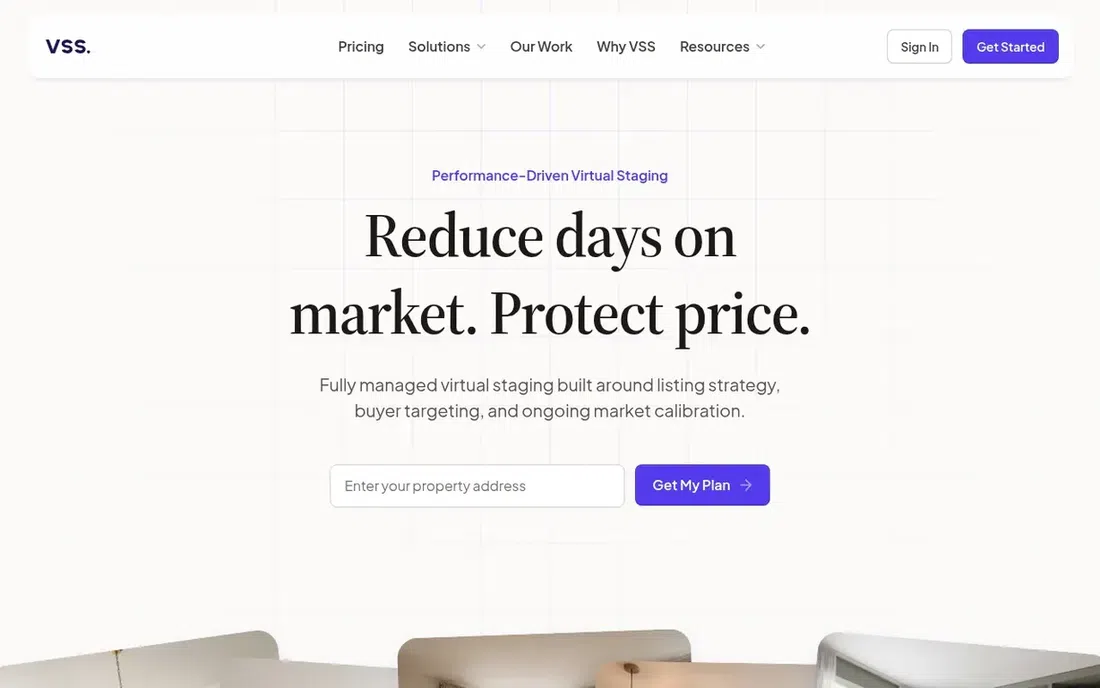
Virtual Staging Solutions was built for designer-reviewed staging for target buyers. Virtual Staging Solutions emphasizes designer-reviewed staging delivered rapidly, with rooms styled for the listing's likely buyer.
Also, the human review process means it is not a completely automatic instant tool, and pricing may be higher than AI-only choices. On cost, Virtual Staging Solutions starts like this: $286. Free access: Not stated.
Trade-offs to know: May cost more than automatic tools.
- Established service
- Staging tailored to likely buyer
- Not instant
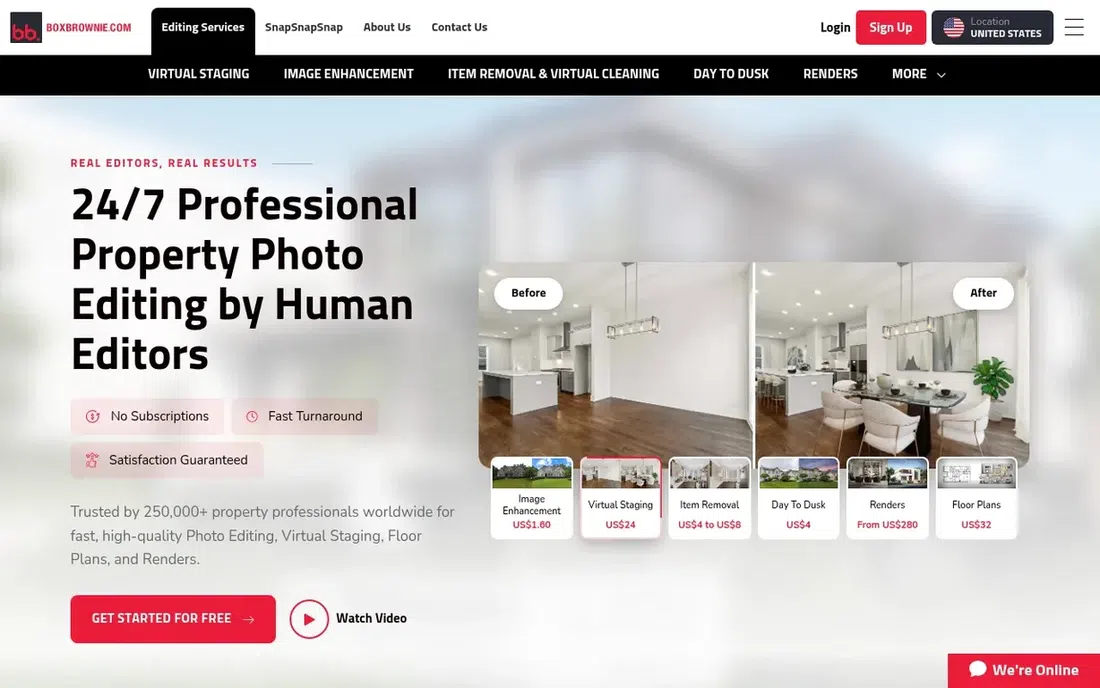
For full-service photo editing and staging, BoxBrownie is a natural candidate. BoxBrownie supplies virtual staging alongside photo editing, floor plans, clipping and CGI renders, making it a wide resource for real estate marketing.
The service is not a self-serve instant tool, so it may not fit agents who require immediate results. BoxBrownie starts at: $1.60 per image. Free plan details: Not stated.
Watch-outs: Needs submitting images for editing.
- Broad range of editing services
- Quick delivery
- Less instant than AI tools
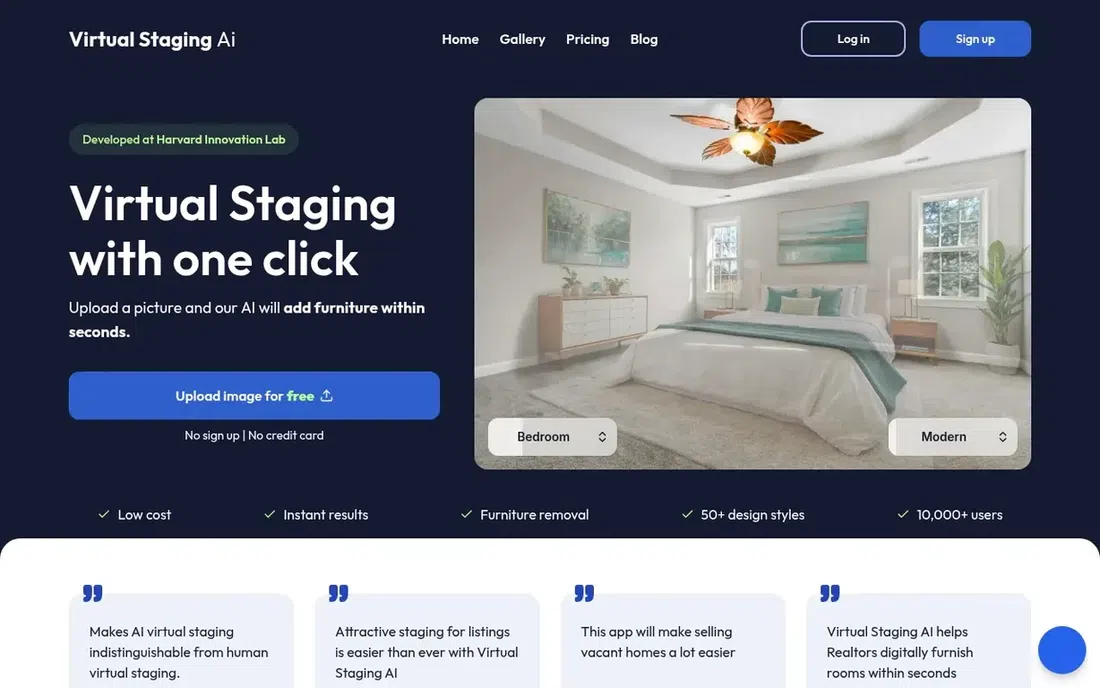
Virtual Staging AI is designed for quick one-click photo staging. Virtual Staging AI centres on speed and simplicity, letting agents stage listing photos with a single click and get realistic furnishings in seconds.
Worth adding: since it is built around automatic staging, it provides less control over custom edits or broader photo services. If you need floor plans, CGI renders or designer-reviewed staging, consider a full-service choice instead. Starting cost for Virtual Staging AI: $16 per month. Virtual Staging AI has no free plan.
Where it is weaker: May need retouching for complicated rooms.
- One-click staging workflow
- Realistic furnishings
- Restricted to virtual staging
Apply Design
Best for: AI staging with large furniture library
Apply Design works best for AI staging with large furniture library. Apply Design uses AI to build photorealistic staged renders in minutes, backed by a large furniture library.
Points against: AI may need adjustments.
It fits agents who want design variety and quick results without waiting on a manual service. The starting price for Apply Design: $7 per image. Free plan details: Free trial.
- Photorealistic output
- Fast render times
- Centred on staging only
Virtual Staging Lab
Best for: Design-led virtual staging
Virtual Staging Lab is aimed squarely at Design-led virtual staging. Virtual Staging Lab blends interior design knowledge with virtual technology to stage homes for real estate listings.
Honest limits: Restricted public detail on turnaround.
The service appears less automatic than AI-first tools, which may mean longer turnaround for high-volume needs. Check the vendor site for Virtual Staging Lab pricing; none is listed in this comparison. Free access: Not stated.
- Staging for real estate
- Focus on selling homes quicker
- Less automatic
Rooomy
Best for: Staging Matterport 3D tours
Rooomy works best for Staging Matterport 3D tours. Its focus on 3D tours means it may be more than an usual agent needs for standard photo staging.
No starting price is listed for Rooomy here; confirm pricing on the vendor site. Trial and free access: Not stated.
The main drawbacks: May be overkill for straightforward listings.
- Suited to bigger operators
- Stages 3D tours and photos
- Niche focus on 3D tours
Selection criteria
What to check before you buy
- Confirm the entry price on the vendor page. For Virtual Staging Lab and Rooomy that means a quote rather than a fixed price.
- Run a trial of Apply Design with real work before paying for a year; your own workflow is the best test.
- Read the limits listed for Virtual Staging Solutions first: not instant.
- Before you load data into Virtual Staging AI, check what an export looks like and who can run it.
- Test how quickly Rooomy answers a pre-sales question; it hints at how support will feel later.
FAQ
Does any tool for real estate virtual staging software for agents here have a free plan?
A permanent free plan is not offered by Virtual Staging Solutions, Rooomy or the other tools here. Apply Design offer a trial. Plan a short evaluation period instead.
How are the tools for real estate virtual staging software for agents ordered?
The order follows typical fit for real estate virtual staging software for agents, with Virtual Staging Solutions first and Rooomy last, then price clarity and free access. It is editorial judgement, not a score, so another team could rank the tools differently.
Can virtual staging work with 3D tours?
Yes, some providers specialize in staging 3D tours, like Matterport walkthroughs. Rooomy, for instance, stages both 3D tours and listing photos, which fits operators and builders using immersive tours.
Do these tools publish their prices?
Not all of them. Virtual Staging Lab and Rooomy publish no starting price, so expect a quote request for those. The rest, Virtual Staging Solutions included, show a starting price, though seats and billing terms still change the final cost.
Can I try these tools before paying?
Often, yes. Apply Design offers a free trial. Use your own data and a real task during the test, and check what the free tier or trial limits before you rely on it.
What is virtual staging software for real estate agents?
It is software or a service that digitally brings furniture and decor to photos of empty rooms. Agents use it to help buyers visualize a property's potential without the cost of physical staging.
Sources
- https://www.virtualstagingsolutions.com
- https://www.boxbrownie.com
- https://www.virtualstagingai.app
- https://applydesign.io
- https://www.virtualstaginglab.com
- https://rooomy.com