6 Best Tip Pooling Software for Restaurants for 2026, Vetted and Compared
Best tip pooling software for restaurants: 6 tools compared on price, free plans and fit. The weak spots sit next to the strengths. Checked this month.
- Editor's choice
 Restaurant365
Accounting-led restaurant management and workforce data
Starts atSee websiteVisit restaurant365.comFull review - Great alternativeHotSchedules
Scheduling and team engagement for hospitality
Starts atSee websiteVisit hotschedules.comFull review - Also consider
 Sling
Straightforward shift scheduling and team communication
Starts at$1.70 per user per monthVisit getsling.comFull review
Direct answer
Restaurant365 comes first here, mainly for accounting-led restaurant management and workforce data. Listed starting prices: Sling from $1.70 per user per month, Deputy from $5 per user a month and When I Work from $2.50 per user a month. HotSchedules is better for scheduling and team engagement for hospitality, and Sling is better for straightforward shift scheduling and team communication. All 6 tools are compared below on price, free plan and limits.
TL;DR:
- Number one here is Restaurant365, a fit for accounting-led restaurant management and workforce data.
- Homebase suits scheduling, time clocks and payroll for hourly teams.
- Only 2 of the 6 tools have a free plan (Sling, Homebase), so check the caps.
- The cheapest monthly starting price in the list is $1.70 per user per month, offered by Sling.
Last checked November 2026. Prices and plan details were read from the vendors' own pages in November 2026; vendors change plans often, so confirm the current price on the vendor site before you buy.
Quick comparison
| Tool | Best for | Starts at | Free plan? | |
|---|---|---|---|---|
| Restaurant365 | Accounting-led restaurant management and workforce data | See website | Not stated | Visit |
| HotSchedules | Scheduling and team engagement for hospitality | See website | Not stated | Visit |
| Sling | Straightforward shift scheduling and team communication | $1.70 per user per month | Yes | Visit |
 Deputy | Scheduling, HR and labor forecasting | $5 per user a month | Free trial | Visit |
 When I Work | Shift scheduling, time tracking and team messaging | $2.50 per user a month | Free trial | Visit |
 Homebase | Scheduling, time clocks and payroll for hourly teams | $30 per location a month | Yes | Visit |
Every option for tip pooling software for restaurants explained
LinkVetted compared 6 tip pooling software for restaurants. The goal is a practical shortlist: published prices, free plan facts, best-fit use cases and honest limits for every entry.
Restaurant365
Best for: Accounting-led restaurant management and workforce data
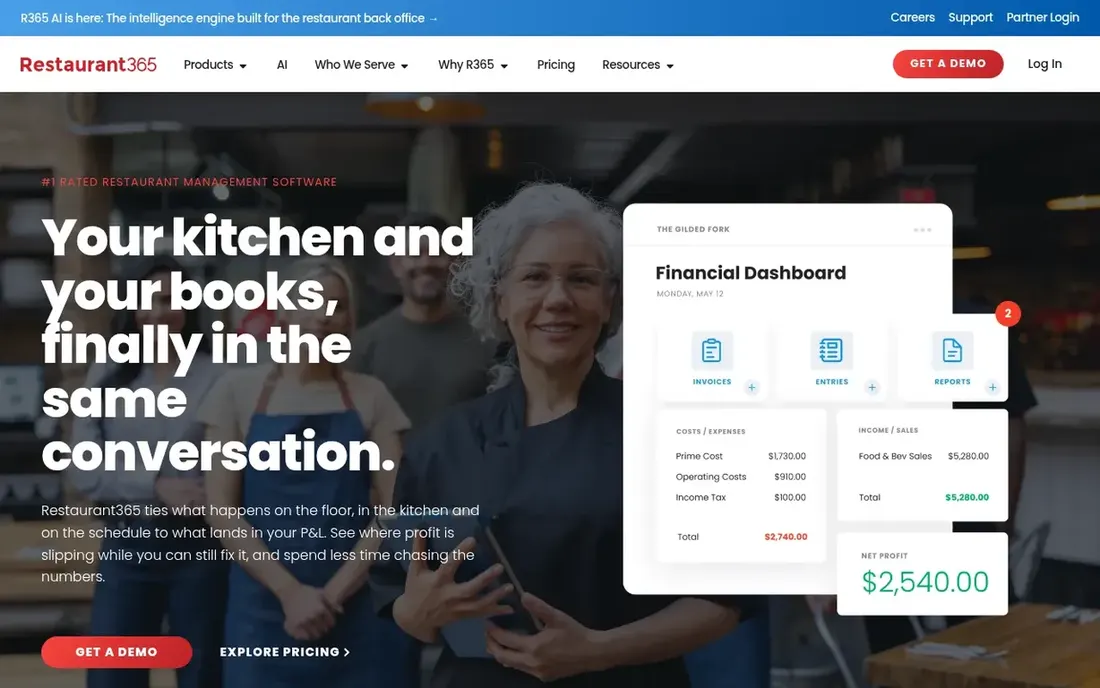
Restaurant365 works best for accounting-led restaurant management and workforce data. It is a wide suite, and teams that only need scheduling plus tip distribution may find it more than necessary.
Trade-offs to know: Wide suite may be more than tip pooling needs.
Worth adding: the homepage does not spell out every tip pooling workflow, so confirm the specifics with the vendor. Restaurant365 does not show a starting price in this comparison, so check the vendor site for current pricing. Trial and free access: Not stated.
Where it shines: Merges accounting.
- Operations and workforce
- Built to link financial and operational data
- Setup can be involved for small operators
HotSchedules
Best for: Scheduling and team engagement for hospitality
For scheduling and team engagement for hospitality, HotSchedules is a natural candidate. Scheduling is the core strength, which matters for tip pooling since pooled tips rely on accurate shift and role data.
Watch-outs: Payroll depth varies by setup.
From a buyer's view, if pooled tips must be calculated and premium inside the same system, check how it connects with your payroll provider. Pricing for HotSchedules is not stated here, so ask the vendor for current figures. On free options: Not stated.
- Made for hospitality scheduling
- Employee engagement features included
- Tip pooling is not highlighted on the homepage
Sling is a good fit for straightforward shift scheduling and team communication. Sling is employee shift scheduling and planning software that helps companies run shifts and communicate with employees.
Drawbacks to consider: Limited payroll and accounting depth.
Confirm how shift data exports to your payroll provider. Sling pricing: $1.70 per user per month. A free plan is available with Sling.
- Straightforward setup for small teams
- Simple shift scheduling and planning
- Tip pooling is not a listed feature
Think of Deputy for scheduling, HR and labor forecasting. Tip pooling is not presented as a core feature, so the workflow relies on how payroll is configured.
In daily use, restaurants with in-depth tip-out matrices should verify support with the vendor. Entry price for Deputy: $5 per user per month. On free options: Free trial.
Honest limits: Tip pooling not featured on the homepage.
- AI labor forecasting for staffing decisions
- Easy-to-use scheduling and HR tools
- Restaurant-specific tip rules need confirmation
When I Work targets shift scheduling, time tracking and team messaging. For restaurants, clean shift and time records make it simpler to feed accurate hours into whatever system calculates pooled tips.
Restaurants needing tips calculated inside the same system should confirm integration choices before deciding. In practice, the homepage does not describe tip pooling or restaurant payroll as features. Starting cost for When I Work: $2.50 per user per month. Free options: Free trial.
Where it is weaker: Restaurant payroll depth is restricted.
What users get: time tracking and messaging in one app.
- Scheduling
- Straightforward interface for hourly teams
- Tip pooling is not a stated feature
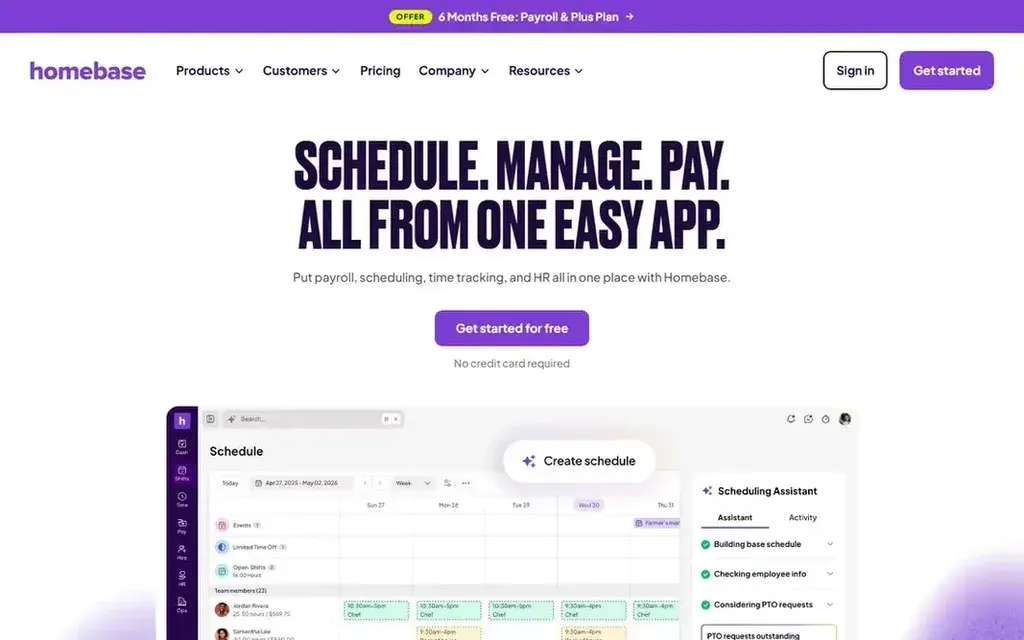
Choose Homebase for scheduling, time clocks and payroll for hourly teams. For restaurants, that means shift hours and clocked time can feed directly into payroll, which is where tip distribution typically gets calculated. The homepage does not present tip pooling as a dedicated feature.
So you would depend on payroll and time tracking to manage pooled tips. As for the details, restaurants with complicated tip-out rules across several roles may want a product shaped around restaurant payroll. Homebase starts at: $30 per location per month. Homebase includes a free tier.
Where it falls short: Restaurant-specific reporting is restricted.
- Time tracking and payroll in one app
- Hiring tools included alongside core features
- Tip pooling is not a headline feature
Our selection method
The comparison looks at four things: starting price, free access, how well the feature set matches tip pooling software for restaurants, and the main limit of each tool. Where a price is missing, the vendor does not list one publicly or ties it to a quote. Always confirm before budgeting. The sequence is a judgement call: typical use case first, then pricing transparency, then free access. Use the profiles to check fit.
Questions to settle before buying
- Get a written quote from Restaurant365 and HotSchedules; the list shows no starting price for them.
- Look at free plan limits closely: Sling and Homebase have one, and the caps decide whether it is usable for real work.
- Use real work to test the free trial from Deputy and When I Work, rather than a demo project.
- Before choosing Restaurant365, weigh its main limit: wide suite may be more than tip pooling needs.
- Make sure Homebase lets you export your data in a format another tool can read.
- Find out whether the entry plan of Deputy covers your must-haves or only a trimmed-down version.
FAQ
What is the cheapest option for tip pooling software for restaurants in this list?
On published monthly entry prices, Sling is the lowest here at $1.70 per user per month. Entry price is only part of the cost, because seats, add-ons and billing terms can change the total. Prices, free plan details and limits for all 6 tools in this tip Pooling software for restaurants roundup sit on the individual cards above.
Why does restaurant-specific software matter for tips?
Restaurant-focused products tend to understand roles like servers, bussers and bartenders, which is where tip pools get complicated. That can cut manual work at payroll time. General tools may need additional configuration to match your house rules.
Can I try these tools before paying?
Often, yes. Sling and Homebase have a free plan and Deputy and When I Work offer a free trial. Use your own data and a real task during the test, and check what the free tier or trial limits before you rely on it.
Can general scheduling tools manage tip pooling?
Numerous general scheduling tools track hours and shifts well but do not calculate pooled tips themselves. Confirm the integration before choosing a tool.
What should restaurant tip pooling software do?
It should link accurate shift and hour records to payroll so pooled tips are calculated consistently and premium correctly. Look for time tracking, role-based tip rules and clear reporting each pay period.
How are the tools for tip pooling software for restaurants ordered?
The order follows typical fit for tip pooling software for restaurants, with Restaurant365 first and Homebase last, then price clarity and free access. It is editorial judgement, not a score, so another team could rank the tools differently.
Sources
- https://www.restaurant365.com
- https://www.hotschedules.com
- https://getsling.com
- https://www.deputy.com
- https://wheniwork.com
- https://joinhomebase.com