Best Tip Pooling Software for Hospitality Groups (2026): 6 Picks Checked on Vendor Pages
6 products for the best tip pooling software for hospitality groups, ranked by fit, with starting costs and free tiers. The catches are listed up front.
- Editor's choice
 Sling
Shift planning and team communication
Starts at$1.70 per user per monthVisit getsling.comFull review - Great alternative
 Deputy
Scheduling with labor forecasting and HR
Starts at$5 per user a monthVisit deputy.comFull review - Also consider
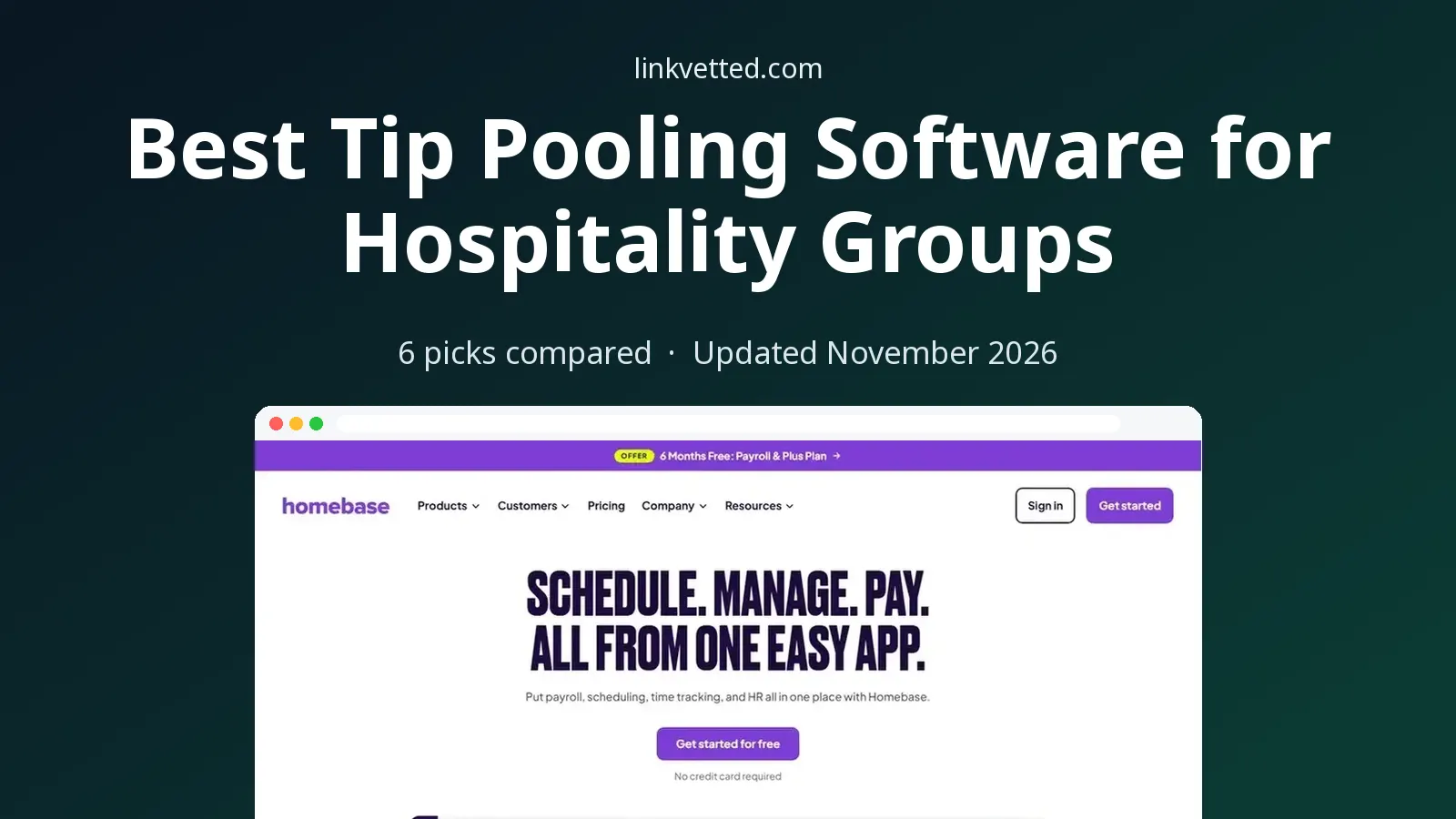
 Homebase
All-in-one scheduling, time clocks and payroll
Starts at$30 per location per monthVisit joinhomebase.comFull review
Direct answer
Sling is the first pick on this list for shift planning and team communication. Listed starting prices: Sling from $1.70 per user per month, Deputy from $5 per user a month and Homebase from $30 per location per month. Alternatives: Deputy for scheduling with labor forecasting and HR, and Homebase for all-in-one scheduling, time clocks and payroll. Details, prices and limits for the rest of the 6 tools are below.
TL;DR:
- Sling takes the first slot, best suited to shift planning and team communication.
- Check the limits for Deputy before you commit: tip pooling rules need payroll configuration.
- Sling has the lowest monthly starting price in this list: $1.70 per user per month.
- When I Work suits shift scheduling and team messaging.
- Only 2 of the 6 tools have a free plan (Sling, Homebase), so check the caps.
Last checked November 2026. Prices and plan details were read from the vendors' own pages in November 2026; vendors change plans often, so confirm the current price on the vendor site before you buy.
Quick comparison
| Tool | Best for | Starts at | Free plan? | |
|---|---|---|---|---|
| Sling | Shift planning and team communication | $1.70 per user per month | Yes | Visit |
| Deputy | Scheduling with labor forecasting and HR | $5 per user a month | Free trial | Visit |
| Homebase | All-in-one scheduling, time clocks and payroll | $30 per location per month | Yes | Visit |
| Push Operations | Restaurant payroll, HR and scheduling | $200 a month per location | Not stated | Visit |
 Square | Payments plus staff management in one place | See website | Not stated | Visit |
 When I Work | Shift scheduling and team messaging | $2.50 per user a month | Free trial | Visit |
The full tip pooling software for hospitality groups list
LinkVetted put together this guide to tip pooling software for hospitality groups for readers who want a clear shortlist without reading every vendor page. It compares 6 tools on starting price, free plans, who each one suits and where each one falls short.
Think of Sling for shift planning and team communication. Sling is employee shift scheduling and planning software that helps firms run shifts and communicate with employees.
Groups with complicated pooling rules across venues should plan integrations carefully or choose a product with payroll built in. Also, Sling centers on scheduling and communication, so payroll and tip calculations usually live in other systems. The starting price for Sling: $1.70 per user per month. Sling has a free plan.
Watch-outs: Restricted depth for complex multi-venue groups.
- Straightforward to adopt
- Team communication tools
- Payroll and tip logic handled elsewhere
Deputy is built with scheduling with labor forecasting and HR in mind. Deputy offers employee scheduling, HR, AI labor forecasting and payroll software. On top of that, for hospitality groups, forecasting helps match staffing to demand.
Points against: Feature depth may suit bigger teams.
Main advantages: Scheduling.
The scheduling and time data feed payroll where tip pools are calculated. Smaller venues may find the forecasting and HR layers more than they need. Deputy starts at: $5 per user per month. Trial and free access: Free trial.
- HR and payroll in one system
- Easy-to-use interface
- Tip pooling rules need payroll configuration
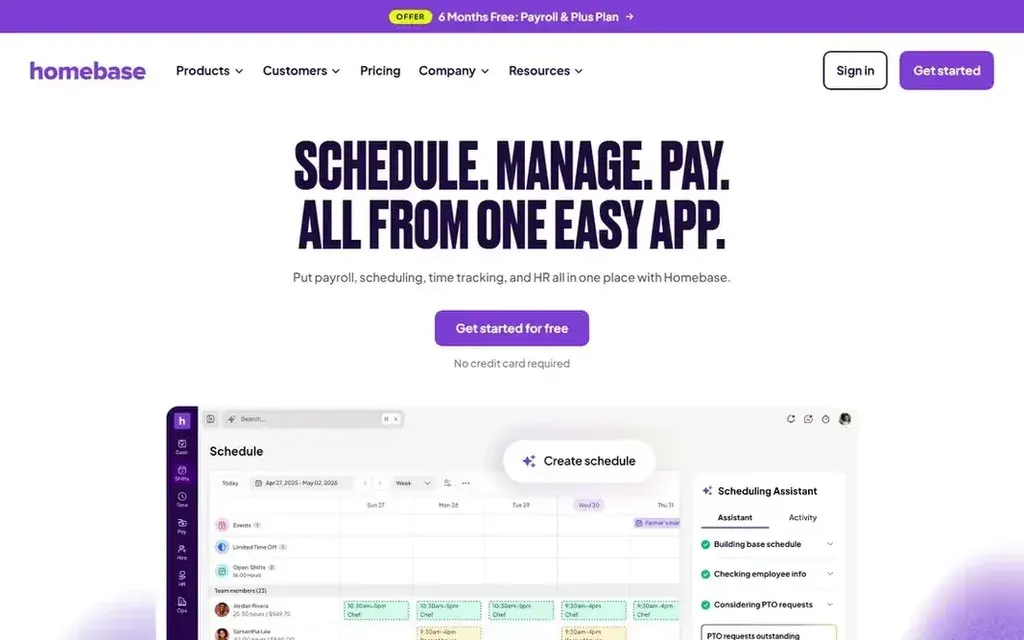
Homebase works best for all-in-one scheduling, time clocks and payroll. For hospitality groups, its value is the link between scheduled shifts, tracked hours and payroll, which is the data tip pools depend on.
Limits to weigh: Less specialized for multi-venue restaurant groups.
In practice, since it is a general hourly-workforce system, groups with complicated multi-venue tip pool rules may have to configure payroll carefully or pair it with a dedicated payroll provider. On cost, Homebase starts like this: $30 per location per month. Homebase offers a free plan.
- Time clocks and payroll in one app
- Scheduling
- Tip pooling logic may need payroll setup
Push Operations
Best for: Restaurant payroll, HR and scheduling
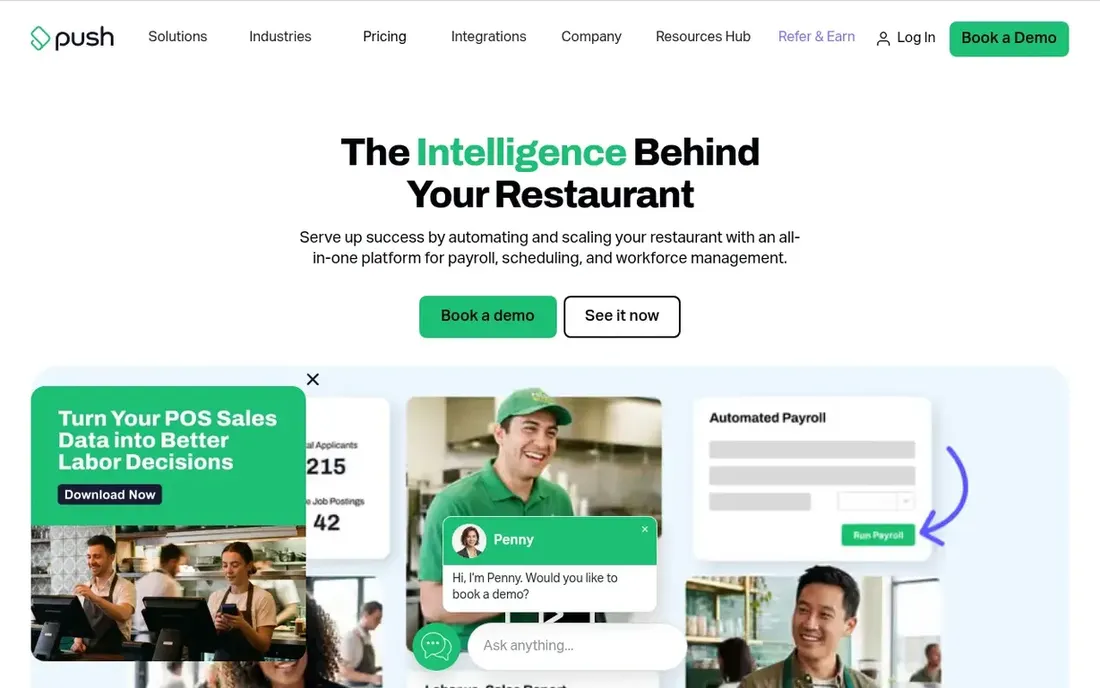
Push Operations serves restaurant payroll, HR and scheduling. Groups outside food service should check whether the workflows match their operation before committing.
On cost, Push Operations starts like this: $200 per month per location. Free options: Not stated.
Where it shines: Built to scale with growth.
Where it falls short: May be more than small crews need.
- HR, payroll
- Made for restaurant operations
- Centred on restaurants instead of all hospitality
Choose Square for payments plus staff management in one place. Hospitality groups already using Square for payments can handle team data in the same ecosystem, which eases how hours and payroll inputs come together.
Square does not show a starting price in this comparison, so check the vendor site for current pricing. As for free access: Not stated.
What to check first: Best value if you already use Square for payments.
- Sell anywhere and diversify revenue
- Staff management alongside payments
- Tip pooling is not the core focus
When I Work is built with shift scheduling and team messaging in mind. It suits teams that want straightforward scheduling and communication.
What to check first: Payroll depth varies by setup.
Tip pooling itself is not a stated feature, so groups should confirm how tracked hours export to payroll. Starting cost for When I Work: $2.50 per user per month. Free plan details: Free trial.
- Works across shift-based industries
- Straightforward team communication
- Tip pooling is not a stated feature
How the list was put together
The comparison looks at four things: starting price, free access, how well the feature set matches tip pooling software for hospitality groups, and the main limit of each tool. Plan names, prices and limits change often. Treat the figures here as a starting point and verify them with the vendor. Tools are placed by general fit for tip pooling software for hospitality groups, with price clarity and free access as tie-breakers. A different team can reasonably rank them differently.
What to check before you buy
- Ask Square for a written quote, since no starting price is shown.
- Look at free plan limits closely: Sling and Homebase have one, and the caps decide whether it is usable for real work.
- Take the trial from Deputy and When I Work and push a live task through it before you pay.
- Read the limits listed for Sling first: payroll and tip logic handled elsewhere.
- Before rolling out Sling, verify the integrations your workflow depends on.
- Compare total cost, not headline price: for When I Work, add extra seats, add-ons and any usage-based charges.
FAQ
How are the tools for tip pooling software for hospitality groups ordered?
Sling sits first and When I Work last because the order follows typical fit for tip pooling software for hospitality groups, then price clarity and free access. It is a judgement call, so read each profile for fit and limits.
Is Sling the right pick for everyone comparing tip pooling software for hospitality groups?
No single tool suits every team. Sling comes first because it fits shift planning and team communication, while Deputy suits scheduling with labor forecasting and HR and Homebase suits all-in-one scheduling, time clocks and payroll. Match the tool to your own size, budget and workflow before deciding.
Do these tools publish their prices?
Not all of them. Square publishes no starting price, so expect a quote request for it. The rest, Sling included, show a starting price, though seats and billing terms still change the final cost.
Does scheduling software calculate tip pools automatically?
Plenty of scheduling tools track hours and roles but leave tip distribution to payroll. Confirm whether the system calculates pool splits or exports data to a payroll system that does.
What is the cheapest option for tip pooling software for hospitality groups in this list?
On published monthly entry prices, Sling is the lowest here at $1.70 per user per month. Entry price is only part of the cost, because seats, add-ons and billing terms can change the total. For the full picture, the cards above cover all 6 entries of this tip Pooling software for hospitality groups list, including price, free plan and limits.
Sources
- https://getsling.com
- https://www.deputy.com
- https://www.joinhomebase.com
- https://www.pushoperations.com
- https://squareup.com
- https://wheniwork.com