Staff Rostering Software for Hospitality in 2026: The 6 Best Options Side by Side
Best staff rostering software for hospitality, compared. 6 tools with published prices, free plans and limits. Each pick comes with its main catch. No hype.
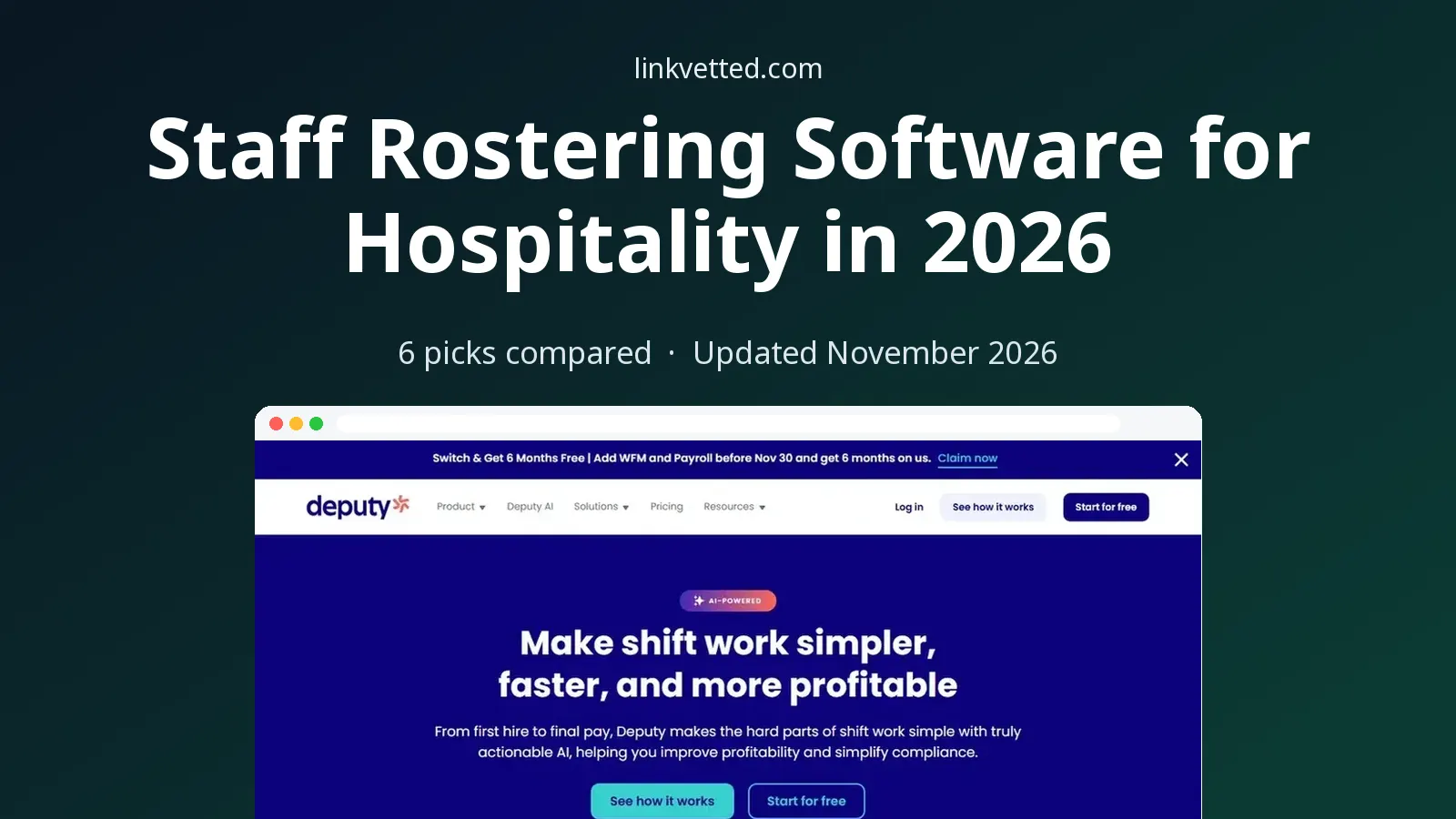
- Editor's choice
 Deputy
Scheduling with HR and payroll integration
Starts at$5 per user a monthVisit deputy.comFull review - Great alternative
 When I Work
Straightforward shift scheduling and team messaging
Starts at$2.50 per user per monthVisit wheniwork.comFull review - Also consider
 Homebase
All-in-one scheduling, time clocks, and payroll
Starts at$30 per location per monthVisit joinhomebase.comFull review
Direct answer
Deputy leads the list, best for scheduling with HR and payroll integration. Listed starting prices: Deputy from $5 per user a month, When I Work from $2.50 per user per month and Homebase from $30 per location per month. When I Work is the stronger choice for straightforward shift scheduling and team messaging, while Homebase suits all-in-one scheduling, time clocks, and payroll. Details, prices and limits for the rest of the 6 tools are below.
TL;DR:
- Deputy takes the first slot, best suited to scheduling with HR and payroll integration.
- Starting prices begin at $2.50 per user per month with When I Work.
- Homebase is the only tool of the 6 with a free plan.
- HotSchedules is the one to check for teams comparing choices in this category.
- One limit worth knowing about Homebase: may be complicated for very small teams.
Last checked November 2026. Prices and plan details were read from the vendors' own pages in November 2026; vendors change plans often, so confirm the current price on the vendor site before you buy.
Quick comparison
| Tool | Best for | Starts at | Free plan? | |
|---|---|---|---|---|
| Deputy | Scheduling with HR and payroll integration | $5 per user a month | Free trial | Visit |
| When I Work | Straightforward shift scheduling and team messaging | $2.50 per user per month | Free trial | Visit |
| Homebase | All-in-one scheduling, time clocks, and payroll | $30 per location per month | Yes | Visit |
 Planday | Workforce management with labor cost control | £2.99 | Free trial | Visit |
| Bizimply | All-in-one scheduling with payroll integration | See website | Not stated | Visit |
| HotSchedules | Teams comparing choices in this category | See website | Not stated | Visit |
The full staff rostering software for hospitality list
This LinkVetted guide covers 6 options for staff rostering software for hospitality. Each profile lists a starting price, free plan details, strengths and drawbacks, so you can drop poor fits quickly.
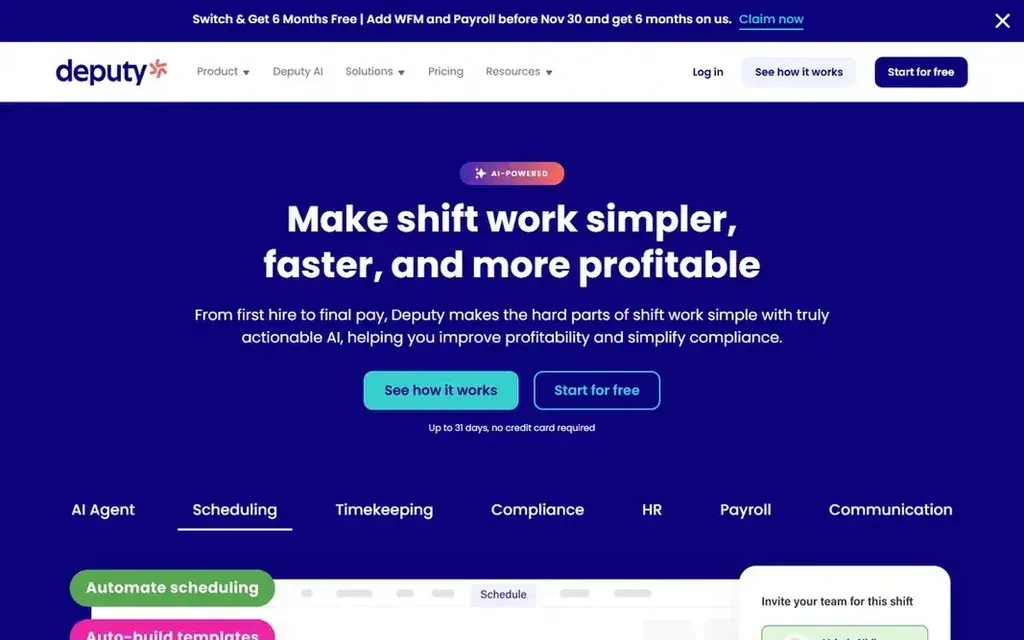
Deputy is built with scheduling with HR and payroll integration in mind. Deputy is an employee scheduling, HR, and payroll software that bundles AI labor forecasting.
In daily use, for very small teams, the range of features might feel excessive and need more setup time. Deputy is a better fit when HR and payroll integration are priorities alongside scheduling. Entry price for Deputy: $5 per user per month. Free access: Free trial.
Trade-offs to know: Advanced features need setup.
- Simple to use
- HR and payroll features
- May be overkill for small teams
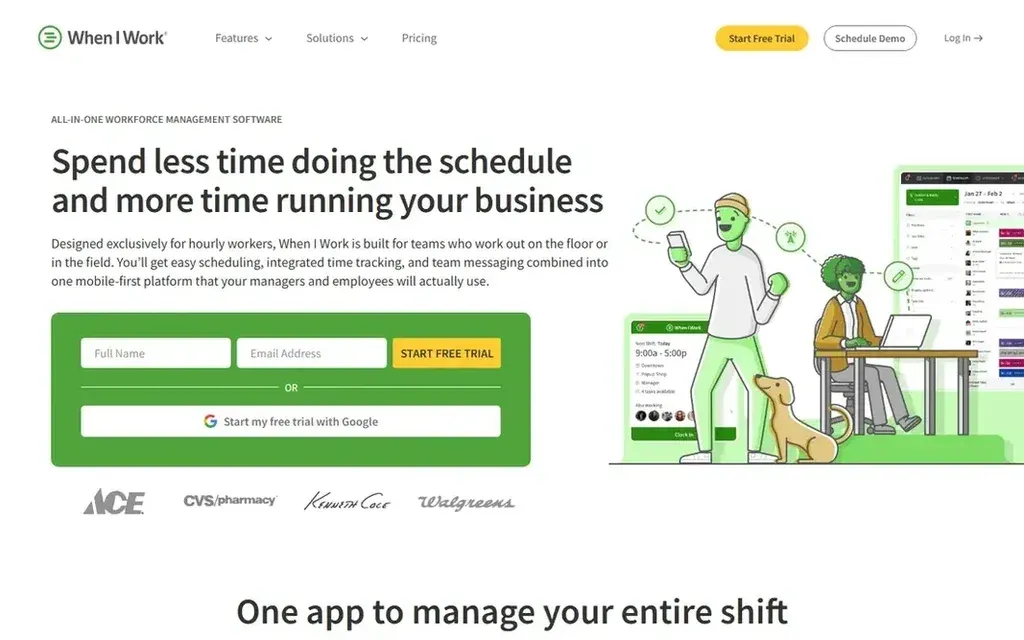
When I Work is built with straightforward shift scheduling and team messaging in mind. It is well suited to hospitality operations that require straightforward rostering with clear communication and time tracking, without the complexity of a full HR suite.
When I Work starts at: $2.50 per user per month. As for free access: Free trial.
Downsides: Restricted HR depth.
- Team messaging in one app
- Shift scheduling and time tracking
- Payroll not included
Homebase serves all-in-one scheduling, time clocks, and payroll. Beyond that, the tool is tailored to the needs of small companies with hourly staff, making it a practical choice for restaurants and retail venues.
More specifically, the breadth of features can be more than a tiny team needs, and payroll availability may rely on your location. In practice, Homebase is a good match for those seeking an integrated scheduling and payroll option. Price to start with Homebase: $30 per location per month. Homebase has a free plan.
Limits to weigh: May be complicated for very small teams.
- Aimed at hourly teams
- Payroll and hiring features
- Payroll features may vary by region
Planday is built with workforce management with labor cost control in mind. Planday is employee scheduling, time tracking, and workforce management software that helps firms ease scheduling, communication, and staff management. It is built to cut labor costs and simplify workflows, making it right for hospitality operations that require to control labor expenses whereas managing a flexible workforce.
Where it is weaker: May need training.
As for the details, if you prefer a simpler tool without labor cost analytics, When I Work could be a better fit. Worth adding: the system may need some training to use effectively, and payroll integration choices can vary. The starting price for Planday: £2.99. Free options: Free trial.
- Communication tools
- Focus on labor cost reduction
- Payroll integration varies
Bizimply
Best for: All-in-one scheduling with payroll integration
Bizimply is aimed squarely at all-in-one scheduling with payroll integration. Bizimply is a good match for hospitality operations that value an integrated approach to scheduling and payroll.
Trade-offs to know: Setup required for integrations.
No starting price is listed for Bizimply here; confirm pricing on the vendor site. Free access: Not stated.
- Payroll integration
- Scheduling and time tracking
- May be more than needed for small teams
HotSchedules
Best for: Teams comparing choices in this category
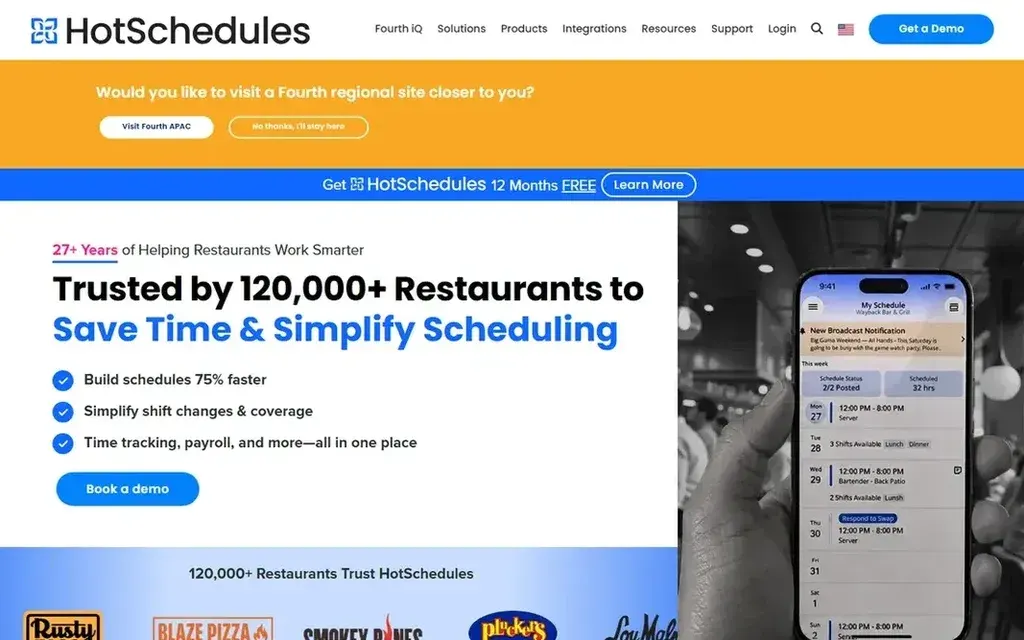
For teams comparing options in this category, HotSchedules is a natural candidate. HotSchedules fits best for venues that chiefly need scheduling and engagement within a hospitality context.
Points against: May lack deep HR tools.
No starting price is listed for HotSchedules here; confirm pricing on the vendor site. Free options: Not stated.
- Demo available
- Employee engagement features
- Restricted payroll integration
How we built this list
What to check before you buy
- Get a written quote from Bizimply and HotSchedules; the list shows no starting price for them.
- Look at the free plan from Homebase closely: its caps decide whether it is usable for real work.
- Use real work to test the free trial from Deputy, When I Work and Planday, rather than a demo project.
- Read the limits listed for Deputy first: may be overkill for small teams.
- A short pilot of Planday with your real workflow tells you more than a feature table.
- Read the plan comparison for When I Work carefully; key features often start on a higher tier.
FAQ
Can I try these tools before paying?
Often, yes. Homebase has a free plan and Deputy, When I Work and Planday offer a free trial. Use your own data and a real task during the test, and check what the free tier or trial limits before you rely on it.
Is payroll integration important for hospitality rostering?
Payroll integration can save time by automatically transferring hours worked into payroll systems. If you have a separate payroll provider, check whether the rostering tool plugs into it.
What is the cheapest option for staff rostering software for hospitality in this list?
On published monthly entry prices, When I Work is the lowest here at $2.50 per user per month. Entry price is only part of the cost, because seats, add-ons and billing terms can change the total. All 6 picks in this staff Rostering software for hospitality comparison list a starting price, free plan details and the main limits on their cards above.
Do these tools publish their prices?
Not all of them. Bizimply and HotSchedules publish no starting price, so expect a quote request for those. The rest, Deputy included, show a starting price, though seats and billing terms still change the final cost.
Can I use these tools for several locations?
Most of the tools listed support several locations, but it is best to confirm with each vendor. Beyond that, features like centralized scheduling and reporting across sites may vary.
What features should hospitality companies look for in rostering software?
Look for shift scheduling that takes care of split shifts and last-minute changes, time tracking, team communication, and mobile access. Payroll integration can also be valuable if you want to simplify back-office tasks.
Sources
- https://www.deputy.com
- https://wheniwork.com
- https://joinhomebase.com
- https://www.planday.com
- https://www.bizimply.com
- https://www.hotschedules.com