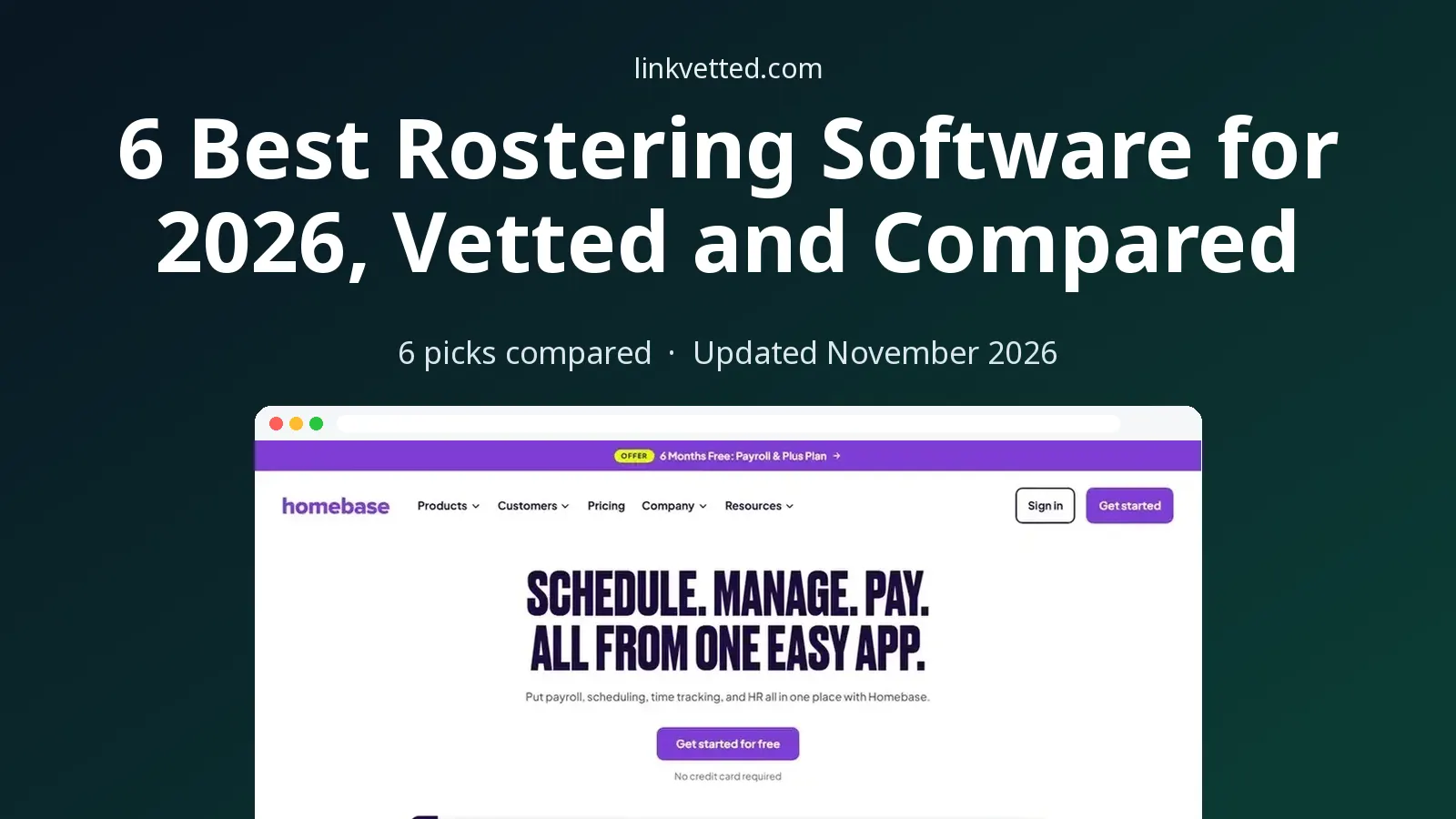
6 Best Rostering Software for 2026, Vetted and Compared
Best rostering software in 2026: 6 contenders with entry costs and free tiers. Top pick: Sling, aimed at straightforward shift planning. Prices included.
- Editor's choice
 Sling
Straightforward shift planning
Starts at$1.70 per user per monthVisit getsling.comFull review - Great alternativeHotSchedules
Teams comparing choices in this category
Starts atSee websiteVisit hotschedules.comFull review - Also consider
 Connecteam
Frontline teams needing scheduling plus communication
Starts at$29 a monthVisit connecteam.comFull review
Direct answer
For straightforward shift planning, Sling is where this list starts. Listed starting prices: Sling from $1.70 per user per month, Connecteam from $29 a month and Homebase from $30 per location a month. HotSchedules fits teams comparing choices in this category; Connecteam fits frontline teams needing scheduling plus communication. The full list of 6 tools follows, with prices and free plan facts.
TL;DR:
- Sling takes the first slot, best suited to straightforward shift planning.
- Only 3 of the 6 tools have a free plan (Sling, Connecteam, Homebase), so check the caps.
- Homebase comes with a trade-off: pitched at small companies, not large enterprises.
- For scheduling with HR and labor forecasting, Deputy is worth a look.
- Starting prices begin at $1.70 per user per month with Sling.
Last checked November 2026. Prices and plan details were read from the vendors' own pages in November 2026; vendors change plans often, so confirm the current price on the vendor site before you buy.
Quick comparison
| Tool | Best for | Starts at | Free plan? | |
|---|---|---|---|---|
| Sling | Straightforward shift planning | $1.70 per user per month | Yes | Visit |
| HotSchedules | Teams comparing choices in this category | See website | Not stated | Visit |
| Connecteam | Frontline teams needing scheduling plus communication | $29 a month | Yes | Visit |
 Homebase | Small companies managing hourly teams | $30 per location a month | Yes | Visit |
 When I Work | Shift scheduling with team messaging | $2.50 per user a month | Free trial | Visit |
 Deputy | Scheduling with HR and labor forecasting | $5 per user a month | Free trial | Visit |
The 6 tools in detail
If you are comparing rostering software, this page covers 6 tools in one place: what each is best for, what it costs to start, whether it has a free plan, and the main limit to know about.
Sling serves straightforward shift planning. Pick Sling when a clean, simple roster and team chat handle most of your needs.
Sling is employee shift scheduling and planning software that helps companies handle shifts and communicate with employees. Beyond that, firms with complicated compliance rules or large multi-site operations may need more. Entry price for Sling: $1.70 per user per month. Free access exists with Sling.
Limits to weigh: Fewer HR and payroll features.
- Simple shift scheduling and planning
- Team communication built in
- Advanced reporting is restricted
HotSchedules
Best for: Teams comparing choices in this category
For teams comparing choices in this category, HotSchedules is a natural candidate. The hospitality focus means the workflow reflects how service teams actually schedule. That specialization is also a limit: companies outside hospitality, or those wanting broad HR and payroll in one suite, may find a general-purpose system a better fit.
Drawbacks to consider: Narrow industry focus.
Confirm current product direction and support choices with the vendor. Also, choose HotSchedules when hospitality-specific scheduling and engagement are the core need. Pricing for HotSchedules is not stated here, so ask the vendor for current figures. Free plan details: Not stated.
- Employee engagement features
- Concentrated on hospitality scheduling
- Less suitable outside hospitality
Connecteam makes the most sense for frontline teams needing scheduling plus communication. The aim is to replace scattered tools with a single app.
What to check first: May exceed needs of office-based teams.
Main advantages: Scheduling.
Some advanced capabilities rely on the modules you enable. Connecteam cost at the entry level: $29 per month. You can start on Connecteam without paying.
- Made for frontline teams
- Time tracking and communication together
- Wide scope takes time to configure
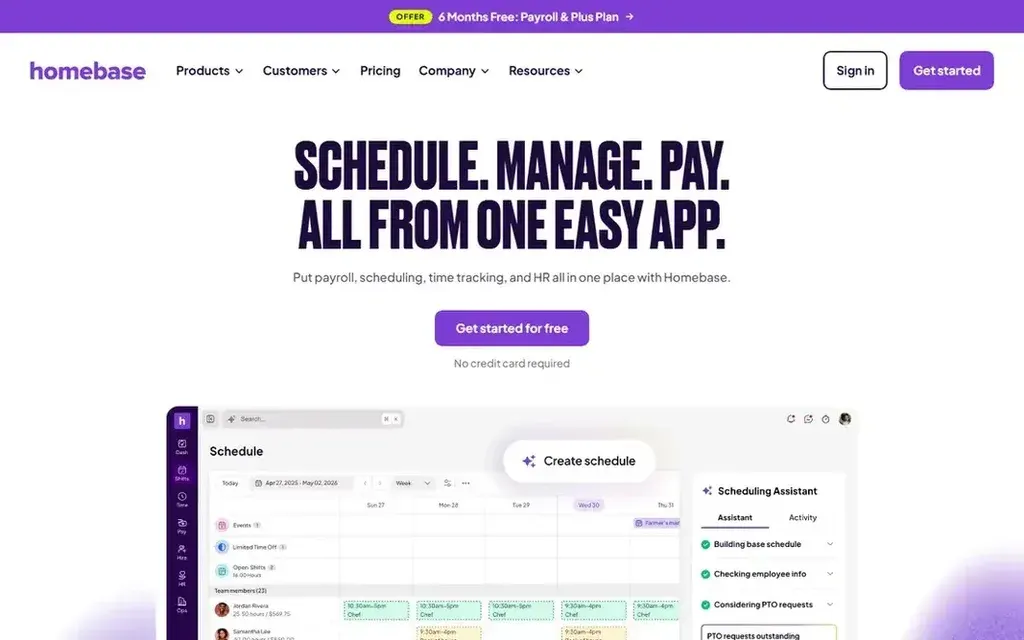
For small companies managing hourly teams, Homebase is a natural candidate. It fits owners who want one place to build schedules, track hours and deal with payroll without stitching tools together.
The starting price for Homebase: $30 per location per month. Free access exists with Homebase.
Points against: Pitched at small companies, not large enterprises.
What users get: Scheduling.
- Payroll and hiring together
- Aimed at small hourly teams
- Feature depth varies by module
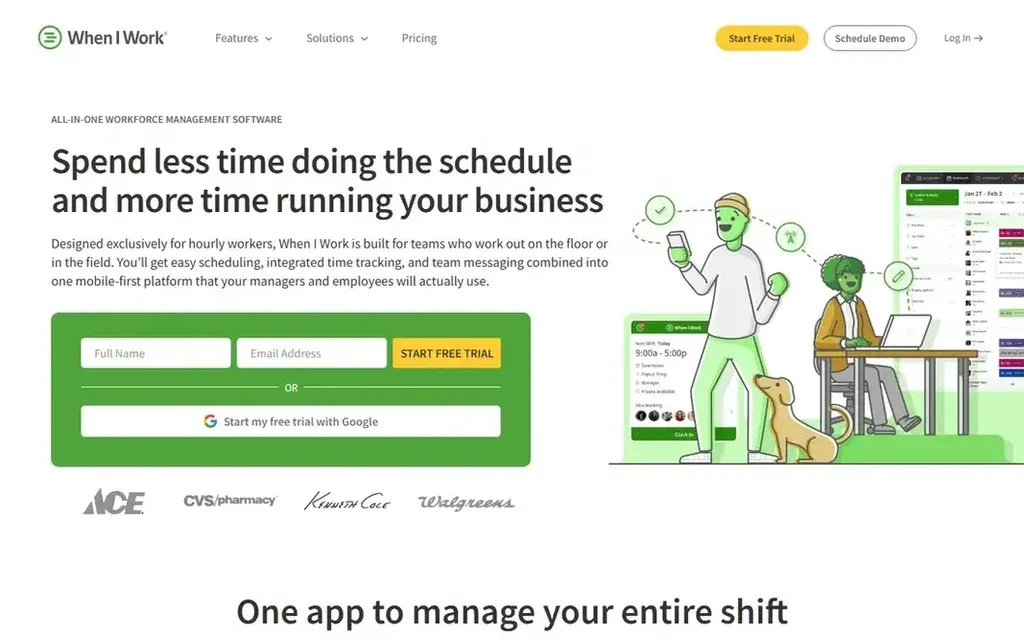
When I Work makes the most sense for shift scheduling with team messaging. The focus is on quick, clear shift communication instead of a full HR suite.
Worth adding: since the product centers on scheduling and time tracking, firms needing payroll, hiring or deeper HR workflows will likely pair it with other systems. When I Work pricing: $2.50 per user per month. Free plan details: Free trial.
Trade-offs to know: Payroll and HR depth is restricted.
- Designed for hourly teams
- Straightforward mobile-first approach
- Advanced needs may need extras
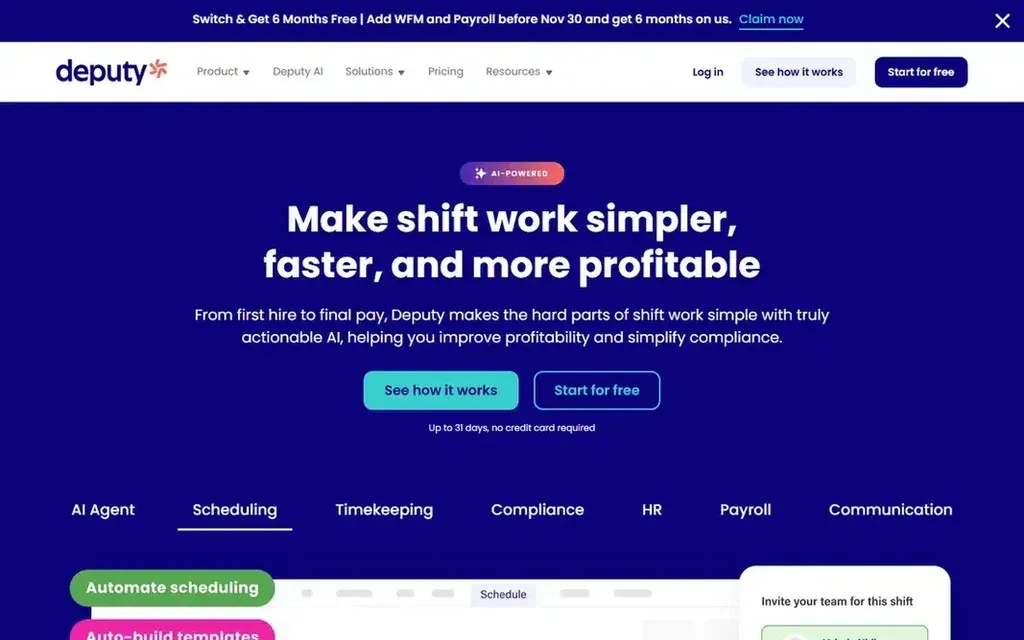
Deputy serves scheduling with HR and labor forecasting. If you only need entry-level shift swaps and messaging, a lighter tool may be simpler to adopt.
Honest limits: Wide feature set may feel heavy for tiny teams.
For everyday use, the broad scope means setup takes more thought than a straightforward shift planner, and payroll support varies by region, so check local coverage. Starting cost for Deputy: $5 per user per month. Free access: Free trial. Upsides: Positioned as simple to use.
- Merges scheduling
- HR and payroll features
- Payroll depth relies on region
How the list was put together
What to confirm before you sign up
- Confirm the entry price on the vendor page. For HotSchedules that means a quote rather than a fixed price.
- Check what the free option really includes: Sling, Connecteam and Homebase offer a free plan, and usage caps differ.
- Take the trial from When I Work and Deputy and push a live task through it before you pay.
- Before choosing Sling, weigh its main limit: fewer HR and payroll features.
- Look at the help docs and support options for When I Work before you commit.
- Add up seats, add-ons and usage charges for Connecteam before comparing it with cheaper entries.
FAQ
Which options for rostering software have a free plan?
Sling, Connecteam and Homebase offer a free plan in this list. Free plans usually cap users, projects or features, so check the limits on the vendor page. Several others offer a trial instead.
Do these tools publish their prices?
Not all of them. HotSchedules publishes no starting price, so expect a quote request for it. The rest, Sling included, show a starting price, though seats and billing terms still change the final cost.
Is hospitality scheduling different from general rostering?
Hospitality teams handle frequent shift swaps, availability changes and service peaks, which is why HotSchedules focuses there. General rostering tools can still work if you configure rules carefully. Choose based on how much industry-specific workflow you need.
How are the tools for rostering software ordered?
The order follows typical fit for rostering software, with Sling first and Deputy last, then price clarity and free access. It is editorial judgement, not a score, so another team could rank the tools differently.
Is Sling the right pick for everyone comparing rostering software?
No single tool suits every team. Sling comes first because it fits straightforward shift planning, while HotSchedules suits teams comparing options in this category and Connecteam suits frontline teams needing scheduling plus communication. Match the tool to your own size, budget and workflow before deciding.
Sources
- https://getsling.com
- https://www.hotschedules.com
- https://connecteam.com
- https://joinhomebase.com
- https://wheniwork.com
- https://www.deputy.com