6 Best SaaS Software for 2026, Vetted and Compared
6 tools for the best SaaS software, compared on pricing, free plans and best-fit use. Trade-offs are spelled out for each entry. Last reviewed November 2026.
- Editor's choice
 Notion
Docs and wikis
Starts at$10 per seat/month (Plus)Visit notion.comFull review - Great alternative
 Asana
Work management
Starts at$10.99 per user/month (Starter, billed yearly)Visit asana.comFull review - Also consider
 1Password
Password security
Starts atSee websiteVisit 1password.comFull review
Direct answer
For docs and wikis, Notion is where this list starts. Listed starting prices: Notion from $10 per seat/month (Plus), Asana from $10.99 per user/month (Starter, billed yearly) and Google Workspace from $7 per user/month (Business Starter). Asana fits work management; 1Password fits password security. The other 3 tools in the list cover narrower or pricier cases.
TL;DR:
- Notion sits first on this list: docs and wikis.
- For video meetings, Zoom is worth a look.
- What to know about Asana first: advanced features in higher levels.
- Notion, Asana, Slack, Zoom: these are the 4 tools out of 6 that offer a free plan.
- The cheapest monthly starting price in the list is $7 per user/month, offered by Google Workspace.
Last checked November 2026. Prices and plan details were read from the vendors' own pages in November 2026; vendors change plans often, so confirm the current price on the vendor site before you buy.
Quick comparison
| Tool | Best for | Starts at | Free plan? | |
|---|---|---|---|---|
| Notion | Docs and wikis | $10 per seat/month (Plus) | Yes | Visit |
| Asana | Work management | $10.99 per user/month (Starter, billed yearly) | Yes | Visit |
| 1Password | Password security | See website | Free trial | Visit |
 Google Workspace | Gmail-based productivity | $7 per user/month (Business Starter) | Free trial (14 days) | Visit |
 Slack | Team communication | $7.25 per user/month (Pro, billed yearly) | Yes | Visit |
 Zoom | Video meetings | $14.16 per user/month (Pro, billed yearly) | Yes | Visit |
The full SaaS software list
LinkVetted compared 6 tools for SaaS software. The goal is a practical shortlist: published prices, free plan facts, best-fit use cases and honest limits for every entry.
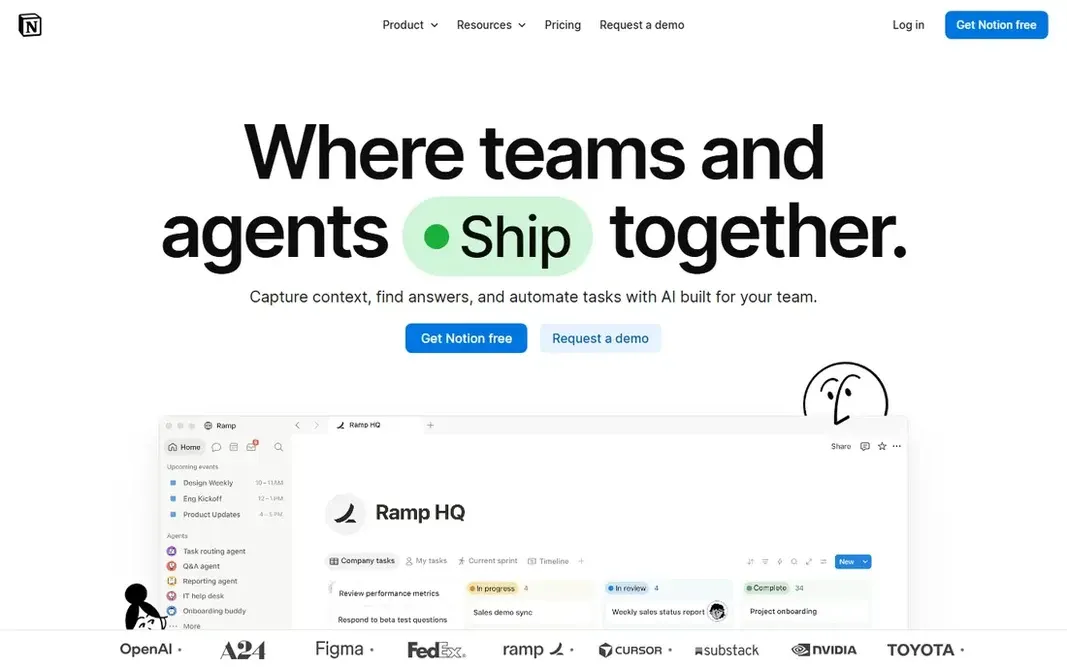
For docs and wikis, Notion is a natural candidate. Pricing is free for individuals, Plus at $10 per seat a month, and Business at $20 per seat a month.
Also, for businesses whose knowledge lives in scattered docs, Notion is the consolidator: wikis, project trackers, and meeting notes in one searchable place. In practice, teams should appoint a workspace owner before rolling it out. Price to start with Notion: $10 per seat/month. A free plan is available with Notion.
Where it falls short: Can get messy without structure.
What Notion does well: projects in one.
- Docs, wikis, databases
- Ample free plan
- Performance on huge workspaces
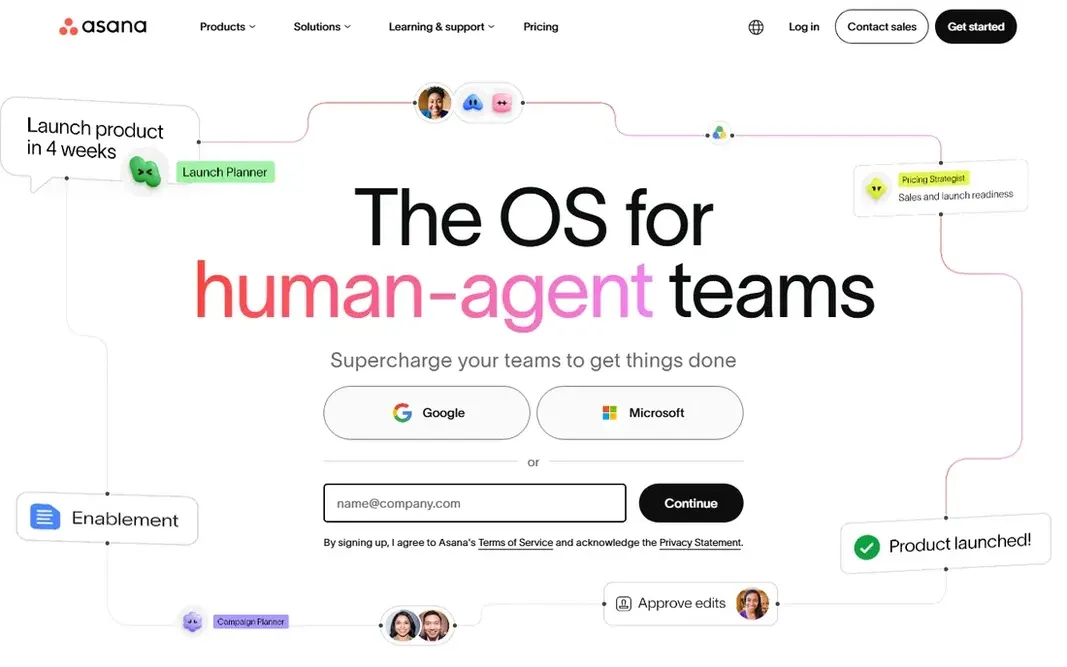
Asana is designed for work management. For teams whose work disappears into chat threads, Asana produces accountability: every task has an owner, a date, and a visible status.
For managers, that means fewer check-in meetings. The starting price for Asana: $10.99 per user/month. Asana has a free plan.
Where it is weaker: AI requests cost additional.
- Free Personal plan
- 170,000+ organizations
- Advanced features in higher levels
1Password works best for password security. The 2026 launches, including the Credential Broker for AI agents, show 1Password thinking beyond human passwords. Beyond that, 1Password's admin controls and audit logs make it IT-friendly.
Where it is weaker: Pricing not shown on current site.
Worth adding: security-conscious businesses should request the trial and evaluate the business plans. In daily use, the limitation is the current site's enterprise focus, which hides the straightforward team pricing. Pricing is quote-based on the current site, with a free trial available. On top of that, 1Password is the password manager that companies standardize on: secure vaults, sharing, admin controls. A secret-key security model that guards data even if servers are breached. 1Password shows no starting price here, so confirm the cost on the vendor site. As for free access: Free trial.
- Best-in-class password management
- Business vaults and permissions
- Another subscription to run
Google Workspace was built for Gmail-based productivity. Google Workspace is the cloud office suite built around Gmail: business email, Drive storage, Docs, Sheets, Slides, Meet, and Chat. In daily use, a 14-day free trial needs no credit card.
Honest limits: Office compatibility quirks.
Google's Gemini AI is now woven through the suite, drafting emails and summarizing docs. Worth adding: firms choosing Google over Microsoft should commit completely instead of straddle both. The limitation is Microsoft Office compatibility for complicated spreadsheets and documents. Google Workspace pricing: $7 per user/month. As for free access: Free trial (14 days).
- Capable collaboration
- Meet in one suite
- Storage limits on lower levels
Pick Slack if this describes you: team communication. For teams drowning in email, Slack is the fix: conversations become findable, decisions become visible, and tools post updates where people see them.
As for the details, the Salesforce ownership has deepened the CRM integration. Slack starts at: $7.25 per user/month. Slack offers a free plan.
Drawbacks to consider: premium levels add up at scale.
- Channel-based messaging that replaced email
- Huge app integrations
- Can become noisy without discipline
Where Zoom fits: video meetings. The Basic plan is free (40-minute group meetings); Pro is $14.16 per user a month billed yearly ($16.99 monthly), and Business is $18.33.
The AI companion's meeting summaries save live. For everyday use, for meeting-heavy teams, the time savings compound weekly. Starting cost for Zoom: $14.16 per user/month. Zoom includes a free tier.
Honest limits: Pricing increased over the years.
- Free Basic plan
- Best-in-class meeting reliability
- Meeting fatigue is real
How we chose
For each of the 6 tools we noted price, free plan or trial, fit for SaaS software and the main limit, using vendor pages and documentation. Prices and plan limits come from vendor pages and can change, so confirm them on the vendor site before you buy. Order on the page follows fit for the typical buyer first, then price transparency and free access. Your own requirements should decide the final pick.
Things to verify first
- Ask 1Password for a written quote, since no starting price is shown.
- Check what the free option really includes: Notion, Asana, Slack and Zoom offer a free plan, and usage caps differ.
- Run a trial of 1Password and Google Workspace with real work before paying for a year; your own workflow is the best test.
- Read the limits listed for Notion first: can get messy without structure.
- Ask Notion which support channels and response times come with the plan you would buy.
- Involve the people who will use Google Workspace daily; a short pilot beats a long feature checklist.
FAQ
What is the cheapest option for SaaS software in this list?
On published monthly entry prices, Google Workspace is the lowest here at $7 per user/month. Entry price is only part of the cost, because seats, add-ons and billing terms can change the total.
Is Notion the right pick for everyone comparing SaaS software?
No single tool suits every team. Notion comes first because it fits docs and wikis, while Asana suits work management and 1Password suits password security. Match the tool to your own size, budget and workflow before deciding.
How are the tools for SaaS software ordered?
The order follows typical fit for SaaS software, with Notion first and Zoom last, then price clarity and free access. It is editorial judgement, not a score, so another team could rank the tools differently.
Can I try these options before paying?
Often, yes. Notion, Asana, Slack and Zoom have a free plan and 1Password and Google Workspace offer a free trial. Use your own data and a real task during the test, and check what the free tier or trial limits before you rely on it.
What is the best SaaS software?
Start with Notion if you need docs and wikis. Asana is the better match for work management, and 1Password for password security. The best choice depends on budget, team size and workflow.
Sources
- https://www.notion.com/
- https://asana.com
- https://1password.com
- https://workspace.google.com
- https://slack.com
- https://www.zoom.com/