Best Staff Tip Distribution Software for Cafes for 2026: Our 6 Vetted Picks
Searching for the best staff tip distribution software for cafes? Here are 6 options with prices and free plans. Read the caveats before you buy. Quick to scan.
- Editor's choice
 Deputy
Scheduling with labor forecasting and payroll
Starts at$5 per user a monthVisit deputy.comFull review - Great alternative
 Lightspeed Restaurant
Restaurants and cafes needing deeper reporting
Starts atSee websiteVisit lightspeedhq.comFull review - Also considerHotSchedules
Teams comparing choices in this category
Starts atSee websiteVisit hotschedules.comFull review
Direct answer
Start with Deputy if you need scheduling with labor forecasting and payroll. Listed starting prices: Deputy from $5 per user a month, TouchBistro from $69 per month and Homebase from $30 per location per month. Lightspeed Restaurant fits restaurants and cafes needing deeper reporting; HotSchedules fits teams comparing choices in this category. The full list of 6 tools follows, with prices and free plan facts.
TL;DR:
- Deputy takes the first slot, best suited to scheduling with labor forecasting and payroll.
- One limit worth knowing about Deputy: tip distribution is not its core focus.
- The cheapest monthly starting price in the list is $5 per user per month, offered by Deputy.
- Homebase is the only tool of the 6 with a free plan.
- Homebase is the one to check for hourly teams needing scheduling and time clocks.
Last checked November 2026. Prices and plan details were read from the vendors' own pages in November 2026; vendors change plans often, so confirm the current price on the vendor site before you buy.
Quick comparison
| Tool | Best for | Starts at | Free plan? | |
|---|---|---|---|---|
| Deputy | Scheduling with labor forecasting and payroll | $5 per user a month | Free trial | Visit |
| Lightspeed Restaurant | Restaurants and cafes needing deeper reporting | See website | Not stated | Visit |
| HotSchedules | Teams comparing choices in this category | See website | Not stated | Visit |
 Square | Cafes wanting payments and staff tools together | See website | Not stated | Visit |
 TouchBistro | Cafes wanting an all-in-one restaurant system | $69 per month | Not stated | Visit |
 Homebase | Hourly teams needing scheduling and time clocks | $30 per location per month | Yes | Visit |
Staff Tip Distribution Software for Cafes, one by one
If you are comparing staff tip distribution software for cafes, this page covers 6 tools in one place: what each is best for, what it costs to start, whether it has a free plan, and the main limit to know about.
Pick Deputy if this describes you: scheduling with labor forecasting and payroll. Deputy gives you employee scheduling, HR, labor forecasting and payroll software in an easy-to-use package. More specifically, plan how hours and tips will be matched before adopting it.
Cafes with variable shifts can use scheduling and forecasting to plan labor, then apply tip shares based on recorded hours. Deputy centers on workforce management instead of cafe payments, so tip collection and distribution rules live in another system. Deputy starts at: $5 per user per month. Free plan details: Free trial.
Drawbacks to consider: Integration setup needed for tip data.
- Scheduling and HR features
- Payroll support
- Tip distribution is not its core focus
Lightspeed Restaurant
Best for: Restaurants and cafes needing deeper reporting
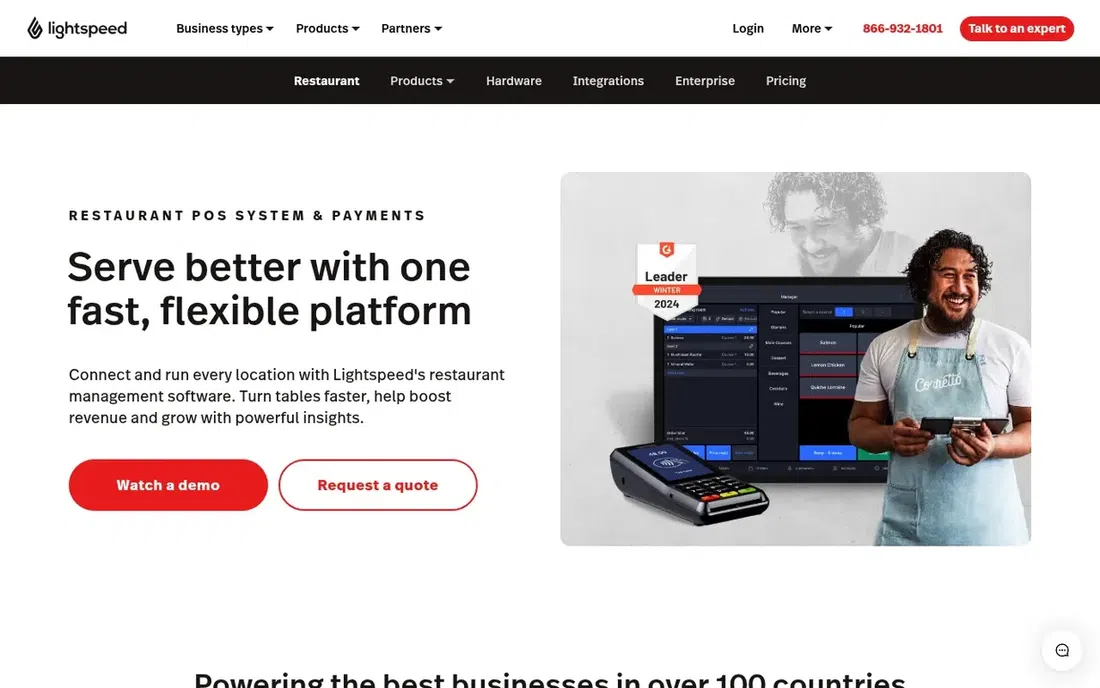
Lightspeed Restaurant is designed for restaurants and cafes needing deeper reporting. A lighter payments tool may be enough for a small cafe with straightforward tipping, whereas a dedicated scheduling app can handle labor tracking separately.
What to check first: Setup depth needs planning.
For everyday use, the restaurant orientation means more configuration than a straightforward counter cafe may need. Confirm how tip distribution and staff roles are configured before committing. Lightspeed Restaurant shows no starting price here, so confirm the cost on the vendor site. As for free access: Not stated.
- Configurable setup
- Restaurant-specific point of sale
- Restaurant focus may exceed a small cafe's needs
HotSchedules
Best for: Teams comparing choices in this category
HotSchedules targets teams comparing choices in this category. A combined point of sale and staff product may cut manual steps for cafes that want fewer systems. Cafes can use it to organize shifts and keep staff informed, which helps when tip distribution relies on who worked which shift.
Downsides: Not a payment or tipping terminal.
On top of that, HotSchedules does not process payments, so tip amounts and distribution rules must be handled elsewhere and reconciled with schedules. In practice, confirm how shift data would feed your tip calculations. Check the vendor site for HotSchedules pricing; none is listed in this comparison. Free plan details: Not stated.
- Scheduling and engagement focus
- Aimed at hospitality firms
- Tip data needs another source

Square is designed for Cafes wanting payments and staff tools together. Cafes with complicated multi-role pooling rules may want to confirm how those cases are handled. In practice, Square presents itself as a way to power a whole business, including selling anywhere, diversifying revenue, simplifying operations and managing staff.
Where it falls short: Tip splitting rules may need setup.
From a buyer's view, for a cafe, that means payment processing and staff management can live in the same account instead of separate systems. If your central need is scheduling and labor tracking instead of payments, a workforce-focused tool may suit you better. Square does not show a starting price in this comparison, so check the vendor site for current pricing. Trial and free access: Not stated.
- Staff management features included
- Works across counter and mobile selling
- Best value inside the Square ecosystem
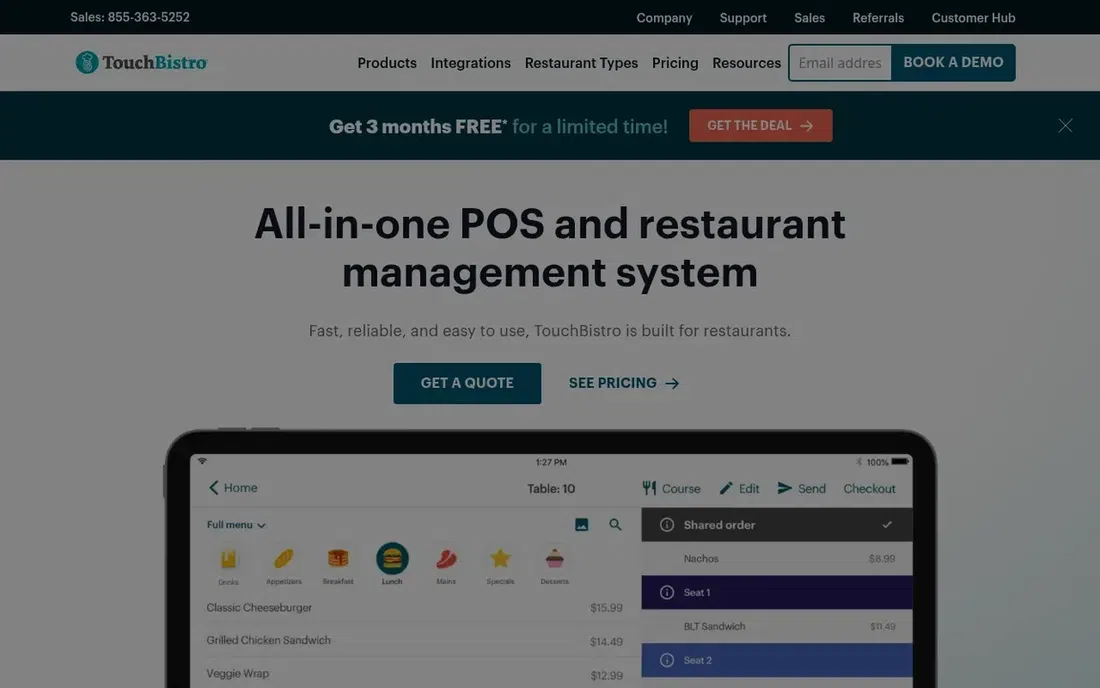
TouchBistro is a good fit for Cafes wanting an all-in-one restaurant system. TouchBistro is presented as an all-in-one point of sale and restaurant management system intended to increase sales, delight guests and save time and money.
Cafes with straightforward tip pooling should confirm the exact configuration choices. For everyday use, for cafes, it brings sales and management functions into one place, which can ease staff-facing workflows including tipping at checkout. On cost, TouchBistro starts like this: $69 per month. Trial and free access: Not stated.
Honest limits: Wide system may be more than needed.
- Aims to save operators time
- Aimed at food service operations
- Tip rules should be verified first
Where Homebase fits: hourly teams needing scheduling and time clocks. For cafes, that means staff hours and labor records can be organized in one place, which supports accurate tip allocation when tips are shared by hours worked.
Watch-outs: Not a restaurant point of sale.
Strengths: Scheduling and time clocks in one app.
Confirm how tip data would link to payroll and scheduling records. Worth adding: Homebase is a workforce tool instead of a cafe point of sale, so tipping at checkout still comes from your payment system. Entry price for Homebase: $30 per location per month. You can start on Homebase without paying.
- Designed for hourly teams
- Payroll and hiring support
- Tip handling relies on payroll setup
How the list was put together
The comparison looks at four things: starting price, free access, how well the feature set matches staff tip distribution software for cafes, and the main limit of each tool. Plan names, prices and limits change often. Treat the figures here as a starting point and verify them with the vendor. Order on the page follows fit for the typical buyer first, then price transparency and free access. Your own requirements should decide the final pick.
Things to verify first
- Confirm the entry price on the vendor page. For Lightspeed Restaurant, HotSchedules and Square that means a quote rather than a fixed price.
- Test the free plan from Homebase against your real workload before relying on it.
- Run a trial of Deputy with real work before paying for a year; your own workflow is the best test.
- Before choosing Deputy, weigh its main limit: tip distribution is not its core focus.
- Check whether the features you need in Square sit on the entry plan or only on higher tiers.
- Get the contract term, renewal terms and any onboarding fees from Lightspeed Restaurant in writing.
FAQ
What is the most important feature to check first?
Start with how tip pooling and sharing rules are configured, since that determines whether the software matches your cafe policy. Then check how tip totals link to payroll and reporting so staff are premium accurately and records stay clear.
What is the cheapest option for staff tip distribution software for cafes in this list?
On published monthly entry prices, Deputy is the lowest here at $5 per user per month. Entry price is only part of the cost, because seats, add-ons and billing terms can change the total. For the full picture, the cards above cover all 6 entries of this staff tip distribution software for Cafes list, including price, free plan and limits.
Should a cafe use a scheduling tool for tips?
They do not collect tips themselves, so you still need a payment system and a clear process for matching sales data to staff hours.
Do these tools publish their prices?
Not all of them. Lightspeed Restaurant, HotSchedules and Square publish no starting price, so expect a quote request for those. The rest, Deputy included, show a starting price, though seats and billing terms still change the final cost.
Is Deputy the right pick for everyone comparing staff tip distribution software for cafes?
No single tool suits every team. Deputy comes first because it fits scheduling with labor forecasting and payroll, while Lightspeed Restaurant suits restaurants and cafes needing deeper reporting and HotSchedules suits teams comparing options in this category. Match the tool to your own size, budget and workflow before deciding.
How many tools should a small cafe compare?
Comparing a handful of choices is typically enough to see the differences between payment-focused and workforce-focused tools. Review the seven compared here, shortlist two or three that match your tipping model, and confirm details with each vendor.
Sources
- https://www.deputy.com
- https://www.lightspeedhq.com/pos/restaurant
- https://www.hotschedules.com
- https://squareup.com
- https://www.touchbistro.com
- https://www.joinhomebase.com