Best Star Apps in 2026: 8 Apps Compared
Find the best star app for stargazing and astronomy, with sky maps, AR views, satellite tracking, and planning tools compared for beginners in 2026. now.
- Editor's choice
 Stellarium
Learners and planners who want an accurate planetarium
Starts atFreeVisit stellarium.orgFull review - Great alternative
 SkySafari
Serious observers and telescope owners
Starts atSee websiteVisit skysafariastronomy.comFull review - Also consider
 Star Walk 2
Casual stargazers and families
Starts at$2.99 one-timeVisit starwalk.spaceFull review
TL;DR:
- For beginners, an AR sky map that labels what you point at is the fastest way to learn constellations.
- For planning, a planetarium app with time travel and observing lists beats a simple AR pointer.
- Satellite and ISS tracking is a separate job, so add a dedicated tracker if passes matter to you.
- Night mode and offline catalogs matter in the field, where bright screens and weak signal ruin a session.
Quick comparison
| Tool | Best for | Starts at | Free plan? | |
|---|---|---|---|---|
| Stellarium | Learners and planners who want an accurate planetarium | Free | Yes | Visit |
| SkySafari | Serious observers and telescope owners | See website | Yes | Visit |
| Star Walk 2 | Casual stargazers and families | $2.99 one-time | Yes | Visit |
 Sky Tonight | Users who want to know what is visible tonight | Free | Yes | Visit |
 Sky Map | Android users who want a simple free identifier | Free | Yes | Visit |
 Night Sky | iPhone users who want a polished AR experience | See website | Yes | Visit |
 ISS Detector | Satellite and ISS pass watchers | See website | Yes | Visit |
 NASA App | Space fans who want news, images, and ISS sightings | Free | Yes | Visit |
The best star apps
We compared sky maps, planetarium apps, and satellite trackers for beginners, families, and telescope owners. Our pick for most people is Stellarium for learning and planning, with Sky Tonight for nightly viewing and ISS Detector for passes.
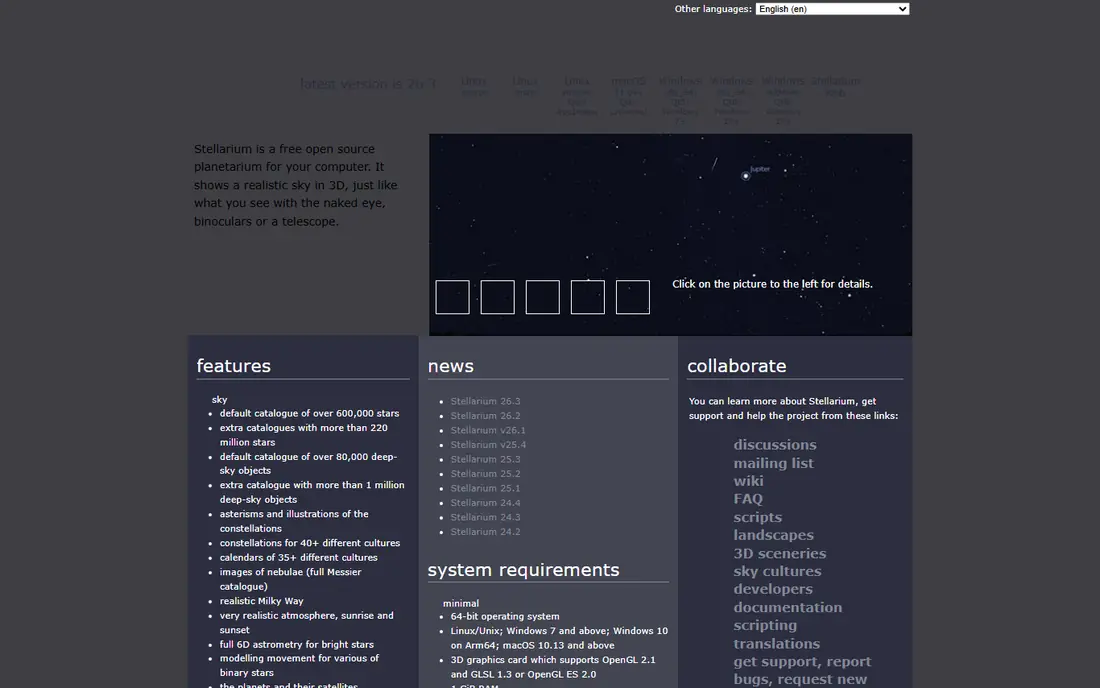
Stellarium is a free, open source planetarium that has been a desktop standard for years, with mobile and web versions that bring the same accurate sky to your phone. You can view the sky from any location and date, watch time lapse motion, and use night mode to protect your vision in the field. The free catalog is deep enough for most beginners and many intermediate observers.
The mobile Plus upgrade, listed at about 19.99 dollars as a one time purchase in some stores, adds a much deeper catalog and telescope control, which only matters once you own a telescope. The interface also has more settings than a simple AR app, so first time users should spend a few minutes learning the controls. For learning the sky properly, Stellarium is the strongest free choice.
- Accurate sky simulation
- Desktop, web, and mobile versions
- Time travel and night mode
- Mobile Plus upgrade needed for the deepest catalog and telescope control

SkySafari is widely recommended for amateur astronomers, with a free Basic version covering 120,000 stars, all 88 constellations, planets, and major satellites. Paid Plus and Pro tiers add millions more objects, deeper deep sky catalogs, and telescope control over Bluetooth or Wi-Fi. Observing lists and session planning tools make it a practical companion for a night with a telescope.
The free version is complete for beginners, but serious deep sky observers will want a paid tier, with Plus reported at about 14.99 dollars and Pro higher. The range of features also takes time to learn. If you plan to buy a telescope, SkySafari is the app most likely to grow with you.
- Large object database
- Observing lists
- Telescope control on paid tiers
- Paid tiers needed for full depth
- Learning curve for advanced features
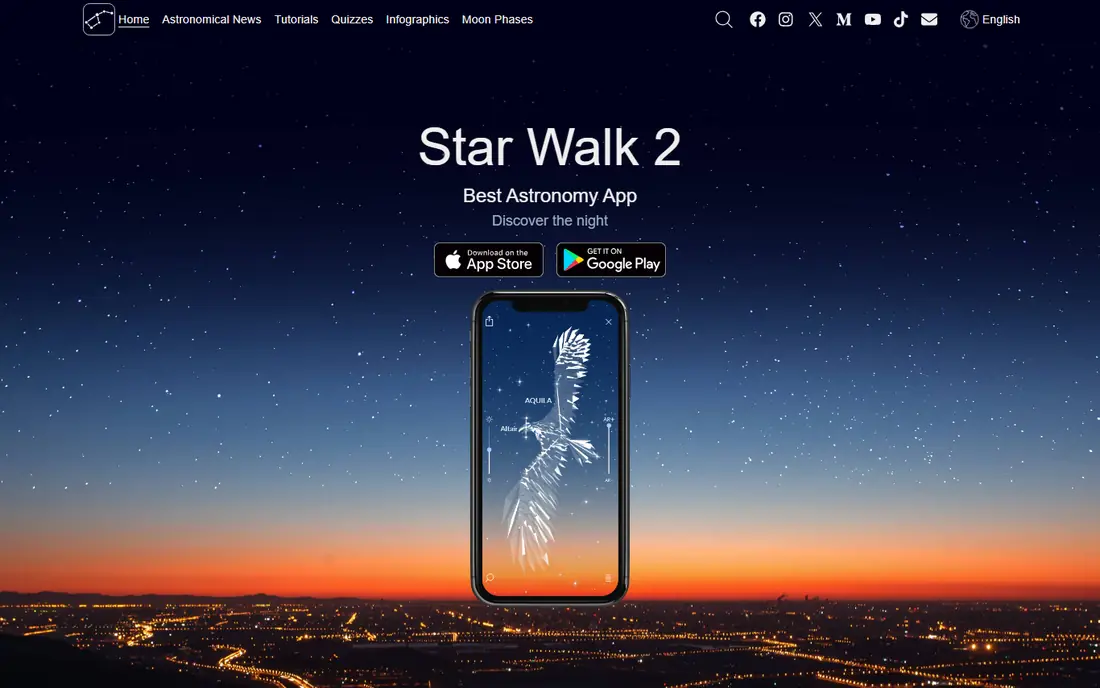
Star Walk 2 is the most visually appealing AR app on this list, with a polished sky view that labels stars, planets, and constellations as you point your phone. It is easy for children and first time stargazers to use, and the ad free edition is listed at about 2.99 dollars. For a casual night outside or for showing friends what they are looking at, Star Walk 2 is delightful.
Star Walk 2 is less of a planning tool than Stellarium or SkySafari, with fewer observing lists and catalog depth for serious sessions. The free version includes ads, which can break the mood on a dark night. As a first astronomy app, though, its ease of use is a real strength.
- Beautiful AR sky view
- Easy point and identify
- Good for showing friends
- Ads on the free version
- Less planning depth than Stellarium or SkySafari
Sky Tonight answers the most common stargazing question: what can I see tonight. It shows visible planets, stars, and events for your location, with an AR mode for pointing at the sky and a calendar for upcoming events such as meteor showers and planet oppositions. The free app is well designed and easy to use, even for complete beginners.
Sky Tonight is not a full telescope control app, and its catalog depth is less than paid SkySafari tiers. Some advanced planning features also differ between iOS and Android. For nightly observing without a telescope, it is one of the clearest and most useful free apps available.
- Clear tonight view
- AR mode
- Calendar of events and visible objects
- Less telescope control than SkySafari
- Some features vary by platform
Sky Map, originally from Google, is a simple, free, open source AR app for Android that labels stars and planets when you point your phone at the sky. It has no ads, no subscription, and no complex setup, which makes it a good fallback identifier when you just want a name for a bright object. It works offline with its built in catalog, which helps in rural areas.
Sky Map is Android only, and its design is basic compared with Star Walk 2 or Stellarium. It also lacks rich learning articles, observing lists, and telescope control. As a free, no fuss identifier, it does exactly what it promises, and nothing more.
- Free and open source
- No ads
- Simple point and identify
- Android only
- Basic design and fewer learning features
Night Sky is a polished astronomy app for Apple devices, with AR sky views, 3D planet models, and notifications for visible events such as ISS passes and meteor showers. It works well on iPhone, iPad, and Apple Watch, and its design is clean enough for beginners to enjoy without a manual. For Apple users who want a beautiful sky app, Night Sky is a strong option.
Night Sky is Apple focused, so Android users should choose another app on this list. Some premium features also need a subscription, and planning depth is less than Stellarium for serious observers. As a daily sky companion on an iPhone, it is easy to recommend.
- Polished AR and 3D views
- Notifications for events
- Apple Watch support
- Best experience is on Apple devices
- Some features need a subscription
ISS Detector does one job well: telling you when the International Space Station and other satellites will pass over your location. Alerts, pass times, and sky direction help you step outside at the right moment, and paid packs add Starlink trains, comets, and radio satellites. For families, it turns a normal evening into a satellite spotting event.
ISS Detector is not a general star map, so you still need another app to learn constellations. Some satellite packs cost extra, and accuracy depends on your location settings. Paired with Stellarium or Sky Tonight, it covers the satellite side of stargazing completely.
- ISS and satellite pass alerts
- Starlink and comet tracking on paid tiers
- Clear pass predictions
- Narrow focus, not a full sky map
- Some satellite packs are paid
The NASA App is free and gives you official NASA images, videos, mission updates, and live coverage, plus information on ISS sightings. It is the best app on this list for learning about space missions and seeing new images from telescopes and spacecraft, rather than for identifying stars in your backyard. For space fans, it adds context that a sky map alone cannot give.
The NASA App does not identify constellations or planets in AR, so it cannot replace Stellarium or Star Walk 2 for stargazing. It is best as a companion app: use a sky map outside, and use the NASA App to learn what missions and images are new. As a free official source, it is easy to keep on any phone.
- Free NASA images, videos, and live coverage
- ISS sighting info
- Mission updates
- Not a sky map
- No AR constellation identification
How we picked these
We compared official pricing pages, feature lists, app store listings, privacy and support pages, and public user reviews for each option. We kept only products that are available in the United States in October 2026 and that fit the topic directly, and we left out tools that were discontinued, region locked, or built for a different job. Prices change, so check the vendor page before you pay, and treat any price marked See website as one you should confirm on that page.
How to get the most from a stargazing app
How to get the most from a stargazing app. Start by calibrating your phone compass and setting your location accurately, because a wrong location gives wrong labels. Next, turn on night mode and lower brightness before you go outside, so your eyes stay adapted to the dark. Then use the time travel feature at home to plan which planets and constellations will be up, and save an observing list if your app supports it. Finally, step away from the screen for a few minutes, because the best way to learn the sky is to look up and match a few bright stars by eye.
FAQ
What is the best app for stargazing?
Stellarium is the best all round app for learning and planning, while Sky Tonight is best for a quick tonight view. For a beautiful AR experience, Star Walk 2 and Night Sky are strong choices. Beginners should start with one sky map and add a satellite tracker later.
What is the best app for astronomy beginners?
Star Walk 2 and Sky Tonight are the easiest for beginners, because they label the sky clearly and need little setup. Stellarium is also free and excellent once you learn its controls. Try a free app first, and only pay for a deeper catalog when you know you need it.
What is the best sky app for iPhone and Android?
Stellarium, SkySafari, Star Walk 2, and Sky Tonight all work on iPhone and Android, so they are safe cross platform picks. Sky Map is Android only, and Night Sky is best on Apple devices, so check platform support before you settle on one.
Can astronomy apps work offline?
Many sky maps work offline once the catalog is downloaded, which helps in rural areas with weak signal. Check offline support in the app description, and download any extra catalogs at home before a trip.