Top 6 Consumer Video Feedback Software for Startups for 2026 (Prices and Free Plans)
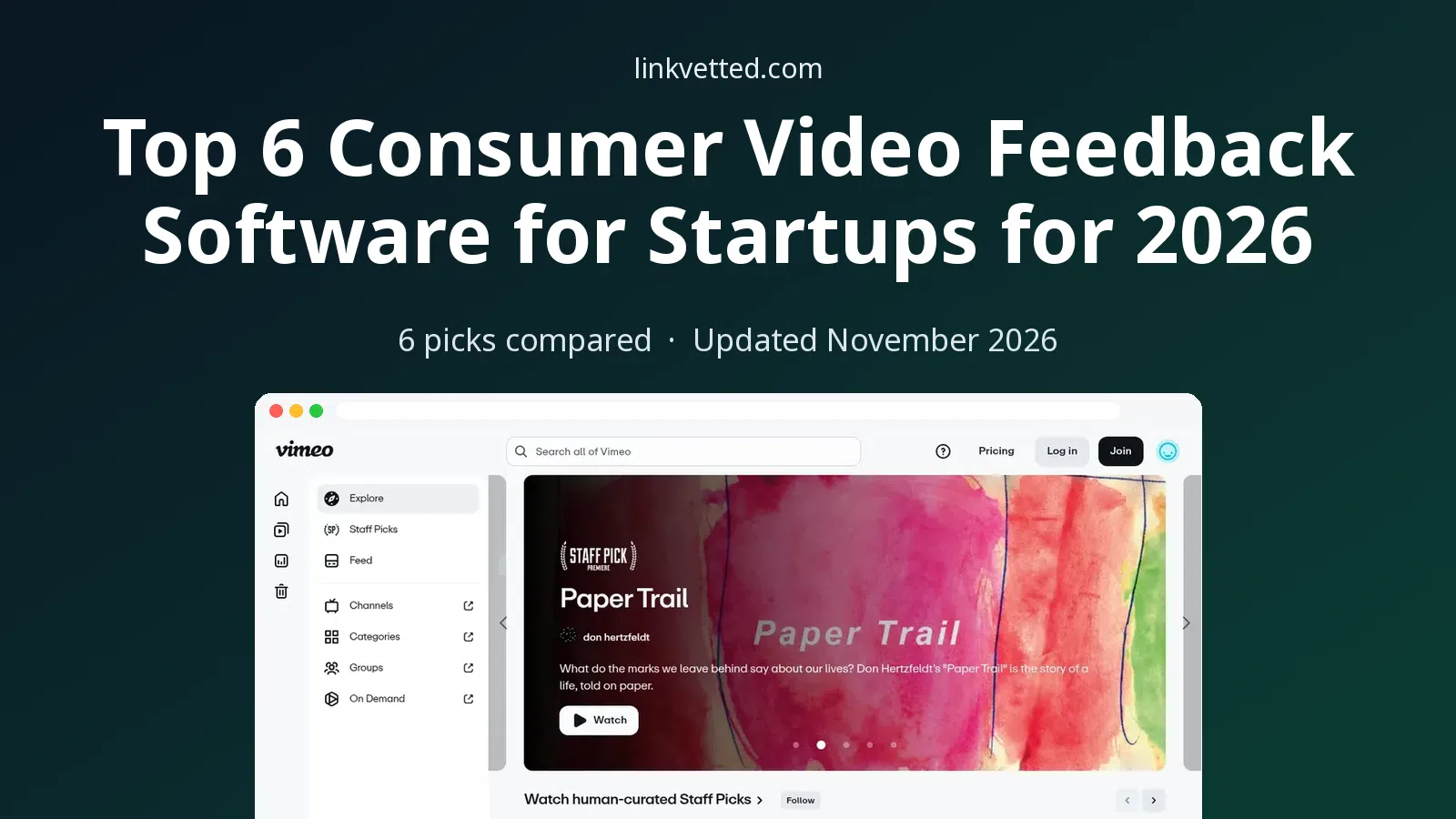
Compare 6 best consumer video feedback software for startups, with prices, free plans and who each fits. Verdicts stay brief and factual. Pick by budget.
- Editor's choiceAshore
General team collaboration context
Starts atSee websiteVisit ashore.ioFull review - Great alternativeKrock.io
Frame-accurate video comments
Starts at$10 per user per monthVisit krock.ioFull review - Also consider
 Vimeo
Video hosting and discovery
Starts atSee websiteVisit vimeo.comFull review
Direct answer
This list puts Ashore first for general team collaboration context. Listed starting prices: Krock.io from $10 per user per month, MediaSilo from $12 per user per month and Ziflow from $199 per month billed annually. Krock.io is the stronger choice for Frame-accurate video comments, while Vimeo suits video hosting and discovery. The other 3 tools in the list cover narrower or pricier cases.
TL;DR:
- Ashore takes the first slot, best suited to general team collaboration context.
- Ziflow fits automatic proofing workflows.
- Only 3 of the 6 tools have a free plan (Krock.io, Vimeo, Ziflow), so check the caps.
- Starting prices begin at $10 per user per month with Krock.io.
- The main caution on MediaSilo: asset management focus may suit bigger libraries.
Last checked November 2026. Prices and plan details were read from the vendors' own pages in November 2026; vendors change plans often, so confirm the current price on the vendor site before you buy.
Quick comparison
| Tool | Best for | Starts at | Free plan? | |
|---|---|---|---|---|
| Ashore | General team collaboration context | See website | Not stated | Visit |
| Krock.io | Frame-accurate video comments | $10 per user per month | Yes | Visit |
| Vimeo | Video hosting and discovery | See website | Yes | Visit |
| MediaSilo | Secure media asset management | $12 per user per month | Free trial | Visit |
 Frame.io | Centralized video review and feedback | See website | Not stated | Visit |
 Ziflow | Automatic proofing workflows | $199 per month billed annually | Yes | Visit |
Consumer Video Feedback Software for Startups, one by one
LinkVetted put together this guide to consumer video feedback software for startups for readers who want a clear shortlist without reading every vendor page. It compares 6 tools on starting price, free plans, who each one suits and where each one falls short.
Ashore
Best for: General team collaboration context
For general team collaboration context, Ashore is a natural candidate. Based on its homepage, it is oriented toward offsite work and team focus instead of video feedback, so startups should treat it as a general collaboration context instead of a review system.
Ashore presents working stays in inspiring locations with deskspaces, connectivity and kit for team collaboration. No starting price is listed for Ashore here; confirm pricing on the vendor site. Trial and free access: Not stated.
Downsides: Not a documented video feedback tool.
- Positions stays around work and thinking
- Kit oriented toward collaboration
- Homepage describes working stays, not video review
Krock.io
Best for: Frame-accurate video comments
Krock.io targets Frame-accurate video comments. Krock.io is video review software designed for creative teams, offering frame-accurate comments, version comparisons and approvals in one place. Also, startups working closely with editors and motion designers will appreciate feedback tied to exact moments in a cut, plus a clear view of how versions change over time.
What to check first: Narrower scope than full asset management.
Its scope is centered on video review and approval instead of broader asset management or hosting. If you need a full media library alongside review, consider a platform that handles both. Krock.io starts at: $10 per user per month. Free access exists with Krock.io.
- Frame-accurate comments on video
- Approvals built into review
- Centred on creative team workflows
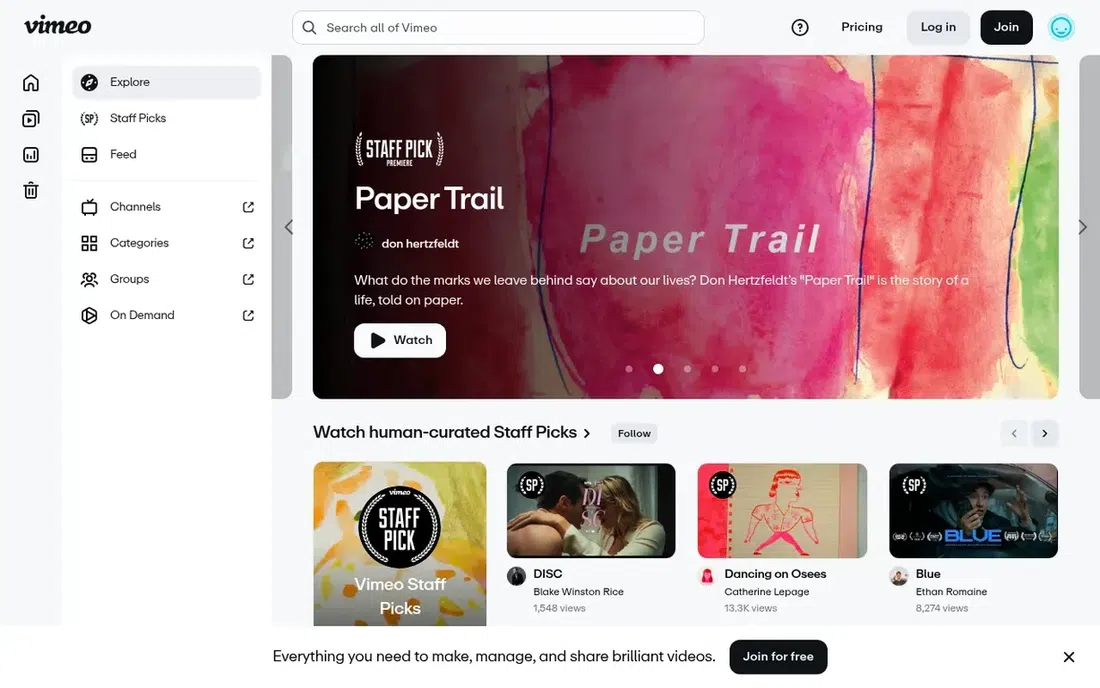
Choose Vimeo for video hosting and discovery. If your priority is collecting timestamped comments from collaborators, choose a review-focused tool instead.
Where it falls short: Feedback features are not the core focus.
Vimeo shows no starting price here, so confirm the cost on the vendor site. A free plan is available with Vimeo.
- Familiar destination for video audiences
- Wide library of streamable video content
- Homepage emphasizes watching, not review workflows
MediaSilo
Best for: Secure media asset management
In short, MediaSilo is for secure media asset management. MediaSilo is a secure cloud media asset management platform for teams that work in video, letting you link storage, find shots with AI, review cuts, screen dailies and deliver securely.
Drawbacks to consider: Asset management focus may suit bigger libraries.
What you pay to start with MediaSilo: $12 per user per month. Free plan details: Free trial.
- Review cuts and screen dailies
- Secure cloud media asset management
- More than a straightforward feedback tool
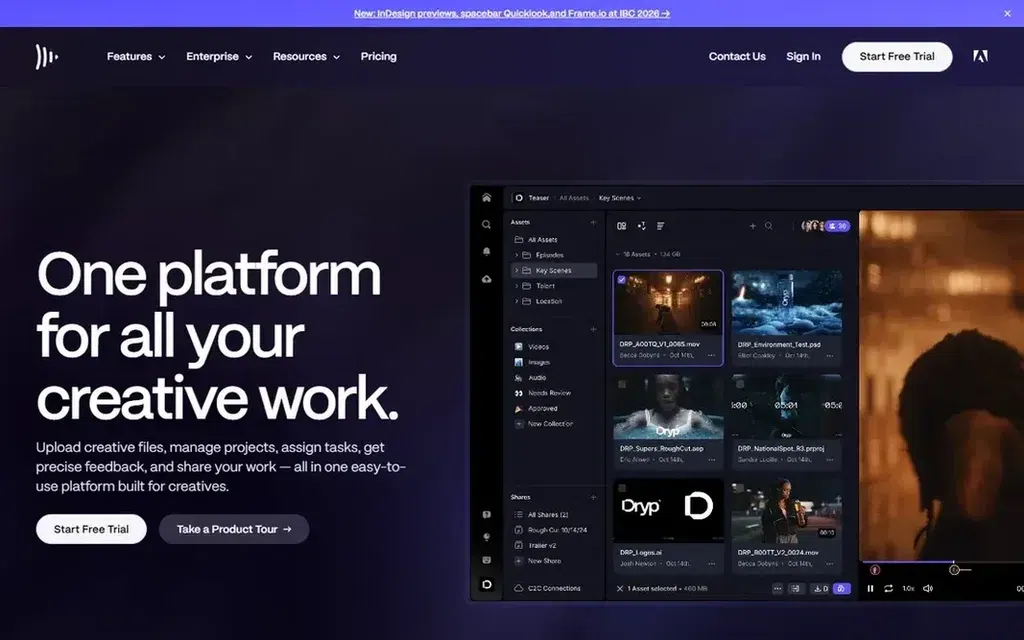
Frame.io makes the most sense for centralized video review and feedback. Frame.io is a collaboration platform that centralizes files, feedback and people on one secure system, pitched at helping teams deliver creative work quicker.
On top of that, for startups producing regular video content, it fits teams that want review comments, asset sharing and stakeholder input in a single workspace instead of scattered across email and chat. Check the vendor site for Frame.io pricing; none is listed in this comparison. Trial and free access: Not stated.
What works well: feedback and people in one place.
Honest limits: Wide feature set may feel heavy for small teams.
- Secure system for sharing work
- Merges files
- Not positioned as a general video hosting site
Where Ziflow fits: automatic proofing workflows. It fits startups that deal with a steady stream of creative content and want repeatable review steps, clear approver roles and connections to the tools their team already uses.
Watch-outs: Workflow setup takes planning.
If you need straightforward comments on a single cut, a more focused video review tool may be simpler to adopt. Ziflow starts at: $199 per month billed annually. Ziflow offers a free plan.
- Supports plenty of file types
- Integrations with other tools
- Geared toward proofing instead of hosting
Our selection method
What to confirm before you sign up
- Confirm the entry price on the vendor page. For Ashore, Vimeo and Frame.io that means a quote rather than a fixed price.
- Check what the free option really includes: Krock.io, Vimeo and Ziflow offer a free plan, and usage caps differ.
- Run a trial of MediaSilo with real work before paying for a year; your own workflow is the best test.
- Before choosing Ashore, weigh its main limit: homepage describes working stays, not video review.
- Confirm minimum seats and billing terms with Krock.io before you commit to an annual plan.
- List the apps you already depend on and check that Ashore supports each one on the plan you would buy.
FAQ
Can I try these tools before paying?
Often, yes. Krock.io, Vimeo and Ziflow have a free plan and MediaSilo offers a free trial. Use your own data and a real task during the test, and check what the free tier or trial limits before you rely on it.
What should a startup look for in video feedback software?
Prioritize timestamped or frame-accurate comments, clear version tracking and straightforward approval steps.
Do these tools publish their prices?
Not all of them. Ashore, Vimeo and Frame.io publish no starting price, so expect a quote request for those. The rest, Krock.io included, show a starting price, though seats and billing terms still change the final cost.
How are the tools for consumer video feedback software for startups ordered?
Ashore sits first and Ziflow last because the order follows typical fit for consumer video feedback software for startups, then price clarity and free access. It is a judgement call, so read each profile for fit and limits.
Is Ashore the right pick for everyone comparing consumer video feedback software for startups?
No single tool suits every team. Ashore comes first because it fits general team collaboration context, while Krock.io suits Frame-accurate video comments and Vimeo suits video hosting and discovery. Match the tool to your own size, budget and workflow before deciding.
Do I need media asset management along with review?
MediaSilo merges secure asset management with review, which helps teams that require to find shots and screen dailies in one place. In practice, smaller libraries commonly work fine with a focused review tool.
Sources
- https://ashore.io
- https://krock.io
- https://vimeo.com
- https://www.mediasilo.com
- https://frame.io
- https://www.ziflow.com