The 6 Best Video Software for YouTube Vlogging in 2026, Ranked
Compare 6 picks for the best video software for YouTube vlogging, with prices, free plans and who each fits. Weaknesses are named for every tool. Details below.
- Editor's choiceCorel VideoStudio
Consumer-friendly guided editing
Starts atPricing on requestVisit videostudiopro.comFull review - Great alternative
 DaVinci Resolve
Editing, color and audio in one app
Starts atPricing on requestVisit blackmagicdesign.comFull review - Also consider
 Adobe Premiere Pro
Deep professional editing and effects
Starts atPricing on requestVisit adobe.comFull review
Direct answer
For consumer-friendly guided editing, Corel VideoStudio is where this list starts. Alternatives: DaVinci Resolve for editing, color and audio in one app, and Adobe Premiere Pro for deep professional editing and effects. The full list of 6 tools follows, with free plan facts. None of these vendors publish plan prices, so pricing is on request for every option.
TL;DR:
- Top of the list is Corel VideoStudio, which targets consumer-friendly guided editing.
- No starting price is shown for any of the 6 tools, Corel VideoStudio and Filmora included, so plan time for sales calls.
- Just one of the 6 tools, CapCut, has a free plan.
- Check the limits for Adobe Premiere Pro before you commit: dense interface for beginners.
Last checked November 2026. Pricing on request: vendors did not publish plan prices when this guide was last checked (November 2026), so ask each vendor for a written quote.
Quick comparison
| Tool | Best for | Starts at | Free plan? | |
|---|---|---|---|---|
| Corel VideoStudio | Consumer-friendly guided editing | Pricing on request | Not stated | Visit |
| DaVinci Resolve | Editing, color and audio in one app | Pricing on request | Not stated | Visit |
| Adobe Premiere Pro | Deep professional editing and effects | Pricing on request | Not stated | Visit |
 CapCut | Quick template-driven social edits | Pricing on request | Yes | Visit |
 Final Cut Pro | Quick editing on Mac and iPad | Pricing on request | Not stated | Visit |
 Filmora | Approachable AI-assisted editing | Pricing on request | Not stated | Visit |
6 options for video software for YouTube vlogging in detail
If you are comparing video software for YouTube vlogging, this page covers 6 tools in one place: what each is best for, what it costs to start, whether it has a free plan, and the main limit to know about.
Corel VideoStudio
Best for: Consumer-friendly guided editing
Pick Corel VideoStudio if this describes you: consumer-friendly guided editing. The tutorial library and update information make it simpler to learn the tool whereas producing regular uploads. It is positioned as approachable consumer software, so very advanced color, audio and effects workflows may feel constrained next to professional suites.
Consider VideoStudio when you want a straightforward editing path with vendor tutorials supporting your learning. In practice, Corel VideoStudio is the official home of the VideoStudio Pro family of video editing products, offering product information, updates, tutorials and videos. Worth adding: Vloggers planning complicated multicam or cinematic projects may prefer a more specialized editor. No starting price is listed for Corel VideoStudio here; confirm pricing on the vendor site. Free options: Not stated.
The main drawbacks: Less depth for pro workflows.
- Family of VideoStudio Pro products
- Product information
- Ramp-up time for advanced features
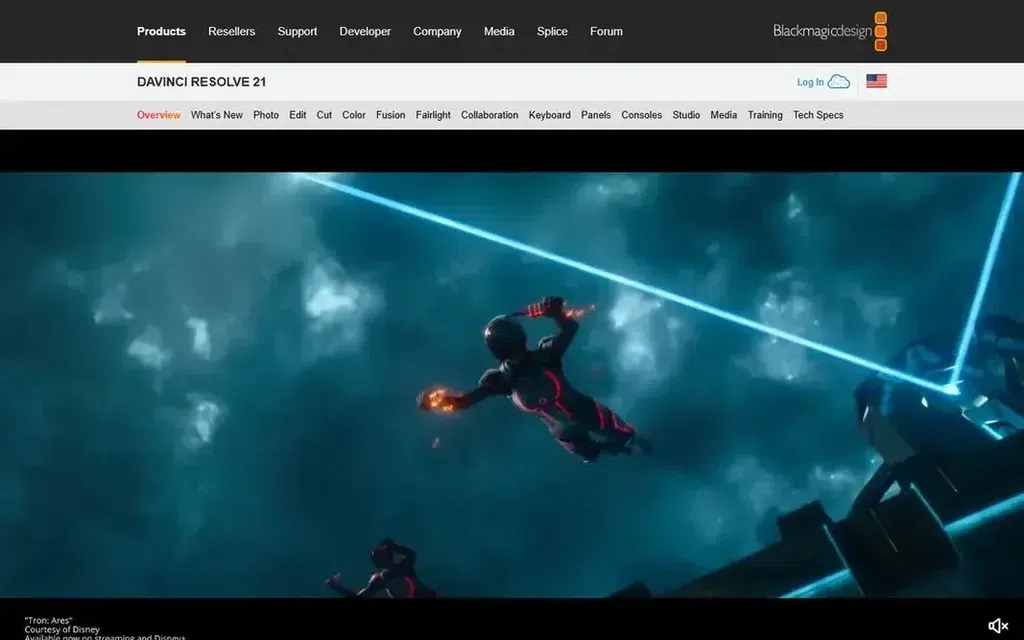
Think of DaVinci Resolve for editing, color and audio in one app. DaVinci Resolve from Blackmagic Design bundles professional video editing, color correction, visual effects and audio post production into a single application. It runs on Mac, Windows and Linux, and the vendor describes both a free and a premium version, which makes it approachable for creators testing a more professional pipeline.
Limits to weigh: Plenty of panels can overwhelm newcomers.
Pick Resolve when color grading and audio polish are central to your look and you want one environment for the entire edit. The breadth of panels and pages can be intimidating at first, and smooth performance relies on a capable computer. DaVinci Resolve does not show a starting price in this comparison, so check the vendor site for current pricing. On free options: Not stated.
- Audio post production included
- Editing
- Demands capable hardware
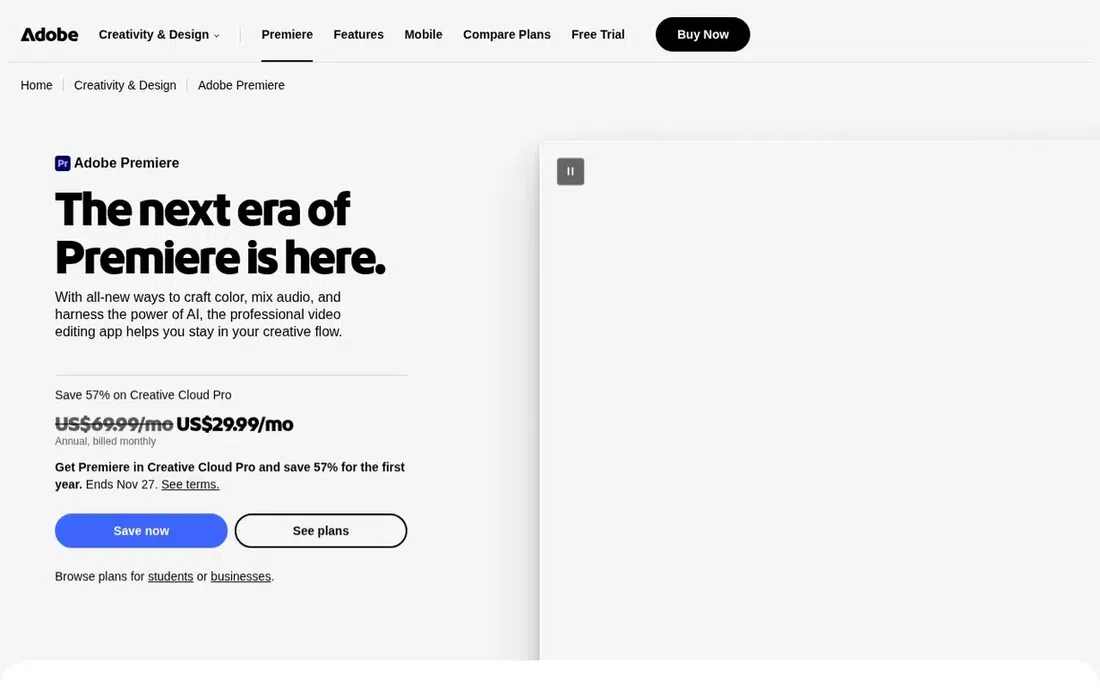
Adobe Premiere Pro targets deep professional editing and effects. Casual vloggers who mostly trim clips and add captions may prefer a more straightforward, template-heavy editor.
Adobe Premiere Pro shows no starting price here, so confirm the cost on the vendor site. Free options: Not stated.
Points against: Subscription-based access. Reasons to shortlist it: Professional editing and postproduction toolset.
- Extends to motion graphics and more
- Trimming
- Dense interface for beginners
CapCut is a good fit for quick template-driven social edits. CapCut is an AI video editor aimed at YouTube and Instagram creators, offering smart templates and creative effects with apps for desktop and mobile plus an online editor.
Trade-offs to know: Less suited to complicated postproduction.
Also, consider CapCut for short-form and rapid-turnaround vlogs, and pair it with a deeper editor when a project needs more precision. In daily use, Vloggers who publish often and want fast captions, effects and trend-ready formatting will find it efficient. Pricing for CapCut is not stated here, so ask the vendor for current figures. CapCut includes a free tier.
Highlights: AI-powered editing tools.
- Desktop
- Mobile and online choices
- Template look can feel repetitive
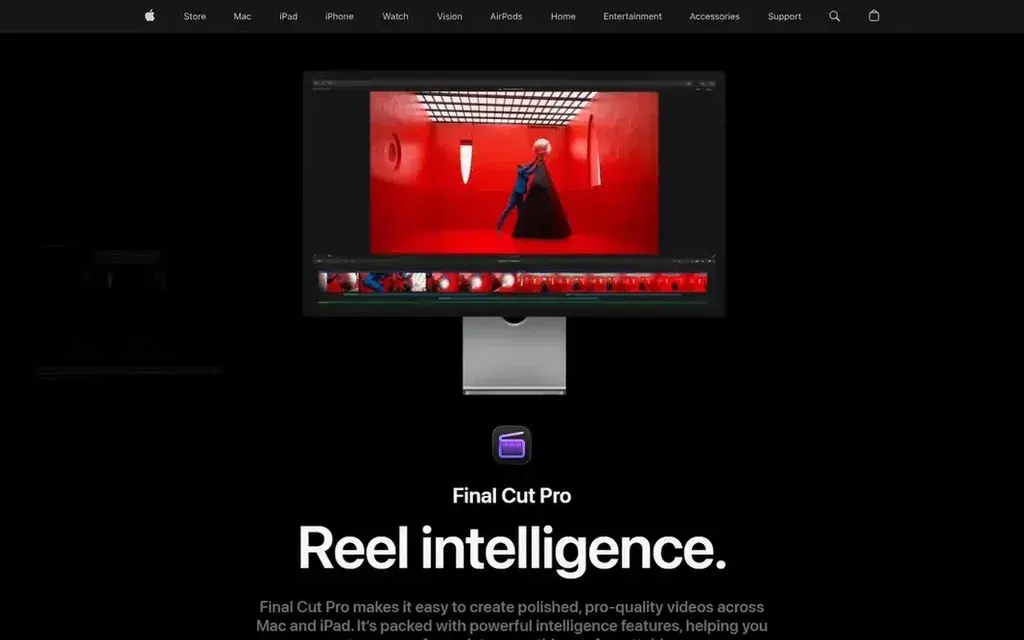
Final Cut Pro is aimed squarely at quick editing on Mac and iPad. Final Cut Pro is Apple's professional editing application, described as packed with capable intelligence features that make pro-quality video creation and editing simple on Mac and iPad.
More specifically, Vloggers already inside the Apple ecosystem get a native workflow that spans desktop and tablet, which helps when you want to start an edit on one device and continue on another. In daily use, choose Final Cut Pro when your hardware is Apple and you want an efficient, refined editing experience for regular vlog uploads. Check the vendor site for Final Cut Pro pricing; none is listed in this comparison. Free plan details: Not stated.
Points against: Different workflow to learn.
- Runs on Mac and iPad
- Intelligence features accelerate editing
- Apple hardware ecosystem only
Filmora targets approachable AI-assisted editing. It targets creators who want a friendly middle ground: more structure than a mobile template app but less complexity than a full professional suite.
Honest limits: Advanced controls are fewer.
For everyday use, pick Filmora when you want a simple on-ramp to structured editing, and move to a professional suite if your projects start demanding in-depth postproduction. No starting price is listed for Filmora here; confirm pricing on the vendor site. Free access: Not stated.
Best features of Filmora: effects and captions.
- Desktop and mobile versions
- Easy-to-learn timeline tools
- Feature set varies by system
How the list was put together
We compared the tools on published pricing, free plan or trial availability, feature coverage for video software for YouTube vlogging, and the limits each vendor documents. Where a price is missing, the vendor does not list one publicly or ties it to a quote. Always confirm before budgeting. Order on the page follows fit for the typical buyer first, then price transparency and free access. Your own requirements should decide the final pick.
Before you commit
- Ask each vendor, from Corel VideoStudio to Filmora, for a written quote; none of them publishes a starting price.
- Look at the free plan from CapCut closely: its caps decide whether it is usable for real work.
- Read the limits listed for Corel VideoStudio first: less depth for pro workflows.
- Test how quickly Final Cut Pro answers a pre-sales question; it hints at how support will feel later.
- Get the contract term, renewal terms and any onboarding fees from Filmora in writing.
FAQ
Which editor is a good match for a beginner vlogger?
This list starts with Corel VideoStudio, which fits consumer-friendly guided editing. For other needs, DaVinci Resolve is aimed at editing, color and audio in one app, and Adobe Premiere Pro at deep professional editing and effects. Check each tool's price and main limit first.
How are the tools for video software for YouTube vlogging ordered?
Corel VideoStudio sits first and Filmora last because the order follows typical fit for video software for YouTube vlogging, then price clarity and free access. It is a judgement call, so read each profile for fit and limits.
Can I try these tools before paying?
Often, yes. CapCut has a free plan. Use your own data and a real task during the test, and check what the free tier or trial limits before you rely on it. Prices, free plan details and limits for all 6 tools in this video software for YouTube Vlogging roundup sit on the individual cards above.
Do these tools publish their prices?
No. None of the tools, from Corel VideoStudio to Filmora, shows a fixed starting price here, so budget time for quotes. Each of the 6 options in this video software for YouTube Vlogging guide has its own card above with the price, free plan and limits.
Do I need a professional suite for YouTube vlogs?
Not necessarily. Many vlogs are cut, captioned and finished in consumer-friendly editors like Filmora or CapCut. Professional suites for example Premiere Pro, Final Cut Pro and Resolve matter more when you want in-depth color, layered audio or complicated effects.
Is Corel VideoStudio the right pick for everyone comparing video software for YouTube vlogging?
No single tool suits every team. Corel VideoStudio comes first because it fits consumer-friendly guided editing, while DaVinci Resolve suits editing, color and audio in one app and Adobe Premiere Pro suits deep professional editing and effects. Match the tool to your own size, budget and workflow before deciding.
Sources
- https://www.videostudiopro.com
- https://www.blackmagicdesign.com/products/davinciresolve
- https://www.adobe.com/products/premiere.html
- https://www.capcut.com
- https://www.apple.com/final-cut-pro
- https://filmora.wondershare.com