Best Video Meeting Software for Large Webinars in 2026: Prices, Free Plans and 5 Picks
Best video meeting software for large webinars in 2026: 5 tools with starting prices, free plans and limits. Each entry gets a plain verdict. Compare quickly.
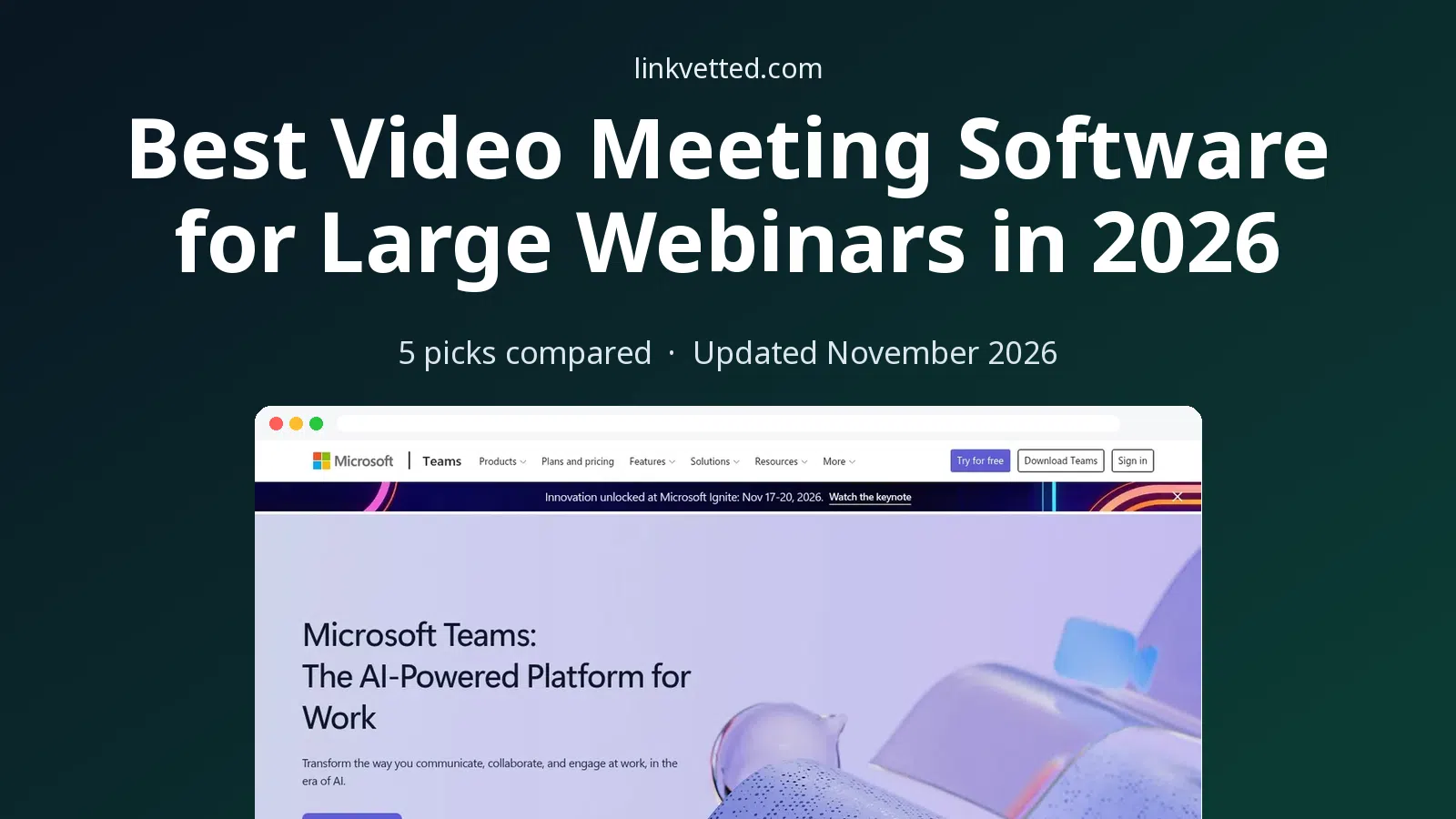
- Editor's choiceRingCentral Webinar
Business communication suite with webinar add-on
Starts at$52 per monthVisit ringcentral.comFull review - Great alternativeMicrosoft Teams Webinars
Smooth integration with Microsoft 365
Starts atSee websiteVisit microsoft.comFull review - Also consider
 Livestorm
Marketing-focused webinars with CRM sync
Starts at€2.50 per attendeeVisit livestorm.coFull review
Direct answer
Start with RingCentral Webinar if you need business communication suite with webinar add-on. Listed starting prices: RingCentral Webinar from $52 per month and Livestorm from €2.50 per attendee. If your case is different, Microsoft Teams Webinars suits Smooth integration with Microsoft 365 and Livestorm suits marketing-focused webinars with CRM sync. All 5 tools are compared below on price, free plan and limits.
TL;DR:
- RingCentral Webinar is the opening pick, best for business communication suite with webinar add-on.
- The lowest published monthly entry price here is $52 per month, from RingCentral Webinar.
- Microsoft Teams Webinars comes with a trade-off: Webinar features may be less specialized than dedicated tools.
- Zoom Webinars suits familiar interface with dedicated webinar controls.
- Only Cisco Webex Webinars offers a free plan among these 5 tools.
Last checked November 2026. Prices and plan details were read from the vendors' own pages in November 2026; vendors change plans often, so confirm the current price on the vendor site before you buy.
Quick comparison
| Tool | Best for | Starts at | Free plan? | |
|---|---|---|---|---|
| RingCentral Webinar | Business communication suite with webinar add-on | $52 per month | Free trial | Visit |
| Microsoft Teams Webinars | Smooth integration with Microsoft 365 | See website | Not stated | Visit |
| Livestorm | Marketing-focused webinars with CRM sync | €2.50 per attendee | Not stated | Visit |
| Cisco Webex Webinars | Enterprise collaboration with AI-powered features | See website | Yes | Visit |
 Zoom Webinars | Familiar interface with dedicated webinar controls | See website | Not stated | Visit |
The 5 tools in detail
Choosing video meeting software for large webinars usually comes down to price, fit and limits. This LinkVetted guide sets 5 tools side by side on those three points, with the facts kept short and checkable.
RingCentral Webinar
Best for: Business communication suite with webinar add-on
Think of RingCentral Webinar for business communication suite with webinar add-on. It is a natural fit for organizations already using RingCentral for telephony and meetings, allowing them to add webinar capabilities within the same ecosystem.
Where it falls short: Webinar features may be less prominent.
RingCentral Webinar cost at the entry level: $52 per month. Free options: Free trial.
- AI-powered voice tools integrated
- Part of a broader voice and communication system
- Concentrated on voice and communication instead of events
Microsoft Teams Webinars
Best for: Smooth integration with Microsoft 365
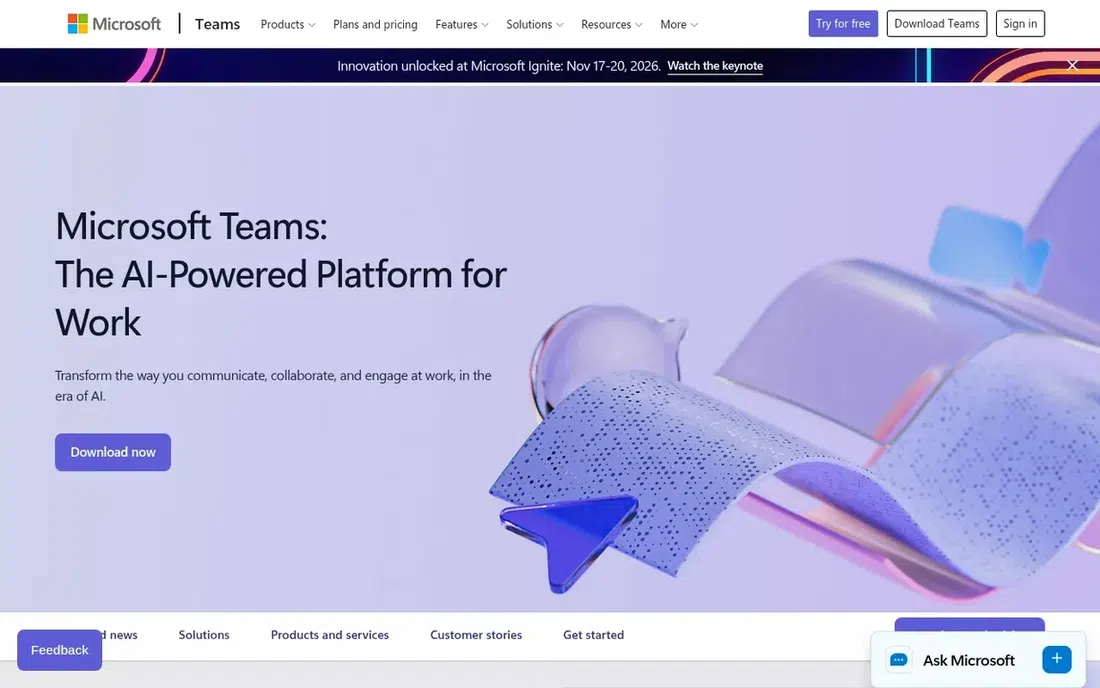
Microsoft Teams Webinars is designed for Smooth integration with Microsoft 365. Microsoft Teams Webinars brings webinar capabilities into the Teams collaboration hub.
From a buyer's view, the system merges meetings, calling, and file collaboration, making it simple to run events alongside everyday work. No starting price is listed for Microsoft Teams Webinars here; confirm pricing on the vendor site. Free access: Not stated.
Highlights: collaboration in one place. Downsides: Needs a Microsoft 365 ecosystem for full value.
- Supports meetings, calling
- Integrated with Microsoft Teams and Microsoft 365
- Webinar features may be less specialized than dedicated tools
Livestorm is a good fit for marketing-focused webinars with CRM sync. Enhanced with AI, it is built for marketers who require to run webinars that feed into their demand generation and customer journey efforts.
As for the details, Teams with complicated IT requirements might find it less adaptable than enterprise collaboration suites. What you pay to start with Livestorm: €2.50 per attendee. Free access: Not stated.
Honest limits: May be less suited for internal training.
- All-in-one product for marketing teams
- Branded events and engagement insights
- Concentrated on marketing use cases
Cisco Webex Webinars
Best for: Enterprise collaboration with AI-powered features

Cisco Webex Webinars is designed for enterprise collaboration with AI-powered features. The product supports large webinars and virtual events with tools for engagement and presenter productivity.
Downsides: May be complicated for small teams.
In practice, the breadth of the Webex suite can make setup and administration complicated, particularly for smaller teams without IT support. No starting price is listed for Cisco Webex Webinars here; confirm pricing on the vendor site. Cisco Webex Webinars offers a free plan.
- AI-powered collaboration tools
- Part of the Cisco Webex suite with enterprise security
- Feature set can vary by configuration
Zoom Webinars is built with familiar interface with dedicated webinar controls in mind. Zoom Webinars extends the widely used Zoom meeting experience with a dedicated webinar mode. In daily use, some advanced webinar features may need specific extras or configurations.
The main drawbacks: Advanced features may need extras.
The line between meetings and webinars can blur for new users. Also, otherwise, Zoom Webinars is a solid general-purpose choice. More specifically, if you need deep marketing automation or CRM sync, a specialized webinar product might be a better fit. Check the vendor site for Zoom Webinars pricing; none is listed in this comparison. As for free access: Not stated.
- Supports large audiences and event workflows
- Connects with the broader Zoom collaboration system
- Can overlap with standard meeting plans
What went into this list
Questions to settle before buying
- Confirm the entry price on the vendor page. For Microsoft Teams Webinars, Cisco Webex Webinars and Zoom Webinars that means a quote rather than a fixed price.
- Look at the free plan from Cisco Webex Webinars closely: its caps decide whether it is usable for real work.
- Take the trial from RingCentral Webinar and push a live task through it before you pay.
- Read the limits listed for RingCentral Webinar first: Webinar features may be less prominent.
- Pick one real project and run it in Microsoft Teams Webinars first; a small pilot shows fit faster than a checklist.
- Total up the real monthly cost of Livestorm, including add-ons, extra users and usage-based fees.
FAQ
Is RingCentral Webinar the right pick for everyone comparing video meeting software for large webinars?
No single tool suits every team. RingCentral Webinar comes first because it fits business communication suite with webinar add-on, while Microsoft Teams Webinars suits smooth integration with Microsoft 365 and Livestorm suits marketing-focused webinars with CRM sync. Match the tool to your own size, budget and workflow before deciding.
Do these tools publish their prices?
Not all of them. Microsoft Teams Webinars, Cisco Webex Webinars and Zoom Webinars publish no starting price, so expect a quote request for those. The rest, RingCentral Webinar included, show a starting price, though seats and billing terms still change the final cost.
What should I look for in video meeting software for large webinars?
Look for audience capacity that matches your largest expected events, dependable streaming, and engagement tools like polls and Q&A. Also consider integration with your existing tools and the level of branding and analytics you need.
Can I try these tools before paying?
Often, yes. Cisco Webex Webinars has a free plan and RingCentral Webinar offers a free trial. Use your own data and a real task during the test, and check what the free tier or trial limits before you rely on it. For the full picture, the cards above cover all 5 entries of this video meeting software for large webinars list, including price, free plan and limits.
What is the cheapest option for video meeting software for large webinars in this list?
On published monthly entry prices, RingCentral Webinar is the lowest here at $52 per month. Entry price is only part of the cost, because seats, add-ons and billing terms can change the total. Prices, free plan details and limits for all 5 tools in this video meeting software for large webinars roundup sit on the individual cards above.
Sources
- https://www.ringcentral.com
- https://www.microsoft.com/en-us/microsoft-teams
- https://livestorm.co
- https://www.webex.com
- https://www.zoom.com