Best Large Webinar Software for Product Launches for 2026: Our 5 Vetted Picks
Compare 5 best large webinar software for product launches, with prices, free plans and who each fits. Includes honest limits for each tool. Read the profiles.
- Editor's choice
 Livestorm
Marketing teams needing CRM sync
Starts at€2.50 per attendeeVisit livestorm.coFull review - Great alternativeMicrosoft Teams Webinars
Teams already standardized on Microsoft
Starts at$4.00 per user a monthVisit microsoft.comFull review - Also consider
 GoTo Webinar
Engaging virtual conferences and large events
Starts atSee websiteVisit goto.comFull review
Direct answer
This list puts Livestorm first for marketing teams needing CRM sync. Listed starting prices: Livestorm from €2.50 per attendee and Microsoft Teams Webinars from $4.00 per user a month. Microsoft Teams Webinars is the stronger choice for Teams already standardized on Microsoft, while GoTo Webinar suits engaging virtual conferences and large events. The other 2 tools in the list cover narrower or pricier cases.
TL;DR:
- Livestorm sits first on this list: marketing teams needing CRM sync.
- Check the limits for GoTo Webinar before you commit: interface can feel dated to some users.
- The cheapest monthly starting price in the list is $4.00 per user per month, offered by Microsoft Teams Webinars.
- WebinarJam suits live and automatic conversion-focused webinars.
- Neither Livestorm nor WebinarJam, nor any of the other 3 tools, has a permanent free plan; trials and quotes are the norm.
Last checked November 2026. Prices and plan details were read from the vendors' own pages in November 2026; vendors change plans often, so confirm the current price on the vendor site before you buy.
Quick comparison
| Tool | Best for | Starts at | Free plan? | |
|---|---|---|---|---|
| Livestorm | Marketing teams needing CRM sync | €2.50 per attendee | Not stated | Visit |
| Microsoft Teams Webinars | Teams already standardized on Microsoft | $4.00 per user a month | Free trial | Visit |
| GoTo Webinar | Engaging virtual conferences and large events | See website | Free trial | Visit |
 Zoom Webinars | Professional large-scale launch events | See website | Not stated | Visit |
 WebinarJam | Live and automatic conversion-focused webinars | See website | Not stated | Visit |
Large Webinar Software for Product Launches profiles
LinkVetted compared 5 large webinar software for product launches. The goal is a practical shortlist: published prices, free plan facts, best-fit use cases and honest limits for every entry.
Where Livestorm fits: marketing teams needing CRM sync. In daily use, for very large attendee counts, confirm capacity and event settings before committing.
From a buyer's view, since it is marketing-focused, teams wanting a straightforward internal broadcast tool may find it more than needed. Livestorm pricing: €2.50 per attendee. Trial and free access: Not stated.
Where it falls short: Best value for marketing-led use cases.
- Branded events and engagement insights
- All-in-one webinar system for marketing
- Very large events may need capacity checks
Microsoft Teams Webinars
Best for: Teams already standardized on Microsoft
For Teams already standardized on Microsoft, Microsoft Teams Webinars is a natural candidate. Microsoft Teams Webinars extends Microsoft Teams with webinar capabilities for communication and events. The appeal is consolidation: meetings, chat, and webinars live in one cloud-first environment, which can ease operations for internal and partner audiences.
Teams Webinars is less marketing-oriented than dedicated webinar products, with fewer native tools for campaign landing pages and CRM sync. Choose Teams Webinars when Microsoft standardization and simplicity outweigh advanced marketing features. Microsoft Teams Webinars cost at the entry level: $4.00 per user per month. Free access: Free trial.
Downsides: Marketing features are restricted.
- Familiar interface for internal audiences
- Suits organizations already using Microsoft Teams
- External registration workflows vary
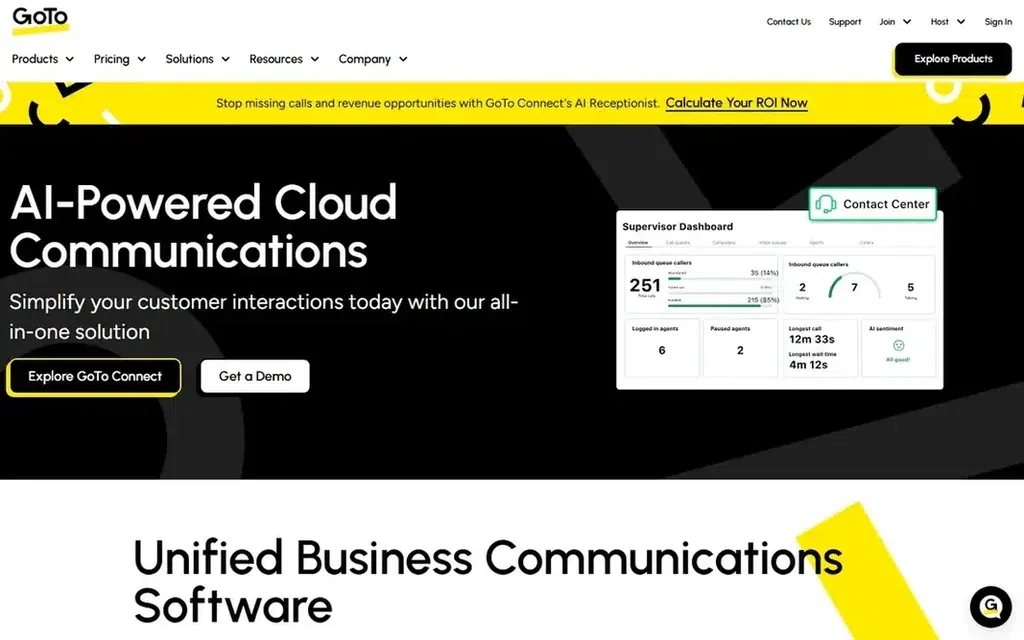
Where GoTo Webinar fits: engaging virtual conferences and large events. Some users find the interface less modern than newer marketing products, and complicated production setups may need extra planning.
For everyday use, GoTo Webinar is a dedicated webinar and virtual conference system built to engage audiences through events. Worth adding: pick GoTo Webinar when a proven webinar workflow and audience engagement are the priorities. Pricing for GoTo Webinar is not stated here, so ask the vendor for current figures. Trial and free access: Free trial.
Drawbacks to consider: Advanced production may need additional setup.
- Established webinar-focused system
- Engagement tools for large audiences
- Interface can feel dated to some users
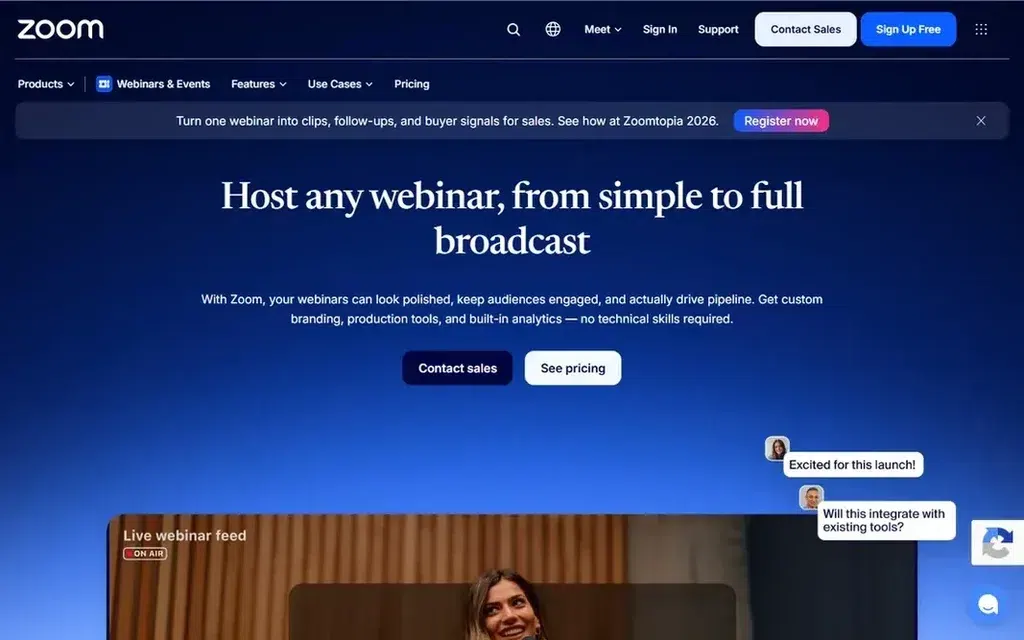
Where Zoom Webinars fits: professional large-scale launch events. The system is widely known for dependable video and a familiar interface, which cuts training time for hosts and speakers.
Drawbacks to consider: Advanced event features may need extras.
On top of that, Zoom Webinars is the webinar and events product from Zoom, built to turn virtual events into professional, high-impact experiences. In daily use, choose Zoom Webinars when reliability and brand familiarity matter most. Zoom Webinars shows no starting price here, so confirm the cost on the vendor site. On free options: Not stated.
- Links up with the broader Zoom ecosystem
- Familiar Zoom interface for hosts and attendees
- Large webinars need careful host planning
WebinarJam makes the most sense for live and automatic conversion-focused webinars. Choose WebinarJam when the launch webinar is primarily a conversion event with supplies.
The system is oriented toward conversion outcomes instead of general meetings. WebinarJam shows no starting price here, so confirm the cost on the vendor site. Trial and free access: Not stated.
Limits to weigh: Conversion focus may feel sales-heavy.
- HD streaming for presentations
- Live and evergreen webinar formats
- Less suited to training-style sessions
How these tools were picked
LinkVetted looked at what each vendor publishes: pricing, plan limits, feature coverage for large webinar software for product launches and stated drawbacks. No hands-on testing is claimed. Where a price is missing, the vendor does not list one publicly or ties it to a quote. Always confirm before budgeting. Order on the page follows fit for the typical buyer first, then price transparency and free access. Your own requirements should decide the final pick.
Questions to settle before buying
- Ask GoTo Webinar, Zoom Webinars and WebinarJam for a written quote, since no starting price is shown.
- Take the trial from Microsoft Teams Webinars and GoTo Webinar and push a live task through it before you pay.
- Read the limits listed for Livestorm first: best value for marketing-led use cases.
- The entry price of Microsoft Teams Webinars is only the starting point; model the full cost with seats and extras.
- Check the integration list for WebinarJam against the tools you run today, and note which ones need a higher plan.
FAQ
What makes webinar software a good match for large product launches?
Large launches need steady streaming, clear presenter roles, and engagement tools that work at scale. Integration with your CRM helps turn attendance into follow-up.
What is the cheapest option for large webinar software for product launches in this list?
On published monthly entry prices, Microsoft Teams Webinars is the lowest here at $4.00 per user per month. Entry price is only part of the cost, because seats, add-ons and billing terms can change the total.
Can I try these tools before paying?
Often, yes. Microsoft Teams Webinars and GoTo Webinar offer a free trial. Use your own data and a real task during the test, and check what the free tier or trial limits before you rely on it.
Do these tools publish their prices?
Not all of them. GoTo Webinar, Zoom Webinars and WebinarJam publish no starting price, so expect a quote request for those. The rest, Livestorm included, show a starting price, though seats and billing terms still change the final cost.
How are the tools for large webinar software for product launches ordered?
The order follows typical fit for large webinar software for product launches, with Livestorm first and WebinarJam last, then price clarity and free access. It is editorial judgement, not a score, so another team could rank the tools differently.
Sources
- https://livestorm.co
- https://www.microsoft.com/en-us/microsoft-teams/webinars
- https://www.goto.com/webinar
- https://www.zoom.com/en/products/webinars
- https://webinarjam.com