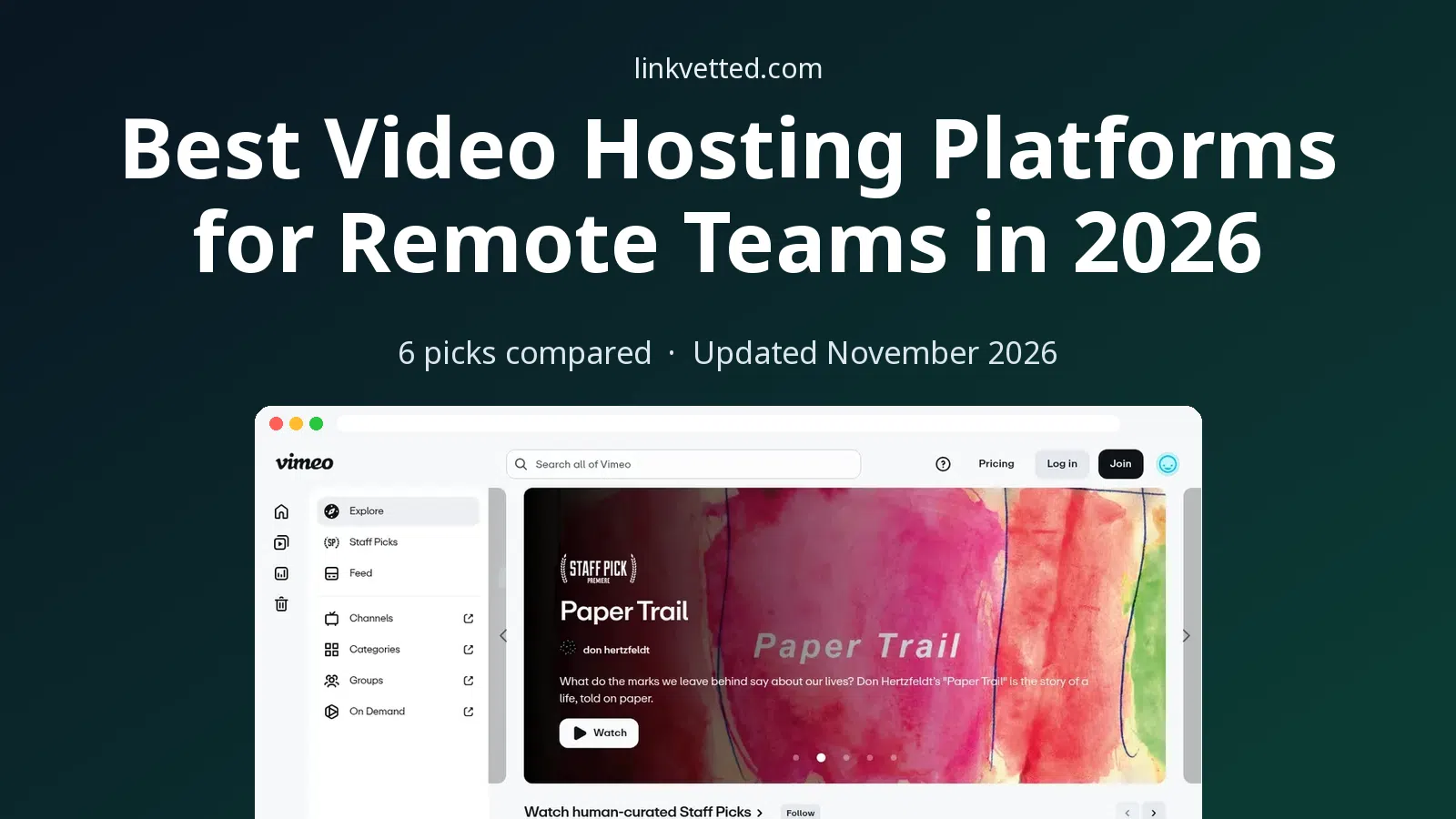
Best Video Hosting Platforms for Remote Teams in 2026: Prices, Free Plans and 6 Picks
Weighing the best video hosting platforms for remote teams? We lined up 6 products by cost, free access and fit. With pricing notes and limits. Facts only.
- Editor's choice
 SproutVideo
Business video marketing and privacy
Starts at$12 a month billed yearlyVisit sproutvideo.comFull review - Great alternative
 Vidyard
Virtual sales and marketing video
Starts atSee websiteVisit vidyard.comFull review - Also consider
 Vimeo
Straightforward hosting and sharing
Starts atSee websiteVisit vimeo.comFull review
Direct answer
Start with SproutVideo if you need business video marketing and privacy. Listed starting prices: SproutVideo from $12 a month billed yearly and Cloudflare Stream from $7 a month. Alternatives: Vidyard for virtual sales and marketing video, and Vimeo for straightforward hosting and sharing. The other 3 tools in the list cover narrower or pricier cases.
TL;DR:
- Top of the list is SproutVideo, which targets business video marketing and privacy.
- A free plan is available from 3 of the 6 tools: Vidyard, Vimeo, Cloudflare Stream.
- For video product for organizations, Kaltura is worth a look.
- The cheapest monthly starting price in the list is $7 per month, offered by Cloudflare Stream.
- Check the limits for Vidyard before you commit: sales focus may not fit every team.
Last checked November 2026. Prices and plan details were read from the vendors' own pages in November 2026; vendors change plans often, so confirm the current price on the vendor site before you buy.
Quick comparison
| Tool | Best for | Starts at | Free plan? | |
|---|---|---|---|---|
| SproutVideo | Business video marketing and privacy | $12 a month billed yearly | Free trial | Visit |
| Vidyard | Virtual sales and marketing video | See website | Yes | Visit |
| Vimeo | Straightforward hosting and sharing | See website | Yes | Visit |
| Cloudflare Stream | Managed live and on-demand pipeline | $7 a month | Yes | Visit |
 Panopto | Training, onboarding and lecture capture | See website | Free trial | Visit |
 Kaltura | Video system for organizations | See website | Free trial | Visit |
The 6 tools in detail
LinkVetted compared 6 video hosting platforms for remote teams. The goal is a practical shortlist: published prices, free plan facts, best-fit use cases and honest limits for every entry.
Where SproutVideo fits: business video marketing and privacy. SproutVideo supplies video hosting and live streaming for business, with marketing, analytics and privacy tools described as enterprise-worthy. For everyday use, remote teams that share marketing content, run live sessions or need privacy controls may find it handy.
From a buyer's view, SproutVideo's business focus may exceed what a small team needs for straightforward internal clips. In daily use, if you primarily need straightforward hosting, Vimeo or Cloudflare Stream may be more straightforward. Choose SproutVideo when marketing and privacy tools matter. On cost, SproutVideo starts like this: $12 per month billed annually. On free options: Free trial.
Trade-offs to know: May be more than entry-level hosting needs.
- Analytics and privacy tools included
- Positioned for marketing growth
- Live streaming layers on setup considerations
Vidyard is designed for virtual sales and marketing video. Vidyard is an online video system for business, with tools geared toward virtual sales and marketing teams. It supports efforts to increase leads, accelerate pipeline and engage customers through video.
On top of that, if your priority is learning content, look at Panopto; for wide hosting, consider Vimeo. Remote sales and marketing teams that send personalized video or track engagement may find it relevant. Choose Vidyard when customer-facing video is the core use case. Also, Vidyard's sales and marketing orientation means it may not be the best fit for teams needing general media hosting or training libraries. No starting price is listed for Vidyard here; confirm pricing on the vendor site. A free plan is available with Vidyard.
Trade-offs to know: Less suited to wide media hosting.
- Made for business video sharing
- Supports lead and pipeline focused use
- Sales focus may not fit every team
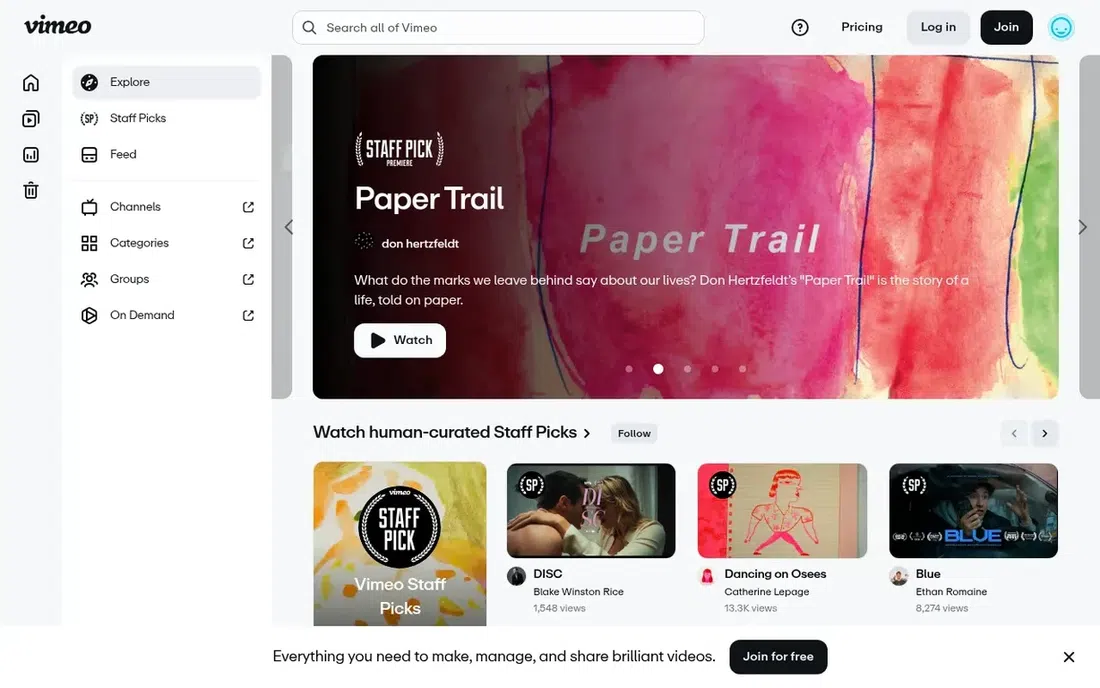
For straightforward hosting and sharing, Vimeo is a natural candidate. Vimeo is a widely known video system for hosting, watching and sharing video in high definition. For remote teams it provides an approachable way to publish team updates, presentations and creative work, with playback that usually looks refined.
It can serve as a comfortable starting point before moving to a more specialized product. More specifically, pick Vimeo when simplicity and clean playback matter more than specialized workflow tools. This comparison lists no price for Vimeo; ask the vendor. Vimeo has a free plan.
Points against: Advanced business controls need review.
- Capable discovery and presentation of video
- Simple sharing across distributed teams
- Less centred on deep analytics for sales
Cloudflare Stream
Best for: Managed live and on-demand pipeline
In short, Cloudflare Stream is for managed live and on-demand pipeline. It suits organizations that prefer a technical, integrated approach to hosting instead of a content-centric product.
Where it is weaker: Developer-oriented setup.
Setup may need developer involvement. The starting price for Cloudflare Stream: $7 per month. Cloudflare Stream has a free plan.
- Predictable pricing structure
- Straightforward
- Fewer built-in marketing features
Panopto is designed for training, onboarding and lecture capture. Compare Vimeo or SproutVideo if general hosting and marketing support matter more.
Trade-offs to know: Narrower fit outside learning use.
For everyday use, Panopto is oriented toward learning and knowledge use. So teams that chiefly want marketing or sales video may find it less direct. Pricing for Panopto is not stated here, so ask the vendor for current figures. Trial and free access: Free trial.
- Made for training and onboarding video
- Record
- May be more than simple sharing needs

Kaltura was built for video system for organizations. Kaltura is a well-known video system used by organizations, including education and enterprise settings, for hosting, managing and sharing video.
Review its capabilities against your workflow before committing. Kaltura's breadth can translate into complexity, and smaller teams may find more straightforward tools quicker to adopt. No starting price is listed for Kaltura here; confirm pricing on the vendor site. Free plan details: Free trial.
Downsides: Feature breadth can feel complicated.
- Supports hosting and sharing at scale
- Typical in education and enterprise settings
- Configuration may need planning
How we chose
LinkVetted used vendor pricing pages and product documentation as the base, then compared plans, free access and documented limits for 6 tools. Seat minimums, billing terms and add-ons can move the real cost, so the starting prices here are a guide and not a quote. The order reflects how well each tool fits the most common buying scenario for video hosting platforms for remote teams, then price clarity, then free plan access. It is a starting point, not a verdict.
A buyer's checklist
- Ask Vidyard, Vimeo, Panopto and Kaltura for a written quote, since no starting price is shown.
- Look at free plan limits closely: Vidyard, Vimeo and Cloudflare Stream have one, and the caps decide whether it is usable for real work.
- Use real work to test the free trial from SproutVideo, Panopto and Kaltura, rather than a demo project.
- Before choosing SproutVideo, weigh its main limit: may be more than entry-level hosting needs.
- Read the plan comparison for Vidyard carefully; key features often start on a higher tier.
- Run a one or two week pilot of Panopto with the people who will use it every day.
FAQ
Which video hosting system is a good match for a small remote team?
For most readers this guide would start with SproutVideo, built for business video marketing and privacy. Vidyard is the alternative for virtual sales and marketing video, and Vimeo for straightforward hosting and sharing. The right answer depends on budget and workflow.
What should training-focused teams look for?
Panopto is built around training, onboarding and lecture capture, including searchable video. Teams with learning libraries should check search, organization and sharing features. If training is occasional, a general host may be enough.
Can I try these tools before paying?
Often, yes. Vidyard, Vimeo and Cloudflare Stream have a free plan and SproutVideo, Panopto and Kaltura offer a free trial. Use your own data and a real task during the test, and check what the free tier or trial limits before you rely on it.
Which options for video hosting platforms for remote teams have a free plan?
Vidyard, Vimeo and Cloudflare Stream offer a free plan in this list. Free plans usually cap users, projects or features, so check the limits on the vendor page. Several others offer a trial instead.
How are the tools for video hosting platforms for remote teams ordered?
SproutVideo sits first and Kaltura last because the order follows typical fit for video hosting platforms for remote teams, then price clarity and free access. It is a judgement call, so read each profile for fit and limits.
Is SproutVideo the right pick for everyone comparing video hosting platforms for remote teams?
No single tool suits every team. SproutVideo comes first because it fits business video marketing and privacy, while Vidyard suits virtual sales and marketing video and Vimeo suits simple hosting and sharing. Match the tool to your own size, budget and workflow before deciding.
Sources
- https://sproutvideo.com
- https://www.vidyard.com
- https://vimeo.com
- https://www.cloudflare.com/products/cloudflare-stream
- https://www.panopto.com
- https://corp.kaltura.com