5 AI Video CMS Software Worth Shortlisting in 2026
Need the best AI video CMS software? We compare 5 tools on cost, free access and who each suits. Concise write-ups of every option. Skim the table first.

- Editor's choice
 Hygraph
Multi-brand structured content
Starts at$199 a monthVisit hygraph.comFull review - Great alternative
 Sanity
Structured content for AI workflows
Starts at$15 per seat a monthVisit sanity.ioFull review - Also considerMux
Developer-first video APIs
Starts at$20 a monthVisit mux.comFull review
Direct answer
This list puts Hygraph first for multi-brand structured content. Listed starting prices: Hygraph from $199 a month, Sanity from $15 per seat a month and Mux from $20 a month. Sanity is better for structured content for AI workflows, and Mux is better for developer-first video APIs. Details, prices and limits for the rest of the 5 tools are below.
TL;DR:
- Top of the list is Hygraph, which targets multi-brand structured content.
- Sanity has the lowest monthly starting price in this list: $15 per seat per month.
- Only 3 of the 5 tools have a free plan (Hygraph, Sanity, Mux), so check the caps.
- Kaltura suits enterprise video content management.
Last checked November 2026. Prices and plan details were read from the vendors' own pages in November 2026; vendors change plans often, so confirm the current price on the vendor site before you buy.
Quick comparison
| Tool | Best for | Starts at | Free plan? | |
|---|---|---|---|---|
| Hygraph | Multi-brand structured content | $199 a month | Yes | Visit |
| Sanity | Structured content for AI workflows | $15 per seat a month | Yes | Visit |
| Mux | Developer-first video APIs | $20 a month | Yes | Visit |
 Storyblok | Visual editing of video-rich pages | $99.00 a month | Free trial | Visit |
 Kaltura | Enterprise video content management | See website | Free trial | Visit |
Our 5 picks for AI video CMS software
If you are comparing AI video CMS software, this page covers 5 tools in one place: what each is best for, what it costs to start, whether it has a free plan, and the main limit to know about.
Hygraph is a good fit for multi-brand structured content. For video, it serves as the content layer that organizes metadata, relationships and brand-specific publishing while a dedicated service manages streaming.
The main drawbacks: Modeling needs planning upfront.
It suits organizations managing multiple brands or complicated content models better than small teams wanting a single straightforward tool. Price to start with Hygraph: $199 per month. Hygraph has a free plan.
- Governance and delivery in one system
- Headless CMS for multi-brand organizations
- Video delivery needs integrations
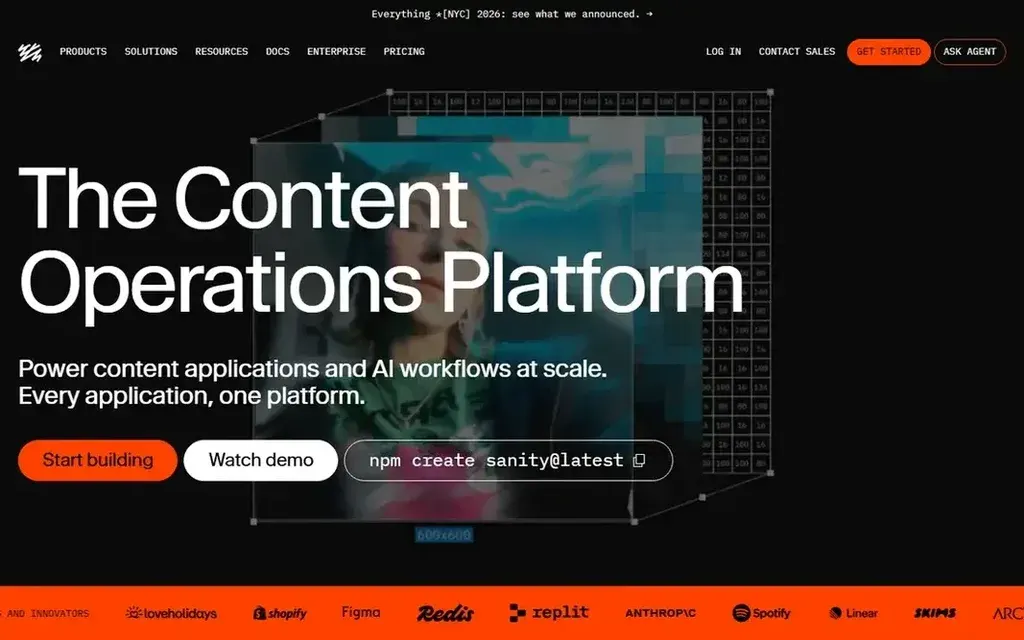
Sanity was built for structured content for AI workflows. Teams with large video libraries commonly use it to structure metadata, relationships and editorial workflows so the same content can feed websites, apps and AI-driven experiences consistently.
More specifically, Sanity focuses on content structure instead of video hosting, so playback, transcoding and delivery need separate services. Starting cost for Sanity: $15 per seat per month. A free plan is available with Sanity.
Where it falls short: Needs content modeling work.
- Adaptable structured content model
- Positioned for agents and content apps
- Not a native video streaming service
Mux
Best for: Developer-first video APIs
Think of Mux for developer-first video APIs. Mux offers a video API for developers, helping teams ship high-performance, economical video in minutes instead of months and build video into anything from websites to products to AI workflows. It is a natural fit for product and engineering teams that want programmatic control over upload, playback and delivery.
Mux is infrastructure, not an editorial CMS, so content teams still need a separate system for pages, metadata and workflows. Beyond that, choose it when engineering owns the video experience and API adaptability outweighs out-of-the-box editing tools. Mux cost at the entry level: $20 per month. A free plan is available with Mux.
Trade-offs to know: Needs development work.
- Aimed at performance and cost awareness
- Systems and AI workflows
- No visual editorial interface
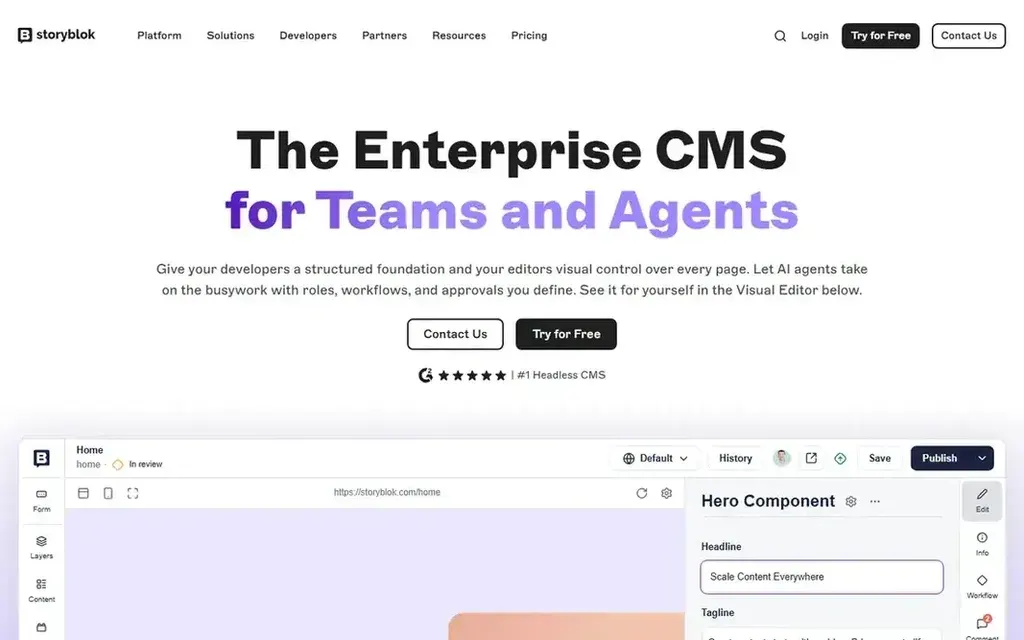
Storyblok was built for visual editing of video-rich pages. Storyblok is a headless content management system built around a visual editor, aimed at helping developer and marketing teams get value from content quicker.
Also, for video content, it does well as the editorial layer where teams compose pages, handle metadata and publish across digital experiences, whereas streaming is generally handled by a dedicated video product connected to it. Starting cost for Storyblok: $99.00 per month. As for free access: Free trial.
Honest limits: Setup requires developer involvement.
- Headless delivery to several channels
- Developer-friendly content modeling
- Video streaming handled by integrations
For enterprise video content management, Kaltura is a natural candidate. Kaltura is a video product used by organizations to run, publish and distribute video content, with a capable presence in enterprise and education environments. On top of that, teams frequently turn to it when they need a centralized video library, access control and structured publishing across internal and external channels.
Kaltura is built around video management instead of website content modeling, so it typically works alongside a CMS. Organizations with straightforward hosting needs may find a lighter tool simpler to adopt. Pricing for Kaltura is not stated here, so ask the vendor for current figures. Free access: Free trial.
Downsides: Can be complicated to configure.
- Typical in enterprise and education settings
- Supports managed video libraries
- Not a general-purpose web CMS
How we chose
The comparison looks at four things: starting price, free access, how well the feature set matches AI video CMS software, and the main limit of each tool. Figures are shown as the vendors publish them. Billing terms, seat minimums and add-ons can change the real cost. Order on the page follows fit for the typical buyer first, then price transparency and free access. Your own requirements should decide the final pick.
Things to verify first
- Get a written quote from Kaltura; the list shows no starting price for them.
- Check what the free option really includes: Hygraph, Sanity and Mux offer a free plan, and usage caps differ.
- Take the trial from Storyblok and Kaltura and push a live task through it before you pay.
- Before choosing Hygraph, weigh its main limit: video delivery needs integrations.
- Find out what support Hygraph includes on your plan, and whether onboarding help costs extra.
- Total up the real monthly cost of Mux, including add-ons, extra users and usage-based fees.
FAQ
How are the tools for AI video CMS software ordered?
Hygraph sits first and Kaltura last because the order follows typical fit for AI video CMS software, then price clarity and free access. It is a judgement call, so read each profile for fit and limits.
What is the cheapest option for AI video CMS software in this list?
On published monthly entry prices, Sanity is the lowest here at $15 per seat per month. Entry price is only part of the cost, because seats, add-ons and billing terms can change the total. Each of the 5 options in this AI video CMS software guide has its own card above with the price, free plan and limits.
Do these tools publish their prices?
Not all of them. Kaltura publishes no starting price, so expect a quote request for it. The rest, Hygraph included, show a starting price, though seats and billing terms still change the final cost.
What should multi-brand organizations look for?
Look for structured content modeling, governance across brands and adaptable delivery to sites, apps and agents. For everyday use, Hygraph explicitly targets multi-brand organizations, whereas Sanity and Storyblok also offer adaptable content models worth evaluating.
Which tool is a good match for developers building video features?
Hygraph comes first here and is built for multi-brand structured content. Buyers with other needs may prefer Sanity (for structured content for AI workflows) or Mux (for developer-first video APIs). Compare costs and limits first.
Is Hygraph the right pick for everyone comparing AI video CMS software?
No single tool suits every team. Hygraph comes first because it fits multi-brand structured content, while Sanity suits structured content for AI workflows and Mux suits developer-first video APIs. Match the tool to your own size, budget and workflow before deciding.
Sources
- https://hygraph.com
- https://www.sanity.io
- https://www.mux.com
- https://www.storyblok.com
- https://corp.kaltura.com