Best CMS Platforms in 2026: 8 Platforms Compared
Looking for the best cms platforms? We compared 8 CMS tools on ease of use, design control, ecommerce, SEO features and price for sites of every size.
- Editor's choice
 WordPress
Blogs and flexible sites of any size
Starts atFreeVisit wordpress.orgFull review - Great alternative
 Wix
Small businesses that want a fast launch
Starts atSee websiteVisit wix.comFull review - Also consider
 Squarespace
Design-led portfolios and small stores
Starts atSee websiteVisit squarespace.comFull review
TL;DR:
- Our top pick for most people is WordPress, because it balances range, price clarity and everyday usability.
- Wix is the strongest alternative when small businesses that want a fast launch matters most to your decision.
- Prices vary widely, from free plans such as WordPress where offered to quote-based enterprise tools, so model total cost at your real usage level.
- The best best cms platforms choice depends on your size, budget and existing tools, not on a single feature list.
Quick comparison
| Tool | Best for | Starts at | Free plan? | |
|---|---|---|---|---|
| WordPress | Blogs and flexible sites of any size | Free | Yes | Visit |
| Wix | Small businesses that want a fast launch | See website | Yes | Visit |
| Squarespace | Design-led portfolios and small stores | See website | Free trial | Visit |
 Webflow | Designers and marketing teams who want control | See website | Yes | Visit |
 Shopify | Online stores of every size | See website | Free trial | Visit |
 Drupal | Large, complex and public-sector sites | Free | Yes | Visit |
 Ghost | Newsletters and membership publishing | See website | Free trial | Visit |
 Contentful | Teams publishing to web, apps and devices | See website | Yes | Visit |
The best CMS platforms
A good CMS lets your team publish, edit and grow a site without waiting on a developer for every small change.
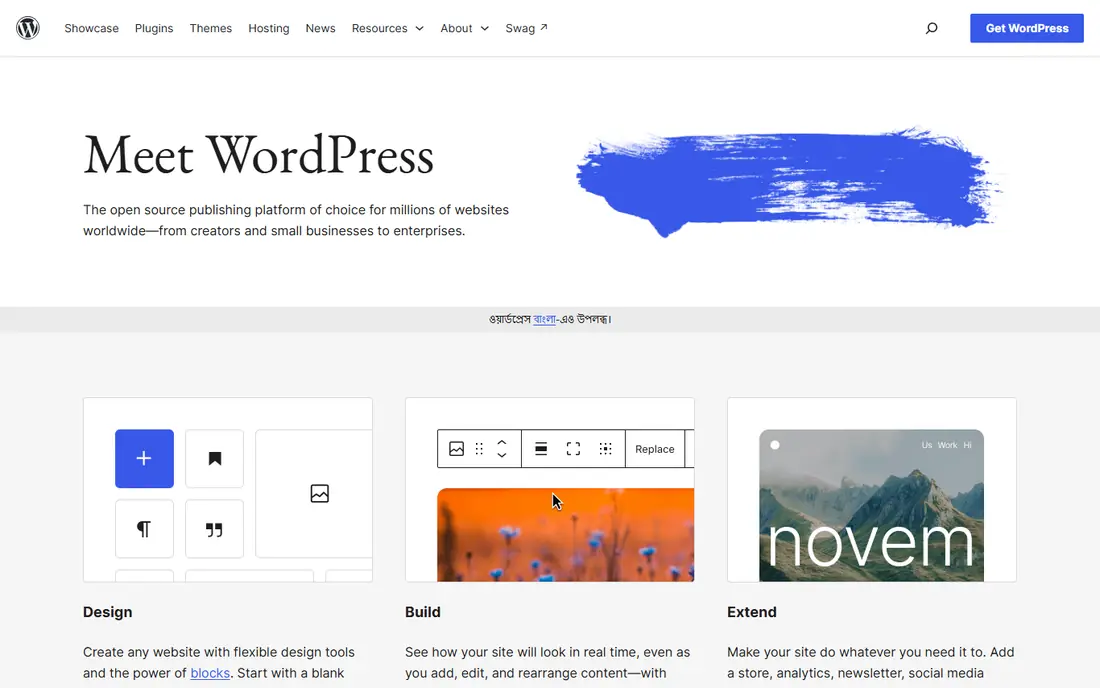
WordPress remains the most flexible choice for publishers who want control over every part of a site. Thousands of themes and plugins cover blogs, business sites, memberships and stores, and its editor now handles most page building without code. For buyers focused on blogs and flexible sites of any size, this is a practical shortlist option, and it is worth comparing its core features, support and total price against at least one rival before you commit, because small differences in plan limits and fees add up over a year.
That freedom brings responsibility, because you or your host must handle updates, backups and security, and a pile of low-quality plugins can slow a site down. If that trade-off fits your budget and workflow, WordPress is easy to recommend for its stated use. If it does not, the next option in this list may fit better, and a short trial or demo will usually reveal the difference faster than a feature sheet alone.
- Huge theme and plugin choice
- Full ownership of content
- Strong SEO options
- Needs hosting, updates and security care
- Plugin quality varies
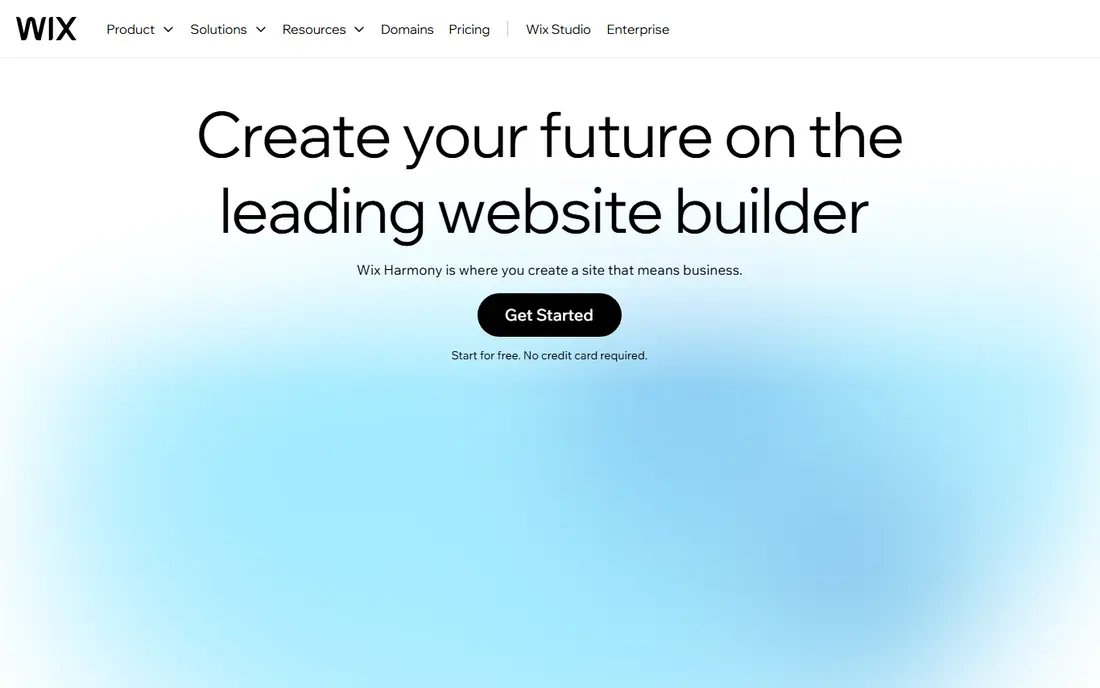
Wix is built for speed, and small teams will feel that from the first hour. Templates cover restaurants, services, portfolios and stores, and the editor lets non-technical owners change text, images and sections without touching code. For buyers focused on small businesses that want a fast launch, this is a practical shortlist option, and it is worth comparing its core features, support and total price against at least one rival before you commit, because small differences in plan limits and fees add up over a year.
Moving away from Wix later takes more work than moving a self-hosted site, so treat it as a long-term home rather than a quick experiment if you plan to grow. If that trade-off fits your budget and workflow, Wix is easy to recommend for its stated use. If it does not, the next option in this list may fit better, and a short trial or demo will usually reveal the difference faster than a feature sheet alone.
- Drag-and-drop editor is friendly
- Many templates
- Hosting and support included
- Design freedom can lock you in
- Advanced custom work is limited
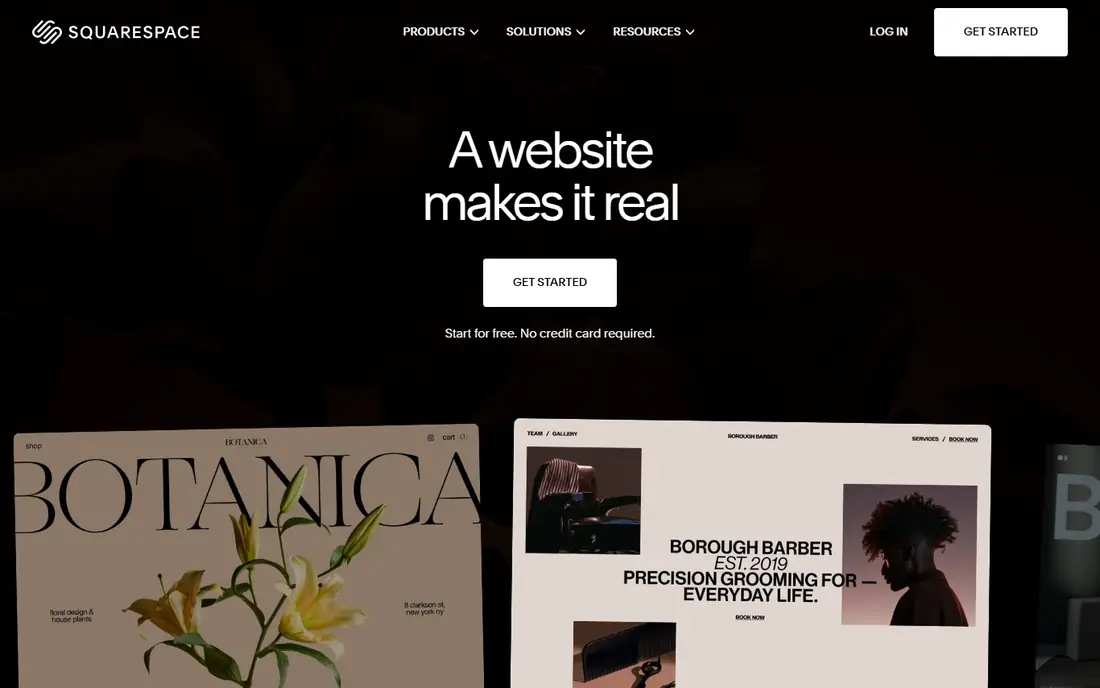
Squarespace suits owners who care how a site looks and want few moving parts. Its templates give photographers, designers, consultants and small shops a polished result fast, and built-in commerce, scheduling and email tools reduce the need for extra apps. For buyers focused on design-led portfolios and small stores, this is a practical shortlist option, and it is worth comparing its core features, support and total price against at least one rival before you commit, because small differences in plan limits and fees add up over a year.
If you need a very specific plugin or a complex custom workflow, Squarespace may feel narrow, so test its commerce and form limits against your real needs. If that trade-off fits your budget and workflow, Squarespace is easy to recommend for its stated use. If it does not, the next option in this list may fit better, and a short trial or demo will usually reveal the difference faster than a feature sheet alone.
- Beautiful templates
- Hosting, domain and commerce in one bill
- Clean editor
- Fewer third-party extensions than WordPress
- Advanced features cost more
Webflow bridges design tools and a real CMS better than most website builders. Designers can build custom layouts visually, marketers can edit CMS content without code, and hosting, security and backups are handled by the platform. For buyers focused on designers and marketing teams who want control, this is a practical shortlist option, and it is worth comparing its core features, support and total price against at least one rival before you commit, because small differences in plan limits and fees add up over a year.
New users should allow time to learn its box model and class system, because the same control that makes Webflow powerful can slow a first project. If that trade-off fits your budget and workflow, Webflow is easy to recommend for its stated use. If it does not, the next option in this list may fit better, and a short trial or demo will usually reveal the difference faster than a feature sheet alone.
- Precise visual design control
- Built-in CMS and hosting
- Clean code output
- Learning curve is steeper
- CMS item limits vary by plan
- Pricing grows with traffic
Shopify is a CMS in the sense that matters to sellers, because product pages, collections and blog posts all live in one commerce system. It handles payments, discounts, shipping, taxes and point-of-sale alongside the storefront, and its app store fills gaps for reviews, loyalty and subscriptions. For buyers focused on online stores of every size, this is a practical shortlist option, and it is worth comparing its core features, support and total price against at least one rival before you commit, because small differences in plan limits and fees add up over a year.
Content-heavy sites may find its blog editor basic, and app fees can lift the monthly total well above the base plan, so budget for the apps you truly need. If that trade-off fits your budget and workflow, Shopify is easy to recommend for its stated use. If it does not, the next option in this list may fit better, and a short trial or demo will usually reveal the difference faster than a feature sheet alone.
- Strongest mainstream commerce features
- Huge app store
- Reliable checkout and payments
- Content and blogging are weaker than WordPress
- Monthly costs add up with apps
Drupal is the serious enterprise option for organisations with complex content and strict access rules. Universities, governments and large publishers use it to model varied content types, control who can edit what, and serve high-traffic sites with caching and structure. For buyers focused on large, complex and public-sector sites, this is a practical shortlist option, and it is worth comparing its core features, support and total price against at least one rival before you commit, because small differences in plan limits and fees add up over a year.
Small teams without developer help will find Drupal heavy, because setup, theming and upgrades demand more skill than a hosted builder. If that trade-off fits your budget and workflow, Drupal is easy to recommend for its stated use. If it does not, the next option in this list may fit better, and a short trial or demo will usually reveal the difference faster than a feature sheet alone.
- Very strong content modelling and permissions
- High security focus
- Handles large sites well
- Needs developer skill
- Smaller theme and module choice for casual users
Ghost is the calm alternative for writers who want readers and subscribers, not a sprawling plugin list. Its editor is focused, memberships and paid newsletters are built in, and pages load fast because the platform avoids bloat. For buyers focused on newsletters and membership publishing, this is a practical shortlist option, and it is worth comparing its core features, support and total price against at least one rival before you commit, because small differences in plan limits and fees add up over a year.
Ghost is not a general store builder, so teams that need complex commerce or many integrations should check its integrations list before committing. If that trade-off fits your budget and workflow, Ghost is easy to recommend for its stated use. If it does not, the next option in this list may fit better, and a short trial or demo will usually reveal the difference faster than a feature sheet alone.
- Fast, clean publishing
- Built-in memberships and newsletters
- Simple editor
- No broad plugin store
- Ecommerce is limited
- Self-hosting needs technical skill
Contentful suits product and marketing teams that publish the same content to a website, an app and other screens. Editors work in a structured interface, developers pull content through APIs, and teams can preview, localise and schedule content with clear permissions. For buyers focused on teams publishing to web, apps and devices, this is a practical shortlist option, and it is worth comparing its core features, support and total price against at least one rival before you commit, because small differences in plan limits and fees add up over a year.
A headless CMS needs front-end development, so a simple five-page site will be slower and costlier here than on Wix or Squarespace. If that trade-off fits your budget and workflow, Contentful is easy to recommend for its stated use. If it does not, the next option in this list may fit better, and a short trial or demo will usually reveal the difference faster than a feature sheet alone.
- Headless model suits many channels
- Strong APIs
- Good roles and workflows
- Needs a front-end build
- Costs rise with usage
- Overkill for a simple brochure site
How we picked these
We compared official product pages, pricing pages, feature lists and public documentation, plus app store listings and public user reviews where they helped explain support and usability. We favoured products that exist today, fit the topic clearly and publish enough detail to judge price and limits honestly. We did not claim hands-on testing, and we used See website where a vendor does not publish a clear starting price, so you can check the current figure before you buy.
How to choose a CMS without regret
Start with who will edit the site every week. If that person is not technical, Wix or Squarespace will cause fewer headaches than Drupal or a headless CMS. If you sell products, Shopify deserves the first look, while publishers who need memberships should test Ghost. Check SEO basics such as custom titles, clean URLs and speed, because a pretty site that loads slowly will lose visitors. Finally, test content editing with a real page, not a demo, and confirm how you export content if you ever move. Start with a short trial or demo using your real data, because a polished sales page can hide slow setup or missing integrations. Ask about total annual cost, contract length and what happens if you pause or cancel, and get fee details in writing for quote-based tools. Check support hours and channels too, because a tool you cannot get help with during a busy week will cost more in time than it saves in subscription fees.
FAQ
What is the best CMS platform for beginners?
Wix and Squarespace are the easiest for beginners, because hosting, templates and support are included. WordPress offers more flexibility but needs hosting and updates, so it suits users willing to learn a little more.
Is WordPress still the best CMS software?
WordPress remains the most flexible CMS software for blogs, business sites and stores, thanks to its plugin and theme choice. Its weakness is maintenance, so hosted WordPress or a managed host helps if you do not want to handle updates.
Which CMS is best for ecommerce?
Shopify is the strongest mainstream choice for ecommerce, while WordPress with WooCommerce suits sellers who want full control. Squarespace and Wix work well for small stores with simpler needs.
What is a headless CMS?
A headless CMS such as Contentful stores content separately from the website design, and developers pull it through APIs to websites, apps and other screens. It suits teams publishing to many channels, but it needs front-end development.
Can I change CMS later?
Yes, but moving content, URLs and design takes work, so export options matter. Self-hosted WordPress and headless tools usually export more cleanly than closed builders, so check this before you build a large site.