Best AI CMS Tools in 2026: Prices, Free Plans and 5 Picks
Searching for the best AI CMS tools? Here are 5 options with prices and free plans. For adaptable open-source content management, begin with Drupal. No filler.
- Editor's choice
 Drupal
Adaptable open-source content management
Starts atSee websiteVisit drupal.orgFull review - Great alternative
 Storyblok
Teams wanting a headless CMS with visual editing
Starts at$99.00 a monthVisit storyblok.comFull review - Also consider
 Sanity
Building AI-driven content applications
Starts at$15 per seat a monthVisit sanity.ioFull review
Direct answer
Drupal is the first pick on this list for adaptable open-source content management. Listed starting prices: Storyblok from $99.00 a month, Sanity from $15 per seat a month and Webflow from $15 a month. Alternatives: Storyblok for teams wanting a headless CMS with visual editing, and Sanity for building AI-driven content applications. The other 2 tools in the list cover narrower or pricier cases.
TL;DR:
- The list opens with Drupal, aimed at adaptable open-source content management.
- The cheapest monthly starting price in the list is $15 per seat per month, offered by Sanity.
- Webflow is the one to check for visual development with built-in AI search optimization.
- Check the limits for Storyblok before you commit: may need technical setup.
- Sanity, Webflow: these are the 2 tools out of 5 that offer a free plan.
Last checked November 2026. Prices and plan details were read from the vendors' own pages in November 2026; vendors change plans often, so confirm the current price on the vendor site before you buy.
Quick comparison
| Tool | Best for | Starts at | Free plan? | |
|---|---|---|---|---|
| Drupal | Adaptable open-source content management | See website | Not stated | Visit |
| Storyblok | Teams wanting a headless CMS with visual editing | $99.00 a month | Free trial | Visit |
| Sanity | Building AI-driven content applications | $15 per seat a month | Yes | Visit |
 Adobe Experience Manager | Integrated digital asset and content management | See website | Not stated | Visit |
 Webflow | Visual development with built-in AI search optimization | $15 a month | Yes | Visit |
The 5 tools in detail
If you are comparing AI CMS tools, this page covers 5 tools in one place: what each is best for, what it costs to start, whether it has a free plan, and the main limit to know about.
Drupal is designed for adaptable open-source content management. It permits developers to build highly customized websites and applications, with a capable focus on modularity and community-driven development. It is frequently chosen by organizations that require a scalable and secure product for complicated content structures.
Watch-outs: Steep ramp-up time.
It may not be the best fit for small teams without dedicated developers. As for the details, if you prefer a more approachable interface, other CMS choices might be more suitable. Pricing for Drupal is not stated here, so ask the vendor for current figures. Trial and free access: Not stated.
- Open-source with a large community
- Capable access control
- Needs technical maintenance
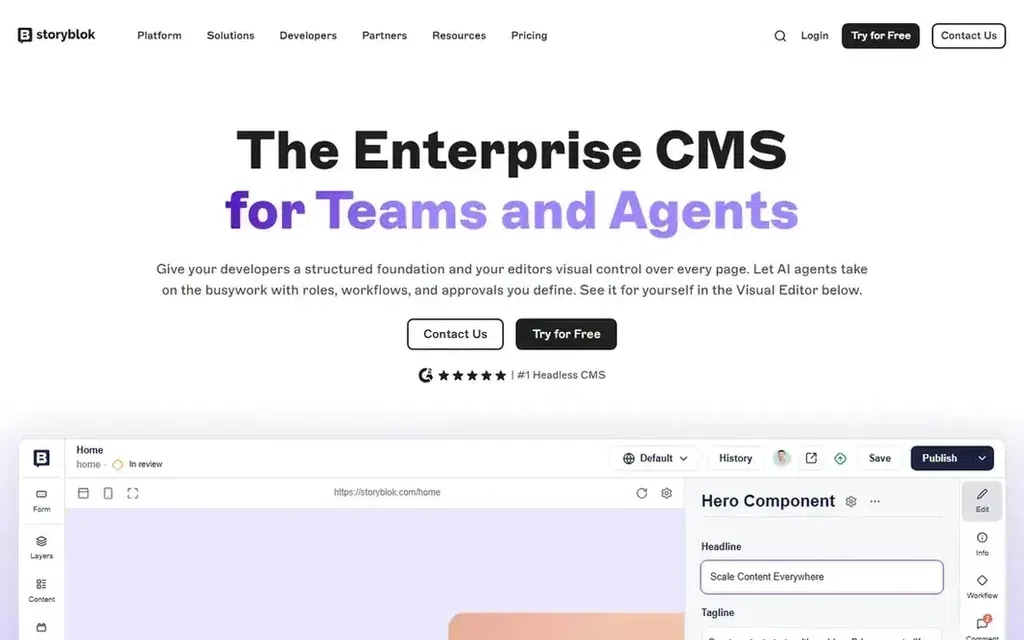
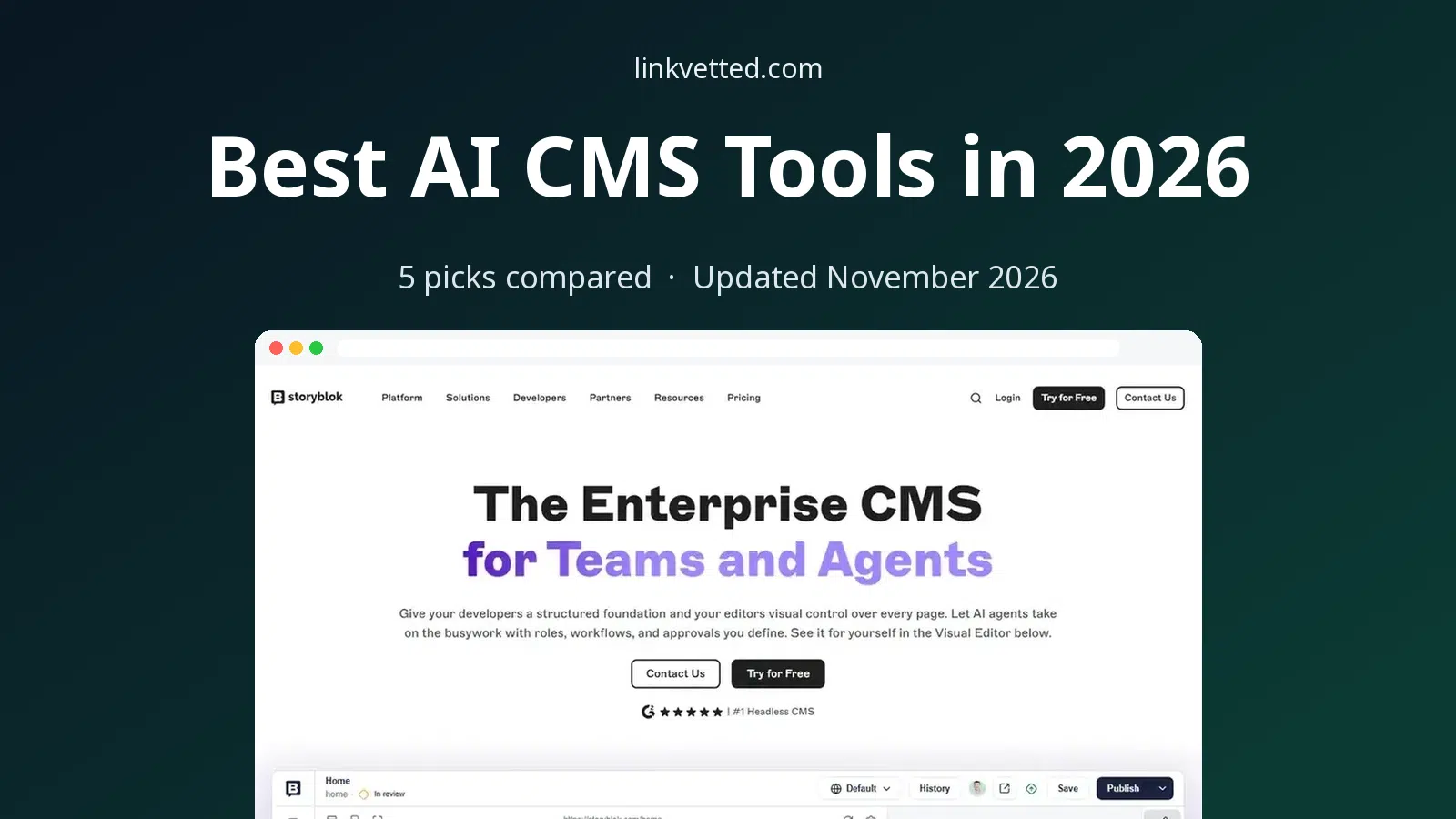
Storyblok serves teams wanting a headless CMS with visual editing. Storyblok is a headless content management system that features a visual editor, meant to help developer and marketing teams get value from their content quicker. It makes it possible for the creation of innovative digital experiences by separating content management from presentation.
Beyond that, since Storyblok is headless, it may need more technical configuration than traditional CMS products. In practice, non-technical users might find the initial setup challenging. Price to start with Storyblok: $99.00 per month. As for free access: Free trial.
The main drawbacks: Can be less intuitive for non-technical users.
- Helps developers and marketers collaborate
- Accelerates content delivery
- May need technical setup
Where Sanity fits: building AI-driven content applications. Sanity's adaptability frequently includes a need for development expertise, which may not suit teams without technical resources.
It might be more complicated than necessary for entry-level content management needs. Sanity cost at the entry level: $15 per seat per month. Sanity includes a free tier.
Points against: May be complicated for straightforward blogs.
- Powers agents and content applications
- Unified product for sites and content
- Needs development knowledge
Adobe Experience Manager
Best for: Integrated digital asset and content management
Adobe Experience Manager is built with integrated digital asset and content management in mind. Adobe Experience Manager (AEM) is a thorough content management system that integrates digital asset management and digital enrollment capabilities. It is part of the Adobe Experience Cloud and is built to help brands handle content across several digital channels.
The main drawbacks: Complicated to implement.
If you need a more straightforward CMS with less overhead, consider other platforms. More specifically, AEM is usually used by large enterprises that require a solid, integrated option for managing both content and assets. Check the vendor site for Adobe Experience Manager pricing; none is listed in this comparison. As for free access: Not stated.
- Enterprise scalability
- Part of Adobe Experience Cloud
- Needs specialized expertise
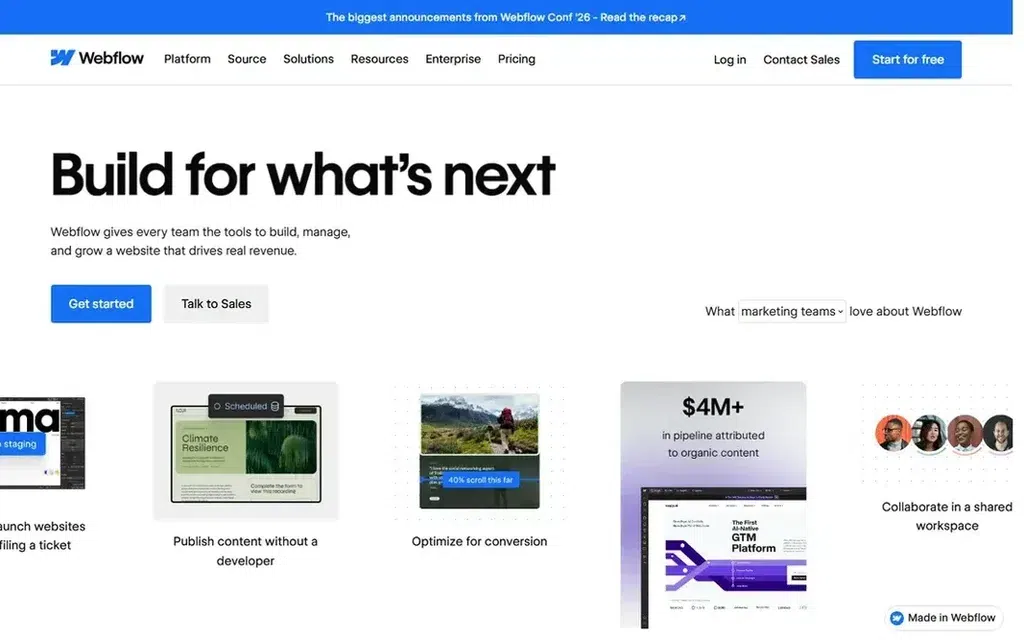
Webflow was built for visual development with built-in AI search optimization. The product is made for modern firms looking to simplify their web presence and adapt to AI-driven search.
Webflow cost at the entry level: $15 per month. Webflow offers a free plan.
Where it is weaker: May need design expertise.
- Enterprise-grade security features
- Bundles AEO for AI search visibility
- Can be complicated for straightforward sites
How we built this list
Pricing pages, product documentation and feature lists were the main sources, and every entry carries at least one honest drawback. Plan names, prices and limits change often. Treat the figures here as a starting point and verify them with the vendor. The order reflects how well each tool fits the most common buying scenario for AI CMS tools, then price clarity, then free plan access. It is a starting point, not a verdict.
Questions to settle before buying
- Confirm the entry price on the vendor page. For Drupal and Adobe Experience Manager that means a quote rather than a fixed price.
- Read the fine print on the free plans from Sanity and Webflow; seat, project and feature caps differ.
- Run a trial of Storyblok with real work before paying for a year; your own workflow is the best test.
- Read the limits listed for Drupal first: steep ramp-up time.
- Add up seats, add-ons and usage charges for Adobe Experience Manager before comparing it with cheaper entries.
- Get the contract term, renewal terms and any onboarding fees from Webflow in writing.
FAQ
What is an AI CMS?
These features can bundle automatic tagging, content personalization, or search engine optimization. The tools listed here offer varying degrees of AI integration.
How do I choose between headless and traditional CMS?
Headless CMS separates content management from presentation, offering adaptability for multi-channel delivery but commonly requiring more technical setup. Your choice relies on your team's technical resources and how you plan to distribute content.
Which options for AI CMS tools have a free plan?
Sanity and Webflow offer a free plan in this list. Free plans usually cap users, projects or features, so check the limits on the vendor page. One other tool offers a trial instead.
What is the cheapest option for AI CMS tools in this list?
On published monthly entry prices, Sanity is the lowest here at $15 per seat per month. Entry price is only part of the cost, because seats, add-ons and billing terms can change the total. Each of the 5 options in this AI CMS tools guide has its own card above with the price, free plan and limits.
Can I migrate my existing content to these systems?
Most CMS systems offer migration tools or services, but the process can vary. It is best to check with each vendor about their migration support and any potential challenges.
Can I try these options before paying?
Often, yes. Sanity and Webflow have a free plan and Storyblok offers a free trial. Use your own data and a real task during the test, and check what the free tier or trial limits before you rely on it.
Sources
- https://www.drupal.org
- https://www.storyblok.com
- https://www.sanity.io
- https://business.adobe.com/products/experience-manager/adobe-experience-manager.html
- https://webflow.com