Best CMS Hosting for Multiple Platforms (2026): 5 Picks Checked on Vendor Pages
Best CMS hosting for multiple platforms: 5 tools compared on price, free plans and fit. Each profile ends with a plain caveat. Current for November 2026.
- Editor's choice
 Pantheon
Multi-framework WebOps for WordPress, Drupal, Next.js
Starts atSee websiteVisit pantheon.ioFull review - Great alternative
 Acquia
Enterprise digital experience product
Starts atSee websiteVisit acquia.comFull review - Also consider
 WP Engine
Managed WordPress hosting with solid support
Starts at$28.00 a monthVisit wpengine.comFull review
Direct answer
Pantheon leads the list, best for multi-framework WebOps for WordPress, Drupal, Next.js. Listed starting prices: WP Engine from $28.00 a month, Kinsta from $17.50 a month and Cloudways from $20 per month. Acquia fits enterprise digital experience product; WP Engine fits managed WordPress hosting with capable support. The other 2 tools in the list cover narrower or pricier cases.
TL;DR:
- The list opens with Pantheon, aimed at multi-framework WebOps for WordPress, Drupal, Next.js.
- Starting prices begin at $17.50 per month with Kinsta.
- Cloudways is the one to check for managed cloud hosting for SMBs.
- Check the limits for Pantheon before you commit: more complicated than single-CMS hosts.
- None of the 5 tools, from Pantheon to Cloudways, has a free plan, so budget for a subscription or use a trial.
Last checked November 2026. Prices and plan details were read from the vendors' own pages in November 2026; vendors change plans often, so confirm the current price on the vendor site before you buy.
Quick comparison
| Tool | Best for | Starts at | Free plan? | |
|---|---|---|---|---|
| Pantheon | Multi-framework WebOps for WordPress, Drupal, Next.js | See website | Not stated | Visit |
| Acquia | Enterprise digital experience product | See website | Not stated | Visit |
| WP Engine | Managed WordPress hosting with solid support | $28.00 a month | Not stated | Visit |
 Kinsta | Performance-focused WordPress hosting | $17.50 a month | Free trial | Visit |
 Cloudways | Managed cloud hosting for SMBs | $20 per month | Free trial | Visit |
The 5 tools in detail
If you are comparing CMS hosting for multiple platforms, this page covers 5 tools in one place: what each is best for, what it costs to start, whether it has a free plan, and the main limit to know about.
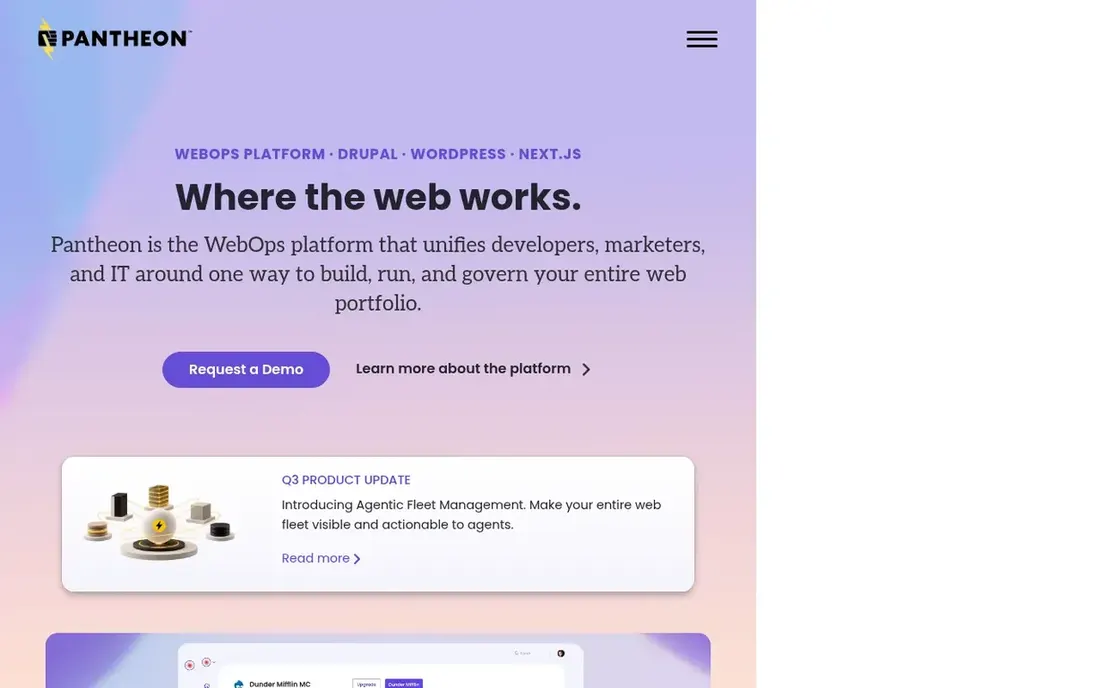
Pantheon is built with multi-framework WebOps for WordPress, Drupal, Next.js in mind. It suits organizations that run more than one CMS and want a single product for development and operations.
Worth adding: the system is oriented toward WebOps practices, which can mean a steeper ramp-up time than a single-CMS host. Pricing for Pantheon is not stated here, so ask the vendor for current figures. Free access: Not stated.
Where it falls short: May need more technical setup. Where it shines: Suited to teams with mixed CMS needs.
- Drupal and Next.js
- Supports WordPress
- More complicated than single-CMS hosts
Acquia is aimed squarely at enterprise digital experience system. Worth adding: Acquia is positioned as a digital experience system, which can be more than a small team needs for straightforward CMS hosting.
Honest limits: Wide system instead of straightforward CMS hosting.
Beyond that, teams with complicated content operations and a need for a wide system will find Acquia relevant when evaluating multi-platform hosting. No starting price is listed for Acquia here; confirm pricing on the vendor site. Free options: Not stated. Where Acquia stands out: Cloud system for digital experiences.
- Suited to content
- Enterprise-oriented positioning
- May be more than small teams need
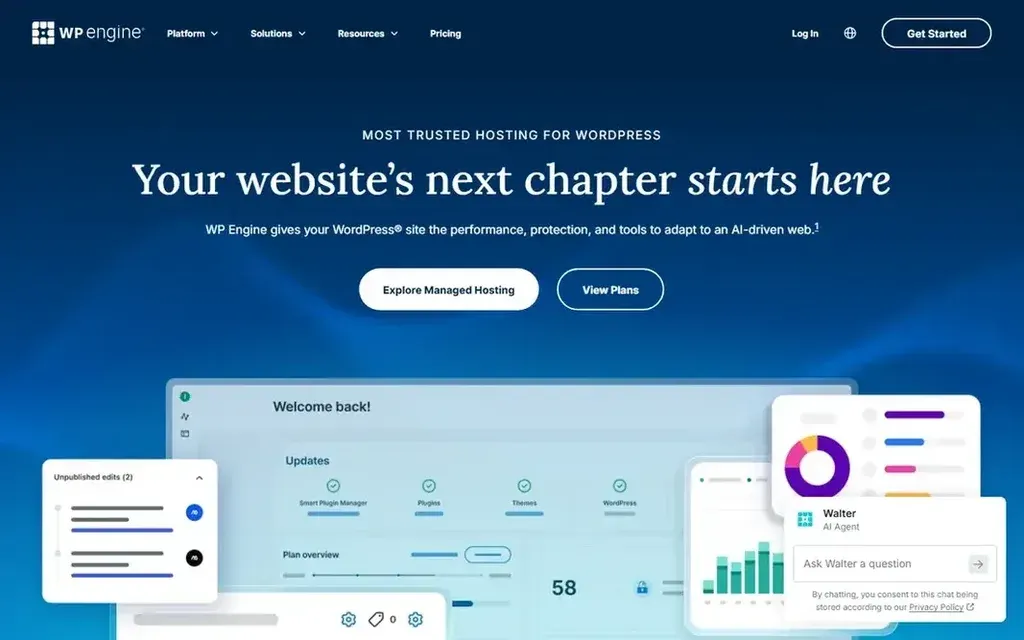
WP Engine works best for managed WordPress hosting with capable support. WP Engine is a website hosting system built around WordPress, with support and security options included.
Where it falls short: Centred on WordPress instead of several CMS systems.
From a buyer's view, teams that value documented support coverage and a product made for WordPress will find it a natural starting point for CMS hosting. Since the product centers on WordPress, it is not the obvious choice if you have to host Drupal, Next.js or other frameworks under one roof. Starting cost for WP Engine: $28.00 per month. Free access: Not stated.
- Mature system for WordPress sites
- Round-the-clock support and security features
- Less suited to Drupal or Next.js projects

Kinsta is aimed squarely at performance-focused WordPress hosting. Kinsta presents itself as hosting for WordPress with an emphasis on enterprise-grade speed, security and support.
What to check first: WordPress-centric rather than multi-platform.
In practice, choose a broader WebOps or cloud system instead when consolidating multiple frameworks is a priority. The system is a reasonable choice when WordPress is your primary CMS and you want a host that markets speed and security as core strengths. Kinsta pricing: $17.50 per month. Free options: Free trial.
- Enterprise-grade speed and security emphasis
- Suited to performance-sensitive sites
- Not pitched at Drupal or Next.js hosting
Where Cloudways fits: managed cloud hosting for SMBs. Worth adding: if you want a host that takes care of every CMS detail for you, a dedicated WordPress or Drupal provider may be more straightforward.
What to check first: Needs some server knowledge.
Also, firms that prefer a managed cloud approach over a single-CMS host will find it a practical choice to evaluate for multi-platform needs. Cloudways starts at: $20 per month. Free access: Free trial.
- Managed cloud hosting model
- Suited to teams wanting cloud adaptability
- Less CMS-specific guidance than dedicated hosts
How we built this list
For each of the 5 tools we noted price, free plan or trial, fit for CMS hosting for multiple platforms and the main limit, using vendor pages and documentation. Where a vendor does not publish a price, the entry says quote. Where a price depends on seats or billing term, the entry says so. Position on the page reflects fit for a typical buyer first, with price clarity and free access breaking ties. Treat it as a guide, not a ruling.
Questions to settle before buying
- Ask Pantheon and Acquia for a written quote, since no starting price is shown.
- Use real work to test the free trial from Kinsta and Cloudways, rather than a demo project.
- Read the limits listed for Pantheon first: more complicated than single-CMS hosts.
- Add up seats, add-ons and usage charges for Cloudways before comparing it with cheaper entries.
- Look at the help docs and support options for WP Engine before you commit.
FAQ
Do these tools publish their prices?
Not all of them. Pantheon and Acquia publish no starting price, so expect a quote request for those. The rest, WP Engine included, show a starting price, though seats and billing terms still change the final cost.
Can I try these options before paying?
Often, yes. Kinsta and Cloudways offer a free trial. Use your own data and a real task during the test, and check what the free tier or trial limits before you rely on it.
Does any tool for CMS hosting for multiple platforms here have a free plan?
No tool in this list, Pantheon and Cloudways included, has a permanent free plan. Kinsta, Cloudways offer a trial. Trials and quotes are the usual route, so plan a short evaluation period.
Which host is a good match for running WordPress and Drupal together?
Pantheon is the pick this page puts first, mainly for multi-framework WebOps for WordPress, Drupal, Next.js. If your situation differs, Acquia suits enterprise digital experience product, and WP Engine suits managed WordPress hosting with solid support. Compare price and limits before you decide.
How are the tools for CMS hosting for multiple platforms ordered?
Pantheon sits first and Cloudways last because the order follows typical fit for CMS hosting for multiple platforms, then price clarity and free access. It is a judgement call, so read each profile for fit and limits.
Sources
- https://pantheon.io
- https://www.acquia.com
- https://wpengine.com
- https://kinsta.com
- https://www.cloudways.com