Best Transcription Software for Recordings (2026): 5 Picks Checked on Vendor Pages
Need the best transcription software for recordings? We compare 5 tools on cost, free access and who each suits. With pricing notes and limits. No filler.
- Editor's choice
 Fireflies.ai
Meeting transcription across video products
Starts at$10 per seat a month, billed yearlyVisit fireflies.aiFull review - Great alternative
 Descript
Text-based editing of audio and video
Starts at$16 per person a monthVisit descript.comFull review - Also consider
 Happy Scribe
Wide language coverage with security focus
Starts at$17 a monthVisit happyscribe.comFull review
Direct answer
Fireflies.ai is the first pick on this list for meeting transcription across video systems. Listed starting prices: Fireflies.ai from $10 per seat a month, billed yearly, Descript from $16 per person a month and Happy Scribe from $17 a month. Look at Descript for text-based editing of audio and video, and at Happy Scribe for wide language coverage with security focus. The remaining 2 options are covered below with prices and limits.
TL;DR:
- The list opens with Fireflies.ai, aimed at meeting transcription across video systems.
- Free plans exist at 4 of 5 tools (Fireflies.ai, Descript, Happy Scribe, Otter.ai).
- For multilingual file transcription with summaries, Sonix is worth a look.
- Otter.ai is the lowest-priced starter here at $8.33 per user per month.
Last checked November 2026. Prices and plan details were read from the vendors' own pages in November 2026; vendors change plans often, so confirm the current price on the vendor site before you buy.
Quick comparison
| Tool | Best for | Starts at | Free plan? | |
|---|---|---|---|---|
| Fireflies.ai | Meeting transcription across video products | $10 per seat a month, billed yearly | Yes | Visit |
| Descript | Text-based editing of audio and video | $16 per person a month | Yes | Visit |
| Happy Scribe | Wide language coverage with security focus | $17 a month | Yes | Visit |
 Otter.ai | Live meeting notes and summaries | $8.33 per user per month | Yes | Visit |
 Sonix | Multilingual file transcription with summaries | $10 per hour | Free trial | Visit |
Transcription Software for Recordings compared in detail
Short on time? The summary and table above give the quick view of 5 transcription software for recordings, and the profiles that follow give the detail behind each entry.
Fireflies.ai was built for meeting transcription across video products. Review summaries for accuracy, notably when several speakers overlap.
It links to Zoom, Google Meet, Microsoft Teams, Webex, and other products to create transcripts and smart summaries. On cost, Fireflies.ai starts like this: $10 per seat per month, billed annually. You can start on Fireflies.ai without paying.
Points against: Meeting-centric.
- Microsoft Teams, Webex
- Works with Zoom
- Summary quality relies on audio clarity
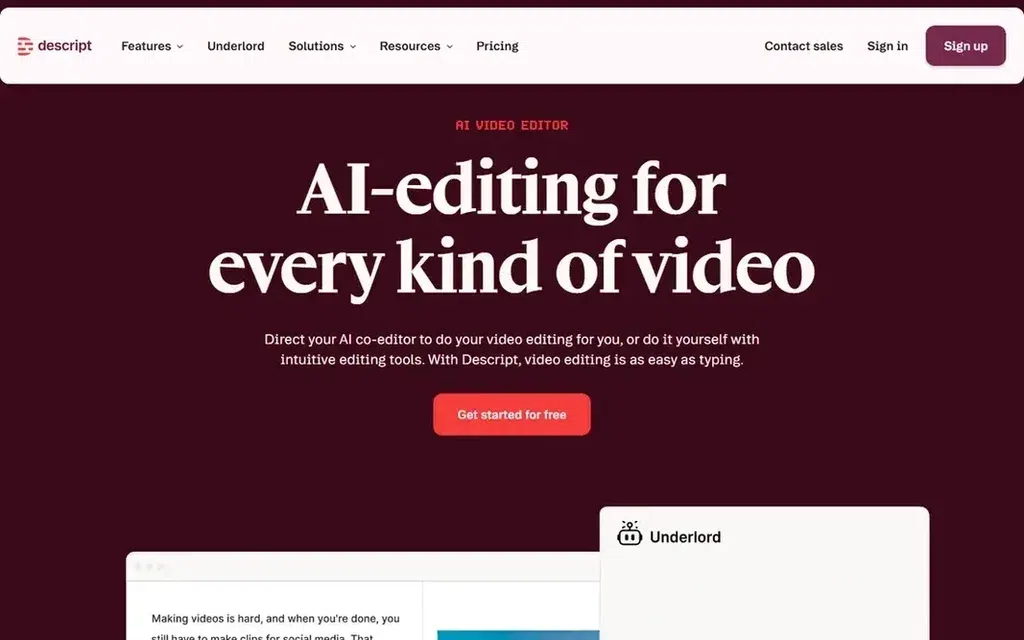
In short, Descript is for text-based editing of audio and video. Descript is an AI video and audio editor that makes editing as simple as editing text. Descript is most solid for production workflows, not for legal evidence or large-scale meeting documentation.
On top of that, the transcript becomes the editing surface, so cutting a sentence removes the corresponding audio. More specifically, check that its export choices match your publishing needs. Starting cost for Descript: $16 per person per month. A free plan is available with Descript.
What to check first: Ramp-up time for advanced production features.
What Descript does well: Edit recordings by editing the transcript; Fits podcast and video production.
- Record, transcribe, edit
- Publish in one tool
- Editing focus may not fit pure documentation needs
Happy Scribe is built with wide language coverage with security focus in mind. Happy Scribe gives you AI transcription and notetaking with wide language coverage, turning meetings into notes and decisions you can act on. It states security and privacy commitments, which fits teams that manage sensitive recordings.
Trade-offs to know: Meeting notes may need manual review.
Beyond that, Happy Scribe handles plenty of languages, but transcript accuracy still relies on recording quality and speaker clarity. On top of that, confirm that its language list and security terms meet your requirements. On cost, Happy Scribe starts like this: $17 per month. Happy Scribe offers a free plan.
- AI transcription in numerous languages
- Turns meetings into notes and decisions
- Feature depth varies by workflow
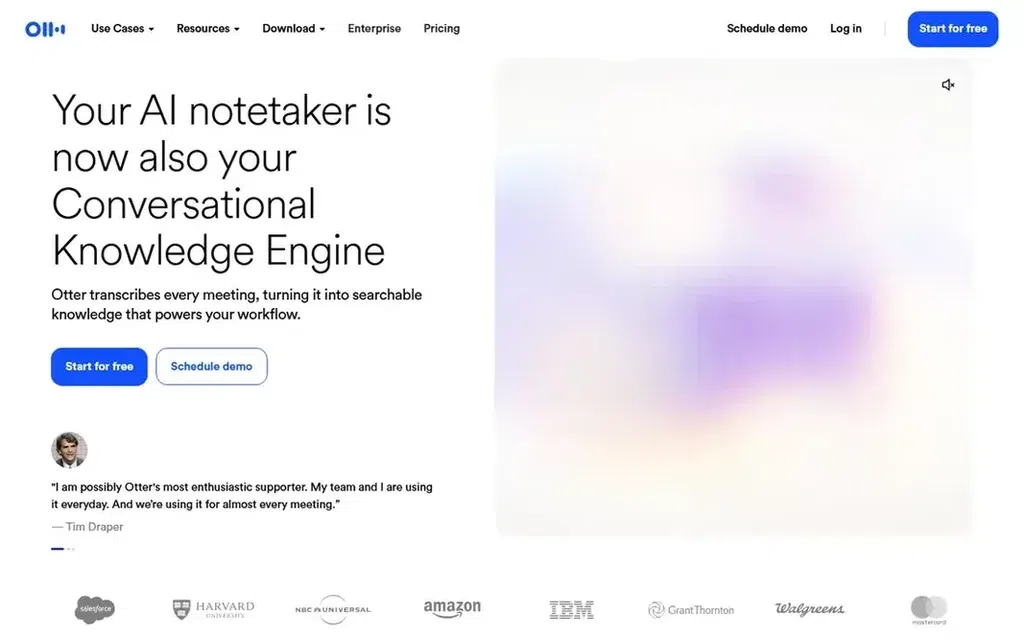
Otter.ai is built with live meeting notes and summaries in mind. If your recordings are largely calls and virtual meetings, Otter keeps the transcript and the follow-up tasks in one place.
In daily use, since Otter is built around meetings, it is less specialized for legal or investigative recordings that need verified, citable findings. Starting cost for Otter.ai: $8.33 per user per month. Free access exists with Otter.ai.
The main drawbacks: Meeting-first focus may not suit legal evidence.
- Live transcription with automatic summaries
- Works across typical video meeting products
- Advanced features vary by account type
For multilingual file transcription with summaries, Sonix is a natural candidate. Sonix is AI transcription software that converts audio and video files to text, with AI summaries and speaker detection. It supports plenty of languages, making it handy for researchers, journalists, and teams handling recorded files from different regions.
Upload a recording and receive a structured transcript with speakers identified. Sonix is oriented toward uploaded files instead of live meeting capture, so Otter.ai or Fireflies.ai may be better for live notes. In daily use, always review transcripts for names and technical terms, since accuracy varies with audio quality. Worth adding: if you need a text-based editor for production, Descript is more suitable. Entry price for Sonix: $10 per hour. Free access: Free trial.
Trade-offs to know: File-based workflow may not suit live meetings.
- AI summaries and speaker detection
- Wide language coverage
- Accuracy relies on recording quality
What went into this list
For each of the 5 tools we noted price, free plan or trial, fit for transcription software for recordings and the main limit, using vendor pages and documentation. Where a vendor does not publish a price, the entry says quote. Where a price depends on seats or billing term, the entry says so. We ordered the tools by general fit, then by how clearly pricing is shown, then by free access. A buyer with unusual needs may reorder them.
Things to verify first
- Prices are a starting point; Otter.ai shows $8.33 per user per month to start, so verify what your seat count would cost.
- Read the fine print on the free plans from Fireflies.ai, Descript, Happy Scribe and Otter.ai; seat, project and feature caps differ.
- Run a trial of Sonix with real work before paying for a year; your own workflow is the best test.
- Read the limits listed for Fireflies.ai first: meeting-centric, less suited to file-based media.
- List the apps you already depend on and check that Happy Scribe supports each one on the plan you would buy.
- Price Fireflies.ai for your actual team size; headline prices rarely include add-ons or overage.
FAQ
Which transcription tool is a good match for meeting recordings?
This list starts with Fireflies.ai, which fits meeting transcription across video products. For other needs, Descript is aimed at text-based editing of audio and video, and Happy Scribe at broad language coverage with security focus. Check each tool's price and main limit first.
Which options for transcription software for recordings have a free plan?
On this list, Fireflies.ai, Descript, Happy Scribe and Otter.ai include a free plan. Caps on seats, usage or features are common, so test the free plan against your real workload. One other tool offers a trial instead.
Is Fireflies.ai the right pick for everyone comparing transcription software for recordings?
No single tool suits every team. Fireflies.ai comes first because it fits meeting transcription across video platforms, while Descript suits text-based editing of audio and video and Happy Scribe suits broad language coverage with security focus. Match the tool to your own size, budget and workflow before deciding.
Can I try these tools before paying?
Often, yes. Fireflies.ai, Descript, Happy Scribe and Otter.ai have a free plan and Sonix offers a free trial. Use your own data and a real task during the test, and check what the free tier or trial limits before you rely on it. All 5 picks in this transcription software for recordings comparison list a starting price, free plan details and the main limits on their cards above.
Do these tools publish their prices?
Yes. Every tool from Fireflies.ai to Sonix shows a starting price, though seats, add-ons and billing terms still change the final cost.
Sources
- https://fireflies.ai
- https://www.descript.com
- https://www.happyscribe.com
- https://otter.ai
- https://sonix.ai