Best AI Meeting Transcription Tools in 2026: 8 Tools Compared
Looking for the best AI meeting transcription tools? We compare 8 AI transcription tools for meetings, with accuracy, summaries, and pricing in 2026 and more.

- Editor's choice
 Otter.ai
Most teams
Starts atFreeVisit otter.aiFull review - Great alternative
 Fireflies.ai
Team meeting notes
Starts atFreeVisit fireflies.aiFull review - Also consider
 Notta
Multilingual transcription
Starts atFreeVisit notta.aiFull review
TL;DR:
- Otter.ai is our pick for most teams, thanks to live transcription, summaries, and strong integrations.
- Fireflies.ai suits teams that want meeting notes, action items, and search across many calls.
- Fathom and tl;dv offer generous free tiers for recording and summarizing video calls.
- Notta and Rev cover a wider range of transcription needs, from meetings to interviews and media.
- Get consent before recording a meeting where relevant, and check privacy, retention, and sharing settings before you use a bot in a call.
Quick comparison
| Tool | Best for | Starts at | Free plan? | |
|---|---|---|---|---|
| Otter.ai | Most teams | Free | Yes | Visit |
| Fireflies.ai | Team meeting notes | Free | Yes | Visit |
| Notta | Multilingual transcription | Free | Yes | Visit |
 Fathom | Free video call summaries | Free | Yes | Visit |
 tl;dv | Free call recording | Free | Yes | Visit |
 Rev | Human plus AI transcription | See website | No | Visit |
 Grain | Meeting clips and notes | Free | Yes | Visit |
 Fellow | Meetings plus action items | Free | Yes | Visit |
The best AI meeting transcription tools
AI meeting transcription tools record a call, turn speech into text, and produce a summary with action items. The best tool for you depends on your meeting platform, your privacy needs, and whether you need live notes or a polished transcript. We compared official feature pages, pricing, and app listings to find options that work in October 2026.
Note on consent: get consent for recording meetings where relevant. Laws and workplace rules differ by location and by company, and some participants may not want a bot in the call. Tell attendees in advance, use the recording notice in your meeting app, and check retention and sharing settings before you record.
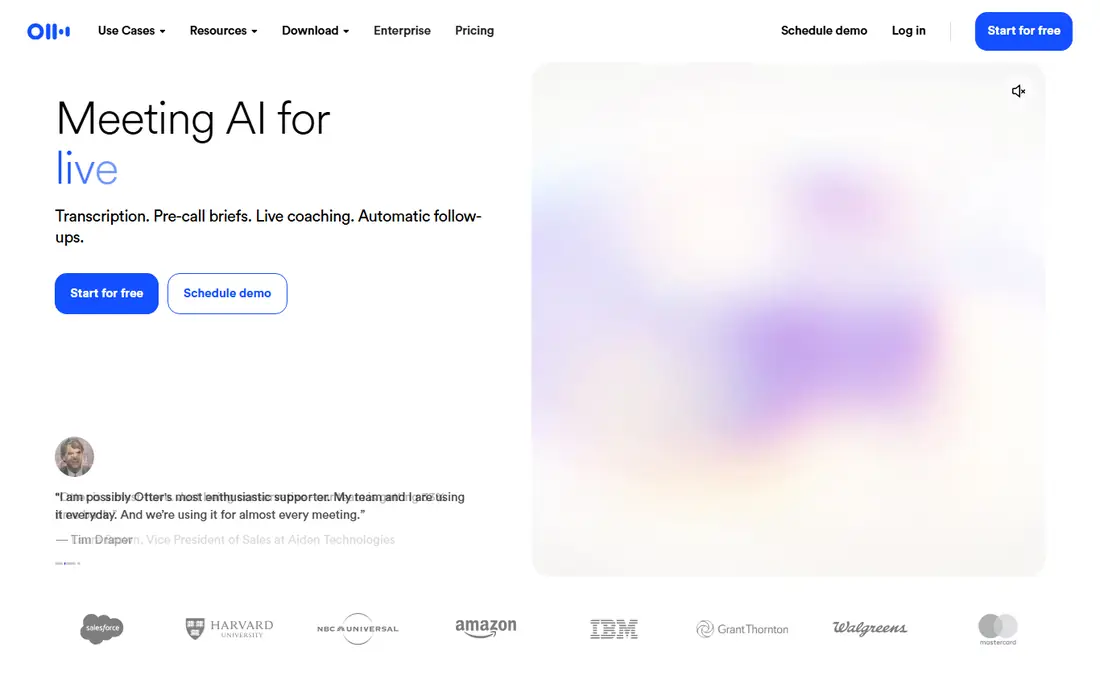
Otter.ai is our pick for most teams because it covers the full meeting workflow. It can join calls, transcribe live, identify speakers, and produce a summary with action items you can share. Search across past meetings helps you find a decision or a quote without replaying a full recording.
The free plan limits monthly transcription minutes, so heavy meeting users will need a paid plan. Accuracy also drops when people talk over each other or when audio quality is poor, so use a good microphone and ask speakers to take turns. For everyday team meetings, Otter is the most complete and familiar option here.
- Live transcription and summaries
- Speaker identification
- Integrations with Zoom, Teams, and Meet
- Free plan limits monthly minutes
- Accuracy drops with crosstalk and accents
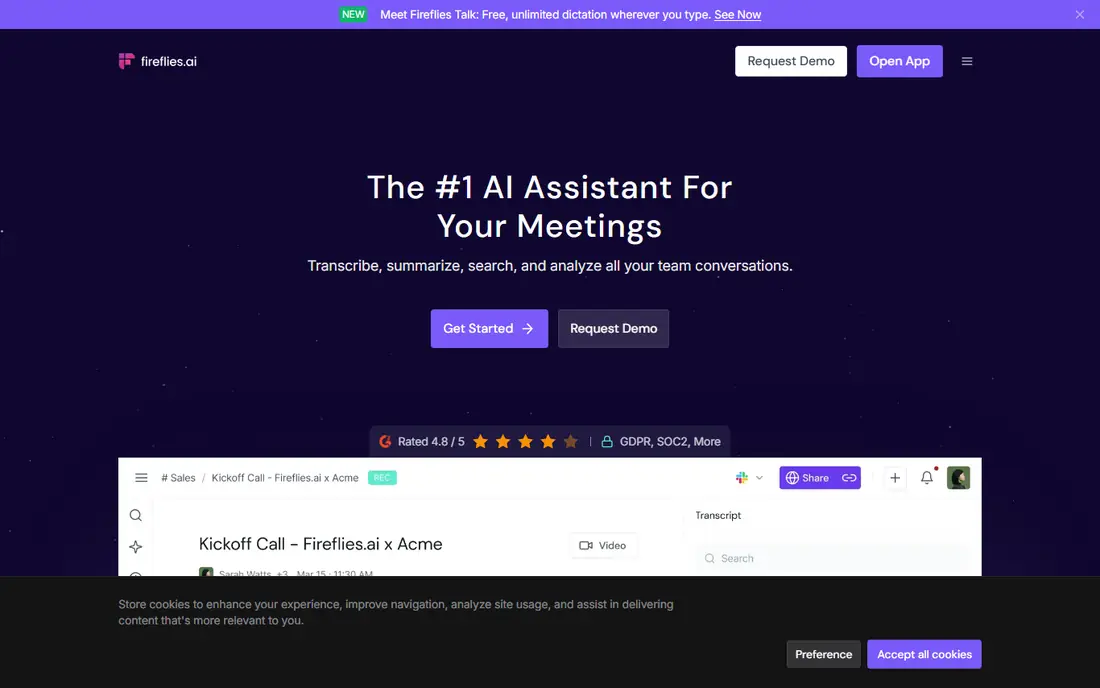
Fireflies.ai suits teams that hold many video calls and want a searchable record of them. Its bot joins Zoom, Teams, Meet, and other platforms, records the call, and produces a transcript, summary, and action items. Teams can search across meetings by topic, speaker, or keyword, which helps with follow up.
Some guests dislike a bot joining a call, so announce it in advance and get consent where relevant. The free plan limits storage and advanced features, so check current limits before you rely on it for a whole team. For a shared meeting library, Fireflies is a strong team choice.
- Records and transcribes video calls
- Searchable meeting library
- Action items and integrations
- Bot joins calls, which some guests dislike
- Free plan limits storage and features

Notta is a good pick for teams that meet in more than one language, or that transcribe interviews and media as well as meetings. It supports live transcription and file uploads, with summaries and exports in common formats. That range makes it useful beyond a single meeting platform.
Free minutes are limited, and some meeting features sit behind paid plans, so check what your plan covers before a busy week. Accuracy depends on audio quality and language, as it does for all AI transcription. For multilingual teams and mixed transcription needs, Notta offers useful breadth.
- Transcribes meetings in many languages
- Live and file transcription
- Summaries and export options
- Free plan limits minutes
- Meeting bot features vary by plan
Fathom stands out for its generous free tier for video calls. It records Zoom, Google Meet, and Microsoft Teams calls, produces a transcript and summary, and lets you highlight key moments and share clips. That makes it a good first tool for individuals and small teams who want meeting notes without paying upfront.
Advanced features and team tools sit behind paid plans, and Fathom is focused on live calls rather than transcribing uploaded files. If your meetings happen on video and you want a free, simple summary tool, Fathom is one of the best starting points. Announce recording and check consent rules before you use it.
- Free recording and summaries for Zoom, Meet, and Teams
- Highlights and action items
- Easy sharing
- Free plan limits some advanced features
- Video call focus means less file transcription
tl;dv, pronounced too long did not watch, is built for teams that want to record calls and catch up without watching the full video. It offers free recording for major video platforms, AI summaries, timestamped clips, and searchable transcripts. That helps managers and teammates who miss a meeting stay current quickly.
Some AI features and team controls sit behind paid plans, and a bot joining a call may need approval from guests or IT. Check your meeting platform rules and get consent where relevant. For free call recording with good summaries, tl;dv is a strong alternative to Fathom.
- Free recording for Zoom, Meet, and Teams
- AI summaries and clips
- Searchable transcripts
- Free plan limits some AI features
- Bot in call may need guest approval
Rev is different from the other tools here, because it offers both AI and human transcription. AI is fast and cheaper for rough meeting notes, while human transcription is more accurate for important recordings, interviews, and legal or research use. Rev also covers captions and subtitles for video.
Human work costs more and takes longer than AI, and there is no free plan for the full service, so Rev suits important transcripts more than everyday meeting notes. Use AI for a quick summary, and human transcription when accuracy matters most. For teams that need both, Rev is a useful single vendor.
- AI transcription plus human transcription options
- High accuracy for human transcripts
- Captions and subtitles
- Human transcription costs more and takes longer
- No free plan for full service
Grain focuses on shareable moments from meetings, not just full transcripts. Record a call, highlight a key decision or quote, and share that clip with a teammate who missed the meeting. That clip first approach suits sales, product, and support teams that reuse customer and team moments.
It has a smaller user base than Otter or Fireflies, and the free plan limits recording time, so check current limits before a busy schedule. For teams that share clips often, Grain offers a focused and useful workflow. As with all recording tools, get consent and respect privacy rules before you record.
- Records video calls
- Shareable clips and highlights
- Notes and summaries for teams
- Smaller user base than Otter or Fireflies
- Free plan limits recording time
Fellow combines meeting management with AI transcription, which suits teams that want agendas, notes, and action items in one place. You can build an agenda before a call, record and transcribe it, and track action items after it ends. Calendar integrations keep meetings and notes linked.
Teams that only want a transcript may find Fellow more than they need, and AI features vary by plan, so check what is included. For managers and teams that run many recurring meetings and struggle with follow through, Fellow ties transcription to action in a useful way.
- Meeting agendas, notes, and action items
- AI recording and summaries
- Integrations with calendars
- Full meeting management is more than some users need
- AI features vary by plan
How we picked these
We looked for AI meeting transcription tools that exist and work in October 2026, record or transcribe meetings on major platforms, and offer a free plan, trial, or clear paid pricing. We compared official feature pages, pricing, and app listings, and we favored tools with speaker identification, summaries, action items, and search. We also included Rev for human accuracy, since AI alone is not enough for every recording.
We left out tools that have closed, only transcribe files without meeting support, or lack clear privacy information. Accuracy varies by audio quality, accents, and crosstalk, so test any tool on your own meetings before you rely on it for decisions. Get consent for recording where relevant, and check retention settings before you share a transcript widely.
How to choose an AI transcription tool
Start with your meeting platform. Otter, Fireflies, Fathom, tl;dv, and Grain all support Zoom, Meet, and Teams in different ways, so confirm your platform before you sign up. Then check whether you need live transcription, a bot in the call, or file uploads for recordings you already have.
Accuracy and privacy checks
Test accuracy on a real meeting with your team, not just a demo. Check how the tool handles speaker names, accents, and overlapping speech, and whether you can edit the transcript. Read the privacy policy for retention, training use, and sharing, and choose a tool that lets you delete recordings and limit access.
Use summaries well
A summary is a starting point, not a record. Review action items before you send them, correct names and dates, and keep the full transcript for important decisions. Share summaries only with people who need them, and avoid pasting sensitive meeting content into tools outside your approved stack.
FAQ
What is the best AI meeting transcription tool?
Otter.ai is our pick for most teams, thanks to live transcription, summaries, and integrations. Fireflies.ai suits teams that want a searchable meeting library, while Fathom and tl;dv offer strong free tiers for video calls. Your meeting platform and privacy needs should guide the final choice.
What is the best AI transcription software for meetings?
Otter.ai, Fireflies.ai, Fathom, and tl;dv are all strong for meetings, with recording, transcripts, and summaries. Notta adds multilingual support, and Fellow adds agendas and action items. Try a free plan on your own meetings to compare accuracy and summary quality before you pay.
Is there a free AI meeting transcription tool?
Yes. Otter.ai, Fireflies.ai, Notta, Fathom, tl;dv, Grain, and Fellow all offer free plans, though minutes, storage, and AI features are limited. Fathom and tl;dv are generous for video call recording, while Otter is strong for live notes. Check current free limits before a busy meeting week.
Do I need consent to record a meeting with AI?
In many places and workplaces, yes, or at least clear notice is required. Laws differ by location, and company rules may be stricter. Tell attendees in advance, use the recording notice in your meeting app, and check retention and sharing settings. When in doubt, ask before you record.
How accurate is AI meeting transcription?
Accuracy is good for clear audio with one speaker at a time, and weaker with crosstalk, background noise, heavy accents, or poor microphones. Use a good microphone, ask speakers to take turns, and edit the transcript for important decisions. For high stakes recordings, consider human transcription through Rev.
Can AI transcription tools summarize meetings and list action items?
Yes, most tools on this list produce a summary and action items, including Otter, Fireflies, Fathom, tl;dv, Grain, and Fellow. Review action items before you send them, since AI can miss context or assign a task to the wrong person. Keep the full transcript for decisions that matter.