Best Transcription Software in 2026: 8 Tools Compared
Find the best transcription software in 2026 for meetings, audio and video files, with prices, free plans and honest limits for each tool and creator.
- Editor's choice
 Otter.ai
Live meeting notes and summaries
Starts at$8.33 per user per monthVisit otter.aiFull review - Great alternative
 Fireflies.ai
Meeting notes tied to sales and CRM tools
Starts at$10 per seat per monthVisit fireflies.aiFull review - Also consider
 Descript
Creators editing audio and video by text
Starts at$16 per monthVisit descript.comFull review
TL;DR:
- The best tool depends on the job: live meetings, recorded files, video editing, or accuracy-critical work each point to a different pick.
- Otter.ai remains a strong default for meetings, while Descript is the pick when you want to edit audio or video by editing text.
- Rev is the choice when a transcript must be right, because it offers human transcription alongside AI transcription.
- Free plans are worth testing first, since Otter.ai, Notta, and Fireflies.ai all let you try core features without paying.
Quick comparison
| Tool | Best for | Starts at | Free plan? | |
|---|---|---|---|---|
| Otter.ai | Live meeting notes and summaries | $8.33 per user per month | Yes | Visit |
| Fireflies.ai | Meeting notes tied to sales and CRM tools | $10 per seat per month | Yes | Visit |
| Descript | Creators editing audio and video by text | $16 per month | Yes | Visit |
 Rev | Accuracy-critical transcripts with a human option | See website | Yes | Visit |
 Trint | Newsrooms and teams editing transcripts together | $52 per seat per month | Free trial | Visit |
 Happy Scribe | Multilingual transcripts, subtitles, and translation | $8.50 per month | Free trial | Visit |
 Notta | Multilingual meeting notes on a budget | $8.17 per month | Yes | Visit |
 Sonix | Pay-as-you-go transcription of recorded files | See website | Free trial | Visit |
The best transcription software
Transcription software turns speech into text, but the products here do very different jobs once that text exists. Some join your meetings live, some work through uploaded files, and some turn the transcript into an editing surface. We compared official pricing, free plans, language support, and the workflow each tool is built for.
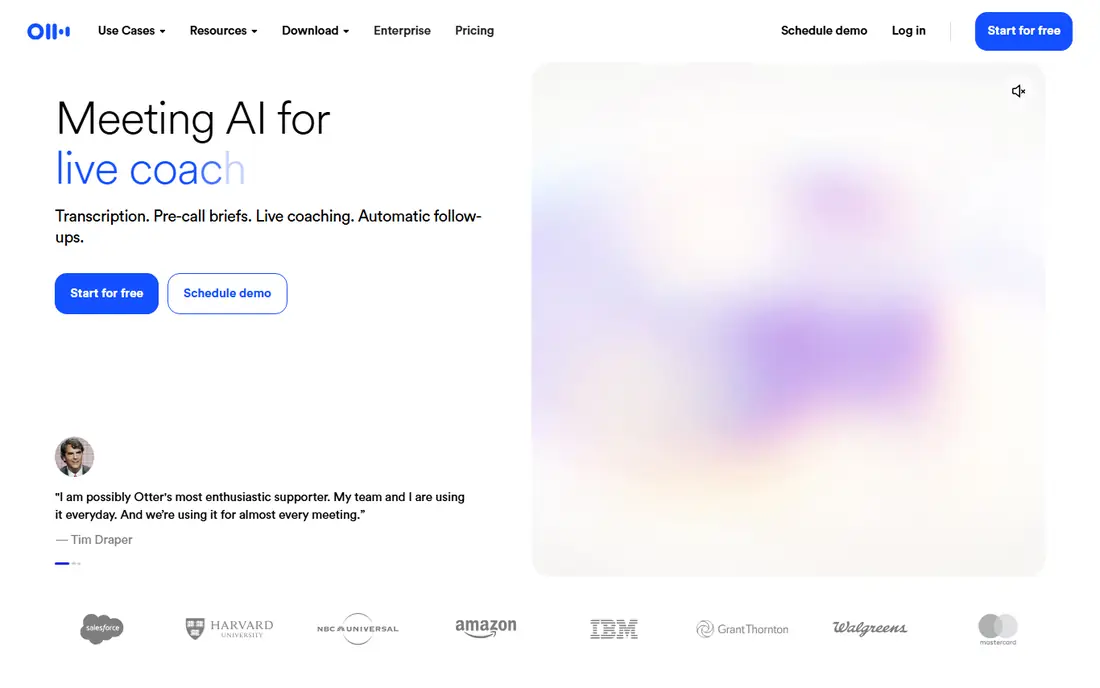
Otter.ai is our pick for most people who spend their days in meetings. It can join a call, transcribe live, identify speakers, and produce a summary with action items after the call ends. That means you leave a meeting with notes you can search, share, and turn into tasks without replaying the recording.
The free plan gives 300 minutes per month, which is enough to test it on real meetings before you pay. Paid plans raise the caps and add more features for teams. If your main need is file transcription rather than live meetings, a file-first tool may fit better, but for recurring meetings Otter.ai is hard to beat for simplicity.
- Joins Zoom, Google Meet, and Teams meetings
- Live transcription with summaries and action items
- Generous free plan for testing
- Free plan caps minutes and meeting length
- Accuracy drops on noisy audio or heavy accents, as with most AI tools
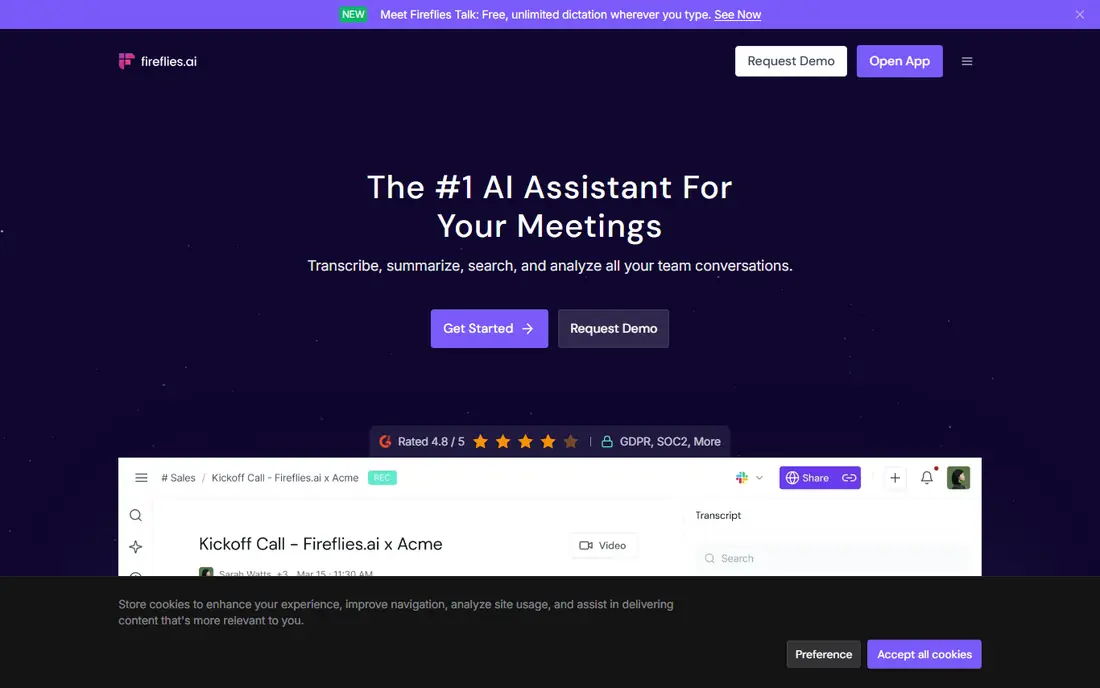
Fireflies.ai suits sales, recruiting, and consulting teams that live in their CRM. It joins meetings, transcribes them, and pushes notes and highlights into tools your team already uses, so follow-up work does not sit in a separate app. Search across past calls is a real strength when you need to recall what a client actually said.
The free plan lets you test the core recording and transcription workflow. Paid plans add more storage, integrations, and analysis features. If you only need occasional meeting notes and do not use a CRM, Otter.ai may be simpler. If your meetings feed a pipeline, Fireflies.ai earns its place.
- Records and transcribes meetings with searchable notes
- Connects to CRM and collaboration tools
- Free plan for basic use
- Best value comes with integrations that smaller teams may not use
- Accuracy still needs a human check on important calls
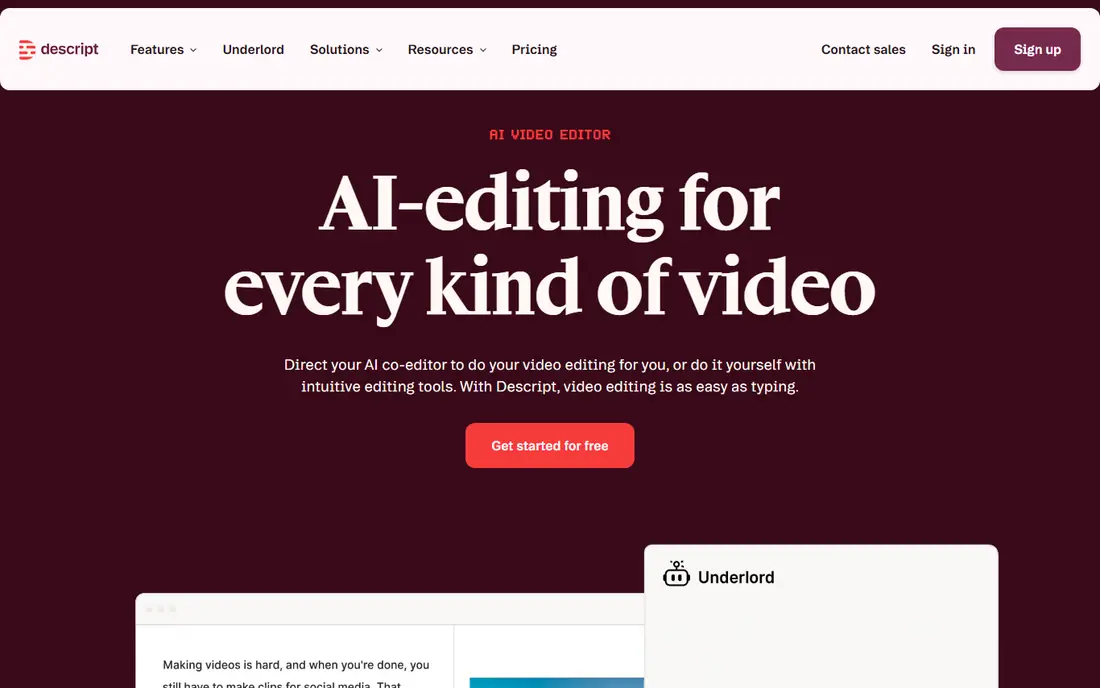
Descript is not just a transcription tool, and that is the point. You transcribe a podcast or video, then edit the media by editing the transcript text. Delete a sentence from the text and the matching audio or video is cut too. For creators, that workflow saves hours compared with cutting audio on a timeline.
The free plan includes a limited amount of transcription time per month, so test it on one short episode before you commit. Paid plans raise the limits and add more AI editing features. If you only need meeting notes, Descript is more tool than you need. If you publish audio or video regularly, it is the most useful pick in this list.
- Edit audio and video by deleting words in the transcript
- Filler word removal and noise tools
- Strong fit for podcasts and video
- Monthly transcription hours are capped on lower tiers
- More complex than a simple meeting notetaker
Rev is the pick when a mistake in the transcript could cause a real problem. AI transcription is fast and cheap, but human transcriptionists can catch names, numbers, and technical terms that AI tools miss. For depositions, interviews used as evidence, or research quotes, that extra accuracy is worth paying for.
Rev also offers AI transcription and caption services for everyday work, so you do not need a separate tool for routine files. The trade-off is cost and turnaround: human work takes longer and costs more per minute. Use AI for drafts and internal notes, and reserve human transcription for work that will be published, filed, or quoted.
- Offers both AI transcription and human transcription
- Human option suits legal, medical, and research work
- Captions and subtitles available
- Human transcription costs far more per minute than AI
- Pricing varies by service, so check the current page before ordering
Trint is built for journalists, producers, and media teams that treat a transcript as a working document. Multiple people can edit, search, and pull quotes from the same transcript, which suits newsrooms and documentary teams far better than a simple notetaker. The editor is designed for speed, with keyboard shortcuts and speaker tools that help on long interviews.
The price reflects that professional focus. At $52 per seat per month on the entry plan, Trint is not a casual purchase for one person. Solo creators will likely do better with Descript or a file tool. For a team that publishes stories from hours of interviews each week, the collaborative editing pays for itself in saved time.
- Collaborative transcript editing built for media teams
- Fast turnaround on files
- Search and story-building tools
- Entry price is high for solo users
- Overkill if you only need simple meeting notes
Happy Scribe is a strong choice when your work crosses languages. It transcribes in many languages, produces subtitles, and can translate transcripts, which suits creators, media teams, and researchers working with international sources. The human proofreading option adds a safety net for published work.
The entry plan is priced for regular use, and the trial lets you test accuracy on your own audio before paying. If you only work in English and only need meeting notes, a meeting-first tool may be simpler. If subtitles or translation are part of the job, Happy Scribe covers more of the workflow in one place.
- Supports many languages
- Subtitles and translation alongside transcription
- Human proofreading option
- Free option is limited to a trial
- Subtitle formatting takes some learning for first-time users
Notta is our budget pick for meeting transcription with language range. Its free plan gives 120 minutes per month, which is enough for a few meetings or to test accuracy on your accent and audio setup. Paid plans start at $8.17 per month billed annually and add more minutes and features.
Notta works for live meetings and uploaded files, and it supports many languages, which helps teams with international calls. The interface is simpler than some enterprise tools, which is a plus for small teams. Heavy users will hit the free limits quickly, but at this entry price the paid plan is easy to justify if you use it weekly.
- Free plan with 120 minutes per month
- Strong multilingual support
- Live meeting and file transcription
- Free plan limits are modest for heavy users
- Advanced team features sit on higher plans
Sonix suits people who have a pile of recordings and need accurate, searchable transcripts from files. It handles many languages, lets you build custom dictionaries for names and terms, and offers tools for researchers and media teams that need to find quotes fast. The pay-as-you-go option helps if your workload is irregular.
The pricing model needs care. A subscription plus per-hour charges can cost more than a flat meeting plan if you transcribe a lot each month. Check the current pricing page and estimate your monthly hours before choosing. For steady meeting work, a meeting tool is simpler. For file-heavy research, Sonix is a solid specialist.
- Strong fit for researchers and media teams with files to process
- Custom dictionaries and speaker tools
- Pay-as-you-go option for irregular work
- Subscription plus per-hour costs can add up
- No live meeting bot in the same way as Otter.ai or Fireflies.ai
How we picked these
We compared official pricing pages, free plans, and product documentation for tools that offer true transcription of meetings, audio files, or video files. We favored tools with a clear workflow, a current pricing page, and a use case that a real buyer can match to their own work. We did not include dictation-only apps or developer-only speech APIs, because those serve a different buyer.
How to choose the right transcription tool
Start with the source of your audio. If most of your speech happens in live meetings, pick a meeting bot such as Otter.ai or Fireflies.ai. If you work from recordings, a file tool such as Sonix, Happy Scribe, or Trint will fit better. If you edit podcasts or video, Descript changes the job entirely by letting you edit media through text.
Accuracy, languages, and privacy
Test any tool on your own audio before you pay, because accuracy varies with accents, background noise, and technical terms. Check language support if you work across languages, and check how the vendor handles your recordings, including retention and sharing settings. For sensitive calls, read the privacy policy and ask if recordings can be deleted on request. A short trial on a real meeting tells you more than any feature list.
Cost and minutes
Compare minutes, not just monthly price. A cheap plan with a low minute cap can cost more once you buy extra minutes. Meeting tools often cap by month, file tools often charge by hour or minute, and human transcription charges by the minute at a much higher rate. Estimate your monthly hours honestly, then pick the plan that covers that volume without constant top-ups.
FAQ
What is the best transcription app for meetings?
Otter.ai is a strong default for meetings because it joins calls live, transcribes in real time, and produces summaries with action items. Fireflies.ai is a close alternative for sales teams that want notes pushed into a CRM. Test both free plans on your own meetings, since audio quality and meeting platforms differ.
What are the best transcription apps for audio and video files?
Descript is best when you plan to edit the audio or video after transcription, because you edit media by editing text. Sonix and Happy Scribe are better for file-only work, research, and subtitles. Trint suits teams that edit long interview transcripts together.
What is the best audio transcription software for accuracy?
Rev is the safest pick for accuracy because it offers human transcription alongside AI transcription. Human work costs more and takes longer, but it catches names and terms that AI tools often miss. For everyday notes, AI transcription with a quick human check is usually enough.
What is the best video transcription software for creators?
Descript leads for creators because transcription is the start of the editing workflow, not the end of it. Happy Scribe is a good alternative when subtitles and translation matter more than editing. If you only need captions for a finished video, Rev and Happy Scribe both cover that job well.
What are the best ai transcription services for multilingual work?
Happy Scribe and Notta both support many languages and suit multilingual teams. Notta is cheaper to start with, while Happy Scribe adds stronger subtitle and translation workflows. Test both on audio in your actual languages, since accuracy varies by language.
Is there a good free transcription tool?
Yes, for light use. Otter.ai gives 300 minutes per month free, Notta gives 120 minutes per month free, and Fireflies.ai offers a free plan for basic meeting notes. These free plans suit occasional use, but regular users will need a paid plan for higher minute caps and longer meetings.