AI Transcription Software in 2026: A Guide to 6 Tools
Best AI transcription software: 6 contenders ranked by fit, with entry costs and free tiers. Every profile names its biggest catch. Pricing and limits included.
- Editor's choice
 Notta
Teams wanting ample free transcription
Starts at$8.17 a monthVisit notta.aiFull review - Great alternative
 Descript
Podcasters and video creators
Starts at$16 per monthVisit descript.comFull review - Also consider
 Happy Scribe
Multilingual transcription and subtitles
Starts at$8.50 a monthVisit happyscribe.comFull review
Direct answer
Notta leads the list, best for teams wanting ample free transcription. Descript is the stronger choice for podcasters and video creators, while Happy Scribe suits multilingual transcription and subtitles. Details, prices and limits for the rest of the 6 tools are below.
TL;DR:
- Top of the list is Notta, which targets teams wanting generous free transcription.
- Starting prices begin at $8.17 per month with Notta.
- 5 of 6 tools offer a free plan: Notta, Descript, Happy Scribe, AssemblyAI, Rev.
- Rev fits transcripts that must be right.
Quick comparison
| Tool | Best for | Starts at | Free plan? | |
|---|---|---|---|---|
| Notta | Teams wanting ample free transcription | $8.17 a month | Yes | Visit |
| Descript | Podcasters and video creators | $16 per month | Yes | Visit |
| Happy Scribe | Multilingual transcription and subtitles | $8.50 a month | Yes | Visit |
 Trint | Newsrooms and media teams | $52 per seat/month | Free trial | Visit |
 AssemblyAI | Developers building transcription into products | Pay as you go | Yes | Visit |
 Rev | Transcripts that must be right | $29.99 per month | Yes | Visit |
AI Transcription Software compared in detail
This LinkVetted guide covers 6 options for AI transcription software. Each profile lists a starting price, free plan details, strengths and drawbacks, so you can drop poor fits quickly.
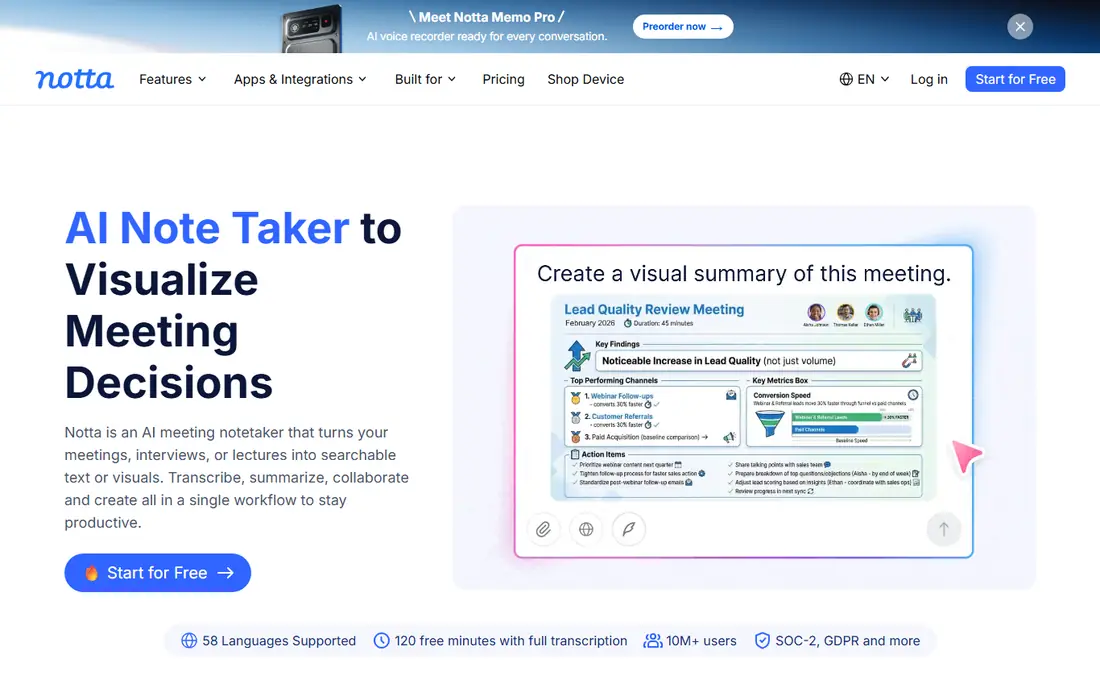
Notta was built for teams wanting ample free transcription. Fifty-eight languages and a Chrome extension for capturing web audio round out the package. From a buyer's view, the Pro plan at $8.17 a month billed yearly expands to 1,800 minutes, making it one of the cheapest premium choices.
Limits to weigh: Accuracy claims are vendor-stated.
From a buyer's view, the AI summary generator and multilingual support punch above the price point, and the interface is clean and approachable. As for the details, for students, freelancers, and small teams, the free level alone may suffice. Entry price for Notta: $8.17 per month. Free access exists with Notta.
- Pro at $8.17 is among the cheapest premium tiers
- Free plan with 120 minutes monthly
- 3-minute cap per conversation on free
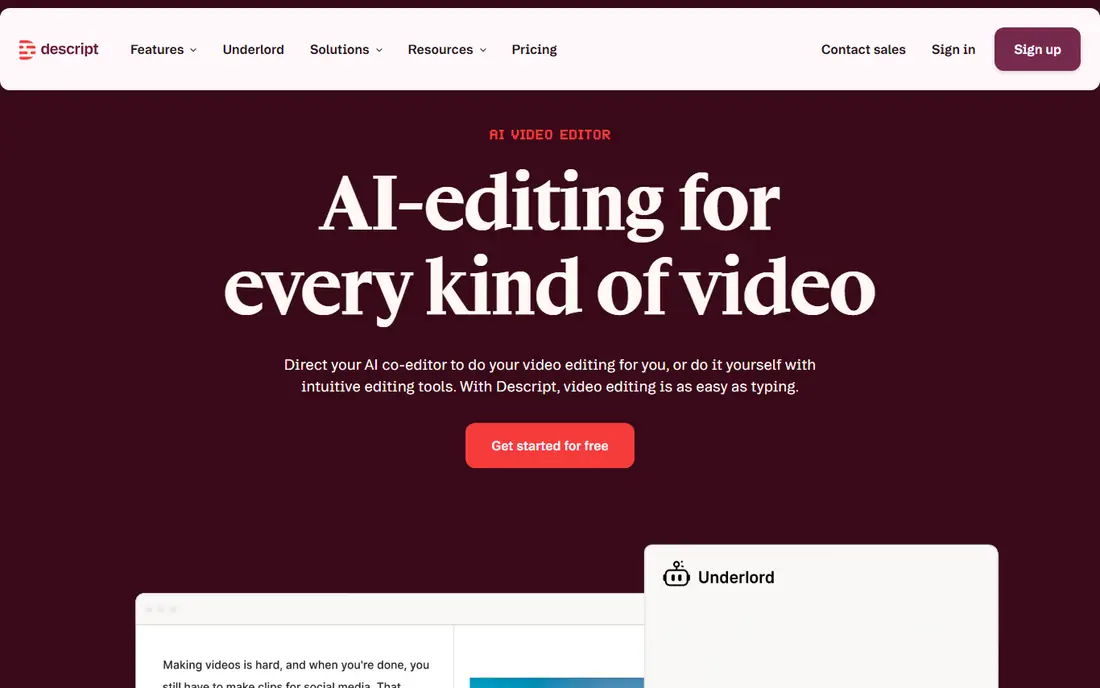
In short, Descript is for podcasters and video creators. Upload your podcast or video, get a transcript, and edit the media by deleting text: cut a sentence from the transcript and it disappears from the audio. For everyday use, for creators, this collapses two workflows into one.
Also, Overdub voice cloning and AI co-editing extend the concept further. The transcript is not the deliverable; the edited episode is, and Descript makes the transcript the editing surface. Pure transcription users will find it heavier than necessary, and the media-hour limits constrain high-volume work. But for anyone whose audio becomes published content, Descript's text-based editing is the most productive workflow in the category. Descript cost at the entry level: $16 per month. You can start on Descript without paying.
Limits to weigh: Transcription hours count against media limits.
- Free plan with 1 hour monthly
- Studio Sound enhancement
- Ramp-up time for the full editor
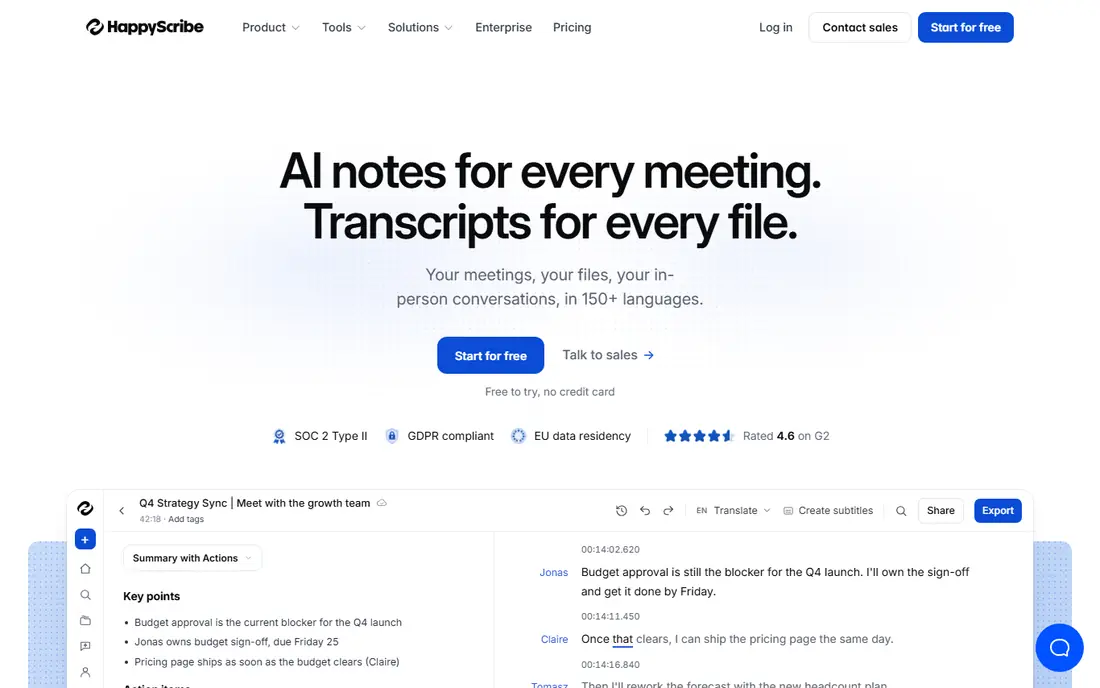
Happy Scribe was built for multilingual transcription and subtitles. The Basic plan at $8.50 monthly billed yearly handles 120 minutes, scaling to a Business plan whose per-minute rate is among the best in the market at full usage. AI accuracy of 85 to 95% means review is mandatory for published work, and the euro-denominated pricing shifts with exchange rates.
AI transcription spans 150-plus languages, and human proofreading from $2.00 per minute bridges the gap to 99% accuracy. As for the details, for multilingual teams, though, no other tool spans as much linguistic ground. Happy Scribe starts at: $8.50 per month. Happy Scribe includes a free tier.
Honest limits: AI accuracy of 85 to 95% needs review.
- Best per-minute rate at scale
- 150-plus languages
- Euro pricing varies by exchange rate
Where Trint fits: newsrooms and media teams. Trint is made for media professionals who live in transcripts. In practice, for individual or casual use, less expensive tools suffice.
Where it is weaker: $52 per seat monthly is premium pricing.
The 40-plus language support spans international reporting. In daily use, the workflow goes beyond transcription into story building: pull quotes, assemble narratives, and export to editing tools. The Starter plan at $52 per seat monthly billed yearly comes with collaborative editing. The system's search engine finds quotes across your whole transcript archive. The price is the highest per-seat here, and there is no free plan beyond a 7-day trial. Starting cost for Trint: $52 per seat/month. As for free access: Free trial.
- Newsroom-grade collaborative editing
- Feature-rich search across transcript archives
- 7-day trial only, no free plan
AssemblyAI makes the most sense for developers building transcription into products. Live and asynchronous APIs include live and file-based use cases, with SDKs and documentation that developers praise.
Drawbacks to consider: Developer tool.
The free level lets you prototype before spending anything. In daily use, for builders, AssemblyAI's model quality and pricing make it the default speech AI backend. AssemblyAI starts at: Pay as you go. You can start on AssemblyAI without paying.
- Best-in-class speech AI models
- $0.00025 per second usage pricing
- Not an end-user app
Rev works best for transcripts that must be right. The AI service takes care of routine work quick and cheap, whereas the human service from $1.99 per minute gives 99% accuracy for legal proceedings, research interviews, and broadcast captions. The hybrid model is the point.
Limits to weigh: Human service is expensive per minute.
Worth adding: the Essentials plan's English-and-Spanish-only limitation pushes multilingual teams to the $59.99 Pro plan. More specifically, for work where the transcript is evidence or the published record, Rev's human choice justifies every penny. Price to start with Rev: $29.99 per month. A free plan is available with Rev.
- AI choice for speed
- Trusted by legal and media teams
- Essentials plan handles English and Spanish only
How these tools were picked
LinkVetted looked at what each vendor publishes: pricing, plan limits, feature coverage for AI transcription software and stated drawbacks. No hands-on testing is claimed. Where a price is missing, the vendor does not list one publicly or ties it to a quote. Always confirm before budgeting. The order reflects how well each tool fits the most common buying scenario for AI transcription software, then price clarity, then free plan access. It is a starting point, not a verdict.
A buyer's checklist
- Prices are a starting point; Notta shows $8.17 per month to start, so verify what your seat count would cost.
- Look at free plan limits closely: Notta, Descript, Happy Scribe and others have one, and the caps decide whether it is usable for real work.
- Take the trial from Trint and push a live task through it before you pay.
- Read the limits listed for Notta first: 3-minute cap per conversation on free.
- Get the contract term, renewal terms and any onboarding fees from Happy Scribe in writing.
- Make sure Rev lets you export your data in a format another tool can read.
FAQ
Which options for AI transcription software have a free plan?
Notta, Descript, Happy Scribe, AssemblyAI and Rev offer a free plan in this list. Free plans usually cap users, projects or features, so check the limits on the vendor page. One other tool offers a trial instead.
Rev vs Descript: which is better?
Choose Rev when transcript accuracy is the priority, with human verification available for critical work. Choose Descript when the transcript feeds into audio or video editing, and text-based editing will save production time.
How accurate is AI transcription?
Accents, crosstalk, background noise, and jargon cut accuracy. Human transcription reaches 99% but costs $1.99 to $2.69 per minute. Beyond that, for critical work, use AI for the draft and humans for verification.
Is Notta the right pick for everyone comparing AI transcription software?
No single tool suits every team. Notta comes first because it fits teams wanting generous free transcription, while Descript suits podcasters and video creators and Happy Scribe suits multilingual transcription and subtitles. Match the tool to your own size, budget and workflow before deciding.
Can I try these options before paying?
Often, yes. Notta, Descript, Happy Scribe and others have a free plan and Trint offers a free trial. Use your own data and a real task during the test, and check what the free tier or trial limits before you rely on it.
Do these tools publish their prices?
Yes. Every tool from Notta to Rev shows a starting price, though seats, add-ons and billing terms still change the final cost.