Best AI Transcription App in 2026: 8 Apps Compared
Compare the best AI transcription app options for meetings, interviews, and creators in 2026, with pricing, accuracy, and free plans explained here. now
- Editor's choice
 Otter.ai
Live meetings and summaries
Starts at$8.33 per user per monthVisit otter.aiFull review - Great alternative
 Fireflies.ai
Sales calls and CRM notes
Starts at$10 per seat per monthVisit fireflies.aiFull review - Also consider
 Descript
Editing audio by text
Starts at$16 per monthVisit descript.comFull review
TL;DR:
- Meeting tools like Otter.ai and Fireflies.ai suit recurring calls, while file tools like Rev and Sonix suit recorded audio you upload later.
- Free plans are useful for testing, but minutes, storage, and export limits decide whether a free plan works week to week.
- AI accuracy drops with crosstalk, accents, and background noise, so human review still matters for legal, medical, and research work.
- Language support, speaker labels, and search matter as much as raw speed when you need to find one quote in a long recording.
Quick comparison
| Tool | Best for | Starts at | Free plan? | |
|---|---|---|---|---|
| Otter.ai | Live meetings and summaries | $8.33 per user per month | Yes | Visit |
| Fireflies.ai | Sales calls and CRM notes | $10 per seat per month | Yes | Visit |
| Descript | Editing audio by text | $16 per month | Yes | Visit |
 Rev | High accuracy file transcription | See website | Yes | Visit |
 Notta | Multilingual meeting notes | $8.17 per month | Yes | Visit |
 Happy Scribe | Subtitles and translation | $8.50 per month | Free trial | Visit |
 Sonix | Pay-as-you-go file transcription | $10 per hour | Free trial | Visit |
 Trint | Newsroom transcript editing | $52 per seat per month | Free trial | Visit |
The best AI transcription apps
The best AI transcription app depends on where your audio comes from. Live meeting tools capture calls as they happen, file tools handle uploads, and editor tools turn a transcript into a finished podcast or video. We compared official pricing pages, free tiers, language coverage, and editing tools to build this list.
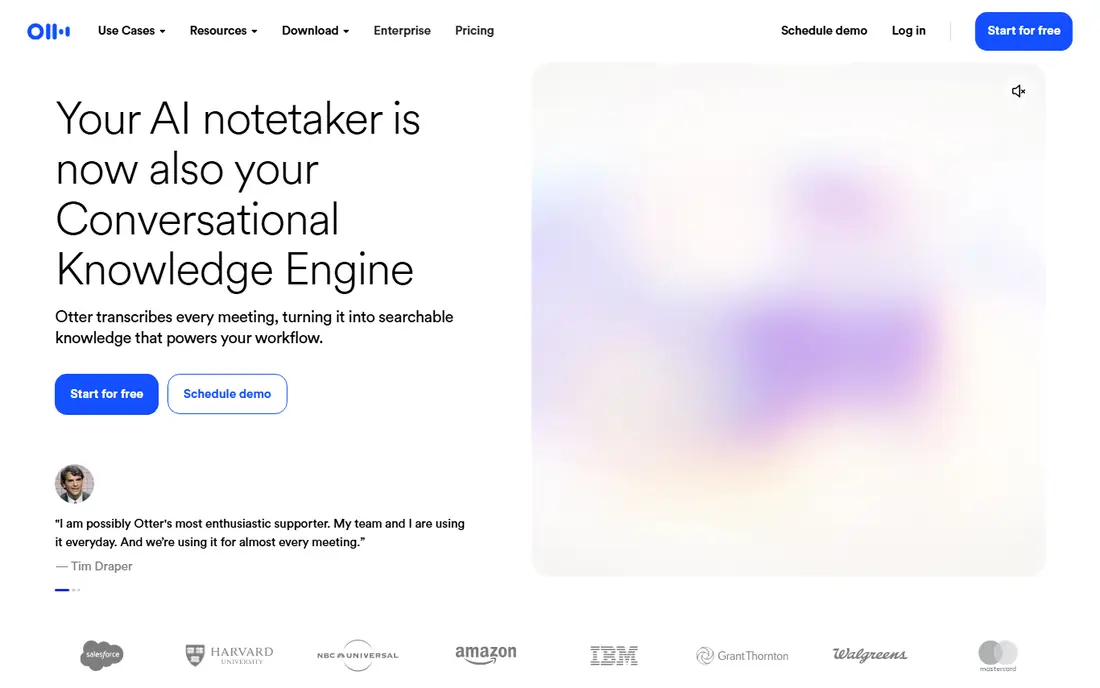
Otter.ai is our pick for most people who live in meetings. It joins calls, transcribes in real time, and produces summaries with action items you can search later. That search history is the real value: a quote from a call three weeks ago is easier to find than a note buried in a document.
The free plan gives you a monthly minute allowance that suits occasional use, while the paid Pro plan raises that limit sharply. Speaker labels help in small meetings, but crosstalk still creates errors, so review key sections before you quote them. For teams that need a shared record of decisions, Otter.ai is a practical default.
- Live transcription for Zoom, Meet, and Teams
- Summaries and action items
- Searchable transcript history
- Free plan caps monthly minutes
- Accuracy falls with overlapping speech
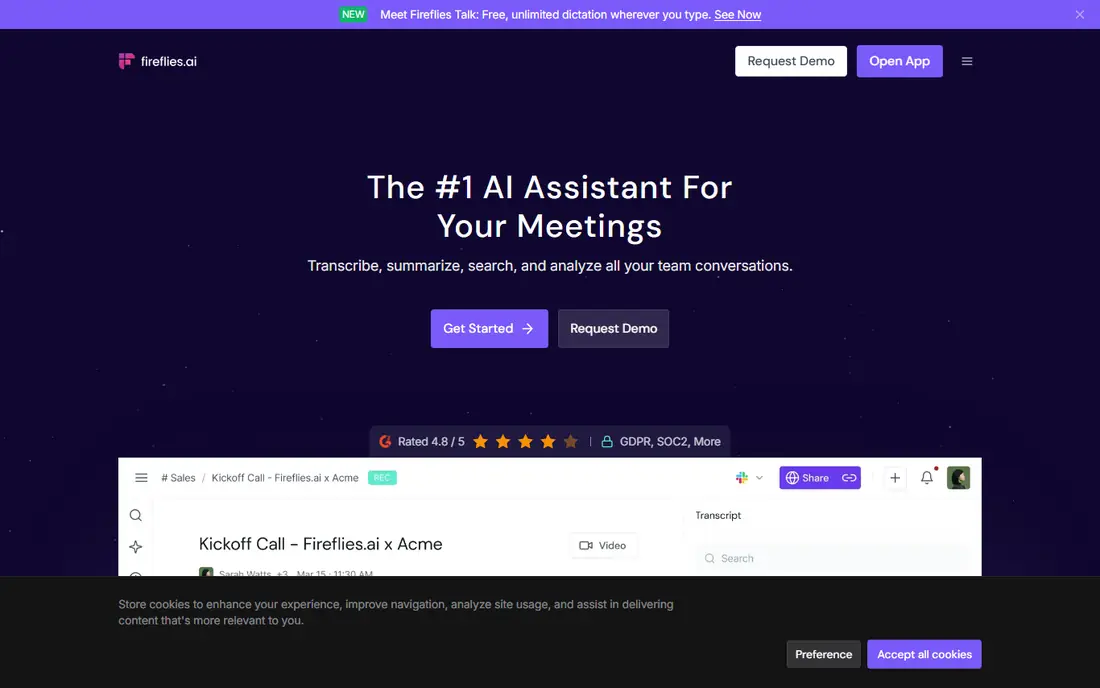
Fireflies.ai suits sales, recruiting, and consulting teams that need call notes tied to a customer record. Its bot joins meetings, transcribes the conversation, and can push summaries and highlights into a CRM or project tool. Topic tracking and search help managers spot repeat objections or follow-up tasks without replaying full calls.
The free tier is useful for testing, but storage and feature limits push regular users toward Pro. Privacy also needs care: tell participants the bot is present and check your company policy before recording client calls. For teams that live in a CRM, Fireflies.ai connects notes to work better than a standalone transcript file.
- Meeting bot for major platforms
- CRM sync
- Conversation search and topic tracking
- Storage limits on lower plans
- Setup takes time for larger teams

Descript is the pick for podcasters, video creators, and marketers who want to turn a recording into finished content. You transcribe a file, then delete words from the transcript to cut the audio, which feels faster than scrubbing a waveform. Filler removal, studio sound cleanup, and caption tools sit in the same workspace.
It is not a live meeting recorder in the same way as Otter.ai or Fireflies.ai, so choose it when editing is the goal. The free plan includes a limited amount of media time each month, and paid plans add hours and AI credits. If your transcript is only the start of a production workflow, Descript saves real time.
- Edit audio and video by editing text
- Filler word removal
- Strong creator tools
- Transcription is a step toward editing, not a meeting bot
- Higher plans needed for volume
Rev is the choice when accuracy cannot be left to AI alone. You can order AI transcription for fast drafts, then choose human transcription or human review for legal, research, and compliance work where a single wrong word matters. Captions and subtitles use the same workflow, which helps teams that publish video alongside a transcript.
Pricing varies by service and turnaround, so check the current Rev pricing page before you budget a large project. Human work also takes longer than AI, so plan deadlines around that gap. For interviews, depositions, and academic recordings, Rev gives you a clear accuracy ladder that pure AI tools do not.
- AI plus human transcription options
- Captions and subtitles
- Strong accuracy for reviewed work
- Human transcription costs more per minute
- No live meeting bot for calls
Notta stands out for multilingual teams and for users who want a generous free tier before paying. It handles live meetings and uploaded files, labels speakers, and produces summaries you can export. Language coverage is broader than several rivals, which helps teams with clients or colleagues across regions.
Summaries and accuracy still vary with audio quality and language, so test it with your actual meeting conditions rather than a clean sample. The Pro plan raises minute limits and adds features that regular users will want. For budget-conscious teams with varied languages, Notta is a strong, low-risk trial.
- Generous free monthly minutes
- Broad language support
- Live and file transcription
- Summary quality varies by language
- Advanced features need higher plans
Happy Scribe suits creators and media teams that need transcripts, subtitles, and translations in one place. AI transcription gives you a fast draft, human proofreading raises accuracy for published work, and subtitle tools help you format captions for video. That combined workflow avoids passing files between three separate tools.
Pricing is monthly on lower plans with minute allowances, so heavy users should compare total cost against pay-as-you-go rivals. A short trial lets you test accuracy on your own audio before committing. If subtitles and localization matter as much as the transcript itself, Happy Scribe earns its place.
- AI transcription plus human proofreading
- Subtitles in many languages
- Translation tools
- Free option is a trial, not a monthly plan
- Per-minute costs add up at volume
Sonix is a good fit for users with uneven volume: a research project one month, nothing the next. Its pay-as-you-go rate lets you transcribe files without a monthly subscription, while monthly plans suit teams with steady needs. Custom dictionaries help with names and technical terms, and speaker tools help separate voices in interviews.
The trade-off is that occasional users pay per hour, so a long archive can cost more than a subscription would. Test the trial with a noisy sample, since real-world audio rarely matches a clean demo. For multilingual file work with flexible billing, Sonix is a practical option.
- Pay-as-you-go option
- Many languages
- Custom dictionaries and speaker tools
- No free monthly plan
- Monthly plans suit regular users better than occasional ones
Trint is built for newsrooms and media teams that edit transcripts together and turn them into stories. Multiple editors can work on a transcript, search across files, and pull quotes into a draft without exporting to another tool. That collaboration layer is where Trint differs from simpler meeting apps.
The starting price is the highest on this list, so solo users and small teams may find better value elsewhere. A free trial helps editorial teams test whether the shared workflow justifies the cost. If your team treats transcripts as source material for published work, Trint is worth evaluating.
- Collaborative transcript editing
- Story building tools
- Strong for editorial teams
- Highest starting price here
- Overkill for solo meeting notes
How we picked these
We compared vendor pricing pages, free tiers, meeting support, file upload support, language coverage, and editing features. We favored tools that are active and clearly priced in 2026, and we kept a mix of meeting bots, file tools, and editors so different workflows are covered. Where pricing depends on billing period or service type, we note that rather than quoting a single misleading figure.
How to choose the right transcription app
Start with the source of your audio. If most of your audio is live calls, pick a meeting bot with summaries and CRM or calendar links. If most of it is recorded interviews or lectures, pick a file tool with strong search, speaker labels, and export options. If you publish podcasts or video, pick an editor like Descript that turns a transcript into a finished cut.
Next, test accuracy on your worst audio, not your best. Record a call with crosstalk, a strong accent, or background noise, and compare how each tool handles names, numbers, and technical terms. Check privacy terms too, especially for client calls, medical notes, or unpublished research, and confirm who can access stored recordings.
Finally, count minutes honestly. Add up a typical month of meetings and files, then compare that total against free allowances and paid minute limits. A cheap plan that runs out mid-month costs more in frustration than a slightly higher plan that covers your real volume.
FAQ
What is the best AI transcription app for meetings?
Otter.ai is a strong default for live meetings and summaries, while Fireflies.ai suits teams that need CRM-linked call notes. Test both free tiers with your real calls before paying.
Is AI transcription accurate enough for legal work?
AI alone is risky for legal, medical, and research transcripts where one error changes meaning. Use human transcription or human review for those files, as offered by Rev and Happy Scribe.
Do these apps support languages other than English?
Yes, and coverage varies widely. Notta, Sonix, and Happy Scribe support many languages, but accuracy and summary quality differ by language, so test with your own audio.
Can I transcribe a file I already recorded?
Yes, most tools here accept audio and video uploads, including Rev, Sonix, Notta, and Descript. Meeting bots also work for live calls, so pick based on which source you use more.
How much does AI transcription cost?
Costs range from free monthly allowances to about $8 to $16 per month for common paid plans, with higher team plans and per-minute human services above that. Check each vendor pricing page for current rates.
Should I worry about privacy when recording meetings?
Yes. Tell participants when a bot or recorder is present, check your company and local rules, and review how long the vendor stores recordings and who can access them.