Best Time Tracking Software for Schools for 2026: Our 5 Vetted Picks
5 best time tracking software for schools, with entry costs, free tiers and the buyer each one serves. Each pick comes with its main catch. Clear verdicts.
- Editor's choice
 Time Doctor
Visibility into distributed staff work
Starts at$6.67 per user a monthVisit timedoctor.comFull review - Great alternative
 Harvest
Programs that require reporting and invoicing
Starts at$9 per seat a monthVisit getharvest.comFull review - Also consider
 Hubstaff
Productivity insights and contractor payments
Starts at$10 per seat a monthVisit hubstaff.comFull review
Direct answer
Time Doctor is the first pick on this list for visibility into distributed staff work. Listed starting prices: Time Doctor from $6.67 per user a month, Harvest from $9 per seat a month and Hubstaff from $10 per seat a month. If your case is different, Harvest suits programs that require reporting and invoicing and Hubstaff suits productivity insights and contractor payments. The other 2 tools in the list cover narrower or pricier cases.
TL;DR:
- The list opens with Time Doctor, aimed at visibility into distributed staff work.
- The cheapest monthly starting price in the list is $6.67 per user per month, offered by Time Doctor.
- One limit worth knowing about Clockify: wide feature set can feel busy.
- Only 2 of the 5 tools have a free plan (Harvest, Clockify), so check the caps.
- Toggl Track is the one to check for straightforward timers with capacity planning.
Last checked November 2026. Prices and plan details were read from the vendors' own pages in November 2026; vendors change plans often, so confirm the current price on the vendor site before you buy.
Quick comparison
| Tool | Best for | Starts at | Free plan? | |
|---|---|---|---|---|
| Time Doctor | Visibility into distributed staff work | $6.67 per user a month | Free trial | Visit |
| Harvest | Programs that require reporting and invoicing | $9 per seat a month | Yes | Visit |
| Hubstaff | Productivity insights and contractor payments | $10 per seat a month | Free trial | Visit |
 Clockify | General staff timesheets and project hours | See website | Yes | Visit |
 Toggl Track | Straightforward timers with capacity planning | See website | Not stated | Visit |
Time Tracking Software for Schools, one by one
Choosing time tracking software for schools usually comes down to price, fit and limits. This LinkVetted guide sets 5 tools side by side on those three points, with the facts kept short and checkable.
Time Doctor makes the most sense for visibility into distributed staff work. Time Doctor is positioned as workforce visibility software for distributed teams, helping leaders see what teams are working on and validate the process behind every hour. For everyday use, straightforward timesheet needs are better served by lighter tools.
Drawbacks to consider: Monitoring features may feel intrusive.
Schools with remote staff, online tutors, or distributed administrative teams may value that visibility. It also offers AI answers grounded in tracked data, which can help administrators review patterns without manual digging. Its monitoring orientation can feel heavy or intrusive in a school culture built on trust, so introduce it carefully and only where justified. What you pay to start with Time Doctor: $6.67 per user per month. Trial and free access: Free trial.
- AI answers grounded in tracked data
- Workforce visibility for remote teams
- Heavier than entry-level timesheets
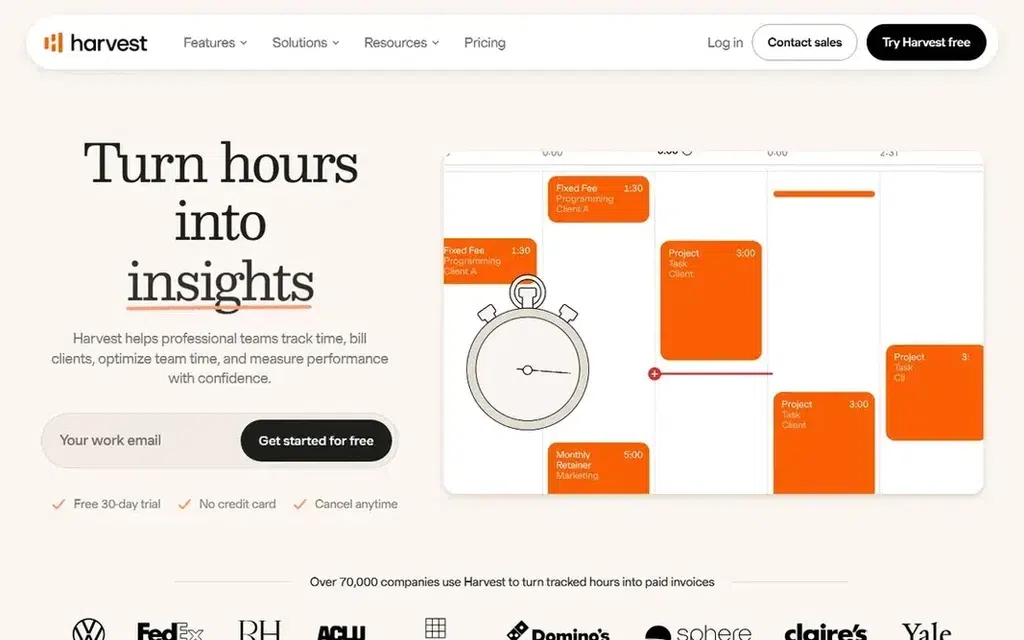
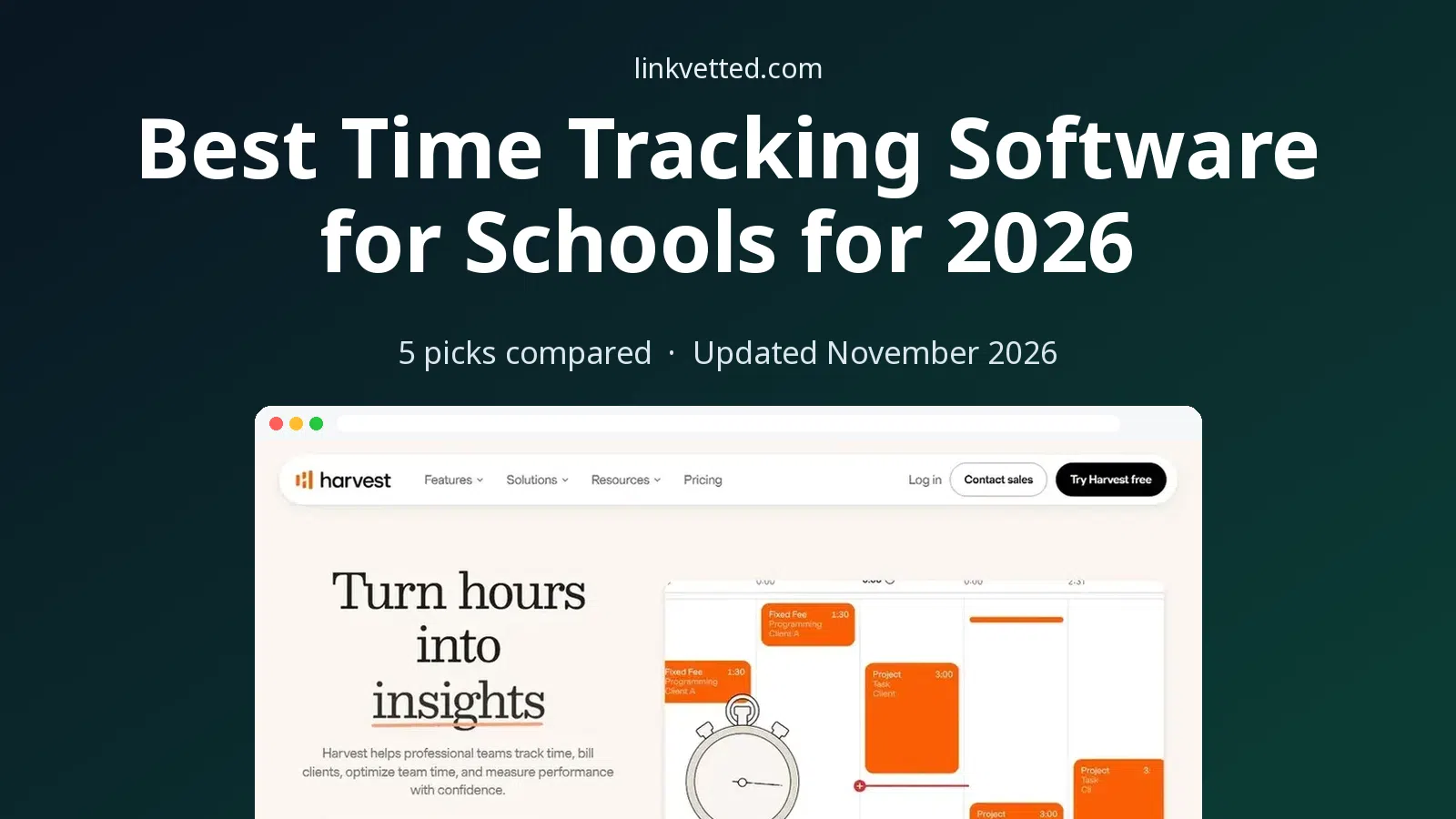
Harvest is built with programs that require reporting and invoicing in mind. Harvest is time tracking and management software with reporting and simplified online invoicing. In practice, the invoicing features are central to the product, which may be more than an usual school office needs.
It is not designed as an attendance or payroll system, so timekeeping rules and pay runs live elsewhere. The reporting side helps administrators turn logged time into clear summaries without rebuilding spreadsheets by hand. Harvest starts at: $9 per seat per month. A free plan is available with Harvest.
Limits to weigh: Invoicing focus may be additional for schools.
- Simple reporting on tracked time
- Simplified online invoicing
- Not built around attendance
Hubstaff serves productivity insights and contractor payments. Productivity monitoring raises privacy and policy questions in education settings, so schools should set clear expectations first. Choose Hubstaff when you want tracking, insights, and payment handling together.
Also, administrators also get reporting on costs and performance across teams. In practice, Hubstaff merges time tracking with productivity insights, letting teams track employee time, monitor productivity, and turn approved hours into payments. For everyday use, the feature depth may overwhelm a small office that just needs timesheets. Starting cost for Hubstaff: $10 per seat per month. Free options: Free trial.
The main drawbacks: Productivity monitoring needs clear policy.
- Tracks time with productivity insights
- Turns approved hours into payments
- More than an entry-level tracker
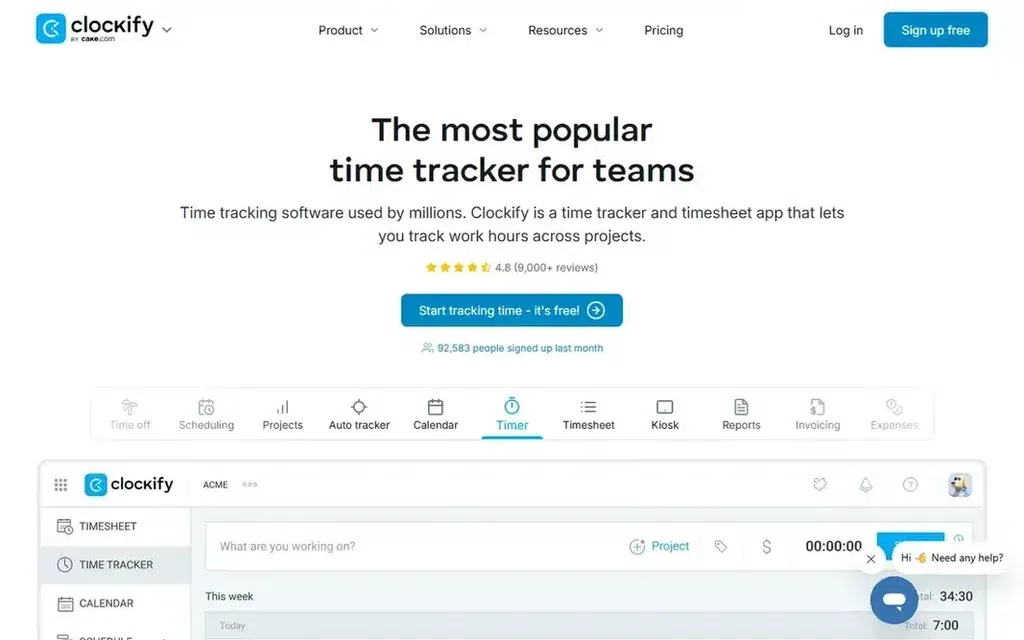
Clockify makes the most sense for general staff timesheets and project hours. For schools, that means office staff, department leads, and program coordinators can log time in one shared place without heavy setup. Beyond that, choose Clockify when adaptable project-based tracking matters more than deep payroll integration.
Since it aims to serve numerous kinds of teams, the interface can feel feature-heavy for a small office that only needs entry-level clock-ins. Worth adding: schools with very specific payroll or scheduling rules may prefer a tool built tightly around those workflows. No starting price is listed for Clockify here; confirm pricing on the vendor site. A free plan is available with Clockify.
Points against: Wide feature set can feel busy.
- Straightforward timer and timesheet app
- Tracks work hours across projects
- Setup takes some planning
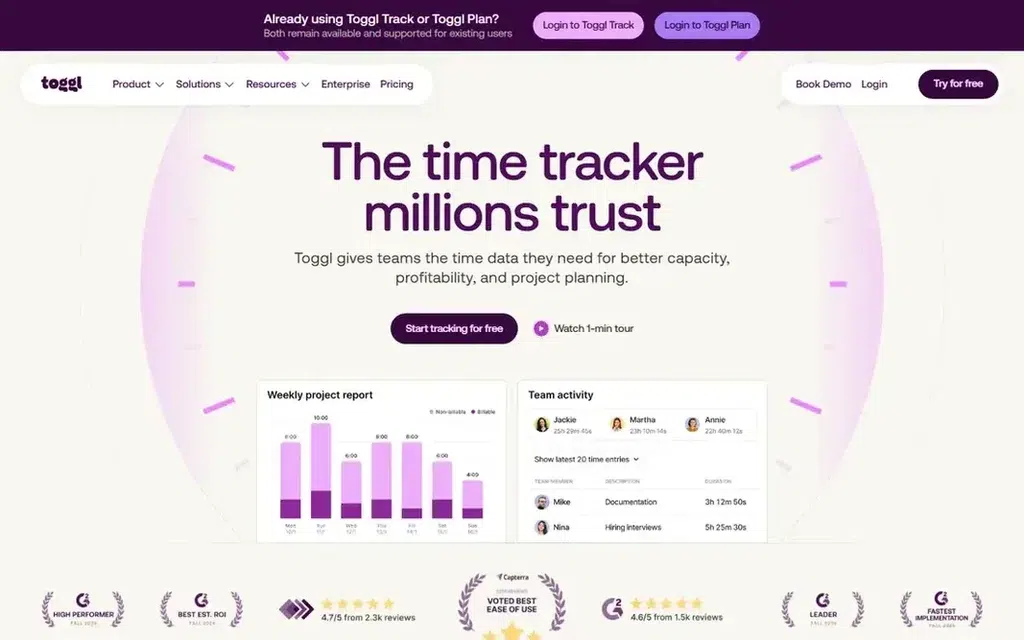
Pick Toggl Track if this describes you: straightforward timers with capacity planning. Toggl Track is a time tracker and capacity planning tool that lets teams track employee time, plan capacity, run tasks and projects, and calculate profitability.
From a buyer's view, in a school setting it does well for department heads who want to see how staff time is distributed across projects and terms. Check the vendor site for Toggl Track pricing; none is listed in this comparison. Trial and free access: Not stated.
Where it falls short: Less suited to payroll processing.
- Clean
- Focused time tracker
- May need extras for billing
Our selection method
Selection started from tools commonly considered for time tracking software for schools, then narrowed to 5 that have clear pricing information or a clear quote process. Plan names, prices and limits change often. Treat the figures here as a starting point and verify them with the vendor. We ordered the tools by general fit, then by how clearly pricing is shown, then by free access. A buyer with unusual needs may reorder them.
Questions to settle before buying
- Confirm the entry price on the vendor page. For Clockify and Toggl Track that means a quote rather than a fixed price.
- Read the fine print on the free plans from Harvest and Clockify; seat, project and feature caps differ.
- Take the trial from Time Doctor and Hubstaff and push a live task through it before you pay.
- Before choosing Time Doctor, weigh its main limit: monitoring features may feel intrusive.
- Before rolling out Time Doctor, verify the integrations your workflow depends on.
- Look at the renewal terms for Toggl Track: auto-renewal, notice periods and price changes can matter more than the first-year price.
FAQ
What is the cheapest option for time tracking software for schools in this list?
On published monthly entry prices, Time Doctor is the lowest here at $6.67 per user per month. Entry price is only part of the cost, because seats, add-ons and billing terms can change the total. Prices, free plan details and limits for all 5 tools in this time tracking software for schools roundup sit on the individual cards above.
How are the tools for time tracking software for schools ordered?
Time Doctor sits first and Toggl Track last because the order follows typical fit for time tracking software for schools, then price clarity and free access. It is a judgement call, so read each profile for fit and limits.
Can I try these tools before paying?
Often, yes. Harvest and Clockify have a free plan and Time Doctor and Hubstaff offer a free trial. Use your own data and a real task during the test, and check what the free tier or trial limits before you rely on it.
Is Time Doctor the right pick for everyone comparing time tracking software for schools?
No single tool suits every team. Time Doctor comes first because it fits visibility into distributed staff work, while Harvest suits programs that need reporting and invoicing and Hubstaff suits productivity insights and contractor payments. Match the tool to your own size, budget and workflow before deciding.
Can time tracking software deal with both staff and volunteers?
Numerous tools let you organize people into groups or projects, which can separate premium staff from volunteers. Attendance-style tools with automatic timesheets are frequently easiest for volunteers. For everyday use, confirm how each tool structures users before committing.
Sources
- https://www.timedoctor.com
- https://www.getharvest.com
- https://hubstaff.com
- https://clockify.me
- https://toggl.com/track