Top 6 Employee Training Software for Schools for 2026 (Prices and Free Plans)
Best employee training software for schools in 2026: 6 tools with starting prices, free plans and limits. Concise write-ups of every option. Easy to scan.
- Editor's choice
 Docebo
Skills intelligence and workforce readiness
Starts atSee websiteVisit docebo.comFull review - Great alternative
 TalentLMS
Cloud-based training with simple course creation
Starts at$119 a monthVisit talentlms.comFull review - Also consider
 Cornerstone Learning
Workforce readiness with AI-driven insights
Starts atSee websiteVisit cornerstoneondemand.comFull review
Direct answer
Our first pick is Docebo, best for skills intelligence and workforce readiness. Listed starting prices: TalentLMS from $119 a month. Alternatives: TalentLMS for cloud-based training with simple course creation, and Cornerstone Learning for workforce readiness with AI-driven insights. Prices, free plans and limits for all 6 tools follow.
TL;DR:
- The list opens with Docebo, aimed at skills intelligence and workforce readiness.
- For configurable training ecosystems for schools, Moodle is worth a look.
- Before buying Cornerstone Learning, weigh this: enterprise-focused, may be complicated.
- Only TalentLMS offers a free plan among these 6 tools.
Last checked November 2026. Prices and plan details were read from the vendors' own pages in November 2026; vendors change plans often, so confirm the current price on the vendor site before you buy.
Quick comparison
| Tool | Best for | Starts at | Free plan? | |
|---|---|---|---|---|
| Docebo | Skills intelligence and workforce readiness | See website | Not stated | Visit |
| TalentLMS | Cloud-based training with simple course creation | $119 a month | Yes | Visit |
| Cornerstone Learning | Workforce readiness with AI-driven insights | See website | Not stated | Visit |
 Blackboard Learn | Established institutions needing a solid LMS | See website | Not stated | Visit |
 Canvas LMS | Schools seeking an approachable LMS for staff training | See website | Not stated | Visit |
 Moodle | Configurable training ecosystems for schools | See website | Not stated | Visit |
Our 6 employee training software for schools
LinkVetted compared 6 employee training software for schools. The goal is a practical shortlist: published prices, free plan facts, best-fit use cases and honest limits for every entry.
Docebo serves skills intelligence and workforce readiness. Docebo is a workforce readiness system that links skills intelligence, learning, knowledge, and AI agents. In practice, for schools, Docebo can be used to align employee training with strategic goals, identify skill gaps, and deliver personalized learning.
Points against: May be overkill for entry-level training.
It is suited for schools that want to link training to workforce planning and readiness. For everyday use, schools with straightforward training requirements might find it overwhelming. Even so, for institutions concentrated on skills development and readiness, Docebo gives you a feature-rich, AI-driven platform that goes beyond traditional LMS functionality. This comparison lists no price for Docebo; ask the vendor. As for free access: Not stated.
- Links learning with readiness
- AI-powered features
- Complicated setup for small schools
TalentLMS works best for cloud-based training with simple course creation. TalentLMS is a cloud learning product aimed at creating and managing online courses. It is approachable and permits schools to rapidly set up training programs for employees.
What to check first: May lack deep education-specific features.
Worth adding: TalentLMS may offer less customization than open-source products like Moodle, and it may not have all the education-specific features of a traditional LMS. Even so, for straightforward employee training, TalentLMS offers a practical, cloud-based choice that is simple to deploy and use. Worth adding: with features like course authoring, assessments, and reporting, it supports efficient delivery of employee training. Starting cost for TalentLMS: $119 per month. You can start on TalentLMS without paying.
- Cloud-based and accessible
- Focus on online learning
- Restricted customization compared with open-source
Cornerstone Learning
Best for: Workforce readiness with AI-driven insights
Cornerstone Learning makes the most sense for workforce readiness with AI-driven insights. Cornerstone Learning is part of Cornerstone OnDemand's intelligence system for workforce readiness. It gives insights leaders want, the skills and learning people need, and AI agents that make action simple.
From a buyer's view, schools can use it to run employee training, track skills, and align development with organizational goals. It is designed for organizations that take a strategic approach to workforce development. More specifically, Cornerstone Learning is enterprise-oriented and may be complicated for schools without dedicated HR or training staff. It may need significant configuration and training to use effectively. Pricing for Cornerstone Learning is not stated here, so ask the vendor for current figures. Free plan details: Not stated.
The main drawbacks: Enterprise-focused, may be complicated.
- Gives insights leaders want
- AI agents for simple action
- Higher ramp-up time for users
Blackboard Learn makes the most sense for established institutions needing a solid LMS. Blackboard Learn can be complicated and may need significant training for administrators and users.
Blackboard Learn shows no starting price here, so confirm the cost on the vendor site. Free plan details: Not stated.
Drawbacks to consider: Can be complicated to navigate.
- Proven in education
- Strong assessment tools
- May need significant training
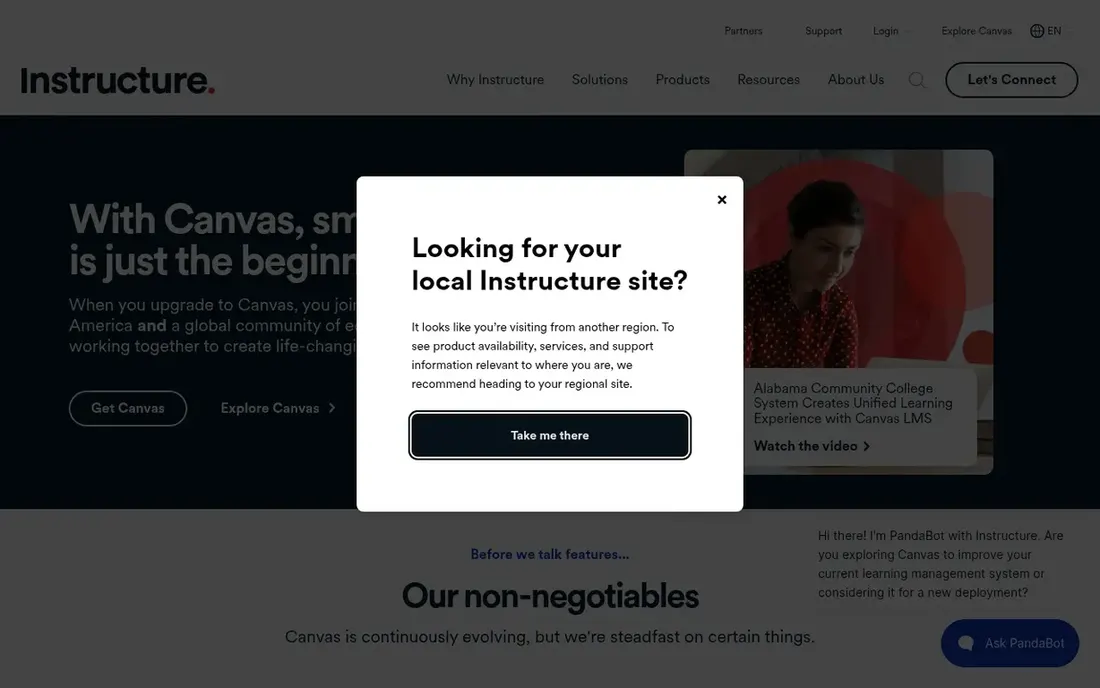
Canvas LMS is designed for schools seeking an approachable LMS for staff training. For schools, it can be used to onboard new employees, deliver professional development, and track completion of required training modules. Its interface is built to be easy-to-learn, reducing the ramp-up time for staff who may not be tech-savvy.
On top of that, Canvas is a good match for schools that prioritize a straightforward, education-focused LMS for employee training. Also, schools with deep HR needs might pair it with a dedicated HR system. Pricing for Canvas LMS is not stated here, so ask the vendor for current figures. Free plan details: Not stated.
Where it is weaker: May need training for new users.
- Supports course delivery
- Approachable interface
- Restricted built-in HR features
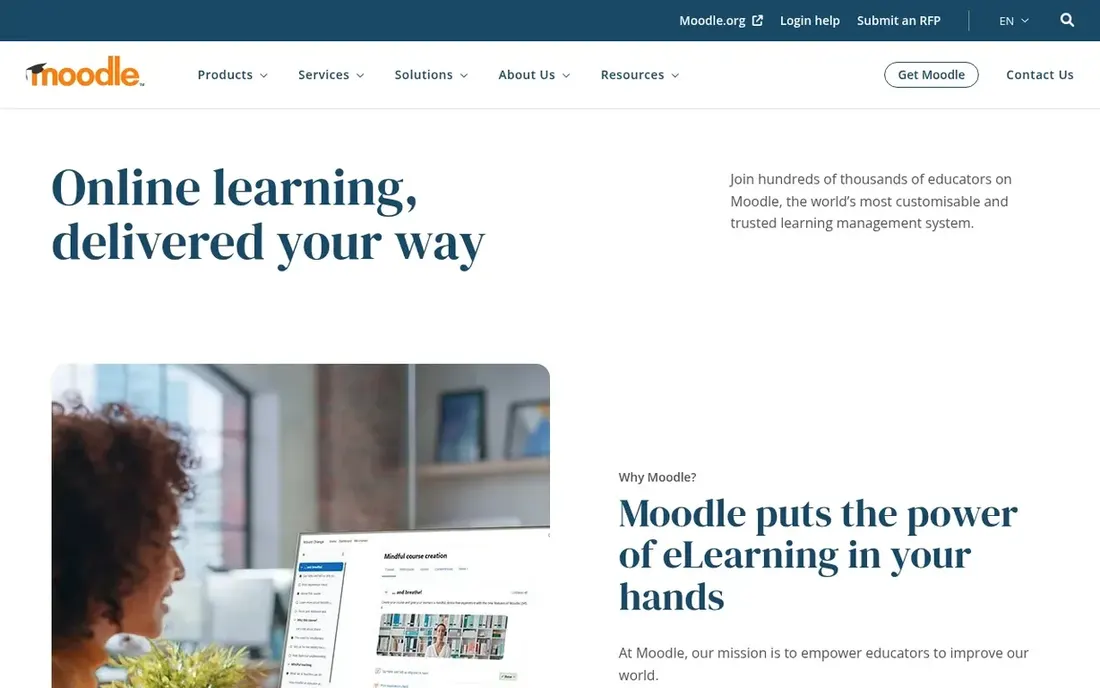
Moodle is aimed squarely at configurable training ecosystems for schools. With many different plugins and features, Moodle can support employee training, professional development, and compliance tracking.
Watch-outs: Can be complicated for non-technical users.
It is right for schools with IT resources to run and customize the product. For everyday use, schools without dedicated IT support may find it challenging. This comparison lists no price for Moodle; ask the vendor. Trial and free access: Not stated.
- Scalable for several organizations
- Widely used and widely supported
- Needs technical expertise to set up
Selection criteria
LinkVetted looked at what each vendor publishes: pricing, plan limits, feature coverage for employee training software for schools and stated drawbacks. No hands-on testing is claimed. Treat prices as a snapshot: vendors change plans often, so check the vendor site for the figure that applies today. Tools are placed by general fit for employee training software for schools, with price clarity and free access as tie-breakers. A different team can reasonably rank them differently.
What to confirm before you sign up
- Get a written quote from Docebo, Cornerstone Learning, Blackboard Learn and others; the list shows no starting price for them.
- Look at the free plan from TalentLMS closely: its caps decide whether it is usable for real work.
- Before choosing Docebo, weigh its main limit: may be overkill for entry-level training.
- Look at the help docs and support options for Docebo before you commit.
- Pick one real project and run it in Cornerstone Learning first; a small pilot shows fit faster than a checklist.
FAQ
What are the key features to look for in employee training software?
Look for course authoring, assessment tools, reporting and analytics, user management, and integration capabilities. Mobile access and customization choices are also important. The best features rely on your school's specific training needs.
Is Docebo the right pick for everyone comparing employee training software for schools?
No single tool suits every team. Docebo comes first because it fits skills intelligence and workforce readiness, while TalentLMS suits cloud-based training with easy course creation and Cornerstone Learning suits workforce readiness with AI-driven insights. Match the tool to your own size, budget and workflow before deciding.
Do these tools publish their prices?
Not all of them. Docebo, Cornerstone Learning, Blackboard Learn and others publish no starting price, so expect a quote request for those. The rest, TalentLMS included, show a starting price, though seats and billing terms still change the final cost.
How do I choose the right employee training software for my school?
Start by identifying your training goals and technical constraints. Worth adding: consider factors like simplicity, customization, integration with existing systems, and reporting needs. Then compare features and support choices against your budget and staff capabilities. A trial or demo can help confirm the fit.
What is employee training software for schools?
Employee training software for schools is a product that helps run, deliver, and track professional development and compliance training for staff. These tools are meant to simplify training administration and boost staff skills.
How are the tools for employee training software for schools ordered?
The order follows typical fit for employee training software for schools, with Docebo first and Moodle last, then price clarity and free access. It is editorial judgement, not a score, so another team could rank the tools differently.
Sources
- https://www.docebo.com
- https://www.talentlms.com
- https://www.cornerstoneondemand.com
- https://www.anthology.com
- https://www.instructure.com/canvas
- https://moodle.com