Best Applicant Tracking Systems for Schools for 2026: Our 5 Vetted Picks
Best applicant tracking systems for schools: 5 contenders ranked by fit, with entry costs and free tiers. The weak spots sit next to the strengths. No hype.
- Editor's choice
 Lever
Nurturing candidate relationships
Starts atPricing on requestVisit lever.coFull review - Great alternative
 Workday
Large institutions unifying HR and finance
Starts atPricing on requestVisit workday.comFull review - Also considerFrontline Recruiting and Hiring
K-12 district recruiting and visibility
Starts atPricing on requestVisit frontlineeducation.comFull review
Direct answer
Start with Lever if you need nurturing candidate relationships. Workday is better for large institutions unifying HR and finance, and Frontline Recruiting and Hiring is better for K-12 district recruiting and visibility. All 5 tools are compared below on fit, free plan and limits. None of these vendors publish plan prices, so pricing is on request for every option.
TL;DR:
- Lever takes the first slot, best suited to nurturing candidate relationships.
- A permanent free plan is missing from all 5 tools, Lever and SmartRecruiters included; plan for a trial or a premium start.
- SmartRecruiters fits AI-assisted enterprise hiring.
- The main caution on Frontline Recruiting and Hiring: narrower fit outside education.
Last checked November 2026. Pricing on request: vendors did not publish plan prices when this guide was last checked (November 2026), so ask each vendor for a written quote.
Quick comparison
| Tool | Best for | Starts at | Free plan? | |
|---|---|---|---|---|
| Lever | Nurturing candidate relationships | Pricing on request | Not stated | Visit |
| Workday | Large institutions unifying HR and finance | Pricing on request | Not stated | Visit |
| Frontline Recruiting and Hiring | K-12 district recruiting and visibility | Pricing on request | Not stated | Visit |
| iCIMS | Enterprise talent acquisition at scale | Pricing on request | Not stated | Visit |
 SmartRecruiters | AI-assisted enterprise hiring | Pricing on request | Not stated | Visit |
Every option for applicant tracking systems for schools explained
If you are comparing applicant tracking systems for schools, this page covers 5 tools in one place: what each is best for, what it costs to start, whether it has a free plan, and the main limit to know about.
Lever makes the most sense for nurturing candidate relationships. Lever is modern recruiting software that merges ATS and CRM capabilities to help scaling teams nurture talent relationships and hire efficiently.
Where it is weaker: CRM emphasis may exceed straightforward hiring needs.
The CRM emphasis may be more than a small school needs for straightforward postings. In practice, choose Lever when candidate nurturing and pipeline building are priorities. Pricing for Lever is not stated here, so ask the vendor for current figures. As for free access: Not stated.
- Geared toward scaling teams
- Merges ATS and CRM capabilities
- Not tailored to schools
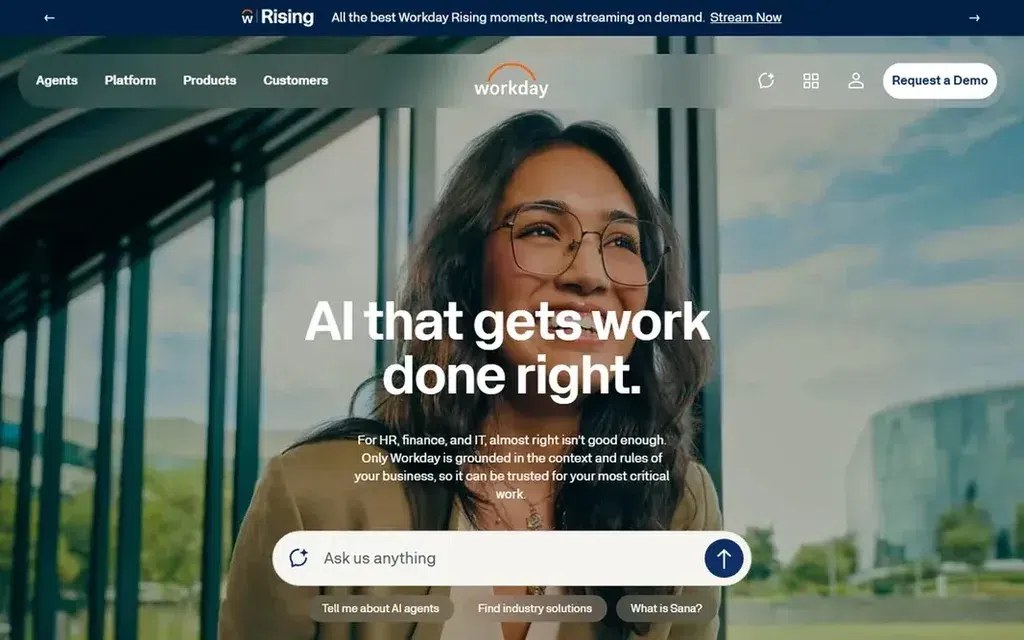
Workday is built with large institutions unifying HR and finance in mind. Workday presents itself as an enterprise AI system for HR, finance and IT.
Choose Workday when recruiting is part of a wider administrative modernization effort. Worth adding: the system's scope can be more than a small school needs if recruiting is the only requirement. Check the vendor site for Workday pricing; none is listed in this comparison. Free options: Not stated.
Drawbacks to consider: Implementation complexity for smaller districts.
- Enterprise AI system for HR
- Suited to complicated organizations
- Wide system may exceed school needs
Frontline Recruiting and Hiring
Best for: K-12 district recruiting and visibility
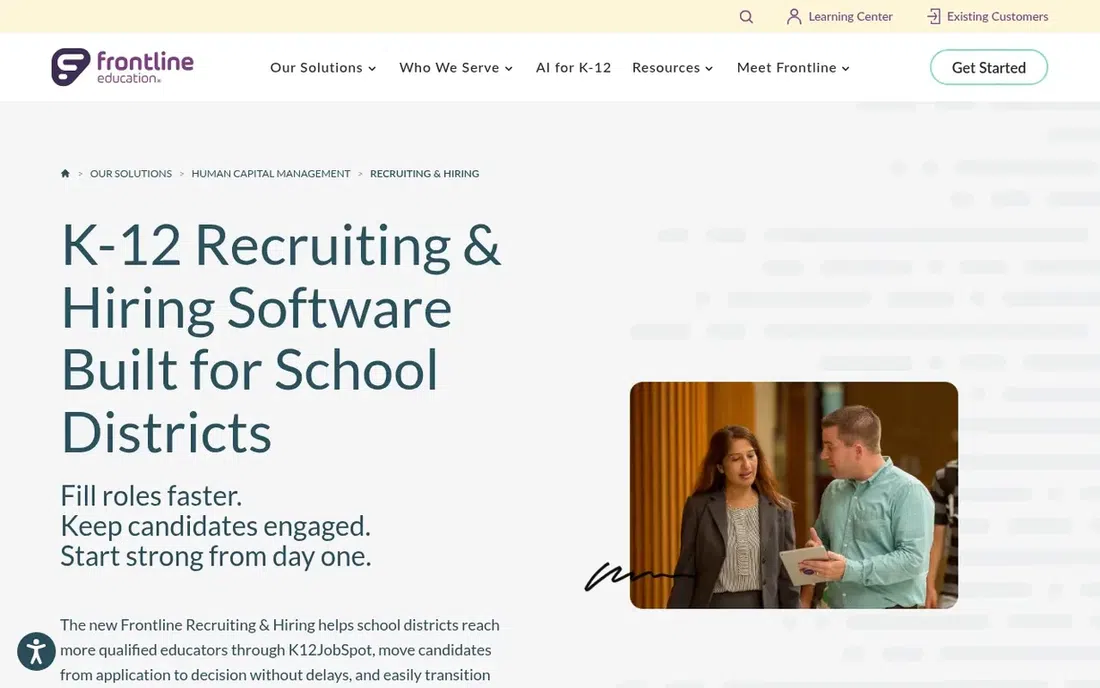
Pick Frontline Recruiting and Hiring if this describes you: K-12 district recruiting and visibility. Since it is tailored to K-12, it may be less adaptable for charter networks or higher education institutions with different structures.
Watch-outs: Concentrated on district-level workflows.
On top of that, consider it first when education-specific recruiting is the priority. Check the vendor site for Frontline Recruiting and Hiring pricing; none is listed in this comparison. Trial and free access: Not stated.
- Better visibility into hiring
- Connected recruiting experience
- Narrower fit outside education
iCIMS
Best for: Enterprise talent acquisition at scale
iCIMS is designed for enterprise talent acquisition at scale. For large districts or university systems, that combination handles the full candidate journey.
Schools wanting a K-12 specific tool should weigh Frontline first. On top of that, choose iCIMS when scale and a full talent acquisition suite are the priorities. iCIMS does not show a starting price in this comparison, so check the vendor site for current pricing. On free options: Not stated.
Downsides: Broad feature set may exceed small schools.
- Employer branding and career sites
- AI-powered applicant tracking
- Enterprise focus for bigger organizations
SmartRecruiters works best for AI-assisted enterprise hiring. Bigger districts and university systems that want AI assistance in sourcing and managing candidates may find it relevant.
Districts that require education-specific workflows should compare carefully. Beyond that, consider SmartRecruiters when AI-assisted, high-volume hiring is the priority. Pricing for SmartRecruiters is not stated here, so ask the vendor for current figures. On free options: Not stated.
Downsides: Less education-specific focus.
- AI-powered hiring product
- Aimed at HR and recruiting teams
- Enterprise orientation
Selection criteria
The comparison looks at four things: starting price, free access, how well the feature set matches applicant tracking systems for schools, and the main limit of each tool. Seat minimums, billing terms and add-ons can move the real cost, so the starting prices here are a guide and not a quote. The ranking is editorial: typical fit first, then clear pricing, then free access. If your needs are unusual, read the profiles rather than relying on position.
Things to verify first
- Request quotes from Lever, SmartRecruiters and the others; the list shows no fixed prices.
- Before choosing Lever, weigh its main limit: not tailored to schools.
- Before you load data into iCIMS, check what an export looks like and who can run it.
- Involve the people who will use Frontline Recruiting and Hiring daily; a short pilot beats a long feature checklist.
- Check whether Workday bills monthly or annually, and what cancelling early costs.
FAQ
Does any tool for applicant tracking systems for schools here have a free plan?
No tool in this list, Lever and SmartRecruiters included, has a permanent free plan. Trials and quotes are the usual route, so plan a short evaluation period.
What makes an applicant tracking system a solid fit for schools?
Schools hire on seasonal cycles and frequently handle numerous roles across several buildings, so visibility and structured workflows matter. A solid fit supports those patterns and links up with existing HR processes.
How are the tools for applicant tracking systems for schools ordered?
The order follows typical fit for applicant tracking systems for schools, with Lever first and SmartRecruiters last, then price clarity and free access. It is editorial judgement, not a score, so another team could rank the tools differently.
Do these tools publish their prices?
No. None of the tools, from Lever to SmartRecruiters, shows a fixed starting price here, so budget time for quotes.
Can I try these tools before paying?
Not by default. None of the tools, from Lever to SmartRecruiters, lists a free plan or a free trial here, so ask each vendor for a demo before committing.
Sources
- https://www.lever.co
- https://www.workday.com
- https://www.frontlineeducation.com/solutions/recruiting-hiring
- https://www.icims.com
- https://www.smartrecruiters.com